 ProMapRanker
Best All-in-One AI Workspace Tools in 2026


docs-first teams that organise knowledge in pages and databases · Pricing starts at: $10 per user per month
Key takeaways
- Notion suits docs-first teams, while ClickUp suits teams that lead with tasks and projects.
- Taskade suits small teams that want AI agents included without a per-user AI surcharge.
- Coda suits operations teams that build trackers inside docs, but Doc Maker pricing needs care.
- Monday and Asana suit structured, visual and goal-led team work.
- AI pricing varies most: some tools include AI, some add it per user, and some use credits.
Quick comparison
| Pick | Great for | Pricing starts at | Free tier | |
|---|---|---|---|---|
| Notion | docs-first teams that organise knowledge in pages and databases | $10 per user per month | Yes | Visit |
 ClickUp | teams that run tasks, docs and dashboards in one place | $7 per user per month | Yes | Visit |
 Taskade | small teams that want AI agents and flat workspace pricing | $10 per month | Yes | Visit |
 Coda | operations teams that build trackers and internal tools from docs | $10 per user per month | Yes | Visit |
 Monday Work Management | visual teams that manage work on boards | $9 per seat per month | Yes | Visit |
 Asana | structured teams that track goals, projects and cross-team work | $10.99 per user per month | Yes | Visit |
 Motion | busy professionals who want AI scheduling of tasks and meetings | See website | No | Visit |
 Mem | individuals who want a memory-based notes workspace with AI search | See website | Free trial | Visit |
 Anytype | privacy-minded users who want a local-first workspace | Free | Yes | Visit |
The best all-in-one AI workspace tools
An all-in-one AI workspace promises one place for notes, docs, tasks and AI help, instead of five separate apps. We compared workspaces on docs, task management, AI pricing and collaboration, with a focus on what the headline price actually includes.
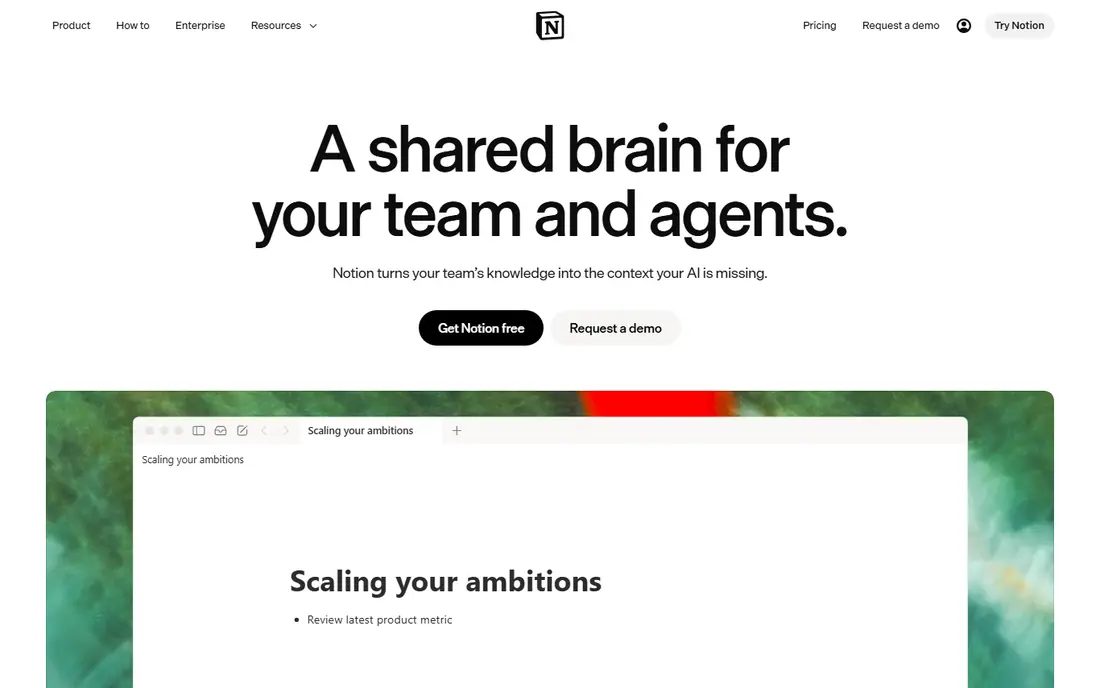
Notion is a strong match for docs-first teams that organise knowledge in pages and databases. Flexibility is the reason teams stay, since docs, wikis, tasks and databases can live in one workspace. In practice, that helps when notes, tasks and decisions live in several places and the team wastes time searching for the current version.
The catch is worth stating plainly. That same flexibility can turn messy without agreed page structure and ownership. Check the plan limits and the export or reporting options before you commit, since those details decide whether the tool fits your workflow. Our view is that Notion earns its place for docs-first teams that organise knowledge in pages and databases, as long as you buy it for that job and not for every job at once.
- Flexible pages and databases
- Templates
- AI features on higher plans
- AI access is gated by plan, so check the current tier before buying for AI alone
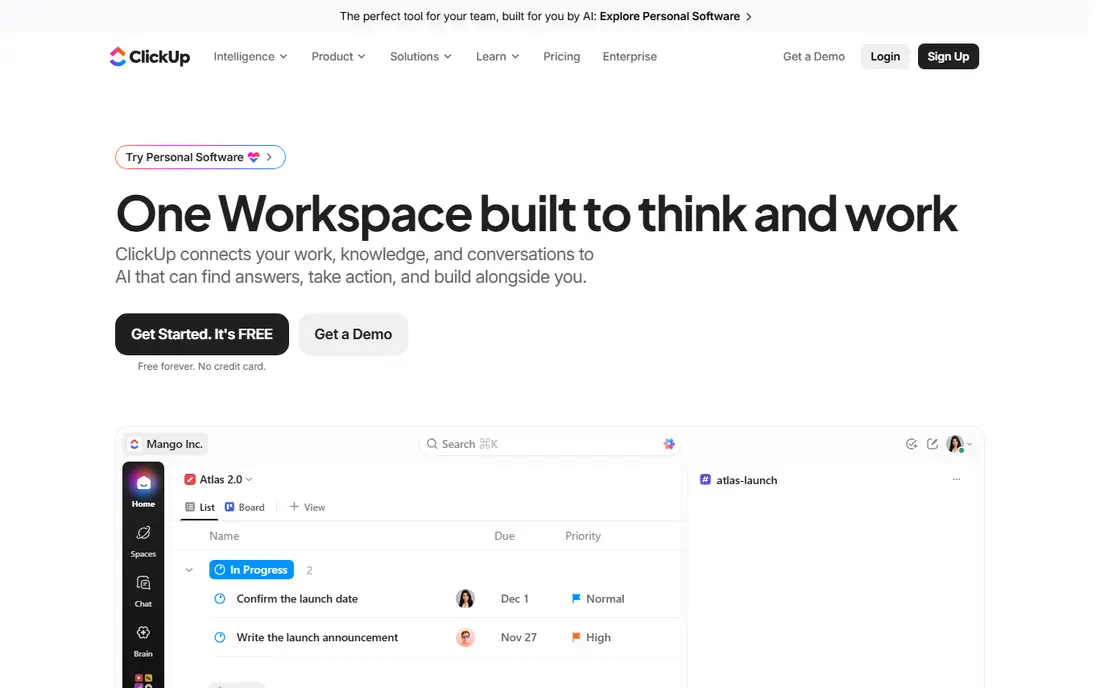
For teams that run tasks, docs and dashboards in one place, ClickUp stands out because execution is the focus, with tasks and docs close together so work does not get lost between tools. That matters in daily work, since notes, tasks and decisions live in several places and the team wastes time searching for the current version.
There is a trade-off to weigh. Small teams may find the settings and views more than they need. Look at the current pricing page and test the tool on a real example before paying, since a demo can hide limits that only show up in daily use. For teams that run tasks, docs and dashboards in one place, ClickUp remains a solid pick when that trade-off is acceptable.
- Tasks, docs, whiteboards and dashboards
- AI add-on
- Many views
- Breadth can feel busy, and setup takes time to get right
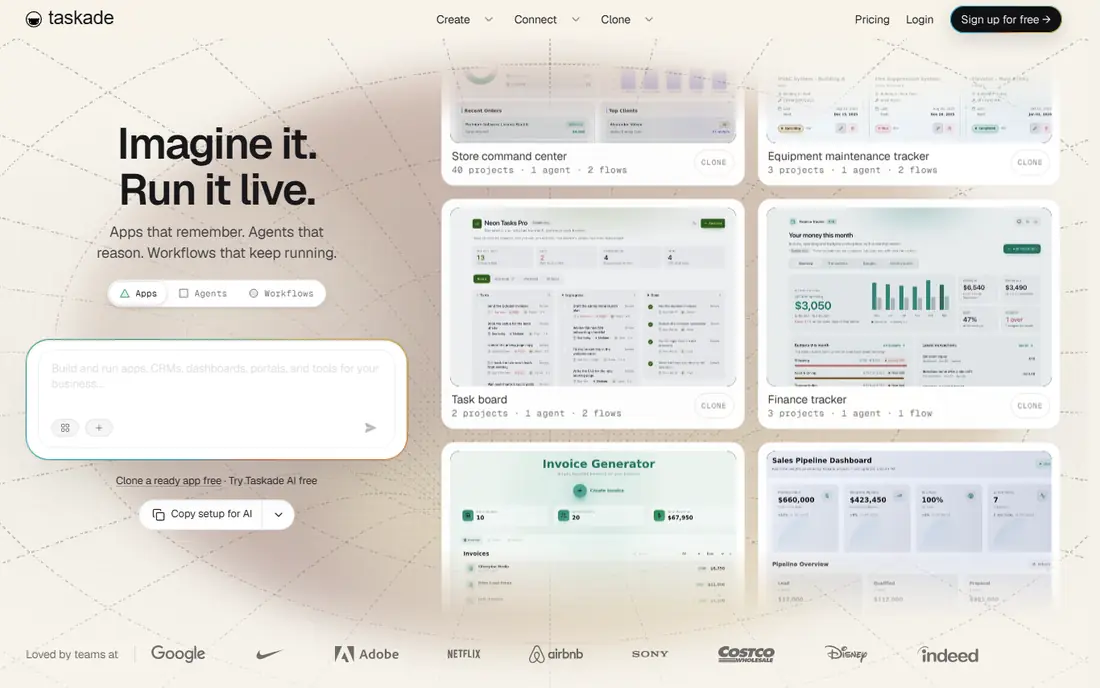
Taskade fits small teams that want AI agents and flat workspace pricing well. Flat pricing changes the math for a small team, since adding a seat does not always raise the bill in the same way. The practical effect is clear when notes, tasks and decisions live in several places and the team wastes time searching for the current version.
Be clear-eyed about the limit. Teams that rely on a large template or integration library should compare coverage first. Confirm what the plan includes, try a realistic task, and compare the result with your current tool. For small teams that want AI agents and flat workspace pricing, Taskade is worth shortlisting, provided the limit above does not block your main use.
- AI agents included in plans
- Projects in list, board and mind-map views
- Flat Pro pricing for seats
- Smaller ecosystem than Notion or ClickUp
Coda is a strong match for operations teams that build trackers and internal tools from docs. Building a tracker inside a doc is powerful for operations, since the process and the data stay together. In practice, that helps when notes, tasks and decisions live in several places and the team wastes time searching for the current version.
The catch is worth stating plainly. Doc Maker pricing can surprise a team where everyone wants to build. Check the plan limits and the export or reporting options before you commit, since those details decide whether the tool fits your workflow. Our view is that Coda earns its place for operations teams that build trackers and internal tools from docs, as long as you buy it for that job and not for every job at once.
- Docs plus relational tables
- Formulas and packs
- Automation options
- Pricing depends on Doc Makers versus editors, so model your team before buying
For visual teams that manage work on boards, Monday Work Management stands out because boards make status visible at a glance, which helps non-technical teams follow work without a project tool tutorial. That matters in daily work, since notes, tasks and decisions live in several places and the team wastes time searching for the current version.
There is a trade-off to weigh. Heavy document or wiki needs may still need a second tool. Look at the current pricing page and test the tool on a real example before paying, since a demo can hide limits that only show up in daily use. For visual teams that manage work on boards, Monday Work Management remains a solid pick when that trade-off is acceptable.
- Board-based work management
- Automations
- AI features on higher tiers
- Minimum seat counts apply on some plans
- AI credits need checking
Asana fits structured teams that track goals, projects and cross-team work well. Structure helps when many teams share work, since goals, projects and owners stay in one place. The practical effect is clear when notes, tasks and decisions live in several places and the team wastes time searching for the current version.
Be clear-eyed about the limit. Solo users may prefer a lighter notes-first workspace. Confirm what the plan includes, try a realistic task, and compare the result with your current tool. For structured teams that track goals, projects and cross-team work, Asana is worth shortlisting, provided the limit above does not block your main use.
- Structured projects and goals
- Timelines
- AI Studio credits on higher plans
- Simpler personal use can feel formal and process heavy
Motion
Great for: busy professionals who want AI scheduling of tasks and meetings
Motion is a strong match for busy professionals who want AI scheduling of tasks and meetings. Auto-scheduling is the distinct value, since tasks can be placed around meetings instead of sitting in a list. In practice, that helps when notes, tasks and decisions live in several places and the team wastes time searching for the current version.
The catch is worth stating plainly. Teams that need deep docs or databases should pair it with another tool. Check the plan limits and the export or reporting options before you commit, since those details decide whether the tool fits your workflow. Our view is that Motion earns its place for busy professionals who want AI scheduling of tasks and meetings, as long as you buy it for that job and not for every job at once.
- AI auto-scheduling
- Calendar and task views
- Team workload on higher plans
- No free plan
- Scheduling focus is narrower than a full wiki
For individuals who want a memory-based notes workspace with AI search, Mem stands out because fast capture and search suit a personal knowledge base better than a formal team project system. That matters in daily work, since notes, tasks and decisions live in several places and the team wastes time searching for the current version.
There is a trade-off to weigh. Teams that need boards, goals and permissions will outgrow it. Look at the current pricing page and test the tool on a real example before paying, since a demo can hide limits that only show up in daily use. For individuals who want a memory-based notes workspace with AI search, Mem remains a solid pick when that trade-off is acceptable.
- AI search across notes
- Fast capture
- Connected notes
- Smaller team and project features than the big workspace platforms
Anytype fits privacy-minded users who want a local-first workspace well. Local-first design gives control over where notes live, which matters for privacy-sensitive work. The practical effect is clear when notes, tasks and decisions live in several places and the team wastes time searching for the current version.
Be clear-eyed about the limit. Collaboration and integrations are less mature than the largest platforms. Confirm what the plan includes, try a realistic task, and compare the result with your current tool. For privacy-minded users who want a local-first workspace, Anytype is worth shortlisting, provided the limit above does not block your main use.
- Local-first storage
- End-to-end encryption claims
- Objects and sets for notes
- Smaller template and integration library than mainstream workspaces
How we picked these
We compared official product and pricing pages for AI workspace tools, checking docs, tasks, databases, automation and AI features. We favoured tools that combine at least docs and task work in one workspace, rather than single-purpose note apps. Where AI was an add-on or credit based, we noted that, since the base price alone can mislead a buyer.
How to choose an all-in-one AI workspace
Price the team you actually have
Per-user, per-seat, per-Doc-Maker and flat pricing give very different totals for the same team. Model your real team, including editors and viewers, before comparing headline prices. Add AI costs separately, since they are often billed apart from the base plan.
Choose docs-first or tasks-first
Docs-first workspaces suit knowledge, wikis and planning. Tasks-first workspaces suit delivery, deadlines and workload. A team that picks against its main pain will fight the tool daily, even if the feature list looks complete.
Test AI on your own work
Ask the AI to summarise a real meeting note, draft from a real brief and find a real document. Check accuracy, permissions and how it handles private pages. A demo that works on sample data may behave differently on messy, real workspace content.
Frequently asked questions
What counts as an all-in-one AI workspace?
It combines notes or docs, tasks or projects, and AI help in one workspace, so work does not move between separate apps for every step. Some tools add databases, whiteboards, automations and chat, but docs plus tasks plus AI is the core test we used.
Is AI included in the base price?
It depends. Some tools include AI features in paid plans, some charge an add-on per user, and some use credits. Check the current plan page for your tier, since AI access has changed often during 2026.
Can one workspace replace docs, tasks and chat?
It can replace docs and tasks for many teams, but chat often stays separate. If your team lives in Slack or Teams, check the integration rather than expecting the workspace to replace chat fully.
How do I move from another workspace?
Most tools offer import from common formats and from Notion, Google Docs or CSV. Test import with a small, real project first, since formatting, permissions and database relations do not always transfer cleanly.
Is my workspace data used to train AI models?
Policies vary by vendor and plan. Read the privacy terms for your tier, especially for private pages and team data. Enterprise plans often offer stronger controls than consumer plans.
Sources
See where you really rank - block by block
ProMapRanker scans Google Maps across a grid of your service area. Simple monthly plans from $19, white-label on every plan.
Start freeKeep reading
 wpforms alternatives
Best WPForms Alternatives in 2026
We compare 9 wpforms alternatives for WordPress forms, with free and paid options, current pricing notes, and honest limits for small business sites in 2026.
Read → windows task scheduler alternatives
Best Windows Task Scheduler Alternatives in 2026
Looking for Windows Task Scheduler alternatives? We compare 9 schedulers for Windows and cross-platform work, from free tools to enterprise automation.
Read → which ai video service is best
Which AI Video Service Is Best in 2026
which ai video service is best? We compare 10 legitimate AI video services on price, avatars, editing and output quality to help you pick the right tool.
Read →