 ProMapRanker
Website Making Platform in 2026: Top 6 Compared

Designers who want pixel-level control · Pricing starts at: $15 per month (billed yearly)
Direct answer
Webflow leads the list, best for designers who want pixel-level control. Listed starting prices: Webflow from $15 per month, WordPress.com from $4 per month and Strikingly from $8 per month. WordPress.com is the stronger choice for bloggers and content-heavy sites, while Strikingly suits one-page and straightforward personal sites. The remaining 3 options are covered below with prices and limits.
Short on time? The summary and table above give the quick view of 6 tools for website making platform, and the profiles that follow give the detail behind each entry.
Key takeaways
- Webflow is the opening pick, best for designers who want pixel-level control.
- One limit worth knowing about WordPress.com: plugin installs are locked behind the $25 a month Business plan.
- WordPress.com is the lowest-priced starter here at $4 per month.
- Only 5 of the 6 tools have a free plan (Webflow, WordPress.com, Strikingly, GoDaddy, Wix), so check the caps.
- Wix fits all-around small business websites.
Quick comparison
| Pick | Great for | Pricing starts at | Free tier | |
|---|---|---|---|---|
| Webflow | Designers who want pixel-level control | $15 per month (billed yearly) | Yes | Visit |
 WordPress.com | Bloggers and content-heavy sites | $4 per month (billed yearly) | Yes | Visit |
 Strikingly | One-page and straightforward personal sites | $8 per month (billed yearly) | Yes | Visit |
 Squarespace | Design-first sites and portfolios | $16 per month (billed annually) | Free trial | Visit |
 GoDaddy | Quick AI-generated business sites | $9.99 a month (intro, billed yearly) | Yes | Visit |
 Wix | All-around small business websites | $17 per month (billed annually) | Yes | Visit |
Website Making Platform, one by one
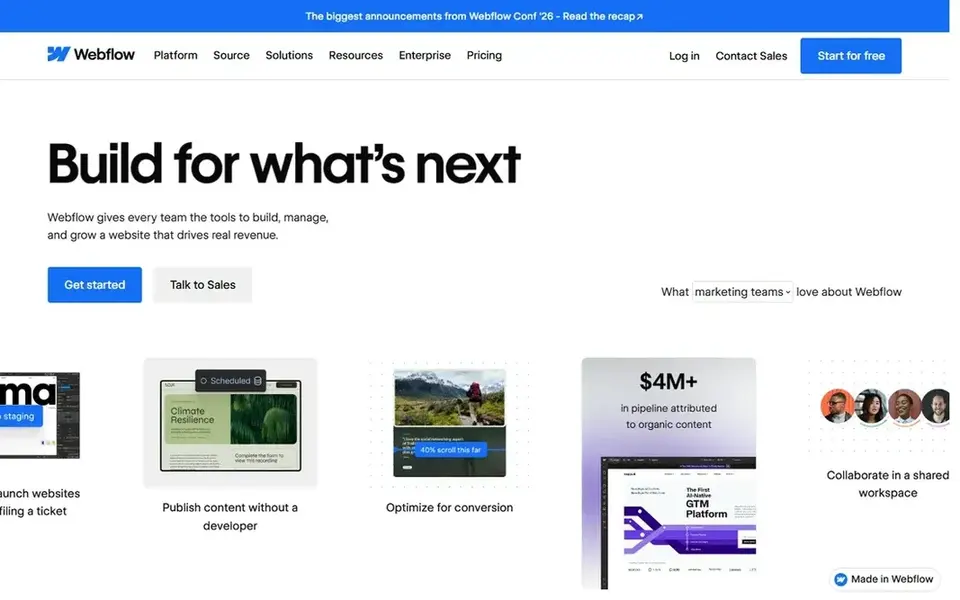
For designers who want pixel-level control, Webflow is a natural candidate. It is a visual development tool that outputs clean HTML and CSS, which is why agencies and design-led businesses keep choosing it.
Starting cost for Webflow: $15 per month. Webflow offers a free plan.
Trade-offs to know: Site plans are per site, so several domains multiply the cost.
- CMS and ecommerce built in without plugins
- Excellent Core Web Vitals performance
- Steep ramp-up time for non-designers
Choose WordPress.com for bloggers and content-heavy sites. The Personal plan costs $4 a month billed yearly, which undercuts every other serious choice here by a broad margin.
Where it falls short: Plugin installs are locked behind the $25 a month Business plan.
Worth adding: on the less expensive plans you cannot install plugins, which means no Yoast, no WooCommerce extensions, no real customization beyond themes. WordPress.com cost at the entry level: $4 per month. You can start on WordPress.com without paying.
- Scales from a free blog to full ecommerce
- Cheapest path to a real website with a custom domain
- Less design hand-holding than drag-and-drop builders
In short, Strikingly is for one-page and straightforward personal sites. If your site ever needs to become a multi-page resource with a blog, a store, and service pages, Strikingly cannot take you there; you will rebuild elsewhere. It is perfect for landing pages, event sites, personal portfolios, and straightforward product launches.
What to check first: Restricted design adaptability and customization.
It is the wrong tool for a company website meant to grow with the business over years. Buy it for what it is, a quick single-page publisher, and you will be happy. The starting price for Strikingly: $8 per month. Strikingly offers a free plan.
- Free plan allows unlimited sites
- Even the free level supports selling one product
- Built around single-page sites, so it cannot grow into a large website
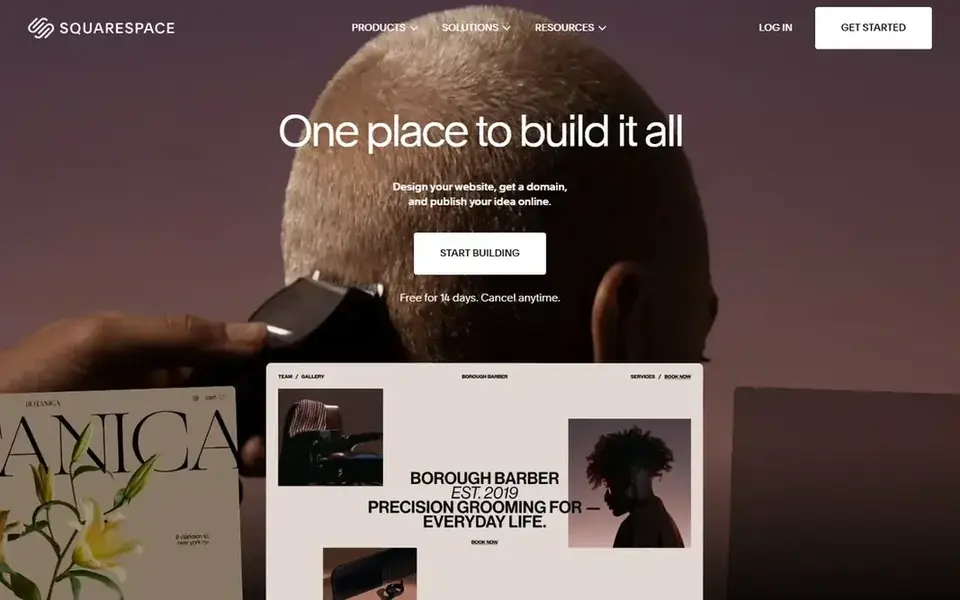
Squarespace is built with design-first sites and portfolios in mind. For a business that expects heavy customization later, they do.
There is no free level, so you are paying from day one after the trial. Entry price for Squarespace: $16 per month. Free access: Free trial.
Points against: only a 14-day trial.
- Solid built-in ecommerce and scheduling tools
- Everything included on one bill with no plugin hunting
- Less external integration depth than WordPress or Wix
GoDaddy is aimed squarely at quick AI-generated business sites. Its Airo AI builder asks a handful of questions about your business and produces a complete site, logo suggestions included, in minutes.
Downsides: Templates are serviceable but not inspiring.
In practice, for a local service business that needs to exist online this week, that combination is hard to beat. GoDaddy pricing: $9.99 per month. GoDaddy has a free plan.
Reasons to shortlist it: AI builder produces a complete site in minutes.
- Marketing bundled by the world's largest registrar
- 24/7 phone support
- Introductory pricing roughly doubles on renewal
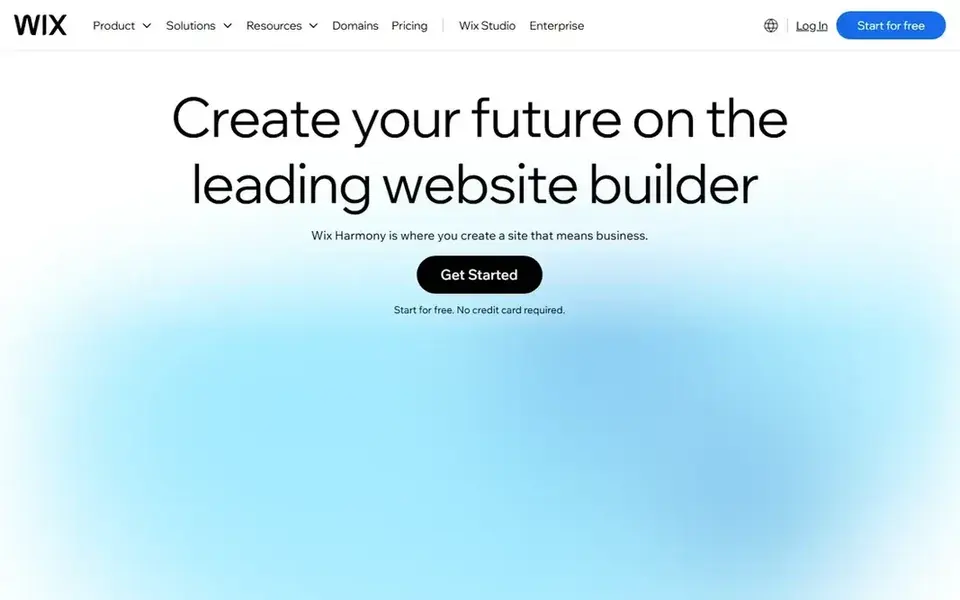
Wix is aimed squarely at all-around small business websites. The editor has dozens of panels and settings, and whereas the AI builder does a decent first draft, you will still spend live refining it.
Watch-outs: The depth of choices can overwhelm first-time users.
Reasons to shortlist it: Built-in booking, ecommerce.
More specifically, premium plans start at $17 a month billed yearly for the Light level. The built-in business tools, bookings, payments, email marketing, analytics, go well beyond what most competitors bundle. Entry price for Wix: $17 per month. Wix has a free plan.
- 2,000+ templates plus an AI website generator
- Most solid free plan among major builders
- Template cannot be switched after publishing without rebuilding
How the list was put together
ProMapRanker looked at what each vendor publishes: pricing, plan limits, feature coverage for website making platform and stated drawbacks. No hands-on testing is claimed. Seat minimums, billing terms and add-ons can move the real cost, so the starting prices here are a guide and not a quote. The sequence is a judgement call: typical use case first, then pricing transparency, then free access. Use the profiles to check fit.
Questions to settle before buying
- Prices are a starting point; WordPress.com shows $4 per month to start, so verify what your seat count would cost.
- Read the fine print on the free plans from Webflow, WordPress.com, Strikingly and others; seat, project and feature caps differ.
- Take the trial from Squarespace and push a live task through it before you pay.
- Read the limits listed for Webflow first: steep ramp-up time for non-designers.
- Compare total cost, not headline price: for Webflow, add extra seats, add-ons and any usage-based charges.
- Look at the help docs and support options for Wix before you commit.
Frequently asked questions
Do I own my website if I use a website builder?
You own your content and your domain name, but the site itself runs on rented infrastructure and cannot be downloaded and moved as a working site in most cases. This is the fundamental tradeoff of hosted builders compared with self-hosted WordPress.org, where you control the files and database.
Can I switch website builders later?
Domain names transfer easily. Because migration is effectively a rebuild, it is worth choosing carefully now instead of planning to switch later.
What is the cheapest option for website making platform in this list?
On published monthly entry prices, WordPress.com is the lowest here at $4 per month. Entry price is only part of the cost, because seats, add-ons and billing terms can change the total. For the full picture, the cards above cover all 6 entries of this website making platform list, including price, free plan and limits.
How are the tools for website making platform ordered?
The order follows typical fit for website making platform, with Webflow first and Wix last, then price clarity and free access. It is editorial judgement, not a score, so another team could rank the tools differently.
Which options for website making platform have a free plan?
On this list, Webflow, WordPress.com, Strikingly, GoDaddy and Wix include a free plan. Caps on seats, usage or features are common, so test the free plan against your real workload. One other tool offers a trial instead.
Which website builder is a good match for SEO?
The first pick on this list is Webflow, because it suits designers who want pixel-level control. WordPress.com is better for bloggers and content-heavy sites, and Strikingly for one-page and straightforward personal sites. Check price and limits against your own needs before choosing.
Sources
See where you really rank - block by block
ProMapRanker scans Google Maps across a grid of your service area. Simple monthly plans from $19, white-label on every plan.
Start freeBrowse all guides
← Best Website Creating Platforms in 20266 Best Website Monitoring Tools for Small Businesses in 2026 →
 best website builder for doctors
Website Builder for Doctors: Best Picks of 2026
Shortlisting the best website builder for doctors? 5 products compared on cost, free access and ideal buyer. Plain-spoken summaries throughout. Numbers first.
Read → best website builder for dental practices
Website Builder for Dental Practices in 2026: Top 6 Compared
Best website builder for dental practices in 2026: 6 contenders with entry costs and free tiers. Verdicts stay brief and factual. Full profiles inside.
Read → best python hosting for small businesses
Best Python Hosting for Small Businesses in 2026
Weighing the best python hosting for small businesses? We lined up 5 products by cost, free access and fit. Weaknesses are named for every tool. Pick by budget.
Read → best linux hosting company
Best Linux Hosting Company in 2026
Best Linux hosting company compared: Hostinger, SiteGround, InMotion, DreamHost and more, with shared hosting, VPS plans and renewal prices to check first.
Read → best dedicated hosting services
Best Dedicated Hosting Services in 2026
Compare the best dedicated hosting services for full server control, managed support, and high-traffic sites, with current pricing and honest limits today.
Read → langfuse alternatives
Langfuse Alternatives in 2026
Looking for Langfuse alternatives? We compare ten LLM tracing, evaluation, and prompt tools on pricing, self-hosting, and evaluation depth for your team.
Read →More in Websites & Hosting · All guides A to Z by date · Latest guides