 ProMapRanker
Website Builder for Doctors: Best Picks of 2026


Custom design with clean structure · Pricing starts at: $15 a month (billed yearly)
Direct answer
This list puts Webflow first for custom design with clean structure. Listed starting prices: Webflow from $15 a month, Hostinger from $1.99 a month (48-month term) and Duda from $19 a month. Hostinger is the stronger choice for lowest cost start for a new practice, while Duda suits multi-location and multi-clinician sites. All 5 tools are compared below on price, free plan and limits.
ProMapRanker compared 5 website builder for doctors. The goal is a practical shortlist: published prices, free plan facts, best-fit use cases and honest limits for every entry.
Key takeaways
- The list opens with Webflow, aimed at custom design with clean structure.
- Free plans exist at 2 of 5 tools (Webflow, Wix).
- One limit worth knowing about Hostinger: premium plan permits only 3 websites.
- Starting prices begin at $1.99 per month with Hostinger.
Quick comparison
| Pick | Great for | Pricing starts at | Free tier | |
|---|---|---|---|---|
| Webflow | Custom design with clean structure | $15 a month (billed yearly) | Yes | Visit |
 Hostinger | Lowest cost start for a new practice | $1.99 a month (48-month term) | No | Visit |
 Duda | Multi-location and multi-clinician sites | $19 a month (billed annually) | Free trial (14 days) | Visit |
 Squarespace | Refined clinic site with services and forms | $19 per month (billed yearly) | Free trial (14 days) | Visit |
 Wix | Adaptable templates and app extras | Quote only | Yes | Visit |
The 5 tools in detail
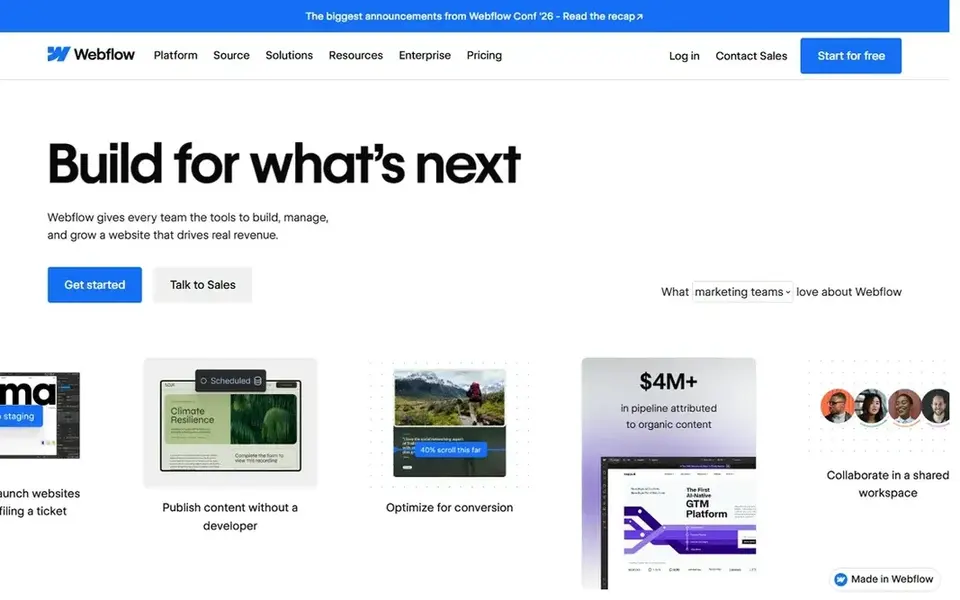
Webflow is aimed squarely at custom design with clean structure. Webflow is the pick for a doctor who wants a site that looks custom. In daily use, the free Starter plan is restricted to 2 static pages, which is not enough for a real clinic site.
So most practices will need the Basic plan or above. Worth adding: forms are built in, and the Basic site plan at $15 a month billed yearly spans a standard clinic site with a custom domain. What you pay to start with Webflow: $15 per month. Webflow has a free plan.
Downsides: Free Starter plan allows only 2 static pages.
- Precise design control without code
- Clean hosting and CMS choices
- Steeper ramp-up time than more straightforward builders

Hostinger serves lowest cost start for a new practice. The AI tools can draft the first version of a home page, a services page.
An about page, and the editor is straightforward enough for a practice manager to update hours and contact details without help. The Premium website builder plan opens at $1.99 a month on a 48 month term. Hostinger cost at the entry level: $1.99 per month. Hostinger has no permanent free option.
What to check first: Premium plan allows only 3 websites.
- AI tools help draft site text quick
- Lowest listed starting price
- No phone support, chat support only
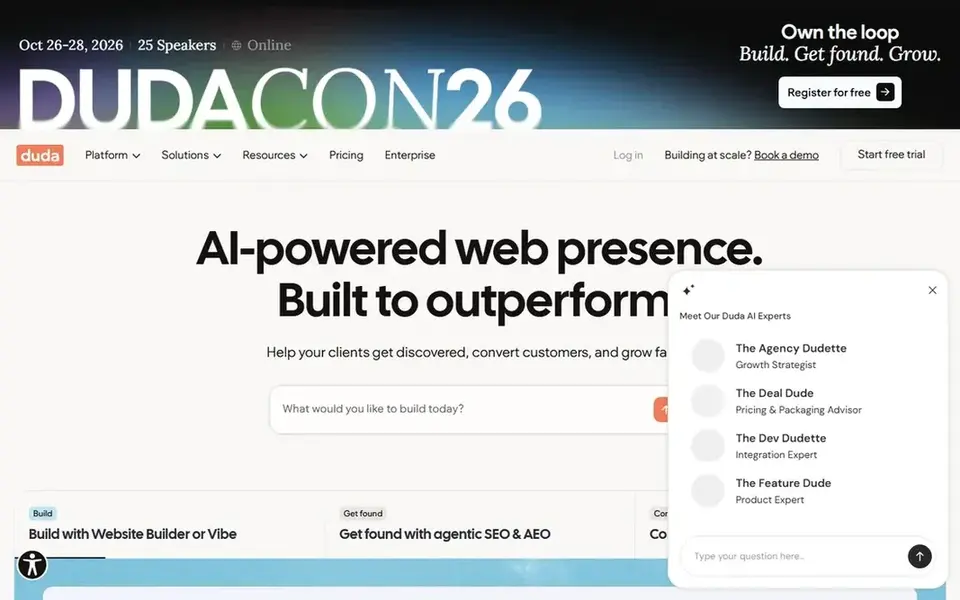
Think of Duda for multi-location and multi-clinician sites. Appointment booking is handled through widgets or third party tools rather than a built-in calendar, so check the booking flow before launch.
Duda starts at: $19 per month. Trial and free access: Free trial (14 days).
Limits to weigh: white label and team features need higher plans.
- Well suited to multi-location practices
- Built-in tools for forms, pop-ups, content
- Entry-level plan contains only 1 project

Think of Squarespace for refined clinic site with services and forms. The editor is visual, so a practice manager can change text or add a new service.
The main drawbacks: appointment scheduling costs additional through the Scheduling add-on.
In practice, Squarespace does not contain appointment scheduling in the Basic plan. So a clinic that wants patients to pick a time slot online needs the Scheduling add-on, which layers on cost. Squarespace starts at: $19 per month. Free access: Free trial (14 days).
- Clean templates that suit medical practices
- Built-in forms and contact pages
- Entry-level plan lets only 2 contributors

Wix makes the most sense for adaptable templates and app extras. A clinic can start on the free plan, build the site, and then move to a monthly plan for a custom domain.
Downsides: pricing page did not load on the check date.
Worth adding: Wix fits a doctor who wants choice. In practice, the app market brings handy extras, like booking, chat, and reviews apps. There is no list price for Wix, so a quote is the way in. Wix offers a free plan.
- App market layers on booking, forms, chat
- Large template library with medical designs
- Free plan presents Wix branding
Our selection method
ProMapRanker used vendor pricing pages and product documentation as the base, then compared plans, free access and documented limits for 5 tools. Seat minimums, billing terms and add-ons can move the real cost, so the starting prices here are a guide and not a quote. Tools are placed by general fit for website builder for doctors, with price clarity and free access as tie-breakers. A different team can reasonably rank them differently.
Before you commit
- Confirm the entry price on the vendor page. For Wix that means a quote rather than a fixed price.
- Read the fine print on the free plans from Webflow and Wix; seat, project and feature caps differ.
- Use real work to test the free trial from Duda and Squarespace, rather than a demo project.
- Before choosing Webflow, weigh its main limit: free Starter plan permits only 2 static pages.
- Look at the renewal terms for Squarespace: auto-renewal, notice periods and price changes can matter more than the first-year price.
- Test how quickly Hostinger answers a pre-sales question; it hints at how support will feel later.
Frequently asked questions
Is Webflow the right pick for everyone comparing website builder for doctors?
No single tool suits every team. Webflow comes first because it fits custom design with clean structure, while Hostinger suits lowest cost start for a new practice and Duda suits multi-location and multi-clinician sites. Match the tool to your own size, budget and workflow before deciding.
Should a clinic website bundle patient reviews?
Reviews can help new patients trust a practice, and several builders here support a reviews section or an app for it. Keep the reviews page simple to moderate so the team can remove anything unsuitable.
How are the tools for website builder for doctors ordered?
Webflow sits first and Wix last because the order follows typical fit for website builder for doctors, then price clarity and free access. It is a judgement call, so read each profile for fit and limits.
Do these tools publish their prices?
Not all of them. Wix publishes no starting price, so expect a quote request for it. The rest, Webflow included, show a starting price, though seats and billing terms still change the final cost.
What is the cheapest option for website builder for doctors in this list?
On published monthly entry prices, Hostinger is the lowest here at $1.99 per month. Entry price is only part of the cost, because seats, add-ons and billing terms can change the total. Prices, free plan details and limits for all 5 tools in this website builder for Doctors roundup sit on the individual cards above.
Sources
See where you really rank - block by block
ProMapRanker scans Google Maps across a grid of your service area. Simple monthly plans from $19, white-label on every plan.
Start freeBrowse all guides
← Website Builder for Dental Practices in 2026: Top 6 ComparedBest Website Creating Platforms in 2026 →
 best python hosting for small businesses
Best Python Hosting for Small Businesses in 2026
Weighing the best python hosting for small businesses? We lined up 5 products by cost, free access and fit. Weaknesses are named for every tool. Pick by budget.
Read → best multilingual website builder software for consultants
Best Multilingual Website Builder Software for Consultants (2026)
6 best multilingual website builder software for consultants, with entry costs, free tiers and the buyer each one serves. Pros and cons for every tool. No hype.
Read → best cloud based web hosting platforms
Cloud Based Web Hosting Platforms in 2026: Top 6 Compared
Best cloud based web hosting platforms: 6 tools compared on price, free plans and fit. Strengths and weak spots are spelled out. Pricing and limits included.
Read → best website speed test tools
Best Website Speed Test Tools in 2026
We compared the best website speed test tools for Core Web Vitals, waterfalls, and monitoring, covering free checks, paid plans, and key limits for site owners.
Read → z library alternatives
Z Library Alternatives in 2026
These z library alternatives cover legal options only, from free public domain books to library borrowing, so you can read widely without piracy risks.
Read → partiful alternatives
Best Partiful Alternatives in 2026
Compare 9 Partiful alternatives for party invitations and RSVPs in 2026, including Evite, Paperless Post, Luma, and Punchbowl, with free plans and pricing.
Read →More in Websites & Hosting · All guides A to Z by date · Latest guides