 ProMapRanker
Website Builder for Dental Practices in 2026: Top 6 Compared

Low cost starter sites · Pricing starts at: $1.99 per month (48-month term)
Direct answer
Hostinger leads the list, best for low cost starter sites. Listed starting prices: Hostinger from $1.99 per month (48-month term), Webflow from $15 per month and Squarespace from $19 per month. Look at Webflow for custom layouts for bigger practices, and at Squarespace for refined service and booking pages. All 6 tools are compared below on price, free plan and limits.
This ProMapRanker guide covers 6 website builder for dental practices. Each profile lists a starting price, free plan details, strengths and drawbacks, so you can drop poor fits quickly.
Key takeaways
- Top of the list is Hostinger, which targets low cost starter sites.
- Hostinger has the lowest monthly starting price in this list: $1.99 per month.
- Weebly comes with a trade-off: free plan displays Square ads.
- Free plans exist at 3 of 6 tools (Webflow, Weebly, WordPress.com).
- Duda fits multi location practices and agencies.
Quick comparison
| Pick | Great for | Pricing starts at | Free tier | |
|---|---|---|---|---|
| Hostinger | Low cost starter sites | $1.99 per month (48-month term) | No | Visit |
 Webflow | Custom layouts for bigger practices | $15 per month (billed yearly) | Yes | Visit |
 Squarespace | Refined service and booking pages | $19 per month (billed yearly) | Free trial (14 days) | Visit |
 Weebly | Straightforward sites for small practices | $13 per month (billed yearly) | Yes | Visit |
 WordPress.com | Content rich service and blog pages | Quote only | Yes | Visit |
 Duda | Multi location practices and agencies | $19 per month (billed yearly) | Free trial (14 days) | Visit |
Every option for website builder for dental practices explained

Hostinger is designed for low cost starter sites. Hostinger is the lowest cost starting choice in this guide for a dental practice that needs an entry-level site with service pages, contact details, and a booking link.
Limits to weigh: Renewal price is higher than the first term price.
Entry price for Hostinger: $1.99 per month. Hostinger has no free plan.
- AI tools help draft service pages and text quick
- Lowest starting price in this guide
- Premium plan lets only 3 websites
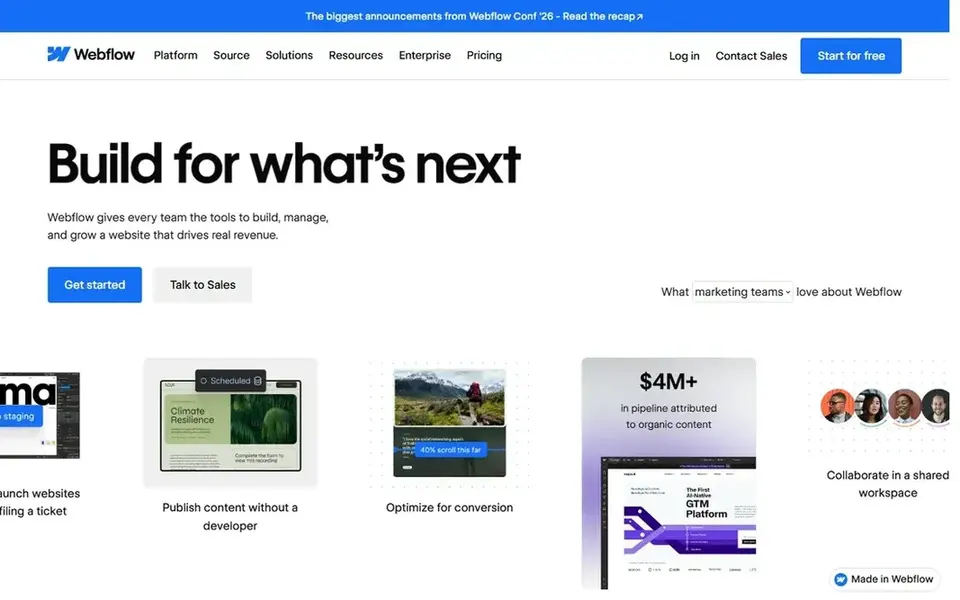
Choose Webflow for custom layouts for bigger practices. The Basic plan starts at $15 a month when billed yearly, and the free Starter plan lets a practice test the design tools.
Downsides: Free Starter plan permits only 2 static pages.
As for the details, the free plan lets only 2 static pages. So it is not enough for a full practice site with separate service, location, and form pages. Starting cost for Webflow: $15 per month. Webflow includes a free tier.
- Precise control over page layout and design
- Clean structure for multi service and multi location sites
- Ramp-up time is steeper than drag-and-drop builders
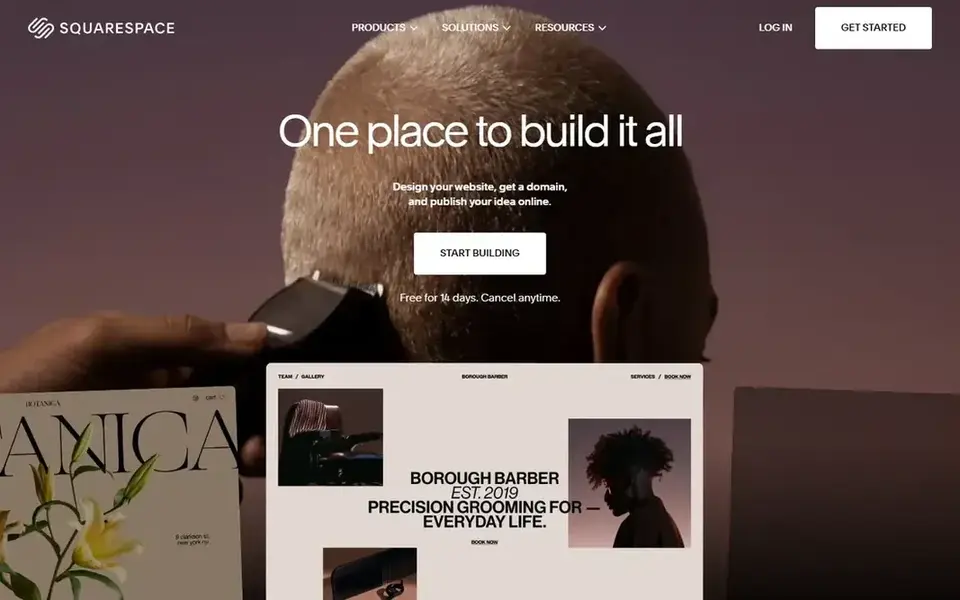
Squarespace is a good fit for refined service and booking pages. The Basic plan begins at $19 per month when billed annually, and the 14 day trial hands a practice time to test the layout, forms, and booking flow before committing.
Watch-outs: Entry-level plan allows only 2 contributors.
A solo practice or a two dentist office can work within that limit. But a bigger team that needs separate logins for front desk staff and hygienists will have to count seats and check the next plan. Starting cost for Squarespace: $19 per month. Free plan details: Free trial (14 days).
- Built in scheduling tools for appointments
- Clean templates for service pages
- Higher cost than budget builders for a small site

Weebly serves straightforward sites for small practices. A practice that chooses Weebly should confirm the plan contains a connected domain, enough storage for photos.
The form and booking choices it needs. The editor is simple to pick up for front desk staff who will update hours, holiday closures, and new service notes. Price to start with Weebly: $13 per month. Weebly includes a free tier.
Drawbacks to consider: Fewer advanced booking and design choices than bigger builders.
- Low starting price for an entry-level practice site
- Straightforward editor for small service sites
- Free plan displays Square ads
Choose WordPress.com for content rich service and blog pages. A practice should check the current WordPress.com pricing page and confirm which plan supports plugins, booking integrations, and a custom domain.
WordPress.com sells by quote instead of a published price. WordPress.com includes a free tier.
Trade-offs to know: Pricing figures were not visible in the page copy checked for this article.
- Capable blogging for patient education
- Large library of themes and plugins on higher plans
- Free plan limits storage
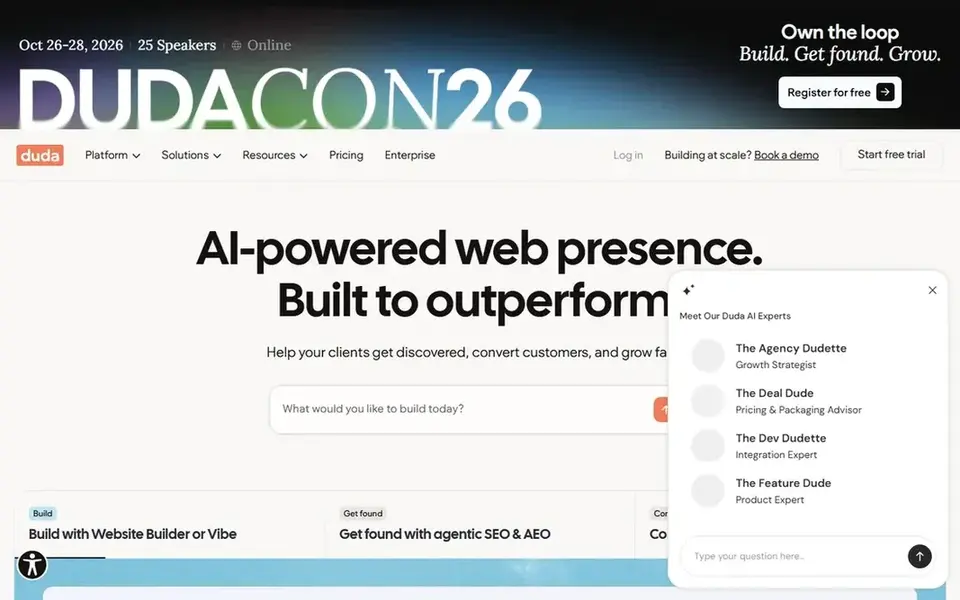
Duda is aimed squarely at multi location practices and agencies. Duda does well for a dental group with more than one office, or for a practice that wants a consistent site structure across locations.
Trade-offs to know: Entry-level plan comes with only 1 project.
Each location can have its own page with address, hours, phone, staff, and booking link, whereas the central service pages stay shared across the group. Duda pricing: $19 per month. Free access: Free trial (14 days).
- Decent tools for multi location and client sites
- Built in widgets for forms, reviews, booking
- Costs rise when a practice needs more sites or team seats
Before you commit
- Confirm the entry price on the vendor page. For WordPress.com that means a quote rather than a fixed price.
- Read the fine print on the free plans from Webflow, Weebly and WordPress.com; seat, project and feature caps differ.
- Use real work to test the free trial from Squarespace and Duda, rather than a demo project.
- Before choosing Hostinger, weigh its main limit: premium plan lets only 3 websites.
- Check the support hours and onboarding help Weebly offers; smaller vendors vary a lot here.
- Confirm you can export your data from Duda, so leaving later does not mean losing records.
Frequently asked questions
Which website builder is a good match for a small dental practice?
Hostinger comes first here and is built for low cost starter sites. Buyers with other needs may prefer Webflow (for custom layouts for bigger practices) or Squarespace (for refined service and booking pages). Compare costs and limits first.
Which options for website builder for dental practices have a free plan?
On this list, Webflow, Weebly and WordPress.com include a free plan. Caps on seats, usage or features are common, so test the free plan against your real workload. Several others offer a trial instead.
How are the tools for website builder for dental practices ordered?
Hostinger sits first and Duda last because the order follows typical fit for website builder for dental practices, then price clarity and free access. It is a judgement call, so read each profile for fit and limits.
Do I need a blog for a dental practice website?
WordPress.com is a good fit for regular articles on brushing, gum care, implants, and first visits. A practice that does not plan to publish commonly can skip a blog and focus on clear service, insurance, and booking pages instead.
Is Hostinger the right pick for everyone comparing website builder for dental practices?
No single tool suits every team. Hostinger comes first because it fits low cost starter sites, while Webflow suits custom layouts for larger practices and Squarespace suits polished service and booking pages. Match the tool to your own size, budget and workflow before deciding.
Can I try these tools before paying?
Often, yes. Webflow, Weebly and WordPress.com have a free plan and Squarespace and Duda offer a free trial. Use your own data and a real task during the test, and check what the free tier or trial limits before you rely on it.
Sources
See where you really rank - block by block
ProMapRanker scans Google Maps across a grid of your service area. Simple monthly plans from $19, white-label on every plan.
Start freeBrowse all guides
← Best Python Hosting for Small Businesses in 2026Website Builder for Doctors: Best Picks of 2026 →
 best multilingual website builder software for consultants
Best Multilingual Website Builder Software for Consultants (2026)
6 best multilingual website builder software for consultants, with entry costs, free tiers and the buyer each one serves. Pros and cons for every tool. No hype.
Read → best cloud based web hosting platforms
Cloud Based Web Hosting Platforms in 2026: Top 6 Compared
Best cloud based web hosting platforms: 6 tools compared on price, free plans and fit. Strengths and weak spots are spelled out. Pricing and limits included.
Read → best blogging platform for writers
Best Blogging Platform for Writers (2026)
Best blogging platform for writers, compared. 6 tools with published prices, free plans and limits. Each profile ends with a plain caveat. Start here.
Read → best headless cms platforms
Best Headless CMS Platforms in 2026
Compare the best headless CMS platforms for developers and editors, with free tiers, API-first content delivery, and current pricing in 2026 for teams.
Read → best app for coaches to communicate with parents
Best App for Coaches to Communicate with Parents in 2026
Compare the best app for coaches to communicate with parents in 2026, with team chat, schedules, RSVPs, and free plans for youth sports teams and clubs.
Read → best vps hosting companies
Best VPS Hosting Companies in 2026
Compare the best VPS hosting companies for speed, price, and control, with plans from DigitalOcean, Vultr, Linode, Hetzner, and more in 2026. Read on.
Read →More in Websites & Hosting · All guides A to Z by date · Latest guides