 ProMapRanker
2026 Guide to the Best Video Content Creation Software

AI video generation and video enhancement · Pricing starts at: $15 a month
Direct answer
If you need AI video generation and video enhancement, Runway is the first tool to look at here. Listed starting prices: Runway from $15 a month, DaVinci Resolve from $295 one-time (Studio; free version available) and Adobe Premiere Pro from $22.99 per month. Alternatives: DaVinci Resolve for color grading, audio and VFX in a single free app, and Adobe Premiere Pro for professional client work and team pipelines. The other 4 tools in the list cover narrower or pricier cases.
ProMapRanker compared 7 tools for video content creation software. The goal is a practical shortlist: published prices, free plan facts, best-fit use cases and honest limits for every entry.
Key takeaways
- Runway takes the first slot, best suited to AI video generation and video enhancement.
- CapCut fits short-form social video on any device.
- Filmora is the lowest-priced starter here at $9.99 per month.
- Before buying InVideo, weigh this: credit system can burn fast on premium models.
Quick comparison
| Pick | Great for | Pricing starts at | Free tier | |
|---|---|---|---|---|
| Runway | AI video generation and video enhancement | $15 a month | Yes | Visit |
 DaVinci Resolve | Color grading, audio and VFX in a single free app | $295 one-time (Studio; free version available) | Yes | Visit |
 Adobe Premiere Pro | Professional client work and team pipelines | $22.99 per month (billed yearly) | Free trial (7 days) | Visit |
 InVideo | AI-generated marketing videos without filming | See website | Yes | Visit |
 Camtasia | Screen recordings, tutorials and training videos | $179.88 a year (Essentials) | Free trial | Visit |
 Filmora | Beginners who want AI help and templates | From $9.99 a month | Yes | Visit |
 CapCut | Short-form social video on any device | $19.99 a month (Pro) | Yes | Visit |
The 7 tools in detail
Where Runway fits: AI video generation and video enhancement. The Standard plan at $15 per month contains 625 credits, watermark-free output and 4K upscaling. As for the details, if generated or enhanced footage is core to what you ship, the Pro level's bigger allowance makes more sense than Standard.
Every generation attempt spends credits, including the ones you discard, and the free plan's 125 credits are a one-time grant, not monthly. Also, beyond generation, tools like Aleph edit existing footage and the upscaler improves old or low-res clips. Starting cost for Runway: $15 per month. You can start on Runway without paying.
Downsides: Credits do not roll over on lower plans.
- Aleph editing and Act-Two features
- Upscaling and enhancement tools
- Costs add up with retries
DaVinci Resolve
Great for: Color grading, audio and VFX in a single free app
For color grading, audio and VFX in a single free app, DaVinci Resolve is a natural candidate. You get professional editing, node-based color, Fusion compositing and Fairlight audio for nothing, with no watermark and exports up to 4K. The price of free is complexity.
On top of that, the interface assumes you will learn it properly, and the color page alone can take weeks to master. It also rewards a capable GPU more than most editors. On cost, DaVinci Resolve starts like this: $295 one-time. DaVinci Resolve includes a free tier.
Points against: Fewer external plugins than Premiere.
- Fusion VFX and Fairlight audio built in
- Genuinely capable free version with no watermark
- Steep ramp-up time on the color page
Adobe Premiere Pro works best for professional client work and team pipelines. If you work with agencies or post houses, you will meet Premiere project files, and knowing the tool is a career asset. The subscription is the trade-off that never goes away.
At $22.99 per month on the annual plan, three years of Premiere costs more than most one-time editors. More specifically, Premiere Pro remains the industry default for a reason. Solo creators who do not need the Adobe ecosystem should weigh DaVinci Resolve's free level before committing to a meter that runs forever. What you pay to start with Adobe Premiere Pro: $22.99 per month. Free options: Free trial (7 days).
Points against: Subscription never ends.
- Dynamic Link with After Effects
- Deep timeline control and effects
- AI features need a current machine
InVideo was built for AI-generated marketing videos without filming. The stock library is large, the templates suit marketers, and the free plan lets you evaluate properly with watermarked exports. For everyday use, premium models like Sora-class generators consume allowances rapidly, and InVideo has restructured its plans more than once.
As for the details, read the credit math before you pay. Beyond that, confirm the current Plus and Max figures on its pricing page. InVideo shows no starting price here, so confirm the cost on the vendor site. Free access exists with InVideo.
Where it falls short: Credit system can burn quick on premium models.
- Permanent free plan for testing
- Text-to-video with a huge stock library
- Stock-heavy output can look generic
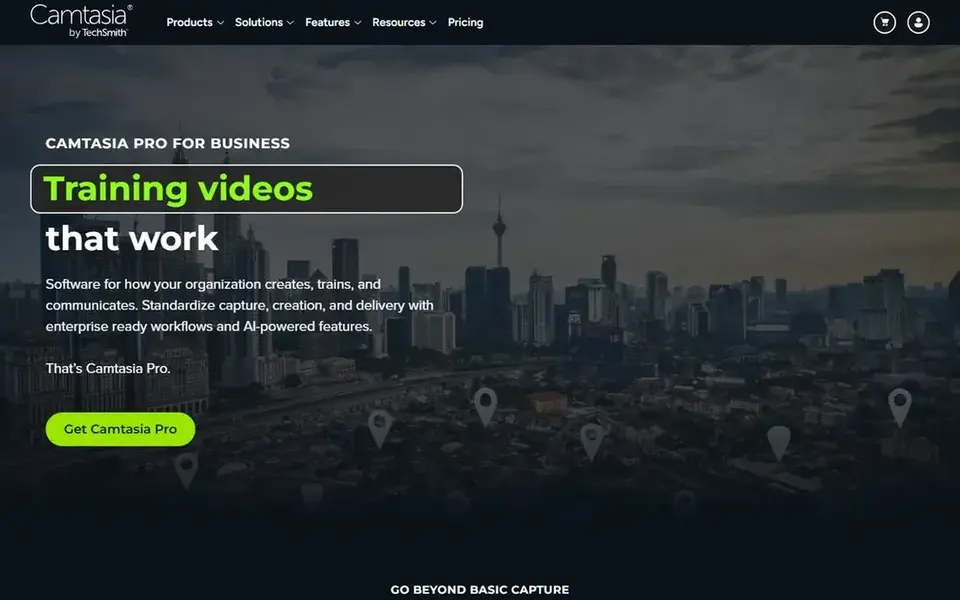
Camtasia is aimed squarely at screen recordings, tutorials and training videos. Nobody buys Camtasia to cut a short film.
The Essentials plan at $179.88 per year bundles the full editor, and the workflow is tuned so a subject-matter expert can produce training videos without learning a NLE. If your output is courses, demos and how-tos, it is still the most direct tool for the job. The starting price for Camtasia: $179.88 per year. On free options: Free trial.
Downsides: Subscription only since 2025.
- Straightforward enough for non-editors
- Quizzes and SCORM for e-learning
- Not a general creative editor
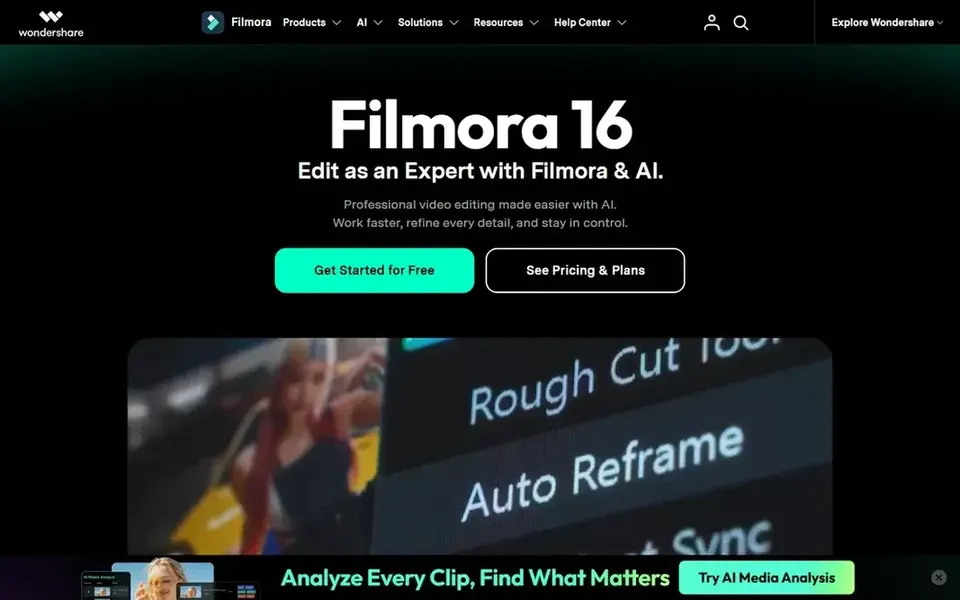
Pick Filmora if this describes you: beginners who want AI help and templates. The interface is friendly, AI features create video from text, remove backgrounds and write captions.
The template library gets a decent-looking video out quick. It is a solid pick for beginners and marketers, not for colorists. Price to start with Filmora: From $9.99 per month. You can start on Filmora without paying.
Honest limits: Free exports carry a watermark.
- Big template and stock library
- AI text-to-video and smart features
- Not deep enough for pro finishing
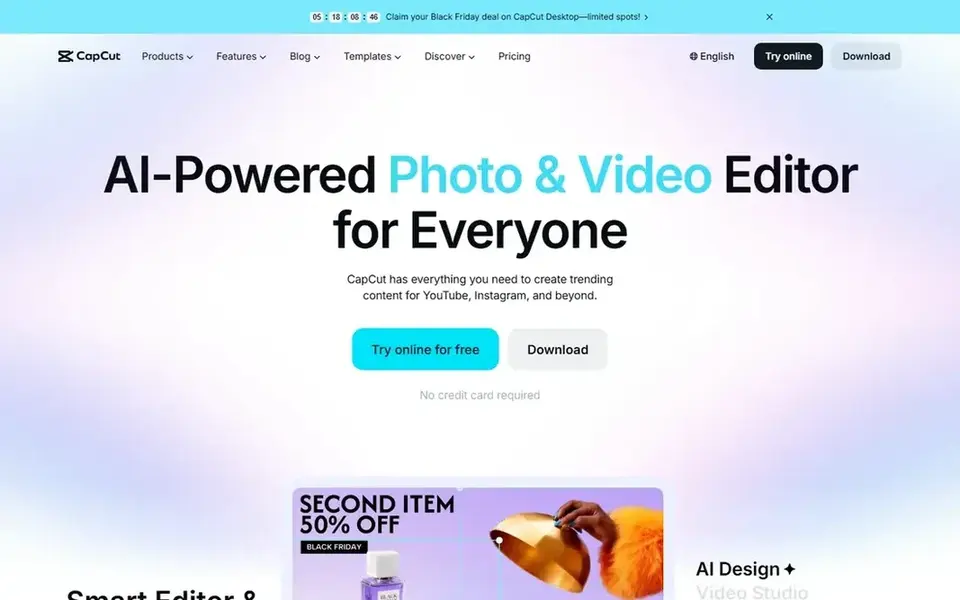
CapCut makes the most sense for short-form social video on any device. CapCut won short-form video by being free where it counts.
Where it is weaker: Pricing restructured upward in 2026.
As for the details, the free plan spans the full entry-level toolkit, auto captions and 1080p export, which is enough for TikTok, Reels and Shorts. Price to start with CapCut: $19.99 per month. CapCut has a free plan.
- Desktop and web
- Solid auto captions and AI tools
- Desktop app less deep than pro NLEs
What went into this list
We compared the tools on published pricing, free plan or trial availability, feature coverage for video content creation software, and the limits each vendor documents. Where a price is missing, the vendor does not list one publicly or ties it to a quote. Always confirm before budgeting. The order reflects how well each tool fits the most common buying scenario for video content creation software, then price clarity, then free plan access. It is a starting point, not a verdict.
Things to verify first
- Get a written quote from InVideo; the list shows no starting price for them.
- Look at free plan limits closely: Runway, DaVinci Resolve, InVideo and others have one, and the caps decide whether it is usable for real work.
- Use real work to test the free trial from Adobe Premiere Pro and Camtasia, rather than a demo project.
- Read the limits listed for Runway first: credits do not roll over on lower plans.
- Let daily users try Camtasia on real work; their feedback beats any feature checklist.
- Look at which plan of InVideo unlocks the features you need; entry tiers are often cut down.
Frequently asked questions
Which options for video content creation software have a free plan?
On this list, Runway, DaVinci Resolve, InVideo, Filmora and CapCut include a free plan. Caps on seats, usage or features are common, so test the free plan against your real workload. Several others offer a trial instead.
Premiere Pro vs DaVinci Resolve: which should I choose?
Choose DaVinci Resolve if you want pro tools without a subscription, care most about color, or work solo. In practice, Resolve's free level makes the comparison cheap to run yourself.
What is the cheapest option for video content creation software in this list?
On published monthly entry prices, Filmora is the lowest here at $9.99 per month. Entry price is only part of the cost, because seats, add-ons and billing terms can change the total.
Is Runway the right pick for everyone comparing video content creation software?
No single tool suits every team. Runway comes first because it fits AI video generation and video enhancement, while DaVinci Resolve suits color grading, audio and VFX in a single free app and Adobe Premiere Pro suits professional client work and team pipelines. Match the tool to your own size, budget and workflow before deciding.
Do these tools publish their prices?
Not all of them. InVideo publishes no starting price, so expect a quote request for it. The rest, Runway included, show a starting price, though seats and billing terms still change the final cost.
Sources
See where you really rank - block by block
ProMapRanker scans Google Maps across a grid of your service area. Simple monthly plans from $19, white-label on every plan.
Start freeBrowse all guides
← Best UGC Video Creation Services for Small Teams in 2026Best Video Webinar Software (2026) →
 best streaming service content
2026 Guide to the Best Streaming Service Content
6 tools for the best streaming service content, compared on pricing, free plans and best-fit use. Cost notes and weak points included. Refreshed for 2026.
Read → best podcast software w simple ui
Podcast Software W Simple UI: 7 Options Compared in 2026
Weighing the best podcast software w simple ui? We lined up 7 products by cost, free access and fit. Weaknesses are named for every tool. Plain facts.
Read → best podcast recording and editing software
Podcast Recording and Editing Software: Best Picks of 2026
Best podcast recording and editing software, compared. 6 tools with published prices, free plans and limits. Each pick comes with its main catch. Numbers first.
Read → best ai tools to turn image into video
Best AI Tools to Turn Image Into Video in 2026
We compare the best ai tools to turn image into video for 2026, covering Runway, Kling, Pika, Luma, Firefly, and more for motion, price, and free plans.
Read → best software for onboarding training videos
Best Software for Onboarding Training Videos in 2026
Compare the best software for onboarding training videos in 2026, with screen recording, AI avatars, animation, courses, and tracking for teams and managers.
Read → best invoice software
Best Invoice Software in 2026
Compare the best invoice software for small business on price, free plans, payment collection, and accounting, including free invoicing options for freelancers.
Read →More in Video, Audio & Podcasts · All guides A to Z by date · Latest guides