 ProMapRanker
Best Invoice Software in 2026

Full accounting plus invoicing · Pricing starts at: $38 per month
Key takeaways
- Zoho Invoice and Wave are the best free invoice software options, with generous free tiers for small businesses.
- QuickBooks Online is our pick when invoicing needs to sit inside full accounting.
- FreshBooks suits service businesses that invoice constantly and want reminders to run themselves.
- Square Invoices and Stripe Invoicing suit businesses that mainly need to collect card payments online.
Quick comparison
| Pick | Great for | Pricing starts at | Free tier | |
|---|---|---|---|---|
| QuickBooks Online | Full accounting plus invoicing | $38 per month | No | Visit |
 FreshBooks FreshBooks | Service billing and reminders | $23 per month | No | Visit |
 Xero Xero | Growing teams and accountants | $25 per month | No | Visit |
 Zoho Invoice Zoho Invoice | Free invoicing with recurring billing | Free | Yes | Visit |
 Wave Wave | Free invoicing and bookkeeping | Free | Yes | Visit |
 Square Invoices Square Invoices | Fast payment collection | Free | Yes | Visit |
 Stripe Invoicing Stripe Invoicing | Online and international payments | Free | Yes | Visit |
 Invoice Ninja Invoice Ninja | Open source and self-hosting | Free | Yes | Visit |
The best invoice software
Good invoice software does more than make a PDF look tidy. It tracks who owes you, sends reminders, collects payment, and feeds the numbers into your books. The tools below cover free invoicing, full accounting, and payment-first options, and we compared official pricing pages, feature pages, and public reviews for each one.
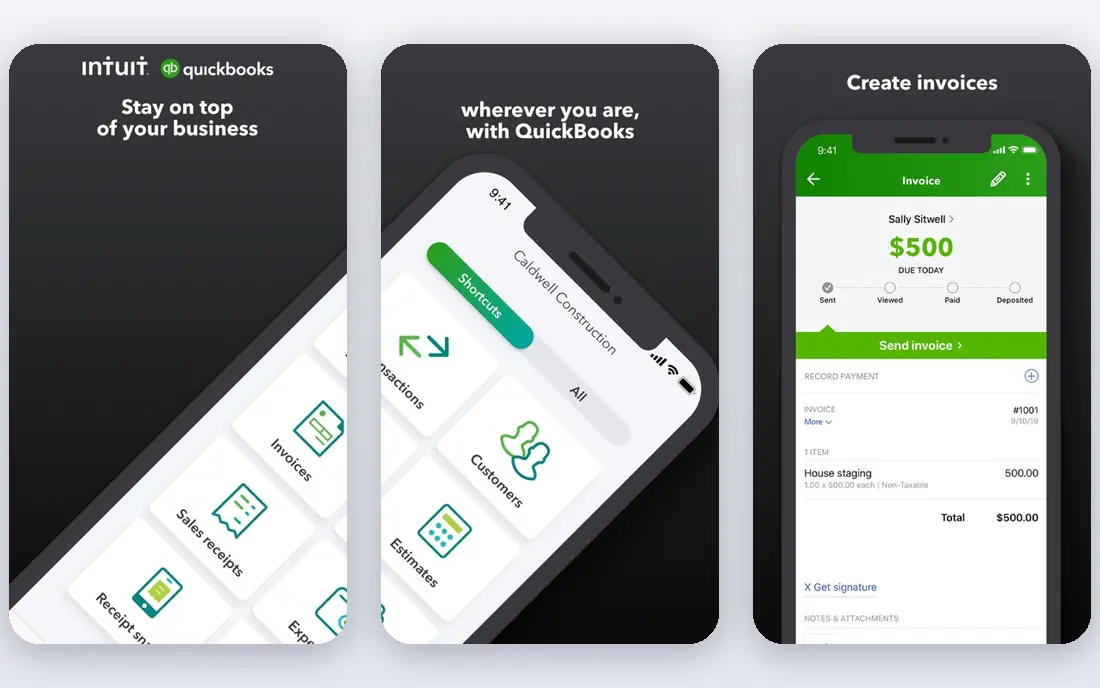
QuickBooks Online is the benchmark when invoicing is part of a larger accounting job. Invoices connect directly to accounts receivable, the general ledger, expense tracking, and tax reporting, so you do not reconcile a separate invoicing tool at month end. Most US accountants already know it, which makes handover easier.
The price reflects that breadth. Simple Start starts at $38 per month in published 2026 pricing, and the entry plan covers one user, so teams pay more. If you only send a few invoices a month and do not need full accounting, a free tool below will do. If your books are growing, QuickBooks is the safer long-term choice.
- Invoicing inside full double-entry accounting
- Most accountants already know it
- Strong reporting
- Higher price than standalone invoicing tools
- Entry plan covers one user
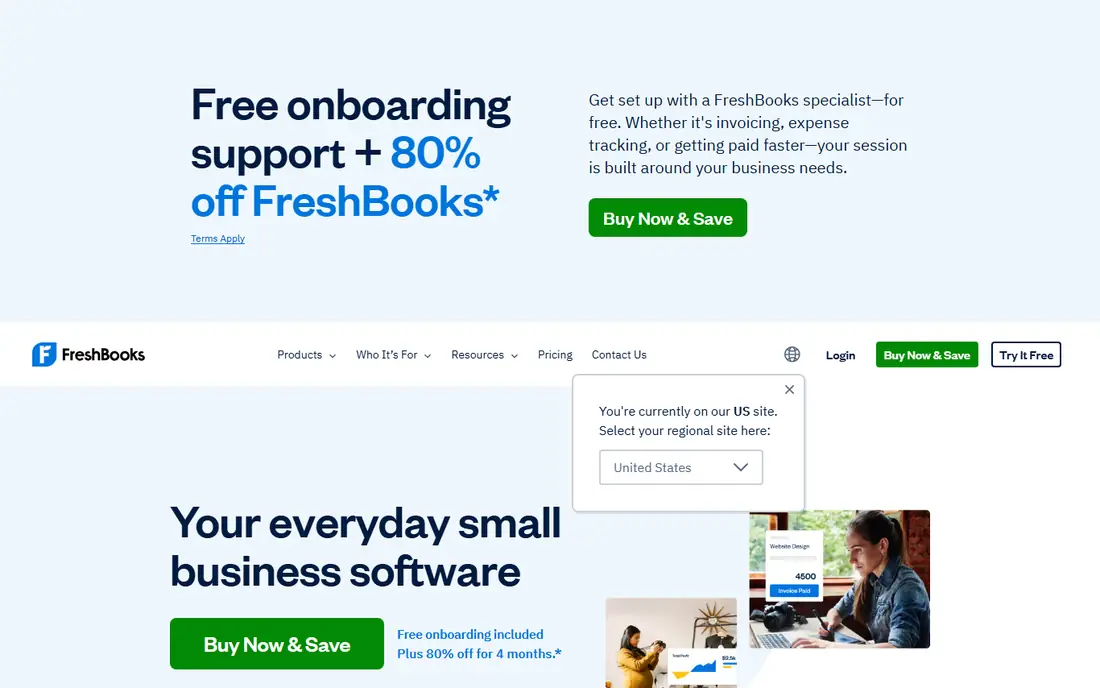
FreshBooks is built around getting paid. Its invoices look polished, payment reminders run automatically, and time tracking feeds directly into invoices for service businesses. That focus makes it a favourite with freelancers, consultants, and agencies that bill by the hour or by project.
It is not a full accounting replacement on lower plans, and the Lite plan caps the number of billable clients. FreshBooks suits service businesses that invoice constantly and want the chasing to happen without manual follow-up. If you need full accounting and inventory, QuickBooks or Xero will fit better.
- Polished invoices
- Automated payment reminders
- Time tracking that feeds into invoices
- No full double-entry accounting on entry plans
- Client limits on Lite plan
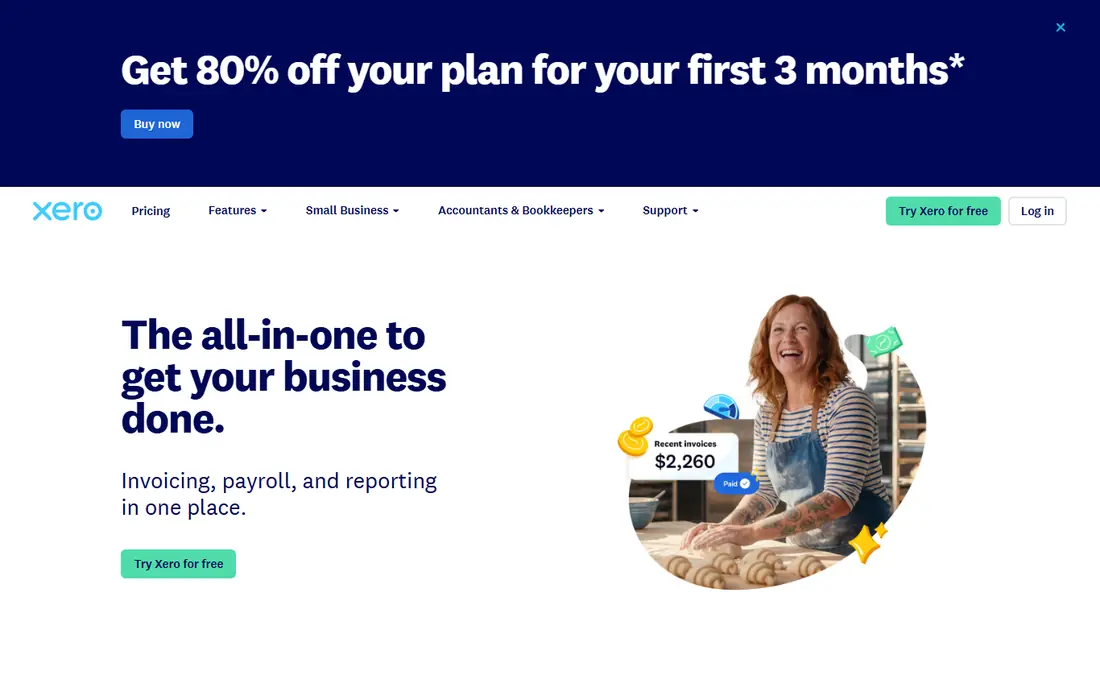
Xero is the clean, modern option for growing businesses. Its invoicing is strong, its interface is easy to learn, and its accountant and bookkeeper ecosystem is large outside the US as well as inside it. Unlimited users on plans is a genuine advantage for teams, since rivals often charge per seat.
The entry plan is the catch. Early, at $25 per month in published pricing, caps invoices at 20 per month and bills at five per month, so busy businesses need a higher plan. Xero suits teams that are growing and want room to add users without paying per seat, provided their invoice volume fits the plan they choose.
- Unlimited users on all plans in published terms
- Clean interface
- Strong accountant ecosystem
- Entry plan caps invoices at 20 per month
- Higher plans cost more
Zoho Invoice is the best free invoice app for many small businesses. Its free plan covers invoicing, recurring billing, and professional templates, with a cap of two users and 500 invoices per year in published comparison terms, while Zoho Books free covers up to 1,000 invoices per year for businesses under $50,000 in revenue. That is generous enough for most freelancers and small firms.
The limits matter if you grow fast or add staff, and payment processing fees apply on top of the free software, as they do everywhere. Zoho Invoice also upgrades cleanly into Zoho Books and the wider Zoho suite. If you want free invoicing without a revenue cap, Wave below is the alternative to check.
- Free plan with recurring billing
- Professional templates
- Integrates with Zoho Books if you grow
- Free plan caps users and invoices per year
- Payment processing fees still apply
Wave is the genuinely free option for core invoicing and bookkeeping. Its Starter plan is free, with unlimited invoices and bookkeeping records, and no revenue cap of the kind Zoho Books applies. That makes it a strong choice for new businesses, side hustles, and freelancers who want to keep costs at zero.
Wave earns money on payment processing and on its paid Pro plan, at $19 per month in some published listings, which adds features like automatic bank import. If your books are simple and you mainly need invoices, receipts, and payment collection, Wave covers the job for free. If you need payroll or advanced reporting, a paid accounting tool will fit better.
- Free unlimited invoices
- Free bookkeeping records
- No revenue cap on free plan
- Paid Pro plan needed for some features
- Bank import limits on free plan in some listings
Square Invoices suits businesses that take card payments in person and online. Its free plan covers invoicing with payment collection, and paid Plus adds features like deposits, milestones, and custom templates. If you already use Square for point of sale, invoices sit naturally alongside your sales data.
It is not a full accounting tool. Businesses that need detailed bookkeeping, inventory, or payroll will still need a separate system. Square Invoices earns its place when payment speed matters most: send an invoice, get paid by card, and see the money in your Square account without a separate payment setup.
- Free plan with unlimited invoices in published terms
- Fast card payment collection
- Deposits and milestones
- Best if you already use Square for payments
- Accounting features are limited
Stripe Invoicing takes a different pricing approach: no monthly fee, with a fee starting at 0.4 percent per paid invoice in published comparisons, plus standard card processing fees. That makes it cheap for low-volume businesses and flexible for online-first companies that sell internationally, with support for many currencies and payment methods.
The trade-off is setup. Stripe is built for developers and online businesses, so its interface assumes more technical comfort than FreshBooks or Wave. If you sell online, bill subscriptions, or take international payments, Stripe Invoicing is a strong choice. If you want a simple app for a handful of local clients, a free tool above will feel easier.
- No monthly fee
- Advanced recurring billing
- International payments and currencies
- Per-invoice fee on paid invoices
- Setup needs more technical comfort than rivals
Invoice Ninja is the open source option on this list. You can self-host it for free, which appeals to technical users who want control over their data, or use its hosted plans for a managed service. It covers quotes, invoices, recurring billing, expenses, and client portals, which is a lot for a free tool.
Self-hosting is not for everyone. It needs server setup, updates, and backups, and some features sit behind paid hosted plans. Invoice Ninja suits developers, agencies with technical staff, and businesses that want open source software. For most small businesses, Wave or Zoho Invoice will be simpler.
- Free self-hosted option
- Open source
- Quotes, invoices, and recurring billing
- Self-hosting needs technical setup
- Hosted paid plans needed for some features
How we picked these
We compared official pricing pages, feature pages, and public reviews for invoice software that works in October 2026. We included free tools, full accounting suites, payment-first tools, and an open source option, and we favoured tools with published pricing and a free plan or trial. We did not claim hands-on testing, and we noted where payment processing fees apply separately from software cost.
How to choose the right invoice tool
Start with how you get paid. If clients pay by card online, Square or Stripe will matter more than templates. If you bill by the hour, FreshBooks time tracking will save more time than any template. If you need full books, QuickBooks or Xero should lead the shortlist, even though they cost more than a standalone invoicing app.
Then check the limits that force upgrades: number of clients, invoices per month, users, and bank connections. A free plan that caps invoices at a low number can cost more in disruption than a paid plan when you grow. Test the invoice your client actually sees, including payment links, reminders, and late fees, before you migrate your whole client list.
What to check before you switch
Confirm that you can import clients and outstanding invoices, and that payment processing works in your country and currency. Check whether reminders are automatic, whether recurring invoices handle taxes correctly, and whether the tool exports data cleanly if you leave. A tool that locks your history inside it is a poor long-term choice, however good its invoices look.
Frequently asked questions
What is the best free invoice software?
Zoho Invoice and Wave are the strongest free options. Zoho Invoice offers recurring billing with caps on users and invoices per year, while Wave offers free unlimited invoices and bookkeeping with no revenue cap. Choose Zoho Invoice if you plan to grow into Zoho Books, and Wave if you want free invoicing with the fewest limits.
What is the best invoice app for small business?
QuickBooks Online is best when invoicing sits inside full accounting, FreshBooks is best for service billing, and Zoho Invoice is best for free invoicing. The best invoice app for small business depends on whether you need accounting, payment collection, or just clean invoices, so match the tool to that job.
What is the best invoice software for small business with accounting?
QuickBooks Online and Xero are the strongest choices, since both combine invoicing with full accounting, reporting, and accountant access. QuickBooks is more widely known among US accountants, while Xero suits teams that want unlimited users. Compare invoice caps and seat costs on the plan you would actually buy.
Do free invoice apps charge for payments?
Yes, payment processing fees apply separately on free and paid tools alike. The software may be free, but card and bank payments still carry a processor fee, which varies by provider and payment method. Check the processing fee for your most common payment type before you choose.
Can I send recurring invoices with free software?
Yes, Zoho Invoice includes recurring billing on its free plan, and Invoice Ninja and Wave also support recurring invoices in their free or hosted tiers. Check the invoice cap and whether recurring invoices handle taxes, discounts, and late fees the way your business needs.
Sources
See where you really rank - block by block
ProMapRanker scans Google Maps across a grid of your service area. Simple monthly plans from $19, white-label on every plan.
Start freeKeep reading
 youtube alternatives
Best YouTube Alternatives in 2026
Looking for youtube alternatives in 2026? We compare Vimeo, Dailymotion, Twitch, Rumble, and more on price, audience, monetization, control and privacy.
Read → what's the best ai tool for photo editing
What Is the Best AI Tool for Photo Editing in 2026
What is the best AI tool for photo editing? We compare ten tools for 2026, from Photoshop and Lightroom to Luminar, Topaz, Canva and mobile editors today.
Read → twitter alternatives
Best Twitter Alternatives in 2026
Compare the best twitter alternatives for 2026, from Bluesky, Threads, and Mastodon to Reddit, Tumblr, and Micro.blog, with free plans and audience notes.
Read →