 ProMapRanker
Best Software for Onboarding Training Videos in 2026

Key takeaways
- Trainual is the strongest all-round onboarding platform, combining video, documents, tests, and completion tracking in one place.
- Loom wins for fast, personal screen videos, while Synthesia and Vyond win when a polished presenter or animated video is needed without filming.
- Camtasia and Articulate 360 suit teams that build detailed, interactive courses, but they take longer to learn.
- Panopto and TalentLMS help larger teams host, search, and track training libraries over time.
- Pick by the video you make most often: a quick walkthrough, a formal course, or an animated explainer need different tools.
Quick comparison
| Pick | Great for | Pricing starts at | Free tier | |
|---|---|---|---|---|
 Trainual | Structured onboarding paths | $249 per month | Free trial | Visit |
 Loom | Fast screen walkthroughs | Free | Yes | Visit |
 Synthesia | AI avatar presenter videos | $29 per month | Free trial | Visit |
 Vyond | Animated training videos | $58 per month | Free trial | Visit |
 Camtasia | Detailed screen tutorials | $179.88 per year | Free trial | Visit |
 Articulate 360 | Interactive eLearning courses | $1,099 per year | Free trial | Visit |
 Panopto | Searchable video library | See website | Free trial | Visit |
 TalentLMS | Training courses with tracking | See website | Free trial | Visit |
 Guidde | AI-generated how-to videos | Free | Yes | Visit |
The best software for onboarding training videos
Onboarding training video software covers several jobs at once: recording a screen walkthrough, creating a presenter video without a camera, animating a process, and tracking whether new hires actually finished the training. The tools below cover those jobs, and the best pick depends on which job dominates your onboarding.
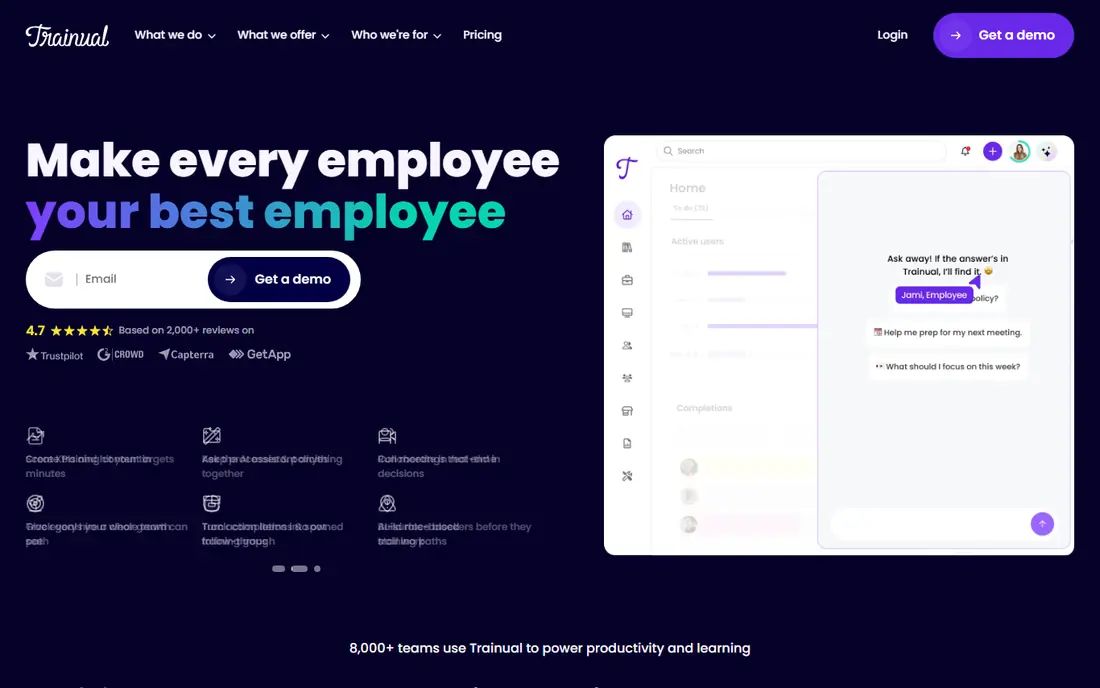
Trainual is built for onboarding as a system, not just as a video library. Teams create subjects and roles, add videos, documents, and quizzes, and assign a path to each new hire. Managers can see who finished each step, who is stuck, and which topics need a test retake. That tracking is what separates Trainual from a simple recording tool.
Pricing is listed from $249 per month for the Core plan in recent comparisons, which suits teams hiring regularly. Very small teams may find that steep for a handful of hires a year. For companies that onboard every month and want the same training delivered the same way each time, Trainual gives structure that a folder of videos cannot.
- Onboarding paths with video, documents, and tests
- Completion tracking by role
- Templates for common roles
- Price is high for very small teams
- Setup takes time to build good paths
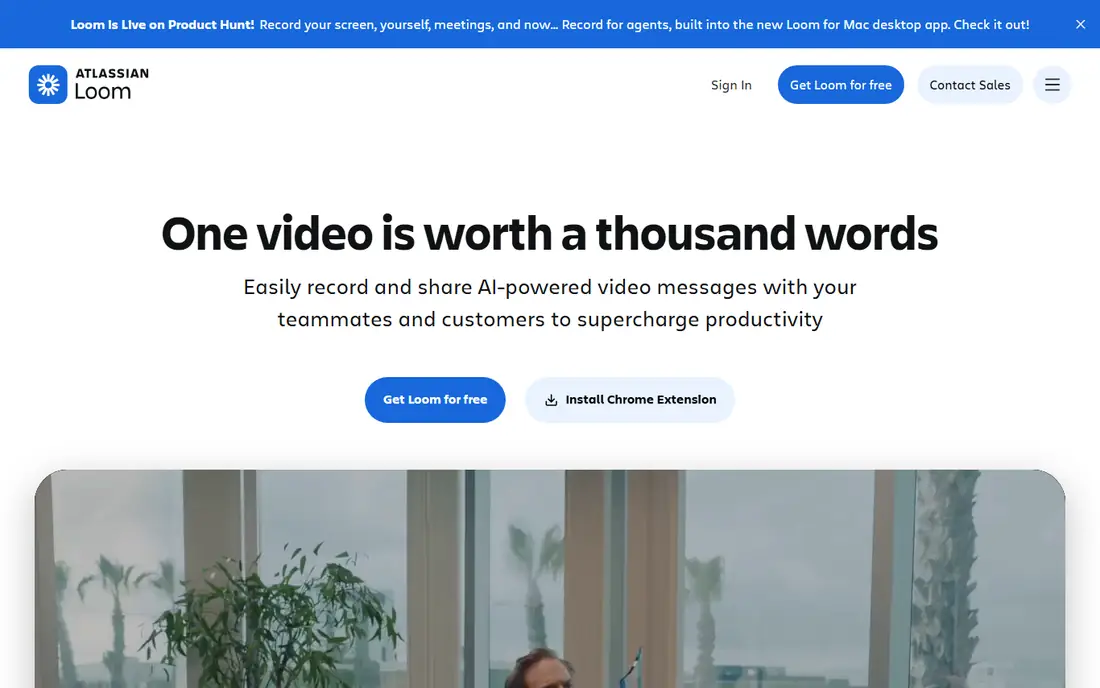
Loom is the fastest way to turn a process into a video. Record the screen, camera, or both, share a link, and let a new hire watch and comment. The free Starter plan covers short videos, while Business plans are listed from $18 per user per month in recent comparisons, with longer videos and more features.
Loom is not a course platform on its own. There is no built-in test, role path, or completion dashboard like Trainual, so teams often pair Loom videos with a wiki, LMS, or Trainual path. For day-to-day onboarding, where a manager records a five-minute walkthrough of a tool, Loom is hard to beat for speed.
- Very fast to record and share
- Chrome extension and desktop apps
- Auto transcription and comments
- Not a full course platform
- Free plan limits video count and length
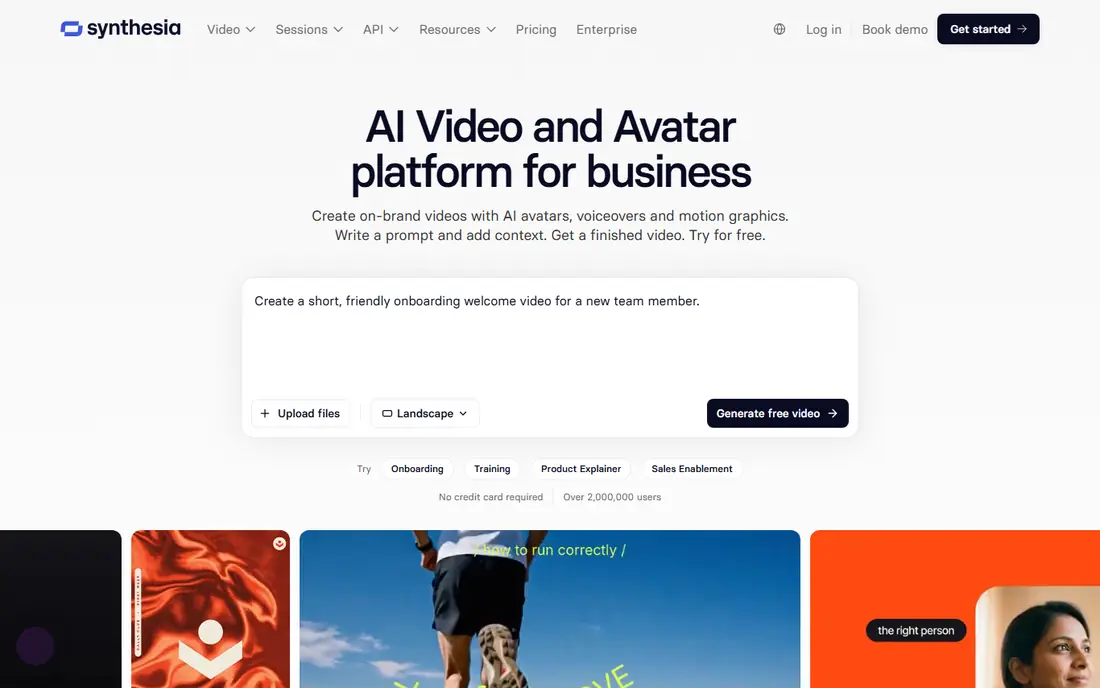
Synthesia turns a written script into a presenter video with an AI avatar, voiceover, and slides. That removes filming, studio time, and retakes, which makes it practical for compliance training, policy updates, and multi-language onboarding. Plans start from $29 per month in recent listings, with higher plans for teams and more video minutes.
Avatar delivery will not replace a real manager welcome for every team, and scripts still need careful writing and review. For formal, repeatable training that must stay consistent across locations and languages, Synthesia is a strong choice. Use Loom for personal welcomes and Synthesia for the formal modules that every hire must see.
- AI avatars present from a script
- Many languages and voices
- No filming or studio needed
- Avatar videos can feel less personal
- Scripting and review still take time
Vyond creates animated training videos with characters, scenes, and voiceovers, without filming actors. That format suits process explainers, customer service scenarios, and safety training, where a story or example lands better than a screen recording. Plans start from $58 per month in recent listings, with templates and a large voice library.
Animation is not instant. A polished Vyond video needs storyboarding, scene building, and voice timing, so it suits planned courses more than quick how-tos. For teams that reuse the same training for many hires, the upfront effort pays off in a video that stays clear and engaging over time.
- Character animation and templates
- Many voices
- Good for processes and scenarios
- Animation takes time to build well
- Price is high for occasional use
Camtasia is a desktop screen recorder and editor for detailed software tutorials. Record the screen, cut mistakes, add callouts, quizzes, and captions, and export a polished tutorial. Pricing is listed at $179.88 per year in recent comparisons, with a free trial for testing the workflow.
Camtasia suits instructional designers and trainers who build a library of software onboarding videos that must be precise. It is slower than Loom for a quick walkthrough, and it has no built-in onboarding path or tracking. Pair Camtasia videos with Trainual, TalentLMS, or Panopto when tracking and assignment matter.
- Full screen recording and editing
- Quizzes and captions
- Precise control over the final video
- Steeper learning curve
- Editing a long video takes time
Articulate 360 is the enterprise standard for interactive eLearning, combining Rise for fast responsive courses and Storyline for detailed interactive modules. Videos sit inside courses with quizzes, branching scenarios, and knowledge checks, and SCORM export lets courses run in most LMS platforms. Pricing is listed around $1,099 per year for an individual subscription in recent comparisons.
The price and learning curve rule it out for teams that only need a few screen videos. For learning teams that build formal onboarding academies with assessments and compliance records, Articulate 360 gives depth that simpler tools cannot. Use it when training must be interactive, tracked, and auditable, not just watched.
- Rise and Storyline for interactive courses
- Large asset library
- SCORM export for LMS use
- High annual price
- Learning curve for Storyline
- Overkill for simple videos
Panopto is a video platform for organizations that build a lasting training library. Videos are hosted, captioned, and searchable, so a new hire can find the exact moment a topic is explained without watching a whole course. Integrations with LMS platforms and single sign-on help larger teams manage access.
Pricing is quote-based, and Panopto suits universities, hospitals, and large companies more than a ten-person startup. For a growing team that already has training videos scattered across drives and chat, Panopto brings them into one searchable, permission-controlled library.
- Video hosting with search inside videos
- LMS integrations
- Access controls for internal training
- Quote-based pricing
- Setup suits larger organizations
TalentLMS is a learning management system that hosts onboarding courses, including video, documents, and quizzes, with completion tracking and reports. Managers can assign courses by role, set deadlines, and see who finished. A free plan covers small teams, while paid plans scale by user count.
Video creation inside TalentLMS is basic, so most teams record in Loom, Camtasia, or Synthesia and upload the result. That split is normal: create video in a specialist tool, deliver and track it in TalentLMS. For teams that need reports for compliance or HR, TalentLMS gives the tracking that a video host alone does not.
- Course creation with video
- User management and completion reports
- Mobile access
- Pricing varies by user count
- Video creation tools are basic
Guidde uses AI to turn a recorded workflow into a narrated, step-by-step how-to video with captions and branding. That speed suits software onboarding, where a new hire needs to see clicks, not just hear a description. A free plan exists, with a Pro plan listed from $23 per month in recent comparisons.
AI-generated narration and steps still need a human review, since a missed click or wrong label can confuse a new hire. Guidde is best for software walkthroughs that change often, where re-recording a full Camtasia tutorial each time would be slow. For formal policy training, Synthesia or Trainual will feel more controlled.
- AI turns a screen capture into a narrated how-to video
- Fast creation
- Many AI voices
- Output needs review for accuracy
- Less suited to formal presenter courses
How we picked these
We compared official pricing pages, creation features, course and tracking tools, and LMS links for software used for onboarding training videos in October 2026. We favored tools that are actively maintained, that cover a distinct onboarding job, and that can be used by a small or mid-size team without a full production studio. We left out pure meeting tools with no training workflow, tools that could not be verified as active, and single-purpose screen recorders with no editing or sharing path. Prices change, so confirm the current plan and user limits before buying.
What to check before you choose
Start with the training you already deliver. List the five videos every new hire must watch, and note whether each one is a screen walkthrough, a policy explainer, or a scenario. That list will point to Loom or Guidde for walkthroughs, Synthesia or Vyond for explainers, and Trainual or TalentLMS for delivery and tracking.
Next, test creation time. Record or generate one real onboarding video in each shortlisted tool, and time the full job from script to shareable link. A tool that looks cheap but takes four hours per video will cost more in staff time than a pricier tool that finishes in thirty minutes. Finally, check tracking and access. Confirm who can view each video, whether completion is recorded, and how a manager sees progress, since those controls matter for compliance and for spotting hires who need extra help.
Frequently asked questions
What is the best software for onboarding training videos?
Trainual is the best all-round onboarding platform, while Loom is best for quick walkthroughs and Synthesia is best for formal presenter videos. The right pick depends on whether you need structure, speed, or polish most.
Can I use Loom alone for onboarding?
Yes, for small teams with a few hires a year. Loom records and shares videos fast, but it has no role paths, tests, or completion dashboard. Pair it with Trainual, TalentLMS, or a simple checklist when tracking matters.
Do AI avatar videos work for onboarding?
Yes, for formal and repeatable training, especially in multiple languages. AI avatars from Synthesia keep wording consistent and remove filming time, but they feel less personal than a real manager welcome, so use both formats where it fits.
How much does onboarding video software cost?
Free plans exist on Loom, Guidde, and TalentLMS for small use. Paid plans range from around $18 to $29 per user per month for creation tools, to $249 per month for Trainual, and around $1,099 per year for Articulate 360.
How long should an onboarding training video be?
Short videos work best, usually under ten minutes for a single topic, with longer courses split into chapters. New hires retain more from a focused five-minute walkthrough than from a single hour-long recording.
Should onboarding videos include a test?
Yes, for safety, compliance, and core process training. A short quiz after a video confirms understanding and gives managers a record of completion, which matters for regulated roles.
Sources
See where you really rank - block by block
ProMapRanker scans Google Maps across a grid of your service area. Simple monthly plans from $19, white-label on every plan.
Start freeKeep reading
 best tour operator software
Best Tour Operator Software in 2026
Compare the best tour operator software for bookings, channel management, waivers and payments, with pricing models for day tours and multi-day trips.
Read → best time clock app for small business
Best Time Clock App for Small Business in 2026
We compare the best time clock app for small business options, with free plans, GPS clock ins, scheduling and payroll links for hourly teams and payroll help.
Read → best test automation tools
Best Test Automation Tools in 2026
Compare the best test automation tools, from Playwright and Selenium to Cypress, Katalon and BrowserStack, with prices, languages and best uses explained.
Read →