 ProMapRanker
Best Test Automation Tools in 2026

Key takeaways
- Playwright is our pick for most new web test projects, thanks to cross-browser support, auto-waiting and strong debugging tools.
- Selenium remains the enterprise standard where legacy browser support and a large existing test suite matter most.
- Cypress suits JavaScript teams that want fast feedback and time-travel debugging for front-end work.
- Cloud and low-code tools such as BrowserStack, Katalon and Postman cover device coverage, mixed-skill teams and API testing.
Quick comparison
| Pick | Great for | Pricing starts at | Free tier | |
|---|---|---|---|---|
 Playwright | Modern cross-browser web testing | Free | Yes | Visit |
 Selenium | Enterprise web automation standard | Free | Yes | Visit |
 Cypress | JavaScript front-end testing | Free | Yes | Visit |
 Katalon | Low-code and coded testing in one platform | See website | Yes | Visit |
 Appium | Mobile app automation | Free | Yes | Visit |
 Robot Framework | Keyword-driven acceptance testing | Free | Yes | Visit |
 BrowserStack | Cross-browser and device cloud | See website | Free trial | Visit |
 Postman | API testing and automation | Free | Yes | Visit |
The best test automation tools
We compared these tools on browser and device coverage, language support, debugging, CI integration, and pricing. Our pick for most new web projects is Playwright, while Selenium, Cypress and the cloud tools each win for a specific team shape or existing stack.
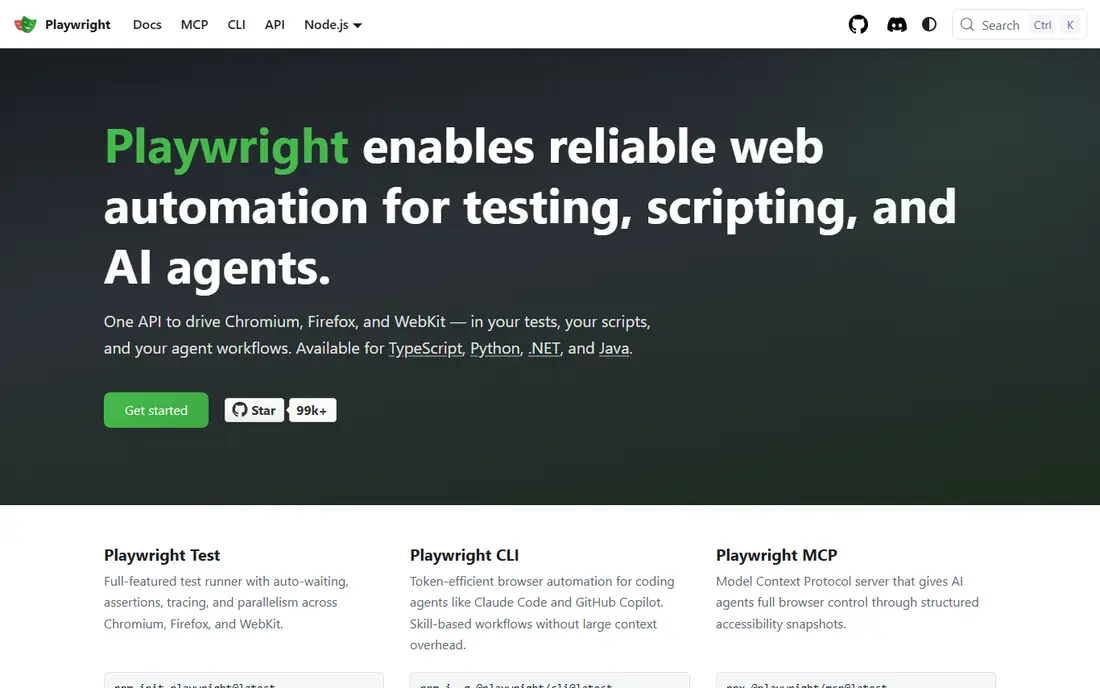
Playwright, from Microsoft, has become the default for many new web test projects, and the reasons are practical. One API drives Chromium, Firefox and WebKit, auto-waiting reduces the flaky failures that plague older frameworks, and tracing makes a failed test easy to replay and debug. Support for JavaScript, TypeScript, Python, Java and C# means most teams can adopt it without changing language.
The main limit is that Playwright is a code-first framework, not a low-code tool. A team without developers in QA will need help to build and maintain suites. It also handles API testing, but a dedicated API tool such as Postman will be simpler for large API suites. For a developer-led web team, Playwright is the strongest starting point on this list.
- Chromium, Firefox and WebKit in one API
- Auto-waiting reduces flaky tests
- Built-in tracing and debugging
- Supports several languages
- Needs coding skill
- API testing is possible but less central than Postman
- Large suites still need CI design
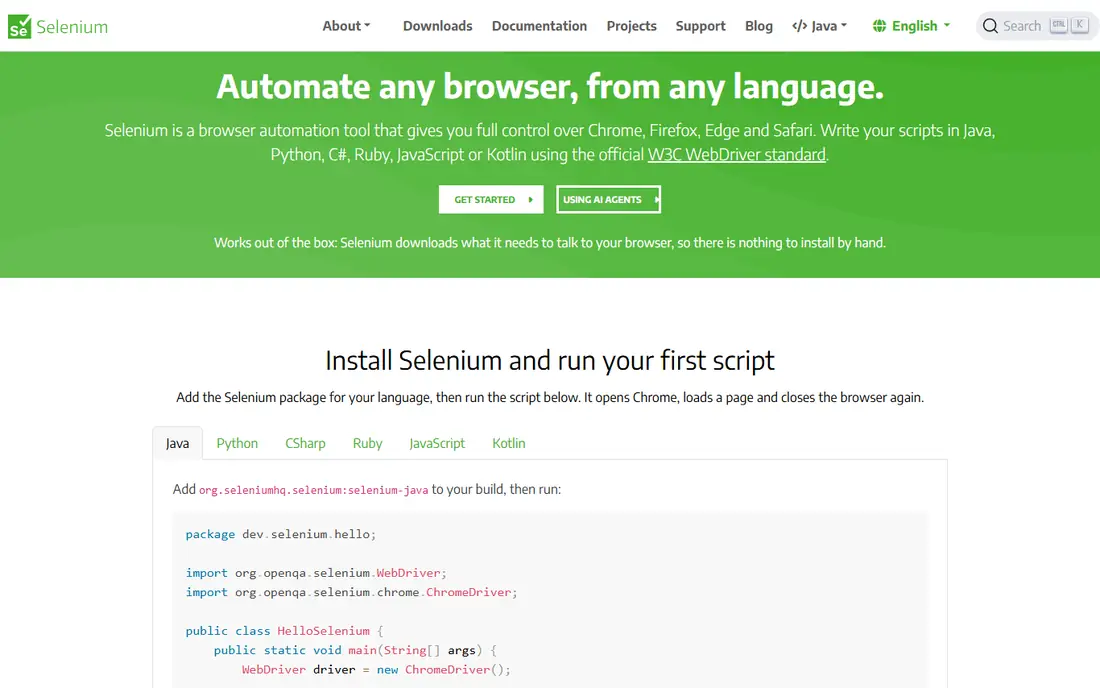
Selenium is the long-standing standard for web automation, and it remains the right choice for many enterprise teams. It supports Java, Python, C#, Ruby and JavaScript, works across browsers, and has a vast ecosystem of drivers, grids and integrations. If a team already has a large Selenium suite, or needs to test legacy browsers and systems, moving away would cost more than it saves.
The trade-off is maintenance. Selenium requires more explicit waiting and setup than Playwright, and tests can become flaky without careful design. New projects often find Playwright faster to start. For an enterprise with an existing Selenium investment, though, the ecosystem and hiring pool still make it a sound choice.
- Multi-language and multi-browser support
- Largest ecosystem and community
- Strong for legacy and enterprise systems
- Grid for parallel runs
- More setup and maintenance than Playwright
- Flaky waits need careful handling
- Debugging is less built-in than newer tools
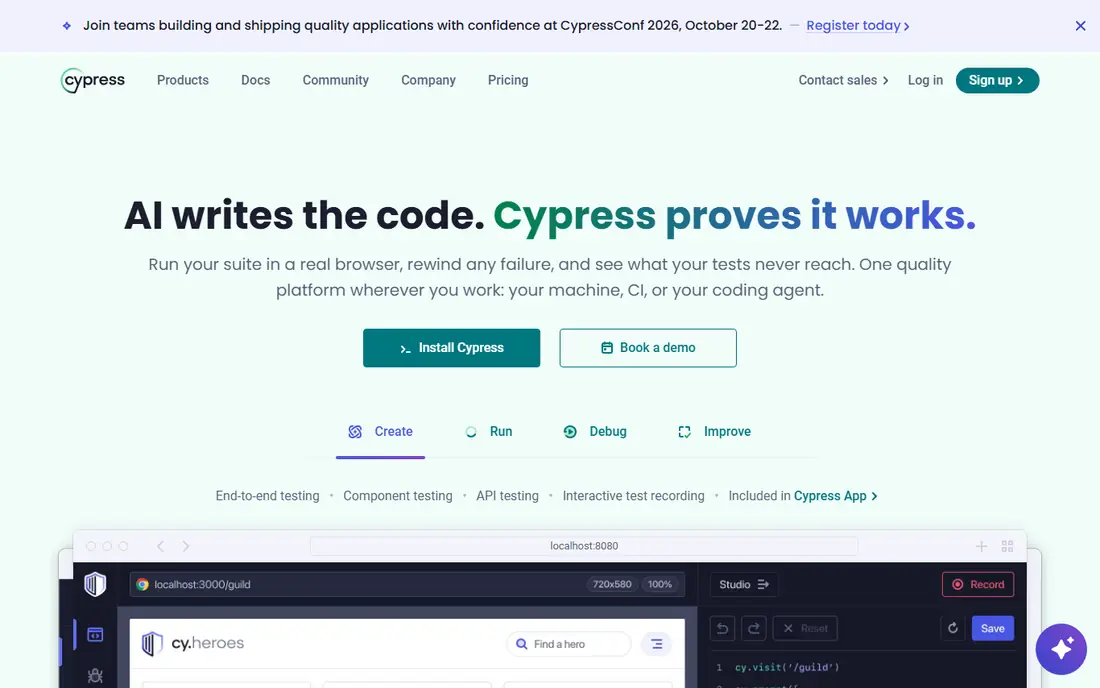
Cypress is built for JavaScript front-end teams, and its developer experience is its main selling point. Tests run directly in the browser, with real-time reloading and time-travel debugging that lets you see the state of the app at each step. That feedback loop makes it easy for developers to write and fix tests as they build features, rather than handing tests to a separate QA team.
The limits are language and scope. Cypress is JavaScript and TypeScript only, and it has more limits on multi-tab flows and on some cross-browser cases than Playwright. Cypress Cloud adds parallel runs and reporting, but it is a paid add-on. For a JavaScript team focused on front-end quality, Cypress remains an excellent choice.
- Runs in the browser for fast feedback
- Time-travel debugging
- Automatic waiting
- Strong developer experience for front-end teams
- JavaScript and TypeScript only
- Multi-tab and multi-browser limits compared with Playwright
- Cloud features are paid
Katalon suits teams with mixed skill levels. Testers who do not code can build tests with recording and low-code steps, while developers can add scripts in Groovy or Java for complex cases. One platform covers web, mobile, API and desktop testing, which reduces the number of tools a QA team must learn and maintain.
The cost is weight. Katalon is a full platform, not a lightweight library, and larger teams will need a quote for enterprise features. Teams that are fully developer-led may prefer Playwright or Cypress for speed and flexibility. For a QA team with a mix of coders and non-coders, Katalon is one of the most practical all-in-one options.
- Web, mobile, API and desktop testing in one IDE
- Low-code mode for mixed-skill teams
- Built-in reporting and CI integration
- Pricing for larger teams is quote based
- Heavier than a code-only framework
- Advanced customisation needs scripting skill
Appium is the open source standard for native mobile app testing. One framework can drive iOS and Android apps, using the same test logic with platform-specific drivers, and it supports Java, Python, C# and JavaScript. For a team shipping a native app, Appium avoids the need to learn separate iOS and Android automation systems.
Setup is the main hurdle. Emulators, real devices, signing and driver versions all need care, and test speed depends on how well that setup is managed. Pairing Appium with a device cloud such as BrowserStack can reduce that burden. For mobile-first teams, Appium remains the most widely supported open source choice.
- Cross-platform iOS and Android automation
- Open source
- Supports several languages
- Standard for native mobile testing
- Setup is more complex than web tools
- Device and emulator management takes time
- Test speed depends on device setup
Robot Framework uses plain-language keywords, such as Open Browser or Click Button, so a test reads like a set of steps a business user can follow. That readability makes it a good fit for acceptance testing, where QA, product and business teams need to agree on what a test proves. Python libraries extend it to web, API and database testing, so one framework can cover several layers.
The limit is that keyword tests can become verbose for complex UI logic, and web or mobile support depends on libraries such as SeleniumLibrary or AppiumLibrary. A developer-led team may prefer Playwright for speed. For a team that values readable acceptance tests and collaboration with non-developers, Robot Framework is a strong and proven choice.
- Readable keyword syntax for non-developers
- Extensible with Python libraries
- Good for acceptance and API testing
- Open source
- Needs library setup for web and mobile
- Less suited to complex UI logic than Playwright
- Reporting needs customisation for large suites
BrowserStack is not a test framework, but a cloud where tests run. Instead of buying and maintaining a lab of phones, tablets and browser versions, a team runs its Selenium, Playwright or Cypress suites on real devices in the cloud, in parallel. That coverage matters when a bug appears only on one Safari version or one Android device, and it saves the cost and time of a physical lab.
Pricing depends on parallel sessions and device needs, so a team should model its CI usage before committing. BrowserStack also does not write tests for you, so it pairs with a framework on this list, not replaces one. For teams that need broad coverage without a device lab, it is one of the most practical cloud options.
- Thousands of real browsers and devices
- Parallel test execution
- CI integrations
- Useful for teams without a device lab
- Pricing is subscription based and can grow with parallel runs
- Needs a framework such as Selenium or Playwright for tests
- Not a test authoring tool itself
Postman is the API counterpart to the UI tools above. Developers and testers can explore an API, save requests in collections, write tests in JavaScript, and run those tests in CI with Newman. For a team building a service with many endpoints, Postman makes API testing accessible to people who would not write a full code framework for it.
The limit is scope. Postman will not test a web UI or a mobile app, so it complements Playwright, Cypress or Appium rather than replacing them. Large API suites also need discipline, with environments, variables and folder structure kept clean. For API-first teams, and for any team that wants API checks alongside UI tests, Postman is an essential part of the stack.
- Easy API exploration and test creation
- Collections and environments for team use
- Newman CLI for CI runs
- Free plan for individuals
- Not a UI test tool
- Large API suites need organisation
- Advanced features sit in paid plans
How we picked these
We compared official documentation, pricing pages and public reviews, and we kept only tools that exist and work in October 2026 and that truly fit test automation, whether for web UI, mobile, API or cloud execution. We favoured tools with active maintenance, CI integration and a clear use case, and we mixed open source frameworks with low-code and cloud platforms so the list covers developer-led teams and mixed-skill QA teams. Prices that could not be verified from a vendor page are listed as See website.
How to build a test stack that lasts
Start with the layer that breaks most often. For most web products, that is the UI journey from sign-up to purchase, so a UI framework such as Playwright or Cypress should come first. Add API tests with Postman for the services behind that UI, because API tests run faster and catch backend breaks earlier. Add mobile tests with Appium only if you ship a native app, and add a device cloud when browser or device coverage becomes a real problem, not before.
Next, design for stability. Use stable locators, such as test IDs, rather than fragile text or layout selectors. Keep tests independent, so one failure does not cascade through the suite, and run tests in CI on every pull request, not just before release. A suite that runs daily is useful. A suite that runs only before release will be ignored when it matters most.
Finally, treat test maintenance as part of the job. Review flaky tests weekly, delete tests that no longer match the product, and track how long the suite takes to run. A suite that grows without pruning becomes slow and unreliable, and teams start to ignore it. A smaller, stable suite that runs fast will catch more real bugs than a large, flaky one.
Frequently asked questions
What is the best test automation tool for beginners?
Playwright and Cypress are both good starting points, with Playwright offering broader browser coverage and Cypress offering a friendlier front-end experience. A non-coding tester may prefer Katalon for its low-code mode. Start with one framework, learn its debugging tools, and add a second tool only when a new layer needs it.
Is Selenium still worth learning in 2026?
Yes, especially for enterprise work. Selenium remains widely used, with a large ecosystem and many existing test suites. New web projects may prefer Playwright, but Selenium skills remain valuable for legacy systems, Grid-based parallel runs and enterprise hiring. Learning Selenium also helps you understand the concepts behind newer tools.
What is the best AI QA platform for test automation?
Several tools on this list add AI features, such as self-healing locators and test generation, but no single AI platform replaces a solid framework. Playwright and Cypress offer modern debugging, Katalon offers low-code and AI-assisted features, and BrowserStack adds AI failure analysis. Judge AI claims on a real suite, not on a demo, and check how often self-healing changes a test without human review.
Can I automate mobile and web tests with one tool?
Katalon covers web, mobile, API and desktop in one platform, which suits mixed-skill teams. Developer-led teams often use Playwright or Cypress for web and Appium for mobile, with a shared CI pipeline. One tool is simpler to manage, while separate best-in-class tools can be faster and more flexible for each layer.
Is BrowserStack free?
BrowserStack offers a free trial, but its main plans are paid subscriptions based on parallel sessions and device access. Open source projects may qualify for free access under its programme, so check the current terms. For a small team, a trial can show whether cloud device coverage is worth the subscription.
How do I choose between Playwright, Selenium and Cypress?
Choose Playwright for a new cross-browser web project, Selenium for an enterprise or legacy suite, and Cypress for a JavaScript front-end team that values fast feedback. Test each on your own app, with your own CI setup, before committing. The right choice is the one your team will maintain, not just the one with the longest feature list.
Sources
See where you really rank - block by block
ProMapRanker scans Google Maps across a grid of your service area. Simple monthly plans from $19, white-label on every plan.
Start freeKeep reading
 best tour operator software
Best Tour Operator Software in 2026
Compare the best tour operator software for bookings, channel management, waivers and payments, with pricing models for day tours and multi-day trips.
Read → best time clock app for small business
Best Time Clock App for Small Business in 2026
We compare the best time clock app for small business options, with free plans, GPS clock ins, scheduling and payroll links for hourly teams and payroll help.
Read → best solutions for software documentation
Best Solutions for Software Documentation in 2026
Best solutions for software documentation compared, from GitBook and Mintlify to Docusaurus, with pricing, free plans and picks for developer teams in 2026.
Read →