 ProMapRanker
Best Solutions for Software Documentation in 2026


Mixed writer and engineer teams · Pricing starts at: $65 per site per month plus $12 per user
Key takeaways
- GitBook suits mixed teams of writers and engineers, while Mintlify and ReadMe suit API-first developer portals.
- Docusaurus and Read the Docs cost nothing in license fees, but they need engineering time to set up and host.
- Notion and Confluence work well for internal documentation, but they are weaker choices for a public developer portal.
- ReadMe stands out for interactive API references where readers can try live calls from the docs.
- Check the pricing model before you commit, since some tools charge per site, per user, or per project.
Quick comparison
| Pick | Great for | Pricing starts at | Free tier | |
|---|---|---|---|---|
| GitBook | Mixed writer and engineer teams | $65 per site per month plus $12 per user | Yes | Visit |
 Mintlify | API-first developer docs | See website | Yes | Visit |
 ReadMe | Interactive API portals | Free | Yes | Visit |
 Confluence | Internal wikis in Atlassian shops | See website | Yes | Visit |
 Docusaurus | Free docs-as-code sites | Free | Yes | Visit |
 Notion | Flexible internal documentation | Free | Yes | Visit |
 Document360 | Large support knowledge bases | See website | Free trial | Visit |
 Docsie | Small teams on a budget | $39 per month | Free trial | Visit |
 Read the Docs | Open source project docs | Free | Yes | Visit |
The best solutions for software documentation
We compared hosted platforms, docs-as-code frameworks, and internal wiki tools on editor quality, API reference support, Git workflows, search, and price. Here are the nine that earned a place.
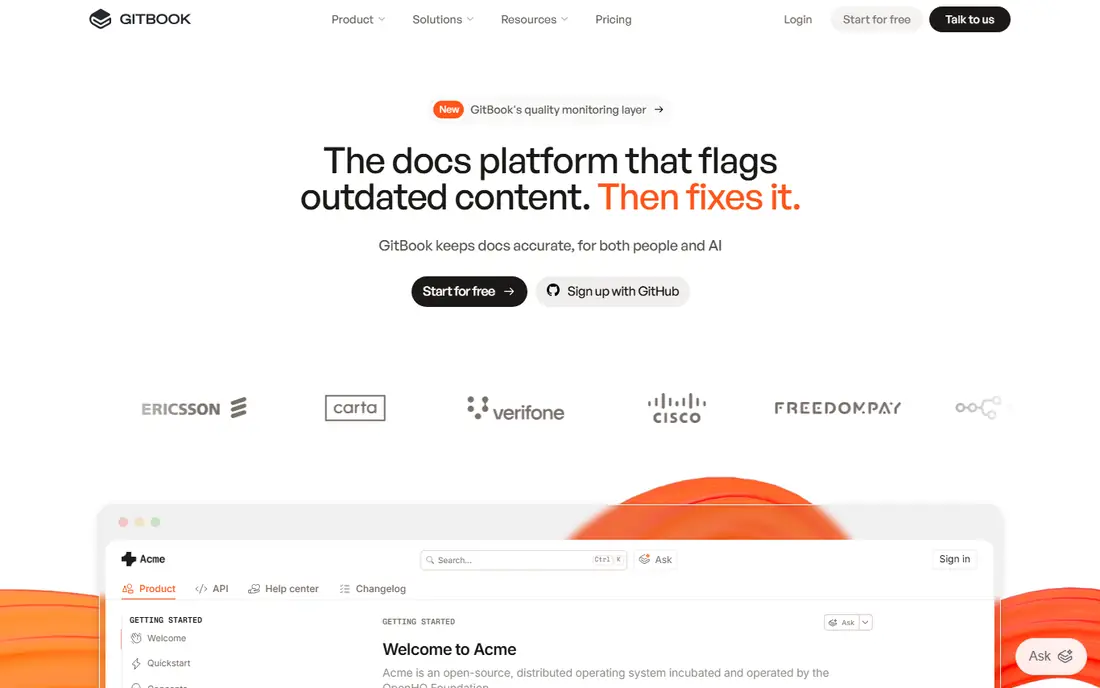
GitBook is our pick for most teams that mix technical writers with engineers. The block editor feels close to a modern notes app, so non-technical contributors can write without learning Markdown, while engineers can still sync content with GitHub or GitLab. Published sites look clean with little setup, and the navigation, search, and version handling cover the basics well.
The catch is the price model. A single site with a small team can cost more than the headline site fee suggests, because each extra user adds a monthly fee and each extra site adds another site fee. The free plan covers one site and one user, which suits a solo project or an open source doc set. Teams that run several doc sites should price the full set before they sign up.
- Friendly block editor
- GitHub and GitLab sync
- OpenAPI references with an interactive playground
- Per-site plus per-user pricing adds up fast
- Custom domains need a paid plan
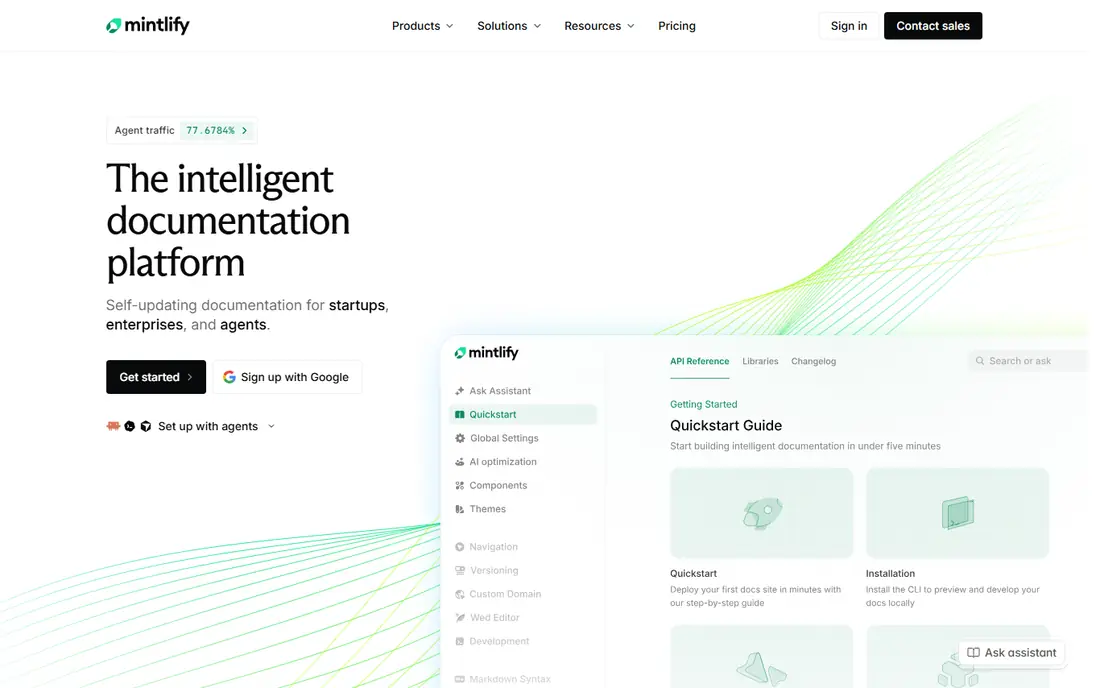
Mintlify fits teams that already treat documentation as code. Writers keep docs in Markdown files, sync them from a Git repository, and publish a polished site without building a custom frontend. API references generated from OpenAPI specs look sharp, and the built-in search and feedback tools help readers find answers without opening a support ticket.
The free Starter plan is genuinely useful for a solo developer or a small open source project, with a custom domain, a web editor, and an API playground. The step up to a paid plan is steep, so small teams should stay on the free tier until they truly need AI assistance, preview deployments, or analytics. If your docs are mostly guides for end users rather than API references, GitBook may feel friendlier.
- Markdown-first docs-as-code workflow
- Strong API playground and search
- Clean default design
- Paid plans are a large jump from the free tier
- AI features are metered on paid plans
ReadMe is the strongest choice when your docs are the front door for developers using your API. Readers can make live calls from the reference pages using their own keys, which shortens the path from reading to a first working call. Guides, changelogs, and discussion forums sit beside the reference, so onboarding material and endpoint detail live in one place.
The free plan covers unlimited API versions, an interactive reference, and a Markdown editor, which is enough to test the product properly. Paid plans add custom domains, MDX components, and an AI assistant, with higher tiers adding branching and metrics export. Teams that only need a simple reference page may find ReadMe more than they need, and more costly than a self-hosted option.
- Readers can try API calls inside the docs
- Strong metrics on endpoint usage
- Guides plus reference in one portal
- Paid plans start at $99 per month
- Branding removal and multiple projects need higher tiers
Confluence is the safe pick for internal software documentation inside a company that already uses Jira. Pages sit in spaces with clear permissions, version history is built in, and links to Jira issues keep project work and docs connected. Templates for runbooks, retrospectives, and product requirements help teams start from a sensible structure instead of a blank page.
It is less convincing as a public developer portal. API reference support, Git workflows, and reader-facing polish lag behind GitBook, Mintlify, and ReadMe. The free plan covers up to 10 users, which suits a small team, but larger teams should confirm current per-user pricing on the vendor site, since Atlassian list prices changed in October 2026. Choose Confluence for internal knowledge, not for a customer-facing API site.
- Strong page hierarchy and permissions
- Native Jira integration
- Wide template library
- Public developer portals are not its strength
- Marketplace apps can add to the bill
Docusaurus is an open source framework from Meta for building documentation websites, and it remains the best free option for teams with engineering resources. Content lives in Markdown or MDX files in a Git repository, so docs follow the same review, branching, and deployment workflow as code. Versioning, search, and blogging are built in, and hosting on a static host can cost little or nothing for a small site.
The trade-off is effort. Someone has to set up the site, keep dependencies current, and handle search and deployment. Non-technical writers may struggle without a hosted editor, and there is no vendor support line to call. For an open source project or a developer-led team, that trade is usually worth it. For a team that wants a managed service, a hosted platform will save time.
- No license cost
- Full control over content and hosting
- Markdown and MDX support
- Needs engineering setup and maintenance
- No hosted editor for non-technical writers
Notion works well as a home for internal software documentation, especially in startups where docs, specs, and project notes live side by side. The block editor is easy to learn, databases let teams track doc status and owners, and real-time collaboration feels natural. An individual can start free with unlimited pages, and small teams can share a workspace in minutes.
It is not a strong public developer portal. There is no native OpenAPI reference, Git sync is not part of the core workflow, and fine-grained publishing controls are thinner than on a dedicated docs platform. Paid plans start at $10 per user per month for Plus on annual billing, with Business at $20 per user per month. Use Notion when internal clarity matters most, and pick a dedicated docs tool when external developers are the audience.
- Easy block editor and databases
- Generous free tier for individuals
- Fast setup
- Weak Git and versioning workflows
- Public developer portals need workarounds
Document360 suits teams that manage a large help center, product manual library, or internal knowledge base. Editors get a visual editor, category management, version control, and review workflows that keep large doc sets consistent. AI-assisted writing and AI search help readers find answers in a large library, and multilingual support helps teams that serve readers in many languages.
Pricing moved to a quote-based model, so you cannot compare it line by line with published rivals without talking to sales. Billing is per project, so each separate knowledge base adds to the cost. Teams whose main need is API documentation will likely prefer Mintlify or ReadMe, but teams whose main need is a large, governed knowledge base should shortlist Document360.
- Structured review and approval workflows
- AI-assisted writing and search
- Strong multilingual support
- Pricing is quote-based, so comparison takes a sales call
- API docs are secondary to knowledge bases
Docsie is a practical pick for a small team that wants a hosted documentation portal without paying enterprise prices. It covers product documentation, help centers, and internal portals, with workspaces, version and language management, and Markdown import and export. The visual editor is approachable for writers who do not want to work in raw Markdown all day.
The entry plan starts at $39 per month on annual billing, which undercuts several rivals for a basic portal. The trade-off is a smaller integration ecosystem and fewer community resources than the larger platforms. Teams that need deep Git workflows or a large marketplace of add-ons may feel the limits. For a straightforward docs site on a tight budget, Docsie is a solid, lower-cost option.
- Affordable entry plan
- Internal and external portals
- Markdown import and export
- Smaller ecosystem than GitBook or Confluence
- Advanced features need higher tiers
Read the Docs is the classic home for open source software documentation, and it still does that job well. Connect a Git repository, and it builds and hosts versioned docs automatically, so readers can switch between releases without extra work from maintainers. Support for Sphinx and MkDocs covers the most common Python and Markdown-based doc setups.
Customization is more limited than on a self-hosted Docusaurus site or a hosted platform like GitBook, and teams that want a branded commercial portal should look at the paid business offering or a different tool. For an open source library or a community project, though, free hosting with automatic builds is hard to beat. It keeps docs close to the code with almost no maintenance burden.
- Free hosting for open source projects
- Automatic builds from Git
- Versioned docs
- Design and customization are limited
- Business features need a paid plan
How we picked these
We compared official feature pages, pricing pages, and public documentation for each tool, and checked what each one does best rather than what its marketing claims. We kept tools that are live and maintained in October 2026, that truly fit software documentation, and that cover different needs: hosted platforms, docs-as-code frameworks, internal wikis, and knowledge bases. We left out generic note apps and tools that only handle API testing, since they do not serve as a documentation home on their own.
What to check before you choose a documentation platform
Start with your audience. Internal teams need permissions, search, and easy editing. External developers need API references, code samples, versioned docs, and a fast site. A tool that excels at one audience often disappoints at the other, so do not pick on editor quality alone.
Next, check the workflow your team will actually use. If engineers own the docs, a Git-based tool with Markdown files will feel natural and keep docs in code review. If writers and product managers own the docs, a hosted editor with review workflows will get more updates written. Ask who will write, who will review, and who will approve, then test that exact flow during a trial.
Finally, price the full setup, not the headline plan. Count sites, projects, seats, and languages, and check what sits behind a higher tier: custom domains, branding removal, analytics, AI features, and single sign-on. A free tier can be the right long-term home for an open source project, but a growing commercial team should budget for the first paid tier from the start.
Frequently asked questions
Which software documentation platform is best?
The best platform depends on your audience. GitBook suits mixed teams, Mintlify suits API-first teams, ReadMe suits interactive API portals, and Docusaurus suits developer-led teams that want a free, self-hosted site. Start with who reads the docs, then pick the tool built for that reader.
What is the best documentation tool for developers?
Mintlify and Docusaurus are strong picks for developers because both keep docs in Markdown files in Git and publish from code workflows. ReadMe adds value when readers need to try API calls from the docs. GitBook is a better fit when non-technical writers also contribute.
Is there a free documentation platform?
Yes. Docusaurus and Read the Docs are free for self-hosted or open source documentation, and GitBook, Mintlify, ReadMe, Notion, and Confluence all offer free tiers with limits. Free tiers usually limit users, sites, custom domains, or AI features, so check those limits against your needs.
What is the best documentation software for a small team?
For a small team, GitBook on its free plan or Docsie at $39 per month are practical starting points, depending on team size and whether you need Git sync. Notion also works well for internal docs at a small team size. Move to a paid plan when you need a custom domain, team editing, or analytics.
Do I need a separate tool for API documentation?
Not always, but it helps when your API is a core product surface. ReadMe and Mintlify generate API references from OpenAPI specs and add interactive try-it features that general wiki tools lack. If your product has no public API, a general docs platform or wiki is usually enough.
Can I migrate docs from one platform to another?
Often, yes, but the effort varies. Markdown-based tools export cleanly to other Markdown tools, while hosted editors with custom blocks can need cleanup after export. Before you migrate, export a sample set, test it in the new tool, and check links, images, and code samples before moving the full library.
Sources
See where you really rank - block by block
ProMapRanker scans Google Maps across a grid of your service area. Simple monthly plans from $19, white-label on every plan.
Start freeKeep reading
 best tour operator software
Best Tour Operator Software in 2026
Compare the best tour operator software for bookings, channel management, waivers and payments, with pricing models for day tours and multi-day trips.
Read → best time clock app for small business
Best Time Clock App for Small Business in 2026
We compare the best time clock app for small business options, with free plans, GPS clock ins, scheduling and payroll links for hourly teams and payroll help.
Read → best test automation tools
Best Test Automation Tools in 2026
Compare the best test automation tools, from Playwright and Selenium to Cypress, Katalon and BrowserStack, with prices, languages and best uses explained.
Read →