 ProMapRanker
Best Time Clock App for Small Business in 2026

Key takeaways
- Homebase is the best free starting point for a single location team, with scheduling and time tracking free for up to 10 employees.
- Clockify and Jibble suit tiny or desk based teams that need a free clock without payroll, while Deputy and QuickBooks Time suit shift teams that need compliance and payroll links.
- When I Work is the cheapest scheduling first option in this list, and Buddy Punch leads on stopping buddy punching with photo and facial checks.
- Compare the billing unit before you buy, since per location, per user and base plus per user pricing give very different totals for the same team.
Quick comparison
| Pick | Great for | Pricing starts at | Free tier | |
|---|---|---|---|---|
 Homebase | Free scheduling plus time clock | Free | Yes | Visit |
 Clockify | Free basic time tracking | Free | Yes | Visit |
 Deputy | Compliance heavy shift teams | $5 per user per month | Free trial | Visit |
 QuickBooks Time | QuickBooks payroll users | $20 per month plus $10 per user | Free trial | Visit |
 When I Work | Shift scheduling on a budget | $2.50 per user per month | Free trial | Visit |
 Buddy Punch | Stopping buddy punching | $19 per month plus $4.99 per user | Free trial | Visit |
 Connecteam | Mobile first crew app | Free | Yes | Visit |
 Jibble | Free verified clock ins | Free | Yes | Visit |
 OnTheClock | Simple GPS clock ins | $5 per month plus $4 per employee | Free trial | Visit |
The best time clock app for small business
We compared free plans, clock in methods, scheduling, overtime rules and payroll links, so you can match the app to how your team actually works.
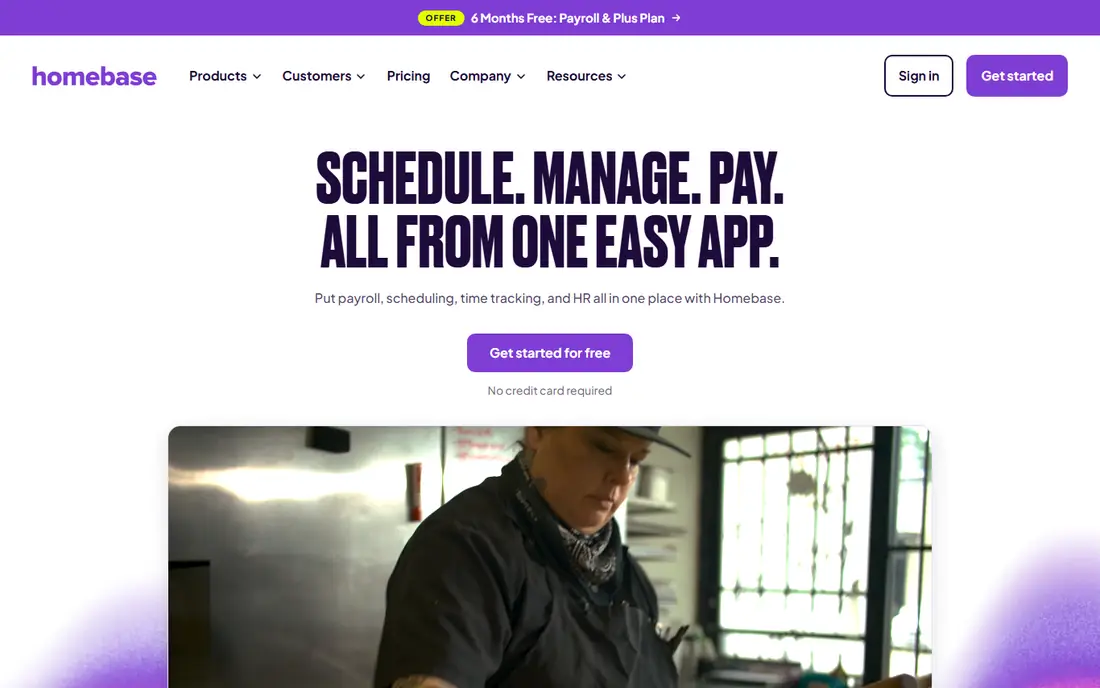
Homebase is our pick for most small businesses with hourly staff in one place, such as a cafe, shop or salon. The free plan covers scheduling and time tracking for up to 10 employees at one location, which is enough for many small teams to run without paying anything. Staff clock in from a phone or a tablet, managers approve timesheets, and the app flags overtime and missed breaks.
Paid plans add location clock in rules, hiring tools and payroll, with pricing per location rather than per user. That model is cheap for a larger single site team and costly for many small sites, so count locations before you compare. If you run one site, start free and upgrade only when you need the paid controls.
- Free for one location with up to 10 employees
- Scheduling, time clock and messaging in one app
- Payroll add on and QuickBooks links
- Paid plans are priced per location
- Advanced GPS and hiring features need paid tiers
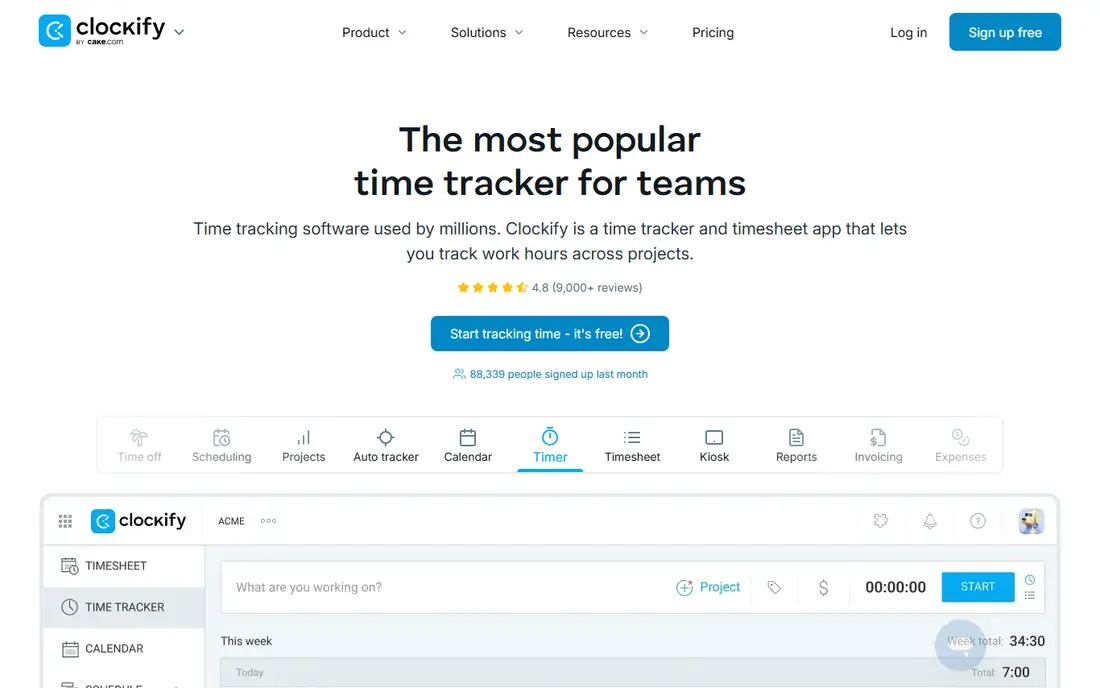
Clockify suits desk based and project teams that need a reliable clock without shift scheduling. Staff start a timer or fill a timesheet, managers review hours by project or client, and reports export for payroll or invoicing. The free plan covers small teams, which makes it a good test app before you commit to a paid tool.
The gap is shift work. Clockify does not schedule shifts, track breaks in the same way as Homebase or Deputy, or run payroll, so hourly retail and restaurant teams will likely outgrow it. For office, agency and freelance teams, that simplicity is a strength rather than a weakness.
- Free plan for small teams
- Simple timer, timesheet and kiosk modes
- Reports and project tracking included
- No built in scheduling or payroll
- GPS and advanced approvals need paid plans
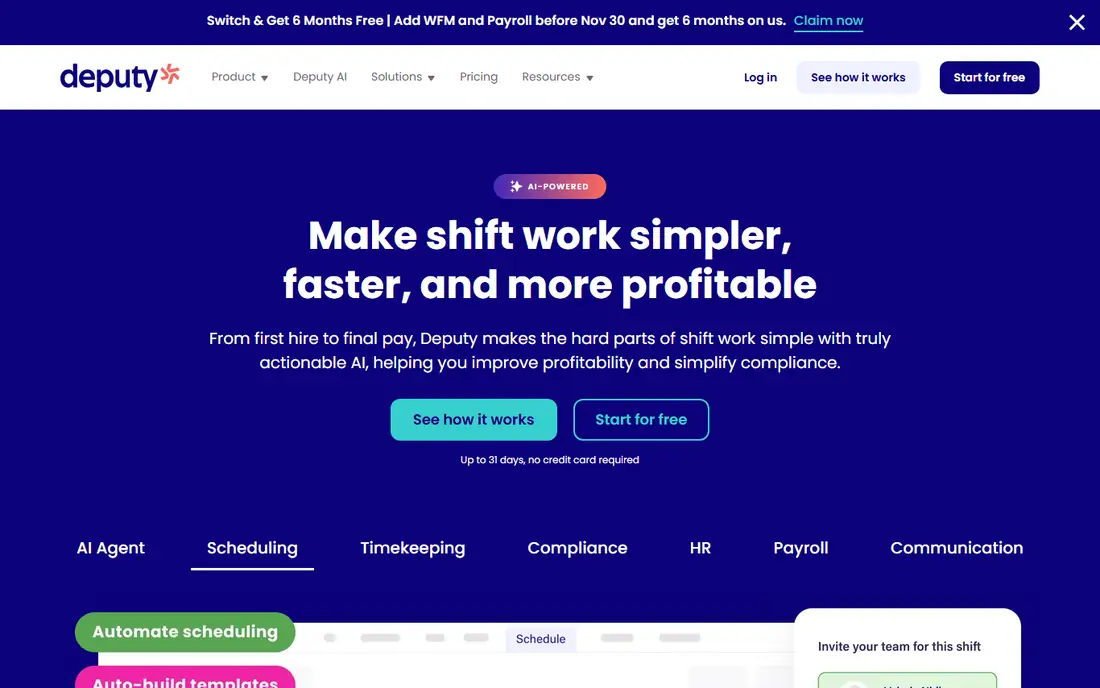
Deputy is built for restaurants, retail and care teams that juggle complex shifts, labor laws and wage rules. Managers build schedules against labor budgets, staff swap shifts in the app, and clock ins feed timesheets that respect break and overtime rules. A 31 day free trial gives a full month to test it on a real roster.
Pricing starts at 5 dollars per user per month for the Lite tier, with higher tiers for more controls, and a monthly minimum applies. That makes Deputy better for teams with at least a handful of staff than for a two person shop. If compliance mistakes cost you money today, Deputy is worth the trial.
- Strong scheduling with labor cost controls
- Break, overtime and award rule support
- Integrations with QuickBooks, Xero and ADP
- No free plan
- Monthly minimum can raise costs for tiny teams
QuickBooks Time, formerly TSheets, is the natural pick if you already pay for QuickBooks Online and QuickBooks Payroll. Hours, GPS locations, project time and time off flow into payroll without a manual export, which removes a weekly admin job and a common source of errors. The Premium tier costs 20 dollars per month plus 10 dollars per user, with a 30 day free trial.
Outside the QuickBooks world, that price is hard to justify, since the base fee sits on top of a QuickBooks Online subscription. If you do not use QuickBooks, pick Homebase, Deputy or Buddy Punch instead and export hours to your own payroll tool.
- Direct flow into QuickBooks Payroll
- GPS tracking and geofencing
- Kiosk mode and scheduling on paid tiers
- Needs a paid QuickBooks Online account
- Base plus per user pricing adds up fast
When I Work is the cheapest scheduling first option in this list, starting at 2.50 dollars per user per month, with a 14 day free trial. Managers post shifts, staff claim or swap them, and team chat keeps everyone in one place. For a shift heavy team that mainly needs a roster that staff actually read, it is hard to beat on price.
Time tracking sits as an add on rather than the core product, so check the combined price if you need detailed clock ins, GPS checks and overtime rules. If scheduling is the pain and payroll is handled elsewhere, When I Work is a strong, low cost pick.
- Low starting price for scheduling
- Easy shift swaps and team messaging
- Mobile apps for staff and managers
- Time tracking is an add on
- Advanced labor controls are thinner than Deputy
Buddy Punch leads on punch verification. Staff can clock in with a photo or facial check, and geofencing limits clock ins to approved locations, which cuts buddy punching and off site clock ins. Managers get overtime alerts, time off tracking and payroll ready exports, and the app works on phones, tablets and desktop.
Pricing is 19 dollars per month plus 4.99 dollars per user on annual billing, with a 14 day trial. That base fee makes it less cheap for a three person team, but for a team of 10 or more where false punches cost real money, the verification features can pay for themselves quickly.
- Facial recognition and photo clock ins
- Geofencing and GPS checks
- Overtime, PTO and payroll exports
- No free plan
- Base plus per user pricing suits larger small teams best
Connecteam is an all in one crew app for field, retail and service teams that live on phones. The free plan covers up to 10 users with a time clock, scheduling basics and team chat, which is enough for a small crew to test the full workflow. Paid plans start at 29 dollars per month for the first 30 users on annual billing and add GPS, geofences, forms and training tools.
If you want one app for clock ins, messages, checklists and schedules, Connecteam is a good fit. If you need deep labor rules or QuickBooks payroll flow, Deputy or QuickBooks Time will serve you better, and you can use Connecteam for communication alongside them.
- Free plan for up to 10 users
- Time clock, scheduling, chat and forms in one app
- GPS clock in on paid tiers
- Time clock depth is lighter than Deputy
- Best value needs the paid hub for larger teams
Jibble stands out because its free tier is not capped at a small team size in its published offer, which suits a growing team that wants verified clock ins without paying from day one. Facial recognition and GPS clock ins help confirm who clocked in and where, and timesheets export for payroll. Paid plans start from around 4.99 dollars per user per month for added controls.
Check the current free tier limits on the vendor site before rolling it out to a large team, since free offers change. For a cost sensitive team that needs verification more than scheduling depth, Jibble is worth a trial next to Homebase.
- Free clock ins for teams of any size in its published offer
- Facial recognition and GPS listed on the free tier
- Simple timesheets and reports
- Paid features and limits vary by plan
- Payroll integrations are lighter than QuickBooks Time
OnTheClock keeps things simple: 5 dollars per month plus 4 dollars per employee, with a 30 day free trial. Staff clock in from a phone or web kiosk with GPS checks, managers approve timesheets, and PTO tracking is built in. There is little to learn, which suits owners who want a clock that just works.
The trade off is breadth. You will not get the scheduling depth of Deputy, the free tier of Homebase or the crew tools of Connecteam. If your main need is a clean, GPS verified time card for payroll, OnTheClock is a solid, low fuss choice.
- Simple pricing and setup
- GPS verified punches
- Payroll ready timesheets and PTO tracking
- No free plan
- Feature range is narrower than Deputy or Homebase
How we picked these
We compared official pricing pages, free tier limits, clock in methods and payroll integrations, and we kept only apps that still operate in the US in 2026 and truly fit small business clock in work. We favored clear pricing and usable free or trial access, and we noted billing units plainly, since per location and per user pricing change the total cost for the same team.
How to choose the right time clock app
Start with how your team works. A single site hourly team should test Homebase free first. A desk team should test Clockify or Jibble. A shift team with complex labor rules should trial Deputy. A QuickBooks shop should trial QuickBooks Time. A team losing hours to buddy punching should trial Buddy Punch or Jibble for photo verified punches.
Set rules before you roll it out
Decide clock in locations, break rules, overtime thresholds and who approves timesheets before the first live week. Tell staff plainly what GPS data is collected and when, since trust matters for adoption. Run the new app alongside your old method for one pay period, compare totals, fix rule gaps, then switch payroll to the new export.
Frequently asked questions
What is the best time clock app for small business?
Homebase is our pick for most small businesses, because its free plan covers scheduling and time tracking for one location with up to 10 employees. Clockify suits desk teams, and Deputy suits shift teams with complex labor rules.
What is the best time clock software for small business with payroll?
QuickBooks Time is the best time clock software for small business teams already on QuickBooks Payroll, since hours flow straight into payroll. Homebase with its payroll add on and Deputy with its payroll integrations are strong alternatives outside QuickBooks.
What are the best time clock apps for small businesses with free plans?
Homebase, Clockify, Connecteam and Jibble all offer free plans, with different team size limits. Homebase fits single site hourly teams, Clockify fits desk teams, Connecteam fits mobile crews, and Jibble fits teams that want verified clock ins at no cost.
What is the best clock in app for small business with GPS?
Buddy Punch, QuickBooks Time and OnTheClock all offer GPS verified clock ins, with Buddy Punch adding facial checks. Pick Buddy Punch for verification strength, QuickBooks Time for payroll flow, and OnTheClock for simple pricing.
What is the best time clock app for small businesses with shift scheduling?
Deputy is the strongest shift scheduling pick here for labor controls and compliance, while When I Work is the cheapest scheduling first option. Homebase sits between them, with free scheduling for a single location team.
Sources
See where you really rank - block by block
ProMapRanker scans Google Maps across a grid of your service area. Simple monthly plans from $19, white-label on every plan.
Start freeKeep reading
 best tour operator software
Best Tour Operator Software in 2026
Compare the best tour operator software for bookings, channel management, waivers and payments, with pricing models for day tours and multi-day trips.
Read → best test automation tools
Best Test Automation Tools in 2026
Compare the best test automation tools, from Playwright and Selenium to Cypress, Katalon and BrowserStack, with prices, languages and best uses explained.
Read → best solutions for software documentation
Best Solutions for Software Documentation in 2026
Best solutions for software documentation compared, from GitBook and Mintlify to Docusaurus, with pricing, free plans and picks for developer teams in 2026.
Read →