 ProMapRanker
Podcast Recording and Editing Software: Best Picks of 2026

Spoken-word editing for journalists · Pricing starts at: $8.25 per user/month (billed yearly)
Direct answer
If you need Spoken-word editing for journalists, Hindenburg PRO is the first tool to look at here. Listed starting prices: Hindenburg PRO from $8.25 per user/month, Audacity from $0 and Podcastle from $11.99/month. Look at Audacity for free solo recording and editing, and at Podcastle for browser recording with AI editing tools. The remaining 3 options are covered below with prices and limits.
Choosing podcast recording and editing software usually comes down to price, fit and limits. This ProMapRanker guide sets 6 tools side by side on those three points, with the facts kept short and checkable.
Key takeaways
- Hindenburg PRO is the opening pick, best for Spoken-word editing for journalists.
- Only 5 of the 6 tools have a free plan (Audacity, Podcastle, Riverside, Descript, Zencastr), so check the caps.
- What to know about Riverside first: separate-track downloads capped at 15 hours per month on Pro.
- For the cheapest start, look at Hindenburg PRO: $8.25 per user/month.
Quick comparison
| Pick | Great for | Pricing starts at | Free tier | |
|---|---|---|---|---|
| Hindenburg PRO | Spoken-word editing for journalists | $8.25 per user/month (billed yearly) | Free trial | Visit |
 Audacity | Free solo recording and editing | $0 | Yes | Visit |
 Podcastle | Browser recording with AI editing tools | $11.99/month (billed annually) | Yes | Visit |
 Riverside | Remote guests on separate tracks | $24/month (billed annually) | Yes | Visit |
 Descript | Text-based audio and video editing | $16 per person/month (billed annually) | Yes | Visit |
 Zencastr | Free remote recording and hosting | Quote only | Yes | Visit |
Podcast Recording and Editing Software compared in detail
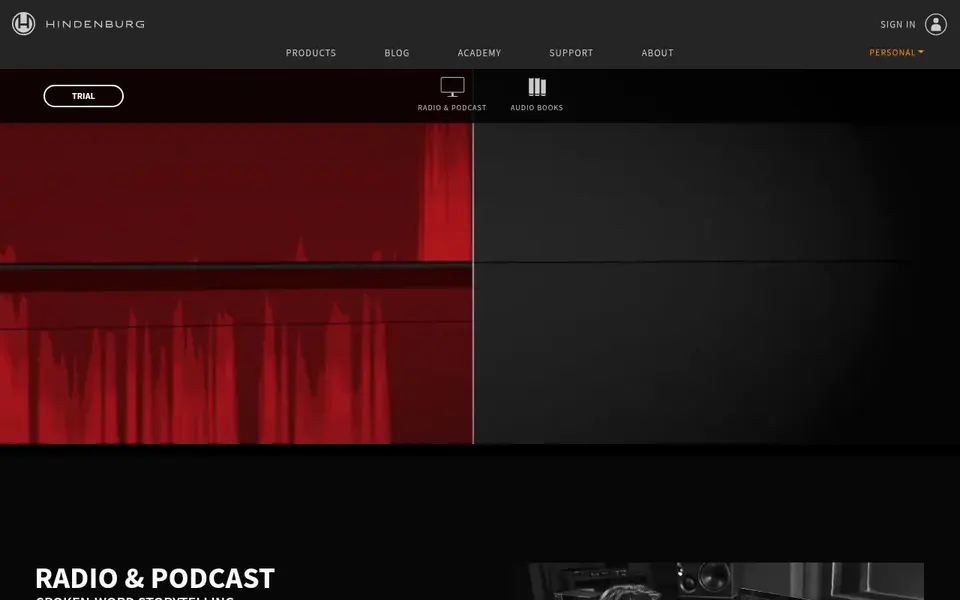
Hindenburg PRO targets Spoken-word editing for journalists. Plus costs $15 per user per month and adds 20 transcription hours, whereas Premium costs $30 per user per month and brings 50 transcription hours and premium Soundly access.
Where it falls short: transcription hours are restricted on the Standard level and cost more on Plus and Premium.
More specifically, one limit: the Standard level comes with no transcription hours, so you must move to Plus at $15 per month for 20 hours, or Premium for 50 hours. Hindenburg PRO pricing: $8.25 per user/month. On free options: Free trial.
- Designed for spoken-word and podcast editing
- Automatic loudness and voice profiler tools
- No free plan, only a trial
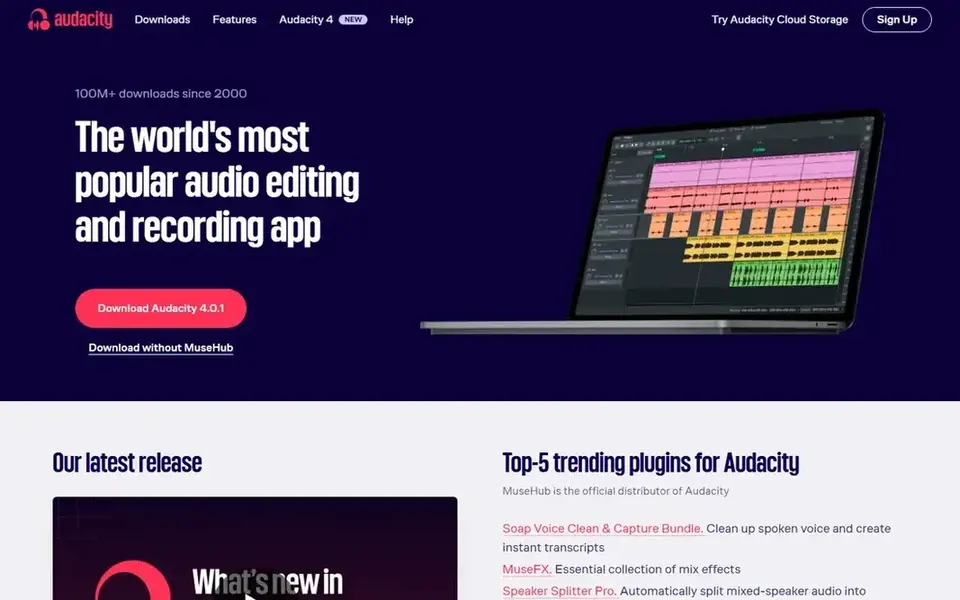
Audacity was built for free solo recording and editing. Audacity costs $0 and has no entry plan to upgrade from, since the full desktop editor is free and open source.
The main drawbacks: no built-in hosting or transcription.
From a buyer's view, record in a quiet room, edit out mistakes and long pauses, then export the finished file to your podcast host. Audacity cost at the entry level: $0. Free access exists with Audacity.
- Free and open source with no time limit
- Multitrack recording and editing on Windows, macOS, Linux
- No remote guest recording on separate tracks
Pick Podcastle if this describes you: browser recording with AI editing tools. Essentials costs $11.99 per month billed yearly and comes with 2 hours of recording, 450 AI credits a month, and 20GB of storage.
The free plan costs $0 and bundles 2GB of storage, 10 lifetime AI credits, 1 hour of lifetime remote recording, 1 hour of transcription, up to 720p v Also, Pro costs $23.99 per month billed yearly and bundles 20 hours of recording, 1,200 AI credits per month, and 120GB of storage. Entry price for Podcastle: $11.99/month. You can start on Podcastle without paying.
Trade-offs to know: Free plan lets only 1 hour of lifetime remote recording.
- Browser recording and editing with no install
- AI voices, transcription
- Credits reset each billing cycle and do not roll over
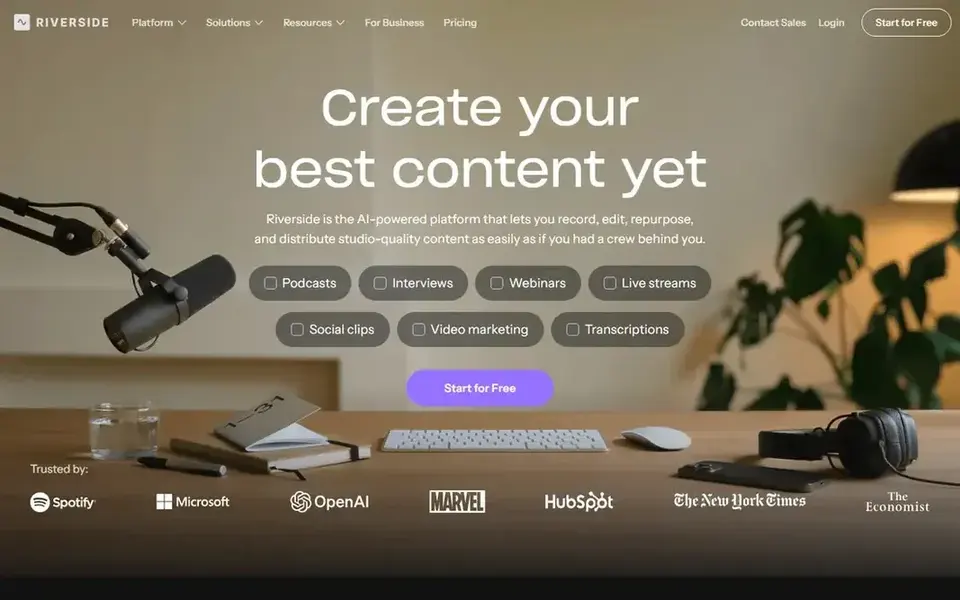
Pick Riverside if this describes you: remote guests on separate tracks. Riverside records each guest locally on their own device, then uploads the high-quality file. So a weak internet connection does not lower the audio quality of the finished episode.
From a buyer's view, choose Riverside if remote guests are the core of your present. From a buyer's view, the free plan hands 2 hours of multi-track recording as a one-time allowance at up to 720p with a watermark, plus unlimited single-track recording. Riverside starts at: $24/month. Riverside offers a free plan.
Honest limits: Separate-track downloads capped at 15 hours per month on Pro.
- Up to 4K video and uncompressed audio
- Separate local recording for each guest
- Additional editor seats are an add-on below Business
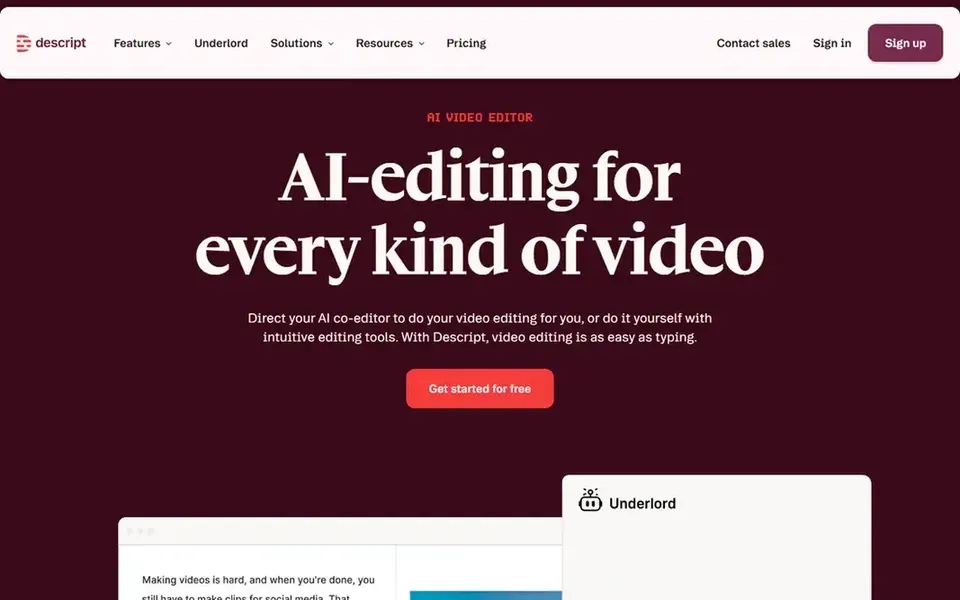
Descript serves text-based audio and video editing. Creator costs $24 per person per month billed yearly, or $35 monthly.
Watch-outs: free plan lets only 60 media minutes per month.
It comes with 30 media hours per month, 800 AI credits per month, 4K export, and full access to Underlord, the AI co-editor. Entry price for Descript: $16 per person/month. Descript has a free plan.
- Edit audio by editing the transcript
- Studio Sound and filler-word removal
- Media hours and AI credits are metered separately
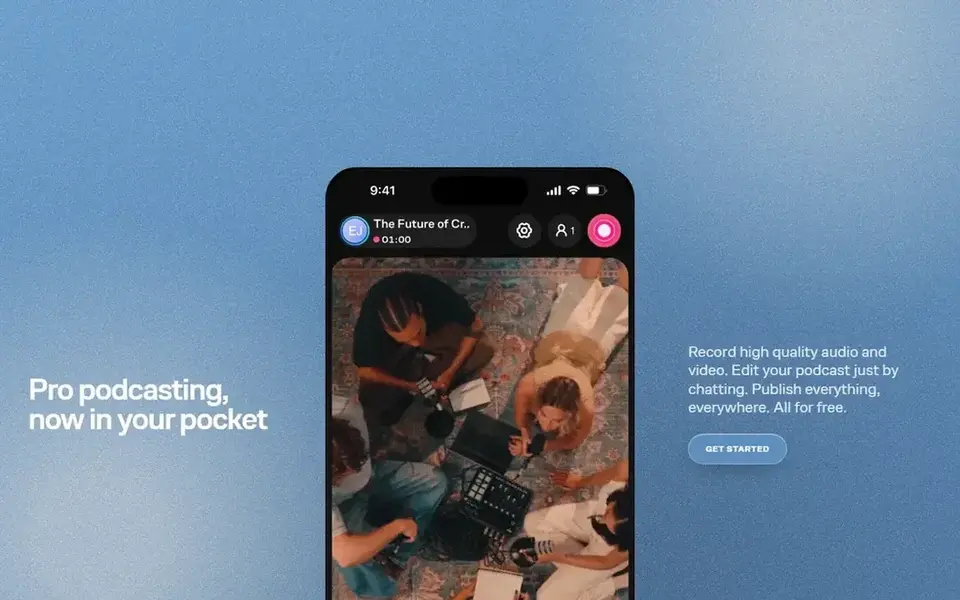
Zencastr makes the most sense for free remote recording and hosting. Choose Riverside if you want a clear upgrade path with listed prices and more separate-track download hours.
There is no list price for Zencastr, so a quote is the way in. A free plan is available with Zencastr.
Where it is weaker: upgrade path is a custom Enterprise quote through sales.
- Hosting for up to 5 presents
- Free Vibecastr plan with 4K video and unlimited transcription
- No self-serve entry price above the free plan
How these tools were picked
Pricing pages, product documentation and feature lists were the main sources, and every entry carries at least one honest drawback. Where a price is missing, the vendor does not list one publicly or ties it to a quote. Always confirm before budgeting. The order reflects how well each tool fits the most common buying scenario for podcast recording and editing software, then price clarity, then free plan access. It is a starting point, not a verdict.
Before you commit
- Get a written quote from Zencastr; the list shows no starting price for them.
- Check what the free option really includes: Audacity, Podcastle, Riverside and others offer a free plan, and usage caps differ.
- Run a trial of Hindenburg PRO with real work before paying for a year; your own workflow is the best test.
- Before choosing Hindenburg PRO, weigh its main limit: no free plan, only a trial.
- A short pilot of Riverside with your real workflow tells you more than a feature table.
- List the apps you already depend on and check that Zencastr supports each one on the plan you would buy.
Frequently asked questions
Do these tools publish their prices?
Not all of them. Zencastr publishes no starting price, so expect a quote request for it. The rest, Hindenburg PRO included, show a starting price, though seats and billing terms still change the final cost.
Is Hindenburg PRO the right pick for everyone comparing podcast recording and editing software?
No single tool suits every team. Hindenburg PRO comes first because it fits Spoken-word editing for journalists, while Audacity suits free solo recording and editing and Podcastle suits browser recording with AI editing tools. Match the tool to your own size, budget and workflow before deciding.
How are the tools for podcast recording and editing software ordered?
The order follows typical fit for podcast recording and editing software, with Hindenburg PRO first and Zencastr last, then price clarity and free access. It is editorial judgement, not a score, so another team could rank the tools differently.
Which podcast recording software is a good match for remote guests?
Hindenburg PRO comes first here and is built for Spoken-word editing for journalists. Buyers with other needs may prefer Audacity (for free solo recording and editing) or Podcastle (for browser recording with AI editing tools). Compare costs and limits first.
Which options for podcast recording and editing software have a free plan?
Audacity, Podcastle, Riverside, Descript and Zencastr offer a free plan in this list. Free plans usually cap users, projects or features, so check the limits on the vendor page. One other tool offers a trial instead.
Sources
See where you really rank - block by block
ProMapRanker scans Google Maps across a grid of your service area. Simple monthly plans from $19, white-label on every plan.
Start freeBrowse all guides
← Best AI Tools for Generating Long Videos (2026)Podcast Software W Simple UI: 7 Options Compared in 2026 →
 best webinar software for franchises
Webinar Software for Franchises: Best Picks of 2026
Searching for the best webinar software for franchises? Here are 5 options with prices and free plans. Weaknesses are named for every tool. Costs up front.
Read → best video conferencing software for franchises
Best Video Conferencing Software for Franchises in 2026
Searching for the best video conferencing software for franchises? Here are 6 options with prices and free plans. Pros and cons for every tool. Plain facts.
Read → best tool to fix blurry videos
Best Tool to Fix Blurry Videos in 2026
Looking for the best tool to fix blurry videos? We compare 8 real options for phones and computers, with honest limits on what each tool can restore now.
Read → best agriculture software
Best Agriculture Software in 2026
We compared the best agriculture software for farm planning, field records, livestock, and precision data, checking fit by farm type and pricing models.
Read → best platforms for webinars
Best Platforms for Webinars in 2026
We compared the best platforms for webinars for live, automated, and education events, covering attendee limits, engagement tools, and pricing for 2026.
Read → best remote podcast recording software
Comparing 5 Remote Podcast Recording Software Options in 2026
Weighing the best remote podcast recording software? We lined up 5 products by cost, free access and fit. Plain-spoken summaries throughout. Quick to scan.
Read →More in Video, Audio & Podcasts · All guides A to Z by date · Latest guides