 ProMapRanker
Best Platforms for Webinars in 2026

Key takeaways
- WebinarJam is our pick for coaches and course sellers who run live sales webinars, thanks to low starting pricing and built-in offer tools.
- Demio suits marketing teams that want a no-download, interactive room with polls, handouts, and calls to action.
- Livestorm suits B2B teams that want browser-based events, CRM links, and pricing tied to attendance rather than a flat host fee.
- GoTo Webinar and Zoom Webinars suit larger, training-heavy, or enterprise programs where reliability and capacity matter most.
- Education buyers should check breakout rooms, Q and A moderation, captions, and recording access before choosing on price alone.
Quick comparison
| Pick | Great for | Pricing starts at | Free tier | |
|---|---|---|---|---|
 WebinarJam | Live sales webinars | $39 per month | Free trial | Visit |
 Demio | Interactive marketing webinars | $45 per month | Free trial | Visit |
 Livestorm | Browser-based B2B events | See website | Yes | Visit |
 GoTo Webinar | Training and conferences | $59 per month | Free trial | Visit |
 Zoom Webinars | Large audiences | See website | No | Visit |
 Webex Webinars | Enterprise security | See website | No | Visit |
 BigMarker | Hybrid events and summits | See website | Free trial | Visit |
 ClickMeeting | Trainers and educators | $30 per month | Free trial | Visit |
 EasyWebinar | Live plus automated funnels | $44 per month | Free trial | Visit |
The best platforms for webinars
A webinar platform has to do more than stream video. Registration pages, reminders, polls, Q and A, handouts, replay access, and CRM follow-up decide whether an event turns into leads, students, or paying customers. The nine platforms below cover live sales events, marketing webinars, education, automated replays, and enterprise programs.
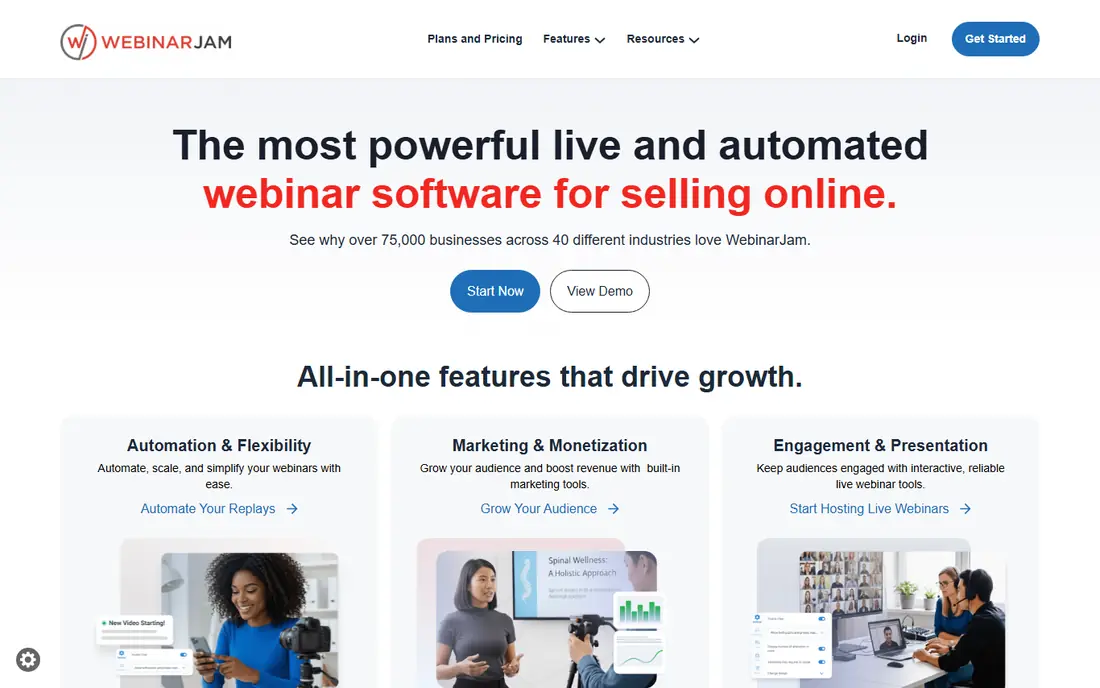
WebinarJam is built for a specific moment, which is a live presenter making an offer to a warm audience. Polls, chat, Q and A, handouts, and on-screen offers sit in the same room, so a coach or course seller does not need a separate checkout or timer tool. The Starter plan, at $39 per month billed annually for 100 attendees, keeps the entry cost lower than most enterprise platforms.
The sales focus is also the limit. Formal training teams, schools, and compliance programs may find the room too promotional and the reporting thinner than enterprise tools. There is no free tier, only a low-cost trial, so test a full rehearsal before a paid launch. For live sales webinars, WebinarJam remains the most purpose-built choice in this list.
- Built for live selling with offers, polls, and scarcity tools
- Starter plan covers 100 attendees at a low monthly price
- Active chat and Q and A during sessions
- No permanent free plan, only a $1 trial for 14 days
- Attendee caps rise with price
- Interface is sales-focused, not ideal for formal training
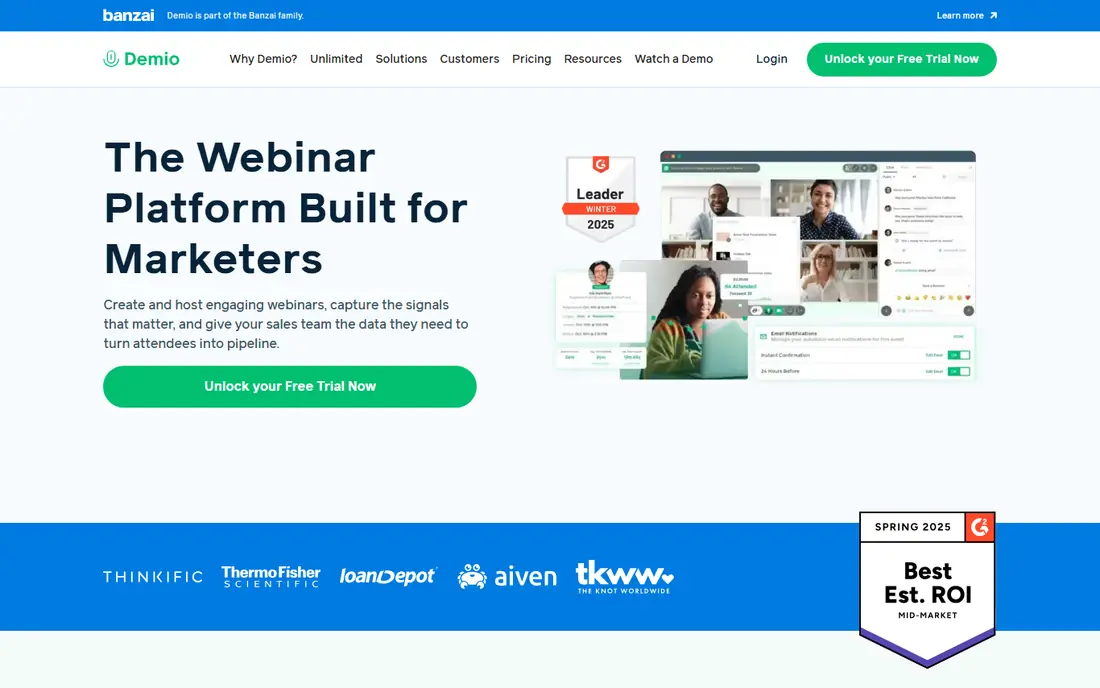
Demio suits marketing teams that want a modern room without attendee downloads. Attendees join from a browser, answer polls, download handouts, click featured actions, and come on stage when the host invites them. Registration pages and reminder emails are built in, which helps small marketing teams run a full campaign without extra tools.
Pricing starts around $45 per month billed annually for the Starter plan with one host and 50 attendees, and some listings show a higher monthly rate for shorter billing periods. That cap means growing audiences need a larger tier fairly soon. For teams that value a clean attendee experience and interactive marketing tools over massive capacity, Demio is a strong pick.
- No-download browser room for attendees
- Polls, handouts, featured actions, and bring-to-stage options
- Clean registration and reminder flow
- Starter plan covers only 50 attendees
- Higher attendee tiers cost more
- No permanent free plan, only a 14-day trial
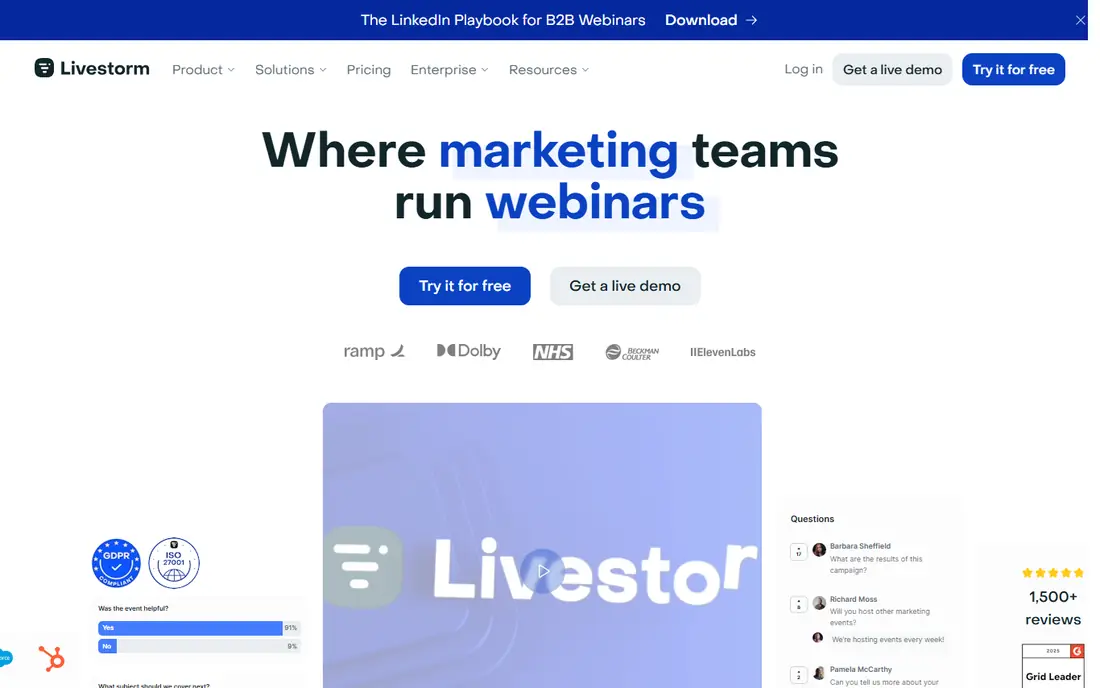
Livestorm appeals to B2B teams that run webinars as part of a pipeline, not as a one-off stream. Events run in the browser, registration and email sequences are built in, and HubSpot, Salesforce, and other CRM links push attendance and engagement data to sales. Unlimited team members on paid plans also help larger marketing teams share hosting duties.
Pricing needs a careful read, since Livestorm has moved toward plans priced by attendee volume, with recent listings showing Pro pricing from around $3 per attendee and older monthly plans near $79 to $105 per month. A limited free plan lets you test the room before buying. If your team runs regular B2B webinars and wants CRM follow-up, Livestorm is worth a trial, but confirm the current attendee pricing for your expected audience size.
- Browser-based events with no attendee downloads
- Unlimited team members on paid plans
- CRM integrations and engagement analytics
- Pricing model has shifted toward attendee-based plans, so totals vary
- Free plan has limits on registrants and session length
- Advanced features sit on higher tiers
GoTo Webinar is the steady choice for training teams and companies running repeated sessions. It handles registration, reminders, live polls, Q and A, surveys, and handouts in a familiar workflow, and GoTo Stage channel pages help organize recorded sessions into a library.
The corporate feel is the trade-off. Marketing teams that want a flashy, interactive room may prefer Demio or Livestorm, and the $59 per month billed annually Reach plan, for one organizer and 500 participants, is not the cheapest entry point. For reliability, training scale, and a long track record, GoTo Webinar remains a safe enterprise-friendly pick.
- Reliable platform for training and multi-session events
- Polls, Q and A, surveys, and handouts
- Channel pages for recorded webinar libraries
- Interface feels more corporate than modern rivals
- Reach plan covers 500 participants at $59 per month
- Advanced analytics sit on higher tiers
Zoom Webinars suits organizations already standardized on Zoom. Attendees know the controls, hosts know the settings, and IT teams already manage the accounts, which removes a large share of event-day support. Polls, Q and A, chat, reactions, and breakout-style features cover most live event needs, and capacity scales to tens of thousands for large programs.
Pricing is the complication. Webinar plans are attendee-tiered and sit on top of a Zoom Workplace Pro license, with recent listings showing around $66.67 per month billed annually for 500 attendees plus the Workplace license cost. There is no free webinar plan. If your company already pays for Zoom, adding Webinars is often the lowest-friction path. If not, a standalone platform may cost less for small audiences.
- Familiar Zoom experience for hosts and attendees
- Scales to very large audiences
- Polls, Q and A, chat, and reactions included
- Requires a Zoom Workplace license in addition to webinar pricing
- No free plan
- Attendee-tiered pricing needs a quote for large events
Webex Webinars fits large enterprises with strict security, compliance, and IT governance needs. Cisco integration, admin controls, and large-event production tools suit global town halls, compliance training, and regulated industry events. For organizations that already run Cisco collaboration tools, Webex keeps webinar data inside a familiar, managed environment.
Solo creators and small teams will find the path heavier. Pricing is custom and requires a sales conversation, setup leans on IT administration, and there is no free tier for casual testing. If security review and enterprise scale drive the decision, Webex belongs on the shortlist. If price and speed drive the decision, start with Demio, WebinarJam, or ClickMeeting instead.
- Strong security and compliance posture for large enterprises
- Cisco ecosystem integration
- Large event capacity and production features
- Custom pricing requires a sales conversation
- Interface and setup suit IT-managed programs more than solo creators
- No free plan
BigMarker covers the full event range, from a single live webinar to a multi-day hybrid summit with parallel sessions. Automated and on-demand replays sit alongside live events, and custom branding, in-player forms, polls, and offers help marketing teams capture leads during playback. That breadth suits companies that run webinars as an ongoing program, not a single launch.
Custom pricing is the main friction, since many listings show quote-based plans rather than a single starter rate, with older guides citing around $79 per month as a starting point. Trial access helps, but budget planning needs a sales conversation for larger audiences. For summits, series, and hybrid programs, BigMarker is a strong contender. For one monthly webinar, a simpler priced tool is easier to justify.
- Live, automated, and on-demand webinars in one platform
- Hybrid event and summit features
- Custom branding and in-player offers and forms
- Pricing is custom in many listings, so budgeting needs a quote
- Feature depth takes setup time
- Smaller teams may not need summit tools
ClickMeeting is a practical pick for trainers, educators, and consultants. Whiteboard, breakout rooms, polls, surveys, Q and A, and screen sharing cover classroom-style teaching, while automated webinars and paid event options help course sellers run replays and ticketed sessions. The Live plan starts from around $30 per month for 25 attendees, which keeps small classes affordable.
Capacity is the limit to watch. A 25-attendee starter tier suits tutoring and small workshops, but a growing course audience will need a larger plan quickly. The interface is functional rather than polished, yet that plainness helps learners focus on content. For education-first webinars, ClickMeeting gives teaching tools at a price many rivals cannot match at the entry level.
- Teaching tools including whiteboard, breakout rooms, polls, and surveys
- Automated and paid webinar options
- Lower starting price than many rivals
- Starting Live plan covers only 25 attendees
- Higher attendee tiers cost more
- Interface is functional rather than flashy
EasyWebinar suits course creators and demand generation teams that want live events and automated replays in one system. Run a live session, then turn the recording into an automated funnel with just-in-time scheduling, so new leads can join at a convenient local time. Built-in CRM and email tools reduce the need for separate automation software.
The Launch plan starts at $44 per month for 50 live attendees, with higher tiers for larger audiences and more automated webinars. Setup matters, since an automated funnel with weak follow-up emails will underperform a simple live event. Test the live room first, then build automation only after the content and offer prove themselves. For creators who sell through webinars regularly, EasyWebinar combines live and evergreen work in one place.
- Live and automated webinars in one funnel tool
- Just-in-time scheduling and local timezone streaming
- Built-in CRM and email tools
- Launch plan covers 50 live attendees
- No permanent free plan, only a 7-day trial
- Automated features need setup to run well
How we picked these
We compared official pricing pages, feature pages, and current webinar guides for platforms live in October 2026. We kept platforms that host live webinars as a core job, with registration, engagement, and replay or analytics features, and we excluded pure meeting apps and pure streaming tools without webinar registration. Where pricing is attendee-tiered or quote-based, we said so rather than printing a single figure that would mislead larger or smaller buyers.
How to choose for your event type
Match the platform to the event, not to the brand you already know. A sales webinar needs offers, polls, and fast follow-up. A training program needs breakout rooms, attendance tracking, and a recording library. An education course needs whiteboards, Q and A moderation, and captions. An enterprise town hall needs security review, capacity, and IT support. Write those needs down before comparing prices, since the cheapest tool that misses a required feature costs more in lost registrations.
Rehearse with real attendees, not just staff. Test registration, reminder emails, join links, audio, screen sharing, polls, and the replay page on the devices your audience actually uses. Check captions, recording access, and data handling, especially for education and healthcare audiences. A platform that looks smooth in a demo can still fail when fifty attendees join from phones on mobile data.
Live, automated, and hybrid in plain terms
Live means a presenter runs the session in real time with chat and Q and A. Automated means a recording plays on a schedule with timed polls and offers, often called evergreen. Hybrid means some attendees join in person and others join online, with shared Q and A and content. Many platforms cover live well, fewer cover automated funnels well, and summit tools matter only if you run multi-session events.
Pricing traps to check before you buy
Attendee caps, host limits, session length limits, and recording storage all change the real cost. A low monthly rate for 50 attendees becomes expensive at 500 attendees, and a per-attendee plan can punish a popular event. Confirm what happens when you exceed a cap, whether replays count toward limits, and whether a trial requires a card. For education buyers, also confirm student data handling and accessibility features before signing an annual plan.
Frequently asked questions
What is the best webinar platform?
WebinarJam suits live sales webinars, Demio suits interactive marketing webinars, and Livestorm suits browser-based B2B events. GoTo Webinar and Zoom Webinars suit larger training and enterprise programs. The best platform depends on audience size, event type, and whether you need live, automated, or hybrid sessions.
What is the best platform to host a webinar for education?
ClickMeeting suits trainers and educators with whiteboard, breakout rooms, polls, and surveys at a lower starting price. Livestorm and GoTo Webinar also suit education programs with browser access, registration, and recording libraries. Check captions, breakout moderation, and student data handling before choosing, since those features matter more than a low headline price.
What is the best free webinar platform?
Livestorm offers a limited free plan for testing browser-based events, while most rivals offer trials rather than permanent free tiers. ClickMeeting, Demio, GoTo Webinar, WebinarJam, and EasyWebinar offer free trials of varying lengths. For a truly free live session with a small group, a meeting app may work, but it will lack registration, polls, and webinar analytics.
Is Zoom good for webinars?
Yes, if your organization already uses Zoom and needs large capacity. Zoom Webinars adds registration, polls, Q and A, and large audience tiers to a familiar meeting experience. It requires a Workplace license plus webinar pricing, and it has no free webinar plan, so small teams may find standalone platforms cheaper.
How much does a webinar platform cost?
Starting prices in this list range from about $30 per month for ClickMeeting Live to $59 per month for GoTo Webinar Reach, billed annually, with WebinarJam at $39 and Demio at $45 per month in similar terms. Zoom, Webex, Livestorm, and BigMarker use attendee-tiered or custom pricing, so confirm a quote for your audience size before budgeting an annual plan.
What is the difference between live and automated webinars?
A live webinar runs in real time with a presenter, chat, and Q and A. An automated webinar plays a recording on a schedule, often with timed polls and offers, so leads can join without a live host. EasyWebinar, BigMarker, and Demio cover automated replays alongside live events, while most platforms in this list focus first on live sessions.
Sources
See where you really rank - block by block
ProMapRanker scans Google Maps across a grid of your service area. Simple monthly plans from $19, white-label on every plan.
Start freeKeep reading
 zscaler alternatives
Best Zscaler Alternatives in 2026
Looking for zscaler alternatives? We compare 9 SASE and zero trust platforms on architecture, data protection, pricing, and fit for your network and team.
Read → zapier alternatives free
Best Zapier Alternatives Free in 2026
Nine automation tools for zapier alternatives free in 2026, all with genuinely free tiers, plus free plan limits, starting prices and upgrade paths explained.
Read → which platform is best for online reputation
Which Platform Is Best for Online Reputation in 2026
Wondering which platform is best for online reputation? We compare 8 review, listing, and response tools for small and multi-location businesses and agencies.
Read →