 ProMapRanker
Best Team Calendar Software for Agencies (2026)

Time tracking with invoicing · Pricing starts at: $9 per seat a month
Direct answer
If you need time tracking with invoicing, Harvest is the first tool to look at here. Listed starting prices: Harvest from $9 per seat a month, Calendly from $10 per seat a month and Resource Guru from $5 per person per month. If your case is different, Calendly suits automatic client and team scheduling and Float suits visual resource planning and scheduling. Details, prices and limits for the rest of the 5 tools are below.
ProMapRanker compared 5 team calendar software for agencies. The goal is a practical shortlist: published prices, free plan facts, best-fit use cases and honest limits for every entry.
Key takeaways
- This list starts with Harvest, which is built for time tracking with invoicing.
- 2 of 5 tools offer a free plan: Harvest, Calendly.
- Resource Guru is the one to check for Resource management and scheduling.
- Resource Guru is the lowest-priced starter here at $5 per person per month.
- One limit worth knowing about Calendly: restricted project management features.
Quick comparison
| Pick | Great for | Pricing starts at | Free tier | |
|---|---|---|---|---|
| Harvest | Time tracking with invoicing | $9 per seat a month | Yes | Visit |
 Calendly | Automatic client and team scheduling | $10 per seat a month | Yes | Visit |
 Float | Visual resource planning and scheduling | See website | Free trial | Visit |
 Google Calendar | Shared scheduling within Google Workspace | See website | Not stated | Visit |
 Resource Guru | Resource management and scheduling | $5 per person per month | Free trial | Visit |
The best team calendar software for agencies

Where Harvest fits: time tracking with invoicing. Harvest is not a full team calendar or resource management system. It gives you restricted scheduling views and does not offer capacity planning.
Where it falls short: Restricted calendar scheduling.
On top of that, the tool is loved by numerous companies for its simplicity and effectiveness. In practice, Harvest is time tracking and management software with capable reporting and simplified online invoicing. It helps agencies track billable hours, produce invoices, and understand project profitability. Harvest cost at the entry level: $9 per seat per month. Free access exists with Harvest.
- Merges time tracking and invoicing
- Easy reporting
- May not replace full resource planning
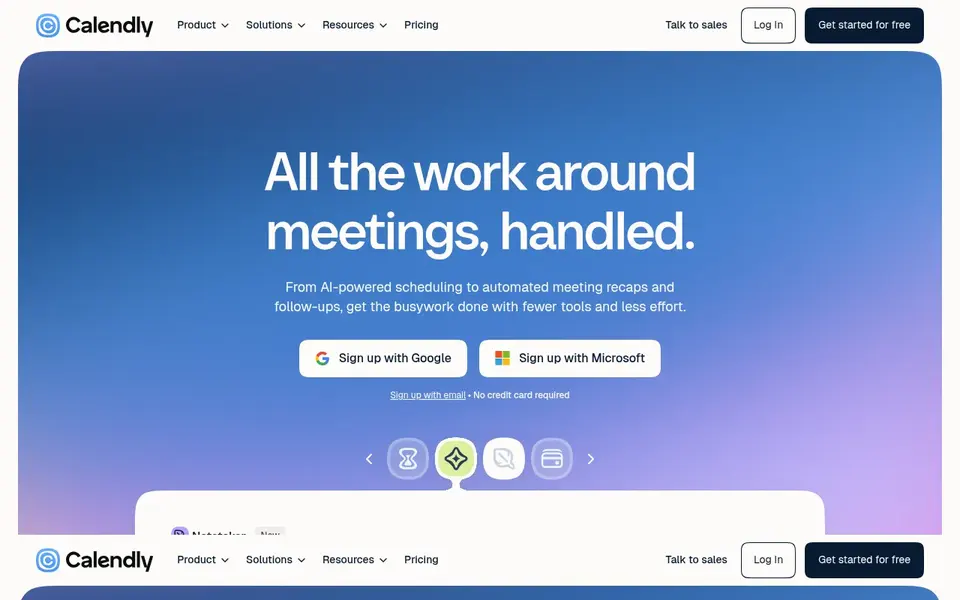
Calendly serves automatic client and team scheduling. Calendly is meeting scheduling software that eases the work around meetings, from scheduling and payments to meeting prep and follow-up. It links with your existing calendars to avoid double-booking and lets clients book time with your team automatically.
In daily use, if your agency needs integrated time tracking and invoicing, Harvest could be a better fit, whereas Resource Guru offers more solid resource planning. As for the details, Calendly centres on scheduling instead of full project or resource management. It may not offer the depth needed for tracking team capacity or project timelines. On cost, Calendly starts like this: $10 per seat per month. A free plan is available with Calendly.
Limits to weigh: May need premium plan for advanced choices.
- Automates meeting scheduling
- Cuts back-and-forth emails
- Limited project management features
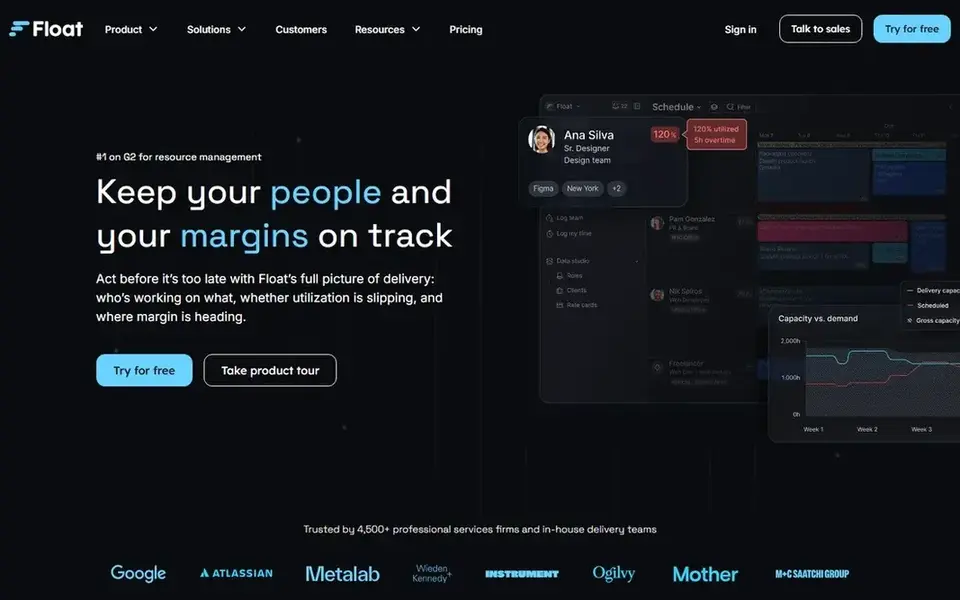
Float is aimed squarely at visual resource planning and scheduling. Float is resource management software that gives you a clear view of who is working on what and whether things are on track. The visual timeline makes it simple to see team availability and project assignments.
Limits to weigh: May need training for full use.
As for the details, Float does not bundle time tracking or invoicing, so agencies that require those features will need extra tools. It also may have a ramp-up time for teams new to resource management. This comparison lists no price for Float; ask the vendor. Trial and free access: Free trial.
- Clear view of who is working on what
- Helps track project progress
- Limited financial features
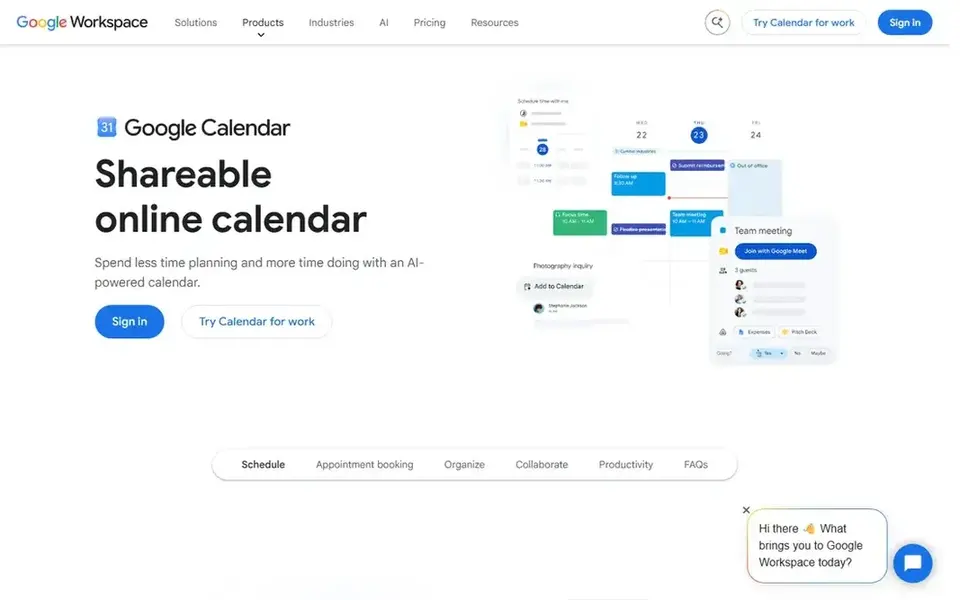
Where Google Calendar fits: shared scheduling within Google Workspace. Agencies with complicated project scheduling needs may outgrow it. Teams can share calendars, set up meetings, and handle both business and personal schedules in one place.
The main drawbacks: Restricted advanced resource management.
Even so, Google Calendar lacks dedicated resource management features like capacity planning or utilization tracking. In practice, if you have to manage billable hours or allocate specialized equipment, consider a tool like Resource Guru or Float instead. Google Calendar does not show a starting price in this comparison, so check the vendor site for current pricing. As for free access: Not stated.
- Simple to share calendars and schedule meetings
- Widely used and familiar interface
- May need Google Workspace for full features
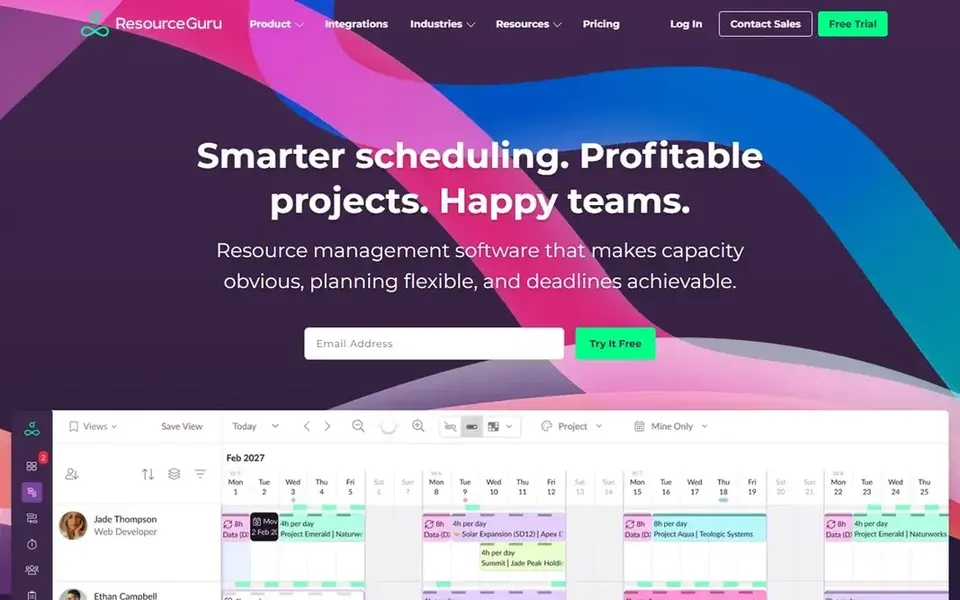
Where Resource Guru fits: Resource management and scheduling. Resource Guru centres on resource scheduling instead of time tracking or invoicing. Also, Resource Guru is resource management and scheduling software that provides agencies a clear view of who is working on what.
What to check first: Restricted time tracking features.
It helps allocate people and equipment, avoid conflicts, and plan capacity. For everyday use, the system is meant to be adaptable and accurate, making it right for agencies with several projects and shared resources. In practice, agencies that require integrated billing may have to pair it with another tool like Harvest. Resource Guru starts at: $5 per person per month. On free options: Free trial.
- Clear resource management
- Adaptable scheduling
- May be overkill for small teams
What went into this list
Selection started from tools commonly considered for team calendar software for agencies, then narrowed to 5 that have clear pricing information or a clear quote process. Prices and plan limits come from vendor pages and can change, so confirm them on the vendor site before you buy. Order on the page follows fit for the typical buyer first, then price transparency and free access. Your own requirements should decide the final pick.
Things to verify first
- Confirm the entry price on the vendor page. For Float and Google Calendar that means a quote rather than a fixed price.
- Check what the free option really includes: Harvest and Calendly offer a free plan, and usage caps differ.
- Use real work to test the free trial from Float and Resource Guru, rather than a demo project.
- Before choosing Harvest, weigh its main limit: restricted calendar scheduling.
- Pick one real project and run it in Harvest first; a small pilot shows fit faster than a checklist.
- Look at the renewal terms for Resource Guru: auto-renewal, notice periods and price changes can matter more than the first-year price.
Frequently asked questions
What is the cheapest option for team calendar software for agencies in this list?
On published monthly entry prices, Resource Guru is the lowest here at $5 per person per month. Entry price is only part of the cost, because seats, add-ons and billing terms can change the total. Prices, free plan details and limits for all 5 tools in this team calendar software for agencies roundup sit on the individual cards above.
Is Harvest the right pick for everyone comparing team calendar software for agencies?
No single tool suits every team. Harvest comes first because it fits time tracking with invoicing, while Calendly suits automated client and team scheduling and Float suits visual resource planning and scheduling. Match the tool to your own size, budget and workflow before deciding.
Can I try these tools before paying?
Often, yes. Harvest and Calendly have a free plan and Float and Resource Guru offer a free trial. Use your own data and a real task during the test, and check what the free tier or trial limits before you rely on it.
What is the best team calendar software for agencies?
The first pick on this list is Harvest, because it suits time tracking with invoicing. Calendly is better for automated client and team scheduling, and Float for visual resource planning and scheduling. Check price and limits against your own needs before choosing.
Which options for team calendar software for agencies have a free plan?
On this list, Harvest and Calendly include a free plan. Caps on seats, usage or features are common, so test the free plan against your real workload. Several others offer a trial instead.
Sources
See where you really rank - block by block
ProMapRanker scans Google Maps across a grid of your service area. Simple monthly plans from $19, white-label on every plan.
Start freeBrowse all guides
← Best Resource Allocation Software for Agencies in 2026Best Content Analytics Software for Remote Teams in 2026 →
 best enterprise content collaboration platforms
Best Enterprise Content Collaboration Platforms (2026)
6 best enterprise content collaboration platforms, with entry costs, free tiers and the buyer each one serves. Concise write-ups of every option. Decide faster.
Read → best content collaboration software
Content Collaboration Software: Best Picks of 2026
Best content collaboration software: 6 tools compared on price, free plans and fit. For docs blended with tables and apps, begin with Coda. Prices included.
Read → best ai platforms for managing content workflows
Best AI Platforms for Managing Content Workflows in 2026
Best AI platforms for managing content workflows: 5 tools compared on price, free plans and fit. Each pick comes with its main catch. See the full list.
Read → best internal wiki software
Top 7 Internal Wiki Software Options for 2026, Compared
Shortlisting the best internal wiki software? 7 products compared on cost, free access and ideal buyer. Clear notes on pricing gaps and limits. See which fits.
Read → one note alternatives
Best One Note Alternatives in 2026
Searching for one note alternatives? We compare 9 note apps on free plans, handwriting, sync, privacy, and which student, writer, or team each suits best.
Read → vmware alternatives
Best VMware Alternatives in 2026
Compare the best VMware alternatives, from free open source hypervisors to enterprise platforms, with pricing, migration notes, and help choosing a replacement.
Read →More in Project Management & Productivity · All guides A to Z by date · Latest guides