 ProMapRanker
Top 7 Internal Wiki Software Options for 2026, Compared


Small teams that want the simplest possible shared wiki · Pricing starts at: Free (50 items, 2GB); Starter $5/user/month (billed yearly, $6 month-to-month)
Key takeaways
- Top of the list is Nuclino, which targets small teams that want the simplest possible shared wiki.
- For teams that want a knowledge base that stays accurate on its own, Slite is worth a look.
- Tettra is the lowest-priced starter here at $4/user/month.
- What to know about Tettra first: the 10-user minimum means $40 per month is the floor even for tiny teams.
Direct answer
Nuclino is the first pick on this list for small teams that want the simplest possible shared wiki. Look at Confluence for teams already using Jira or another Atlassian product, and at Guru for enterprises that want verified knowledge delivered inside Slack, Teams and AI tools. The remaining 4 options are covered below with prices and limits.
Quick comparison
| Pick | Great for | Pricing starts at | Free tier | |
|---|---|---|---|---|
| Nuclino | Small teams that want the simplest possible shared wiki | Free (50 items, 2GB); Starter $5/user/month (billed yearly, $6 month-to-month) | Yes | Visit |
 Confluence | Teams already using Jira or another Atlassian product | Free (up to 10 users); Standard $5.42/user/month | Yes | Visit |
 Guru | Enterprises that want verified knowledge delivered inside Slack, Teams and AI tools | See website (tailored engagement, scoped per organization) | No | Visit |
 Tettra | Teams that require answers they can trust, with named experts behind them | $4/user/month (Basic, 10-user minimum; Scaling $8) | Free trial (30 days) | Visit |
 Notion | Teams that want a wiki plus docs | Free; Plus $10/user/month (billed annually, $12 month-to-month) | Yes | Visit |
 Document360 | Support and product teams publishing customer-facing and internal knowledge bases | See website (custom quote) | Free trial (14 days) | Visit |
 Slite | Teams that want a knowledge base that stays accurate on its own | $10/user/month (Basic; Pro $20) | Free trial (14 days) | Visit |
Our 7 picks for internal wiki software
ProMapRanker put together this guide to internal wiki software for readers who want a clear shortlist without reading every vendor page. It compares 7 tools on starting price, free plans, who each one suits and where each one falls short.
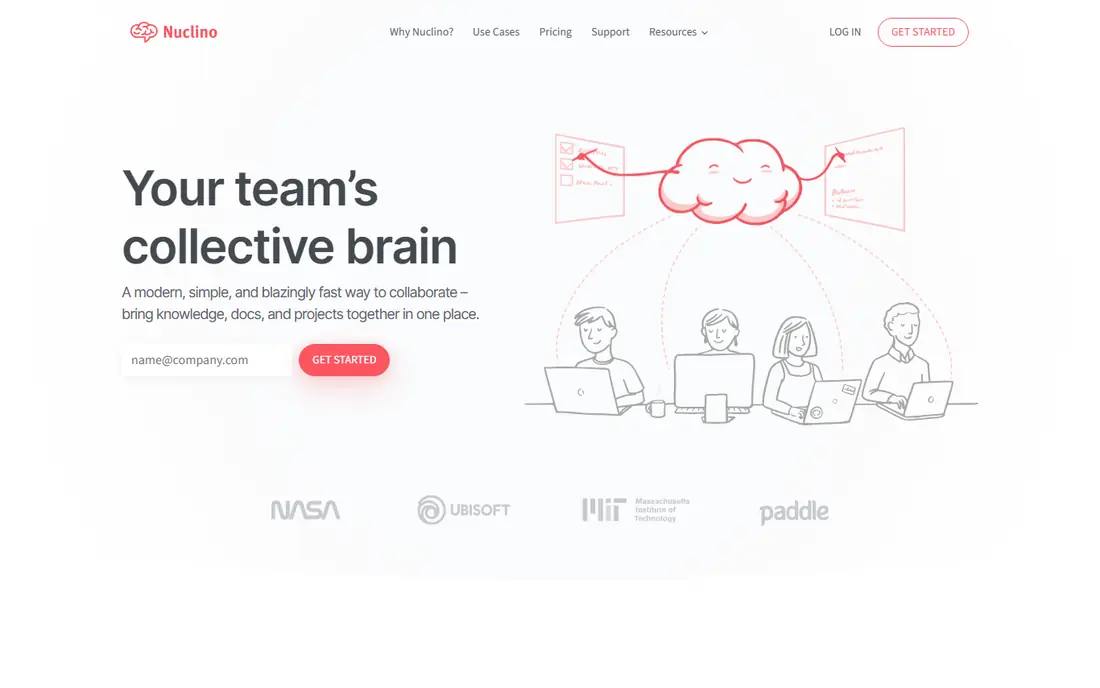
In short, Nuclino is for small teams that want the simplest possible shared wiki. Pages go in a visual tree, search is instant, and a graph view displays how topics link. The free plan handles up to 50 items and 2GB of storage, and Starter at $5 per user a month billed yearly lifts the limits.
In practice, Nuclino will not replace your project tracker, your forms or your automations. It lacks the verification machinery of Slite or Guru. Setup takes minutes, and teams adopt it since there is almost nothing to learn. That simplicity is the entire pitch and the whole ceiling. Nuclino cost at the entry level: Free. Nuclino has a free plan.
What works well: The simplest editor in this list: quick, visual.
Where it falls short: The free plan caps at 50 items.
- Free plan includes small wikis
- Instant search and a graph view of how pages connect
- Not made for complicated permissions or enterprise governance
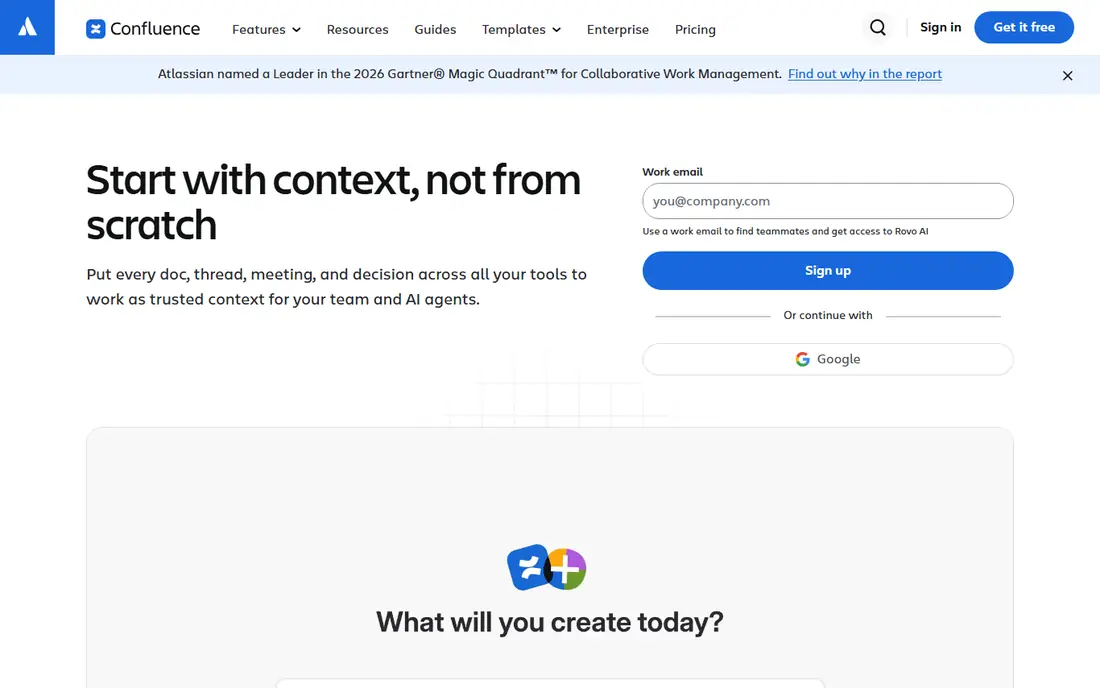
Confluence is built with teams already using Jira or another Atlassian product in mind. It links pages straight to Jira issues, so a product spec links to the tickets implementing it, and spaces provide each team its own home with its own permissions.
In practice, teams used to Notion or Slite frequently find the page tree and macros clunky, and sprawling instances get hard to search without curation. On cost, Confluence starts like this: Free. Confluence offers a free plan.
Where it is weaker: AI features vary by plan and need a work email to access.
- Databases and videos in one workspace
- Rovo AI search across the Atlassian stack
- The page editor and permissions feel dated next to newer rivals
Guru
Great for: Enterprises that want verified knowledge delivered inside Slack, Teams and AI tools

For enterprises that want verified knowledge delivered inside Slack, Teams and AI tools, Guru is a natural candidate. Guru has moved upmarket. Permission-aware answers carry citations and audit trails, and the vendor bundles AI and knowledge-management strategy expertise with the system.
That ambition includes a buying process. On top of that, there is no free level. Check the vendor site for Guru pricing; none is listed in this comparison. Guru does not include a free plan.
Where it falls short: No free level or self-serve trial.
What Guru does well: Verification workflows keep cards accurate with expert review.
- Answers surface inside Slack, Teams
- Chrome and AI agents via MCP
- No published pricing: the current model is a tailored platform-and-expertise engagement
Tettra
Great for: Teams that require answers they can trust, with named experts behind them
In short, Tettra is for teams that require answers they can trust, with named experts behind them. Tettra's answer to wiki rot is accountability: every page gets an owner, and owners re-verify content on a schedule before it goes stale. Also, the Slack integration is the killer feature for support and ops teams: someone asks a question in Slack, Tettra recommends the verified answer, and experts get pinged when no answer exists so the gap gets closed.
Where it falls short: No free level.
For everyday use, there is no free plan, but a 30-day trial hands a real evaluation window. Worth adding: AI features layer search and drafting on top of that verified base. Starting cost for Tettra: $4/user/month. On free options: Free trial (30 days).
- Verification workflows assign every page to an expert who re-verifies on schedule
- AI search grounded in verified content
- The 10-user minimum means $40 per month is the floor even for tiny teams
Notion makes the most sense for teams that want a wiki plus docs, databases and project tracking in one workspace. Your wiki pages, meeting notes, project databases and handbooks all live in one block-based workspace. The same page can be a doc, a table and a kanban board based on the view.
In practice, the free plan covers individuals and small teams, Plus at $10 per user a month billed yearly brings unlimited blocks and AI search, and Business at $20 brings the heavier admin controls. Notion AI agents can now answer questions with citations and automate busywork across the workspace. Notion gives you every tool and no structure, so firms without a wiki owner end up with three competing handbooks and a search full of duplicates. Entry price for Notion: Free. Free access exists with Notion.
Limits to weigh: Adaptability becomes sprawl: without governance, workspaces turn messy.
- Docs and AI search live in one place
- The free plan is genuinely usable for small teams
- Verification workflows are lighter than dedicated wikis
Document360
Great for: Support and product teams publishing customer-facing and internal knowledge bases
Think of Document360 for support and product teams publishing customer-facing and internal knowledge bases. Document360 is the docs-platform pick instead of the team-wiki pick. It is made for teams that publish documentation as a product: support centers, product knowledge bases and internal portals with versioning, analytics, granular permissions and 60-plus integrations.
On top of that, if you need a beautiful internal handbook, the tools above are less expensive and quicker. As for the details, the main limit is pricing: Document360 went quote-only in late 2024, and a 14-day trial is the only self-serve choice. Check the vendor site for Document360 pricing; none is listed in this comparison. Free access: Free trial (14 days).
Limits to weigh: Sales-led buying slows evaluation.
- AI search and self-service for support deflection
- Aimed at refined documentation with 100-plus authoring
- Quote-only pricing since late 2024, so no public price to budget against
Slite was built for teams that want a knowledge base that stays accurate on its own. Its AI agent watches Slack, Linear, GitHub and your codebase.
When reality changes (an API merges, a policy updates), it drafts the doc fix and routes it to the right person to approve. Slite pricing: $10/user/month. As for free access: Free trial (14 days).
Downsides: Smaller template and integration ecosystem than Notion; Entry-level at $10 per user a month costs more than Confluence Standard.
- AI agent spots knowledge drift from Slack
- Linear and GitHub and drafts doc fixes for approval
- Only a 14-day trial
How these tools were picked
The comparison looks at four things: starting price, free access, how well the feature set matches internal wiki software, and the main limit of each tool. Figures are shown as the vendors publish them. Billing terms, seat minimums and add-ons can change the real cost. The order reflects how well each tool fits the most common buying scenario for internal wiki software, then price clarity, then free plan access. It is a starting point, not a verdict.
Things to verify first
- Get a written quote from Guru and Document360; the list shows no starting price for them.
- Look at free plan limits closely: Nuclino, Confluence and Notion have one, and the caps decide whether it is usable for real work.
- Take the trial from Tettra, Document360 and Slite and push a live task through it before you pay.
- Read the limits listed for Nuclino first: fewer integrations and automations than Notion or Superhuman Docs.
- Ask the daily users to test Notion on a live task before you roll it out to everyone.
- Get the contract term, renewal terms and any onboarding fees from Nuclino in writing.
Frequently asked questions
Which options for internal wiki software have a free plan?
On this list, Nuclino, Confluence and Notion include a free plan. Caps on seats, usage or features are common, so test the free plan against your real workload. Several others offer a trial instead.
What happens to our content if we pick the wrong tool?
Less than you fear. Every tool here exports to typical formats, and Slite, Notion and Confluence all advertise migration from each other. The costly part is not moving pages; it is retraining habits. That is why the free levels matter: run two finalists side by side with a real team for per month before committing.
What is the cheapest option for internal wiki software in this list?
On published monthly entry prices, Tettra is the lowest here at $4/user/month. Entry price is only part of the cost, because seats, add-ons and billing terms can change the total.
How are the tools for internal wiki software ordered?
Nuclino sits first and Slite last because the order follows typical fit for internal wiki software, then price clarity and free access. It is a judgement call, so read each profile for fit and limits.
Do these tools publish their prices?
Not all of them. Guru and Document360 publish no starting price, so expect a quote request for those. The rest, Nuclino included, show a starting price, though seats and billing terms still change the final cost.
Should we use Notion or a dedicated wiki like Confluence or Slite?
Use Notion if your wiki lives alongside docs, projects and databases and you have someone to govern the structure. Also, use a dedicated wiki if the reference content must stay accurate with less babysitting: Confluence for Atlassian shops, Slite for AI-assisted maintenance, Tettra for expert-verified answers, Guru for enterprise governance.
Sources
See where you really rank - block by block
ProMapRanker scans Google Maps across a grid of your service area. Simple monthly plans from $19, white-label on every plan.
Start freeKeep reading
 zscaler alternatives
Best Zscaler Alternatives in 2026
Looking for zscaler alternatives? We compare 9 SASE and zero trust platforms on architecture, data protection, pricing, and fit for your network and team.
Read → zapier alternatives free
Best Zapier Alternatives Free in 2026
Nine automation tools for zapier alternatives free in 2026, all with genuinely free tiers, plus free plan limits, starting prices and upgrade paths explained.
Read → which platform is best for online reputation
Which Platform Is Best for Online Reputation in 2026
Wondering which platform is best for online reputation? We compare 8 review, listing, and response tools for small and multi-location businesses and agencies.
Read →