 ProMapRanker
Best Tagging Notes App for Content Creators (2026)

Building a structured content pipeline · Pricing starts at: $10 per member per month
Direct answer
Start with Notion if you need building a structured content pipeline. Listed starting prices: Notion from $10 per member per month, Obsidian from $4 per user per month and Craft from $4.8 per month. Alternatives: Obsidian for local files with linked, tagged notes, and Evernote for quick capture with straightforward tagging. The remaining 2 options are covered below with prices and limits.
Choosing tagging notes app for content creators usually comes down to price, fit and limits. This ProMapRanker guide sets 5 tools side by side on those three points, with the facts kept short and checkable.
Key takeaways
- Notion sits first on this list: building a structured content pipeline.
- For networked thought and connected ideas, Roam Research is worth a look.
- For the cheapest start, look at Obsidian: $4 per user per month.
- 4 of 5 tools offer a free plan: Notion, Obsidian, Evernote, Craft.
- The main caution on Obsidian: needs comfort with configuration.
Quick comparison
| Pick | Great for | Pricing starts at | Free tier | |
|---|---|---|---|---|
| Notion | Building a structured content pipeline | $10 per member per month | Yes | Visit |
 Obsidian | Local files with linked, tagged notes | $4 per user per month | Yes | Visit |
 Evernote | Quick capture with straightforward tagging | See website | Yes | Visit |
 Craft | Refined notes and docs across devices | $4.8 per month | Yes | Visit |
 Roam Research | Networked thought and connected ideas | See website | Not stated | Visit |
The best tagging notes app for content creators
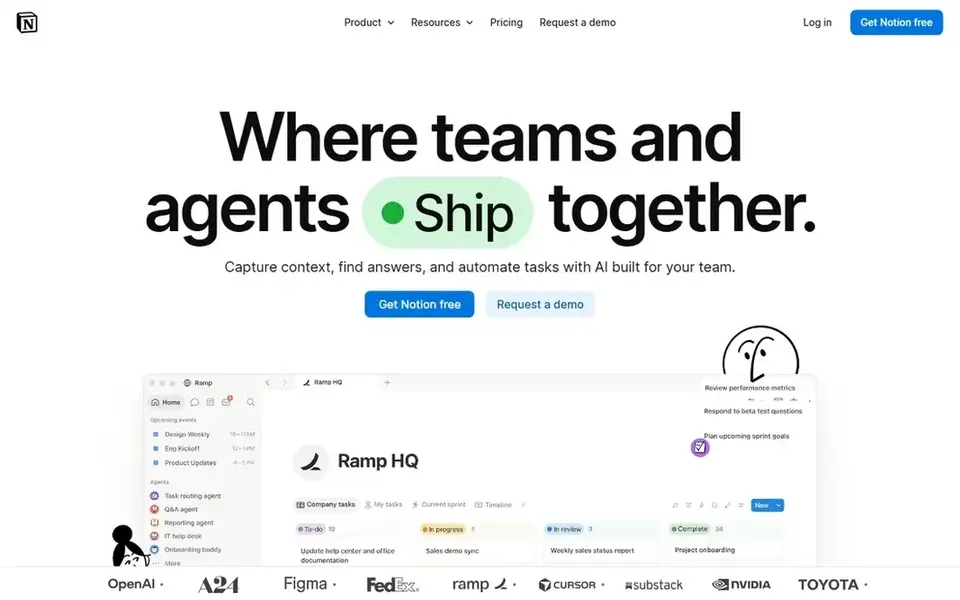
For building a structured content pipeline, Notion is a natural candidate. It fits creators who like designing systems and want notes, tasks and docs in one place.
Beyond that, pages and databases need planning, and the workspace can feel heavy when you only want to jot a fast thought. The starting price for Notion: $10 per member per month. Notion has a free plan.
Honest limits: Can feel heavy for fast notes.
- Custom pages and databases
- Search across connected apps
- Setup takes time and planning
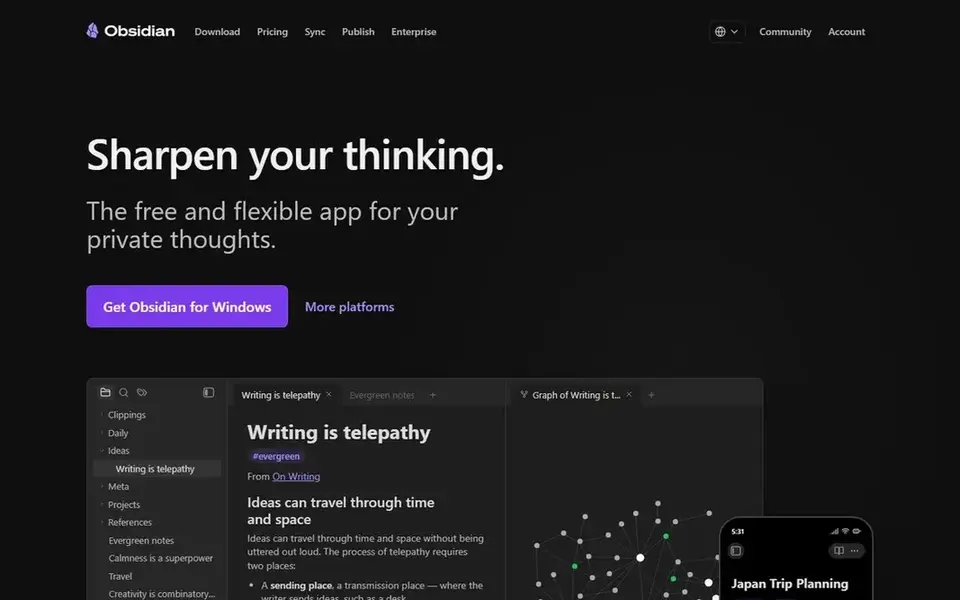
Obsidian is built with local files with linked, tagged notes in mind. Obsidian presents itself as a free and adaptable app for private thoughts, and it keeps notes as files you own.
Points against: Needs comfort with configuration.
For everyday use, creators who research deeply can tag notes, link related ideas and build a personal reference base that grows with their channel. Beyond that, you will spend time choosing structure, plugins and syncing, and there is no single opinionated workflow to follow. Price to start with Obsidian: $4 per user per month. You can start on Obsidian without paying.
- Highly configurable setup
- Adaptable linking between ideas
- Sync and setup are on you

Evernote is aimed squarely at quick capture with straightforward tagging. For content creators, its strength is speed: jot a hook, clip a reference, tag it, and move on. In practice, the tradeoff is adaptability.
Downsides: Tag structure can grow messy over time.
If you want relational databases, custom views or a completely linked knowledge graph, Evernote can feel rigid. From a buyer's view, Evernote is a note taking app built around capturing and prioritizing ideas, projects and to-do lists so nothing slips through. Pricing for Evernote is not stated here, so ask the vendor for current figures. A free plan is available with Evernote.
- Works across devices
- Fast capture of ideas and to-do lists
- Less adaptable for custom databases
Craft is designed for refined notes and docs across devices. Creators who present ideas visually will appreciate its document styling, which performs well for outlines, briefs and refined drafts.
Also, Craft leans toward presentation and documents instead of networked thought. Price to start with Craft: $4.8 per month. A free plan is available with Craft.
Limits to weigh: Some features sit behind premium.
- Notes
- Clean visual presentation
- Less suited to graph-style linking
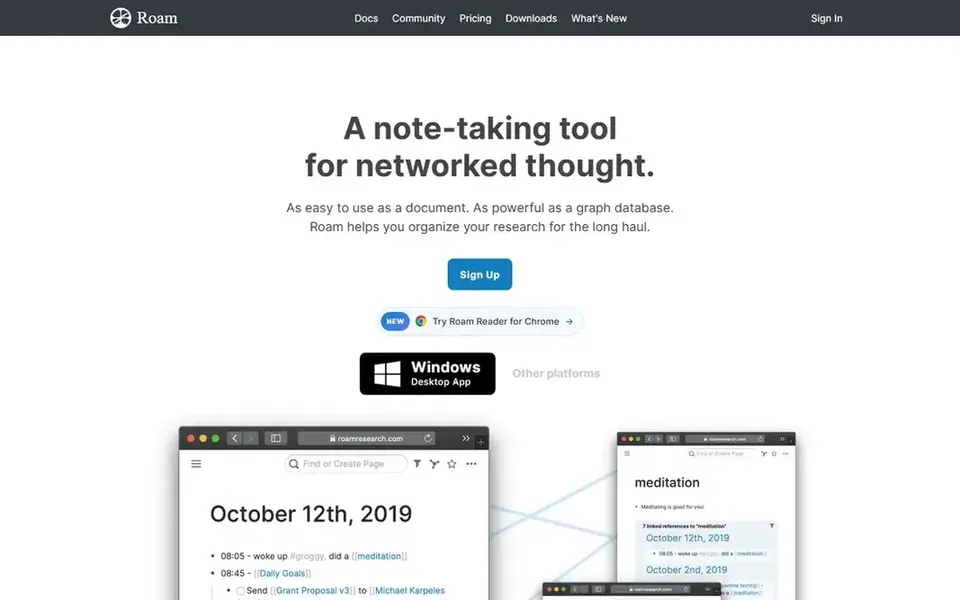
In short, Roam Research is for networked thought and connected ideas. Roam Research is a note taking tool for networked thought, described as straightforward to use as a document or bulleted list yet capable for connecting related ideas like a graph database.
Points against: Unconventional for linear drafting.
As for the details, Roam rewards a particular style of thinking. Worth adding: creators who collect references, interview notes and idea fragments can link them and surface connections over time. No starting price is listed for Roam Research here; confirm pricing on the vendor site. Free access: Not stated.
- Simple as a bulleted list to start
- Links related ideas like a graph
- Steeper adjustment for newcomers
How we built this list
For each of the 5 tools we noted price, free plan or trial, fit for tagging notes app for content creators and the main limit, using vendor pages and documentation. Treat prices as a snapshot: vendors change plans often, so check the vendor site for the figure that applies today. The ranking is editorial: typical fit first, then clear pricing, then free access. If your needs are unusual, read the profiles rather than relying on position.
What to confirm before you sign up
- Ask Evernote and Roam Research for a written quote, since no starting price is shown.
- Look at free plan limits closely: Notion, Obsidian, Evernote and Craft have one, and the caps decide whether it is usable for real work.
- Before choosing Notion, weigh its main limit: setup takes time and planning.
- Compare total cost, not headline price: for Roam Research, add extra seats, add-ons and any usage-based charges.
- Map your must-have features to a specific Evernote plan before you compare prices.
Frequently asked questions
Is Notion the right pick for everyone comparing tagging notes app for content creators?
No single tool suits every team. Notion comes first because it fits building a structured content pipeline, while Obsidian suits local files with linked, tagged notes and Evernote suits fast capture with straightforward tagging. Match the tool to your own size, budget and workflow before deciding.
Can I try these tools before paying?
Often, yes. Notion, Obsidian, Evernote and Craft have a free plan. Use your own data and a real task during the test, and check what the free tier or trial limits before you rely on it.
Do these tools publish their prices?
Not all of them. Evernote and Roam Research publish no starting price, so expect a quote request for those. The rest, Notion included, show a starting price, though seats and billing terms still change the final cost.
What is the cheapest option for tagging notes app for content creators in this list?
On published monthly entry prices, Obsidian is the lowest here at $4 per user per month. Entry price is only part of the cost, because seats, add-ons and billing terms can change the total.
Which tagging notes app is a good match for a solo content creator?
Notion comes first here and is built for building a structured content pipeline. Buyers with other needs may prefer Obsidian (for local files with linked, tagged notes) or Evernote (for quick capture with straightforward tagging). Compare costs and limits first.
Sources
See where you really rank - block by block
ProMapRanker scans Google Maps across a grid of your service area. Simple monthly plans from $19, white-label on every plan.
Start freeBrowse all guides
← Social Media Video Software: 5 Options Compared in 2026Best Community Platforms for Content Creators (2026) →
 best social media management tools for universities
Best Social Media Management Tools for Universities (2026)
5 best social media management tools for universities, with entry costs, free tiers and the buyer each one serves. Prices and drawbacks included. Decide faster.
Read → best social media management tools for medical clinics
6 Best Social Media Management Tools for Medical Clinics for 2026
6 best social media management tools for medical clinics, with entry costs, free tiers and the buyer each one serves. Every pick includes one clear drawback.
Read → best social media management tools for large enterprises
5 Best Social Media Management Tools for Large Enterprises (2026)
Weighing the best social media management tools for large enterprises? We lined up 5 products by cost, free access and fit. Real limits included. No filler.
Read → veed alternatives
Best Veed Alternatives in 2026
Searching for veed alternatives? We compare 9 browser and desktop video editors on price, captions, collaboration, and ease of use for creators in 2026.
Read → best social media management tools
Best Social Media Management Tools in 2026
Compare the best social media management tools for 2026, including free options, publishing, inbox, analytics, approvals, and pricing for teams of all sizes.
Read → best tools for content creation and social media management
Best Tools for Content Creation and Social Media Management in 2026
We compared the best tools for content creation and social media management, checking scheduling, design, video and pricing for creators and small teams.
Read →More in Social Media & Creators · All guides A to Z by date · Latest guides