 ProMapRanker
Social Media Video Software: 5 Options Compared in 2026
Direct answer
Vimeo comes first here, mainly for hosting and sharing finished videos. Listed starting prices: InVideo from $4 per seat/mo, billed yearly and Descript from $16 per person a month. Look at InVideo for AI-assisted video creation and editing, and at Canva for template-driven social video and graphics. All 5 tools are compared below on price, free plan and limits.
ProMapRanker compared 5 tools for social media video software. The goal is a practical shortlist: published prices, free plan facts, best-fit use cases and honest limits for every entry.
Key takeaways
- Vimeo takes the first slot, best suited to hosting and sharing finished videos.
- InVideo has the lowest monthly starting price in this list: $4 per seat/mo, billed annually.
- Only 3 of the 5 tools have a free plan (Vimeo, CapCut, Descript), so check the caps.
- The main caution on InVideo: less manual timeline control.
Quick comparison
| Pick | Great for | Pricing starts at | Free tier | |
|---|---|---|---|---|
 Vimeo | Hosting and sharing finished videos | See website | Yes | Visit |
 InVideo | AI-assisted video creation and editing | $4 per seat/mo, billed yearly | Not stated | Visit |
 Canva | Template-driven social video and graphics | See website | Not stated | Visit |
 CapCut | Quick AI-assisted short-form edits | See website | Yes | Visit |
 Descript | Text-based editing of spoken video | $16 per person a month | Yes | Visit |
The full social media video software list
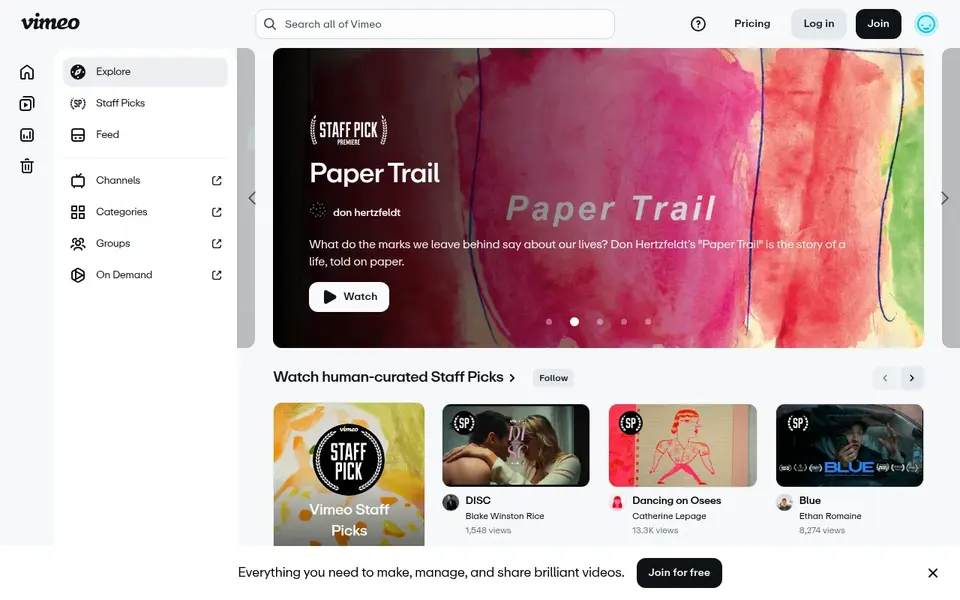
Vimeo is aimed squarely at hosting and sharing finished videos. Teams that require heavy editing should pair it with an editor and use Vimeo for delivery and audience-facing playback.
Pricing for Vimeo is not stated here, so ask the vendor for current figures. Vimeo has a free plan.
What to check first: Not a full editing suite.
- Clean viewing experience
- Ad-free HD streaming
- Editing features are secondary
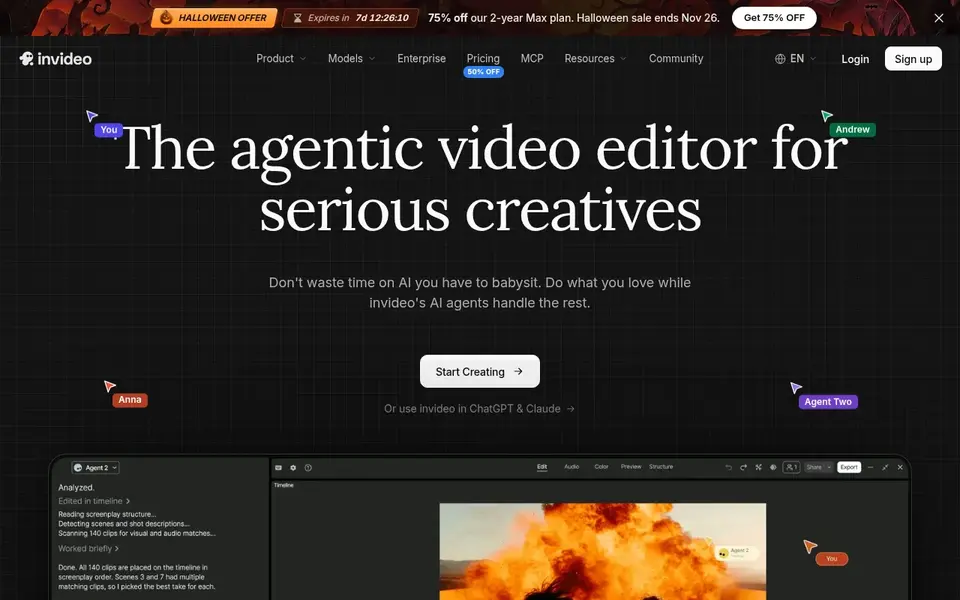
Think of InVideo for AI-assisted video creation and editing. InVideo is an editor positioned for creating and editing videos without limits, with AI assistance built into the workflow.
Points against: Output relies on prompts and inputs.
As for the details, practical timeline control is less granular than in professional editors, and results rely on the quality of inputs and prompts. Switch to a dedicated editor when a video needs precise finishing or custom motion work. InVideo pricing: $4 per seat/mo, billed annually. Free options: Not stated.
- Browser-based editing
- Suited to marketing content
- Less manual timeline control
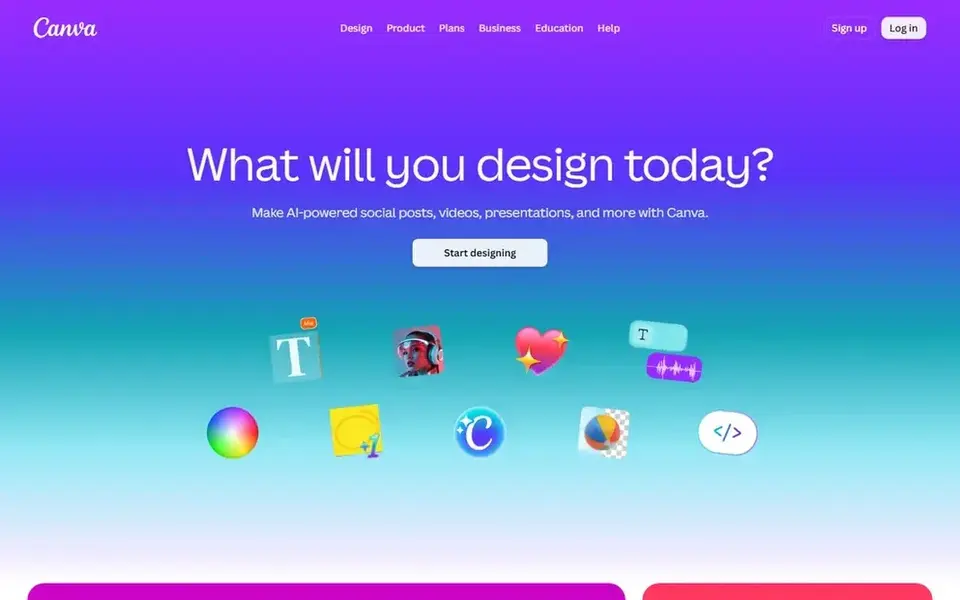
Canva works best for template-driven social video and graphics. Pick a professional editor instead when a project needs precise cuts, advanced audio mixing or heavy post-production. In daily use, Canva is an online visual suite for creating social media posts, presentations, posters, videos and logos.
Points against: Not made for complicated timelines.
From a buyer's view, Graphics, text and video clips come together in one browser-based workspace. Its video editing is more straightforward than dedicated editors, so frame-accurate work and layered effects are restricted. No starting price is listed for Canva here; confirm pricing on the vendor site. Trial and free access: Not stated.
- Works in the browser
- Stories and video
- Restricted advanced editing controls
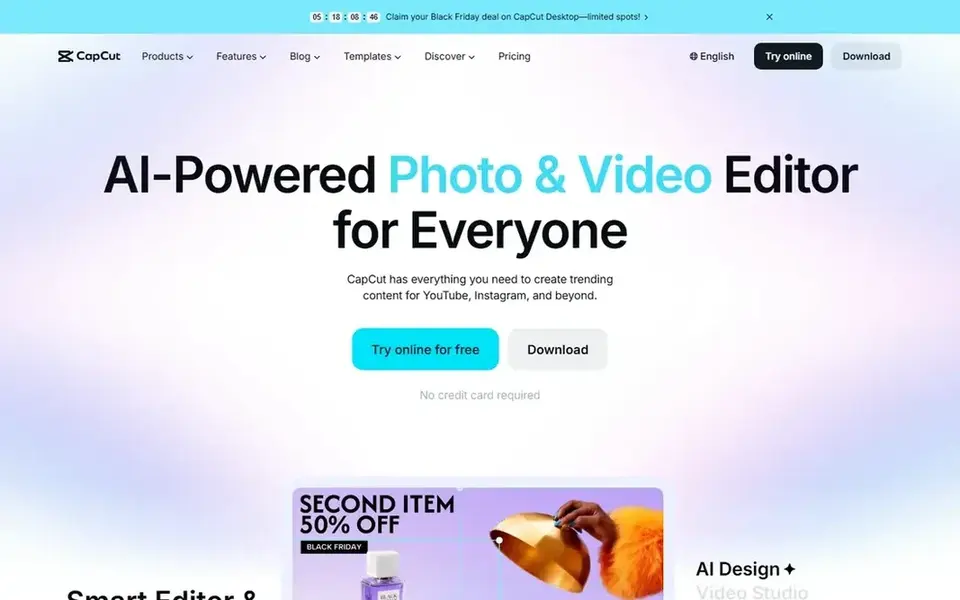
Where CapCut fits: quick AI-assisted short-form edits. Fine-grained editing and audio work are less developed than in professional suites, and the experience differs across devices.
Trade-offs to know: Interface varies across systems.
Move to a desktop editor when a project needs in-depth finishing. In daily use, mobile editing makes it convenient for on-the-go production. This comparison lists no price for CapCut; ask the vendor. CapCut offers a free plan.
- Creative effects for social formats
- Mobile and online editing
- Advanced control is restricted
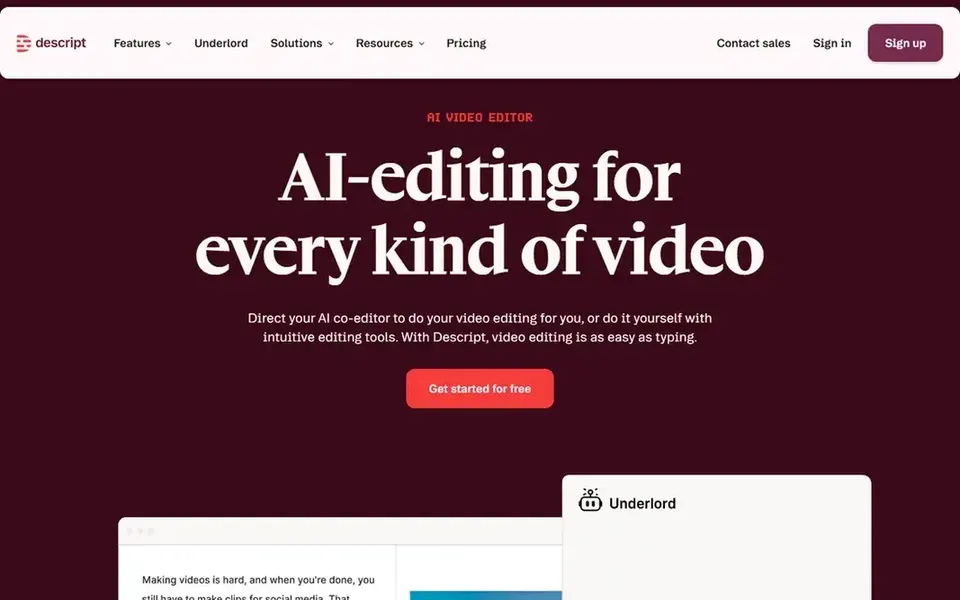
For text-based editing of spoken video, Descript is a natural candidate. Choose it when dialogue drives the video and you want a transcript-first workflow rather than timeline editing.
What works well: transcription and publishing together.
Also, Descript also relies on clean speech for accurate transcripts. Descript cost at the entry level: $16 per person per month. Descript offers a free plan. What to check first: Best with clear speech audio.
- Recording
- Edit video by editing text
- Less suited to effects-heavy edits
Selection criteria
ProMapRanker looked at what each vendor publishes: pricing, plan limits, feature coverage for social media video software and stated drawbacks. No hands-on testing is claimed. Figures are shown as the vendors publish them. Billing terms, seat minimums and add-ons can change the real cost. We ordered the tools by general fit, then by how clearly pricing is shown, then by free access. A buyer with unusual needs may reorder them.
What to confirm before you sign up
- Confirm the entry price on the vendor page. For Vimeo, Canva and CapCut that means a quote rather than a fixed price.
- Look at free plan limits closely: Vimeo, CapCut and Descript have one, and the caps decide whether it is usable for real work.
- Read the limits listed for Vimeo first: not a full editing suite.
- Let daily users try CapCut on real work; their feedback beats any feature checklist.
- Find out whether the entry plan of Descript covers your must-haves or only a trimmed-down version.
Frequently asked questions
Do these tools publish their prices?
Not all of them. Vimeo, Canva and CapCut publish no starting price, so expect a quote request for those. The rest, InVideo included, show a starting price, though seats and billing terms still change the final cost.
Which options for social media video software have a free plan?
On this list, Vimeo, CapCut and Descript include a free plan. Caps on seats, usage or features are common, so test the free plan against your real workload.
What is the cheapest option for social media video software in this list?
On published monthly entry prices, InVideo is the lowest here at $4 per seat/mo, billed annually. Entry price is only part of the cost, because seats, add-ons and billing terms can change the total.
How are the tools for social media video software ordered?
The order follows typical fit for social media video software, with Vimeo first and Descript last, then price clarity and free access. It is editorial judgement, not a score, so another team could rank the tools differently.
Which tool is a good match for beginners making social videos?
This list starts with Vimeo, which fits hosting and sharing finished videos. For other needs, InVideo is aimed at AI-assisted video creation and editing, and Canva at template-driven social video and graphics. Check each tool's price and main limit first.
Sources
See where you really rank - block by block
ProMapRanker scans Google Maps across a grid of your service area. Simple monthly plans from $19, white-label on every plan.
Start freeBrowse all guides
← Best Social Media Management Tools for Universities (2026)Best Tagging Notes App for Content Creators (2026) →
 best social media management tools for medical clinics
6 Best Social Media Management Tools for Medical Clinics for 2026
6 best social media management tools for medical clinics, with entry costs, free tiers and the buyer each one serves. Every pick includes one clear drawback.
Read → best social media management tools for large enterprises
5 Best Social Media Management Tools for Large Enterprises (2026)
Weighing the best social media management tools for large enterprises? We lined up 5 products by cost, free access and fit. Real limits included. No filler.
Read → best social media analytics tools for retail brands
Best Social Media Analytics Tools for Retail Brands (2026)
Searching for the best social media analytics tools for retail brands? Here are 5 options with prices and free plans. Each entry gets a plain verdict. No hype.
Read → pinterest alternatives without ai
Best Pinterest Alternatives Without AI in 2026
Looking for pinterest alternatives without ai? We compared 10 visual saving tools that keep boards calm, with clear notes on AI features to skip Read more.
Read → adobe spark alternatives
Adobe Spark Alternatives in 2026
Compare adobe spark alternatives for social graphics, flyers, presentations, and quick design work, with free plans and paid prices compared. for small teams
Read → adobe after effects alternatives
Adobe After Effects Alternatives in 2026
Adobe after effects alternatives compared for motion graphics, compositing and animation, from free desktop tools to browser editors for social video.
Read →More in Social Media & Creators · All guides A to Z by date · Latest guides