 ProMapRanker
Best Review Request Software for Car Dealerships in 2026

Multi-rooftop groups wanting reviews plus messaging · Pricing starts at: See website
Direct answer
Birdeye is my top pick for car dealerships because it ties review requests to the service visit and the sales handoff, then routes feedback by department and rooftop. Pricing is quote-based, so check its pricing page before you commit. If you want a lighter, lower-cost setup, NiceJob and Grade.us are worth a look for different needs.
I put this list together by reading vendor documentation and public sources, not by running hands-on tests. I looked at how each tool handles department-level requests, timing, multi-location reporting and Google's review rules. The picks below reflect fit for dealership workflows, and I have noted where each one falls short.
Key takeaways
- A dealership needs review requests split by department, because a sales review and a service review are judged differently by shoppers.
- Timing matters more than volume: send the request after the repair order closes or after delivery, not during paperwork.
- Software that can route unhappy customers to a private feedback form first keeps public ratings honest and within Google's rules.
- Multi-rooftop reporting saves hours when you manage several franchises under one group.
- Never offer incentives for reviews or filter who is allowed to leave one; both break Google's review policies.
Quick comparison
| Pick | Great for | Pricing starts at | Free tier | |
|---|---|---|---|---|
| Birdeye | Multi-rooftop groups wanting reviews plus messaging | See website | Not stated | Visit |
 Podium | Dealerships that want texting and reviews together | See website | Not stated | Visit |
 NiceJob | Independent dealers on a tight budget | See website | No free plan | Visit |
 Grade.us | Small dealer groups testing the waters | See website | Free trial | Visit |
 Broadly | Service departments focused on customer contact | See website | Not stated | Visit |
 ReviewTrackers | Groups that want review monitoring first | See website | Not stated | Visit |
 Reputation | Franchise groups already using its marketing suite | See website | Not stated | Visit |
The best review request software for car dealerships compared
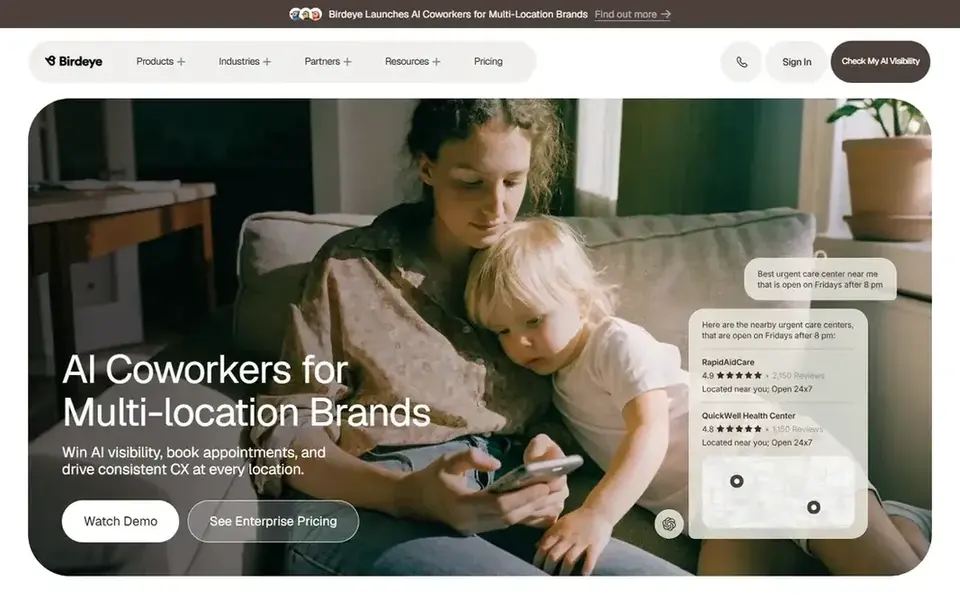
Birdeye is a reputation and customer messaging platform built for businesses with several locations. For a dealership group, that means you can keep the sales team and the service drive on separate request templates while still seeing one dashboard. It fits groups with a BDC or marketing manager who can own the setup.
In a dealership, the request needs to land at the right moment. Birdeye lets you trigger a request when a repair order is closed or when a vehicle is delivered, and it can send by text, which most customers read quickly. You can route low scores to a private form so the service manager can call before anything goes public. That keeps the public profile honest and follows Google's rules.
The limits are practical. Pricing is quote-based, so a single independent store may find it more than it needs. If you have one rooftop and no BDC, a simpler tool will do the job.
- Department and location routing
- review requests by text and email
- inbox that combines reviews and messages
- Quote-based pricing
- more features than a single store needs
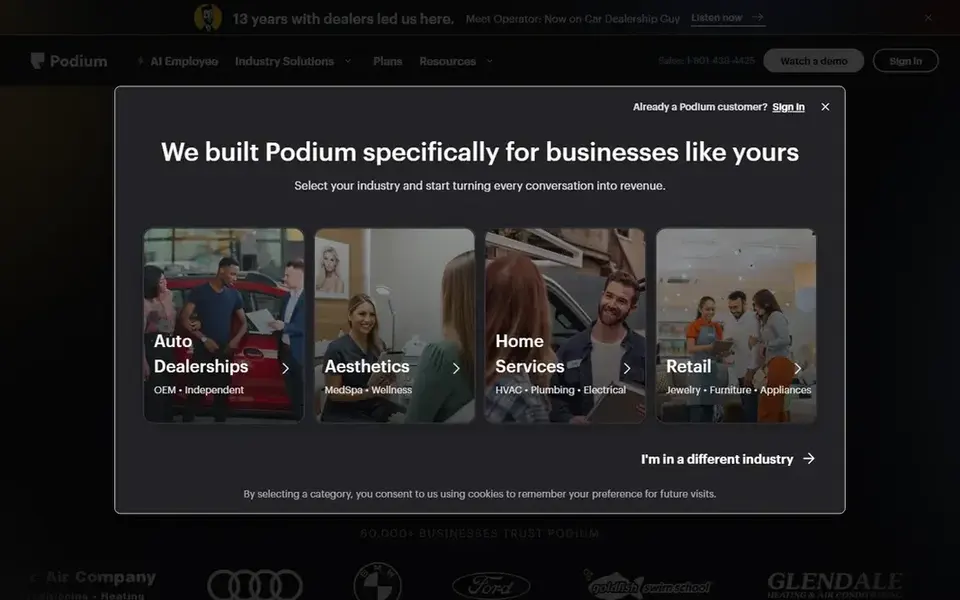
Podium is known for business texting, and reviews are part of that same conversation. A dealership that already texts customers about delivery times or service updates can add a review invite into the thread. It suits stores that want one inbox for customer messages and review requests.
For car dealerships, the value is in the handoff. A salesperson can send a review link right after delivery, and a service advisor can send one after the vehicle is picked up. Because it is text-based, the customer does not need to open email. The trade-off is that you need clear rules on who sends what, or customers get duplicate requests from two departments.
Podium is not the cheapest route for a small store, and pricing is quote-based. If you mainly want review requests and not a full messaging platform, you may be paying for features you will not use.
- Text-first communication customers already use
- review invites inside the same thread
- works for sales and service
- Cost rises with locations and message volume
- pricing needs a quote
NiceJob is aimed at small businesses that want reviews without a long setup. For an independent used-car lot or a single franchise store, that is a good match. The workflow is straightforward: add a customer, send a request, and share the result.
A dealership can use NiceJob after a sale or a service visit. You can set up separate campaigns for sales and service so the message matches the department. Positive reviews can be shared to social channels, which helps a small store build local visibility. It also nudges customers who had a good experience to leave a review, without offering anything in return.
The limits show up as you grow. If you run several rooftops and need reporting by store, NiceJob is thinner than the larger platforms. It is a fit for one or two locations, not a large group.
- Simple setup for small teams
- review requests by text and email
- social sharing of positive reviews
- Fewer multi-location controls
- less depth for large groups
Grade.us is a review management tool with a free trial, which makes it easy to test before committing. It is often used by agencies, so a dealer group working with a marketing partner may find it familiar. It handles review requests and simple funnels.
For a dealership, the funnel is the useful part. You can ask for feedback first and send happy customers to Google, while unhappy ones go to a private form. That is within Google's rules as long as you do not filter who is allowed to review or offer incentives. You can run separate campaigns for sales and service.
The interface is not as polished as newer tools, and native integrations are limited. A small group can make it work, but a large franchise group may want more automation.
- Free trial to test the workflow
- review funnels that route feedback
- agency-friendly setup
- Interface feels dated
- fewer native integrations
Broadly is a customer interaction platform with reviews, web chat and messaging. It fits service departments that want to keep in touch with customers between visits. The review request is part of that ongoing contact rather than a one-off email.
In a dealership, the service drive is where repeat business lives. Broadly lets a service advisor send a request after the repair order closes and keep the customer record in one place. That helps with follow-up reminders and keeps the review ask tied to a real visit. It works best when the service team owns the tool.
The limits are scale and familiarity. It is less common among large franchise groups, and pricing is quote-based. A single store that only wants review requests may find it broader than needed.
- Built around customer contact and reviews
- web chat and messaging
- review requests tied to customer records
- Less known for large franchise groups
- pricing needs a quote
ReviewTrackers started as a review monitoring tool and still leads with that. For a dealer group, the value is seeing what customers say across Google and other sites in one place, with alerts when a new review lands. It fits groups that want oversight more than automation.
A dealership can still send review requests, but that is not the core of the product. The stronger use is monitoring: a marketing manager can watch each rooftop, spot a pattern in service complaints, and respond quickly. That matters when a single bad review can affect local search visibility.
If your main goal is automated requests after every repair order, another tool on this list will fit better. ReviewTrackers is for groups that want to listen first.
- Strong review monitoring across sites
- location-level reporting
- alerts for new reviews
- Request automation is secondary
- quote-based pricing
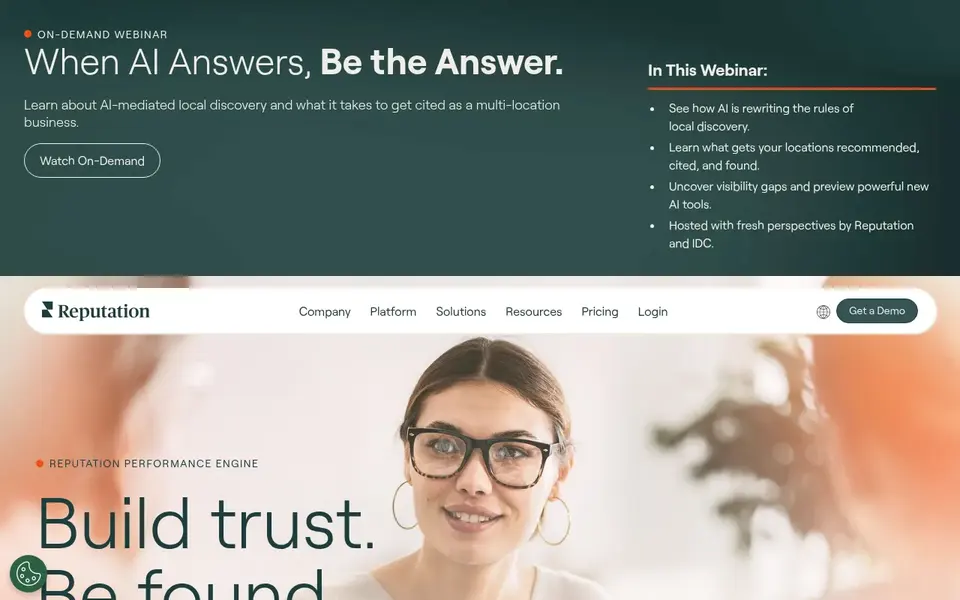
Reputation is a large reputation management platform that covers reviews, listings and surveys. It fits franchise groups that already use a marketing suite and want reviews in the same place. The dashboards are built for multi-location oversight.
For a dealership group, the appeal is consistency. You can set request templates by department and rooftop, then compare performance across stores. Responses can be managed centrally, which helps when a group has one marketing team for several franchises. Listings data sits alongside reviews, which matters for local search.
The trade-off is weight. A single store will find the setup heavy, and pricing is quote-based. It is a fit for groups, not independents.
- Broad reputation and listing tools
- location-level dashboards
- review requests and responses in one place
- Setup can feel heavy for one store
- quote-based pricing
How I chose
I compared these tools from vendor documentation and public sources. I did not run hands-on tests, so I am not claiming first-hand results. I looked at how each tool handles the parts of a dealership workflow that matter: splitting requests by sales and service, timing the ask after delivery or repair order close, routing unhappy feedback privately, and reporting by rooftop. I also checked whether each tool's request flow stays within Google's review policies.
I left out tools that only monitor reviews without a request path, and I noted where a platform is broader than a single store needs. Pricing is quote-based for most of these, so I did not list figures. The goal is to help you shortlist based on fit, then check each vendor's current pricing and terms directly.
What to check before you buy
- Confirm the tool can send separate request templates for the sales department and the service drive.
- Check whether requests can be triggered by a repair order closing or a delivery event, not just a manual send.
- Ask how low scores are handled, and make sure the flow does not filter who is allowed to leave a public review.
- Confirm reporting is split by rooftop if you run more than one franchise.
- Check that review requests go out by text as well as email, since many customers ignore email after a car purchase.
- Read the vendor's terms against Google's review policies, and avoid any feature that offers incentives or gates reviews.
Frequently asked questions
Do review request tools break Google's review policies?
Not if you use them correctly. Google prohibits incentives, review gating and fake reviews. A tool that asks every customer and routes unhappy feedback to a private form is fine as long as you do not stop anyone from leaving a public review. Check the vendor's flow before you buy.
Should sales and service send separate review requests?
Yes. A sales review and a service review describe different experiences, and shoppers read them differently. Separate templates also stop a customer from getting two requests from two departments. Most tools on this list support department-level campaigns.
When should a dealership send the request?
After the repair order closes or after vehicle delivery, when the customer has had time to use the car or the service. Sending during paperwork feels rushed. A short delay of a day or two usually reads better than an immediate ask.
Do I need a tool built for multi-rooftop groups?
Only if you run more than one store. A single independent dealer can use a simpler tool like NiceJob. Groups with several franchises need location-level reporting and central response management, which the larger platforms provide.
Can I ask for reviews by text message?
Yes, and many dealerships do because customers read texts faster than email. Make sure you have consent to message the customer and follow local messaging rules. Most tools on this list support text requests alongside email.
Sources
See where you really rank - block by block
ProMapRanker scans Google Maps across a grid of your service area. Simple monthly plans from $19, white-label on every plan.
Start freeBrowse all guides
← Best Review Request Software for Auto Repair Shops in 2026Best Review Request Software for Contractors in 2026 →
 best review management software for tutoring centers
Best Review Management Software for Tutoring Centers in 2026
A practical guide to the best review management software for tutoring centers in 2026, compared from vendor docs and public sources.
Read → best review management software for moving companies
Best Review Management Software for Moving Companies in 2026
A moving company owner's guide to review management software: request reviews after jobs, reply to feedback, and track reputation. Compared for 2026.
Read → best review management software for landscapers
Best Review Management Software for Landscapers in 2026
A landscaper's guide to review management software in 2026: request reviews after jobs, reply fast, and show proof on your Google Business Profile.
Read → local pack rank tracking
Local Pack Rank Tracking: Monitoring Your 3-Pack Position
How to track whether you are in or out of the local 3-pack across your service area over time.
Read → why is my google maps ranking dropping
Why Is My Google Maps Ranking Dropping? Diagnosing Sudden Drops
Lost Maps rankings overnight? Learn the most common reasons rankings drop and a step-by-step diagnostic checklist to recover.
Read → google map pack ranking factors
Google Map Pack Ranking Factors: What Actually Moves the Needle
The real Google Map Pack ranking factors and how to prioritize them for faster local wins.
Read →More in Local SEO & Google Maps · All guides A to Z by date · Latest guides