 ProMapRanker
Best Review Request Software for Contractors in 2026
Direct answer
NiceJob is my top pick for contractors because it is built around the job you just finished: it sends the review invite by text or email, follows up on its own, and can route unhappy customers to a private message first. It has no free plan stated, so check its pricing page. Birdeye suits larger crews that want reviews, messaging and payments in one place, and Grade.us fits contractors who want to run review campaigns by hand at a lower cost.
I put this comparison together from vendor documentation, help centre articles and public sources, and I did not run hands-on tests of any of these tools. The aim is to show how each one fits the way contractors actually work: a booked job, a crew on site, an invoice, and a customer who is happy or annoyed within a few hours of the work ending.
Key takeaways
- Contractors get most reviews from a short text sent within a day of finishing the job, so pick software that sends the invite automatically from your job or invoice system.
- A private feedback step before the public review link is fine as long as every customer can still leave a public review and you never filter who gets asked.
- Review monitoring matters as much as requests, because a single unanswered one-star review on your Google Business Profile can sit at the top of your listing for months.
- Check how each tool connects to the software you already use for scheduling and invoicing, since manual copy-paste is where most review campaigns fall apart.
- Never offer discounts or gifts in exchange for reviews, and never ask staff to write reviews on a customer's behalf; Google's policies prohibit both.
Quick comparison
| Pick | Great for | Pricing starts at | Free tier | |
|---|---|---|---|---|
 NiceJob | Trades and home service contractors | See website | No free plan stated | Visit |
 Birdeye | Larger contractors with a front office | See website | No free plan stated | Visit |
 Grade.us | Small crews running campaigns manually | See website | Free plan | Visit |
 Podium | Contractors who also want texting | See website | No free plan stated | Visit |
 ReviewTrackers | Multi-location contractors | See website | No free plan stated | Visit |
 Broadly | Contractors wanting web chat plus reviews | See website | No free plan stated | Visit |
 Whitespark | Contractors who also fix local listings | See website | No free plan stated | Visit |
The best review request software for contractors compared
NiceJob is a review and reputation tool aimed at service businesses, and contractors are its core audience. You add a customer and a job, and it handles the invite and the reminder sequence. For a roofer, plumber or electrician who finishes three or four jobs a day, that means the request goes out while the customer is still thinking about the work rather than a week later when the invoice lands.
The workflow is the part that matters for contractors. You can connect it to job management and field service tools so a completed job triggers the request automatically, and it can send the customer to a short private feedback form first. If the feedback is positive, the customer is pointed to your Google Business Profile; if it is negative, you get a chance to call them before it becomes public. Every customer is still asked, which keeps you inside Google's rules.
The limits are mostly about scale and budget. The lower tiers cap how much automation and how many channels you get, and there is no free plan stated, so a one-person operation should check the pricing page before committing. Skip it if you already run a full field service platform with native review requests.
- Built around job completion
- automatic text and email follow-ups
- private feedback step before the public link
- Best features sit on higher tiers
- limited use if you never capture customer contact details
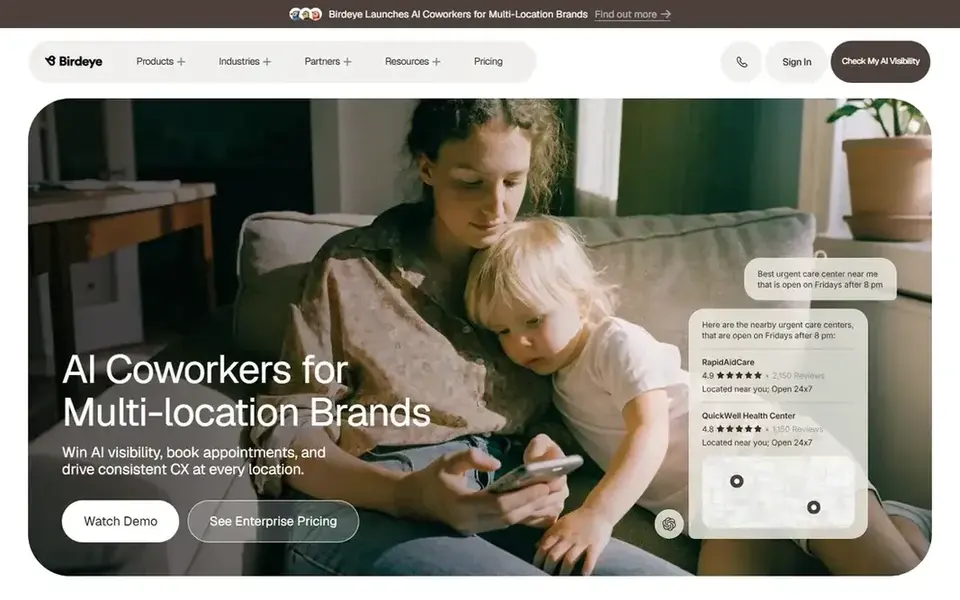
Birdeye is a reputation and customer experience platform used by multi-location service businesses. For a contractor with several crews, a dispatcher and an office manager, it puts review requests, web chat, text messaging and payment links in one place, which cuts down on the number of logins the office staff juggle each day.
For review requests specifically, it can trigger an invite after a job or invoice event, send it by text or email, and route responses into a shared inbox so someone actually replies. That shared inbox is the practical benefit for contractors: a bad review on a Google Business Profile gets seen by the person who can fix the job, not lost in a personal phone. Reporting also shows which crews or job types bring in reviews.
The trade-off is weight. Birdeye is a bigger system than most small contractors need, onboarding takes time, and there is no free plan stated. If you mainly want a text sent after each job, a lighter tool will do the same work with less setup.
- Reviews, messaging and payments in one dashboard
- strong multi-channel invites
- good reporting for owners
- Setup and admin time is real
- more product than a two-person crew needs
Grade.us is a review management tool that has been around for years and is popular with small agencies and solo operators. It lets you build a campaign, add customers, and send review requests by email or text with follow-ups, and it includes a private feedback step similar to NiceJob's.
For a contractor, the fit is a small crew that does not want another subscription tied to a field service platform. You can add customers from a spreadsheet or a simple integration, run the campaign, and watch reviews arrive on your Google Business Profile and other sites. The free plan makes it a low-risk way to test whether review requests actually move the needle for your type of work.
The limits show up as you grow. Automation is thinner than the job-triggered tools, so someone has to keep the customer list current, and the interface is not as polished as newer products. Skip it if you want requests to fire automatically from your scheduling software with no manual step.
- Free plan to start
- simple campaign builder
- agency-friendly white-label options
- Less automation than job-triggered tools
- interface feels dated in places
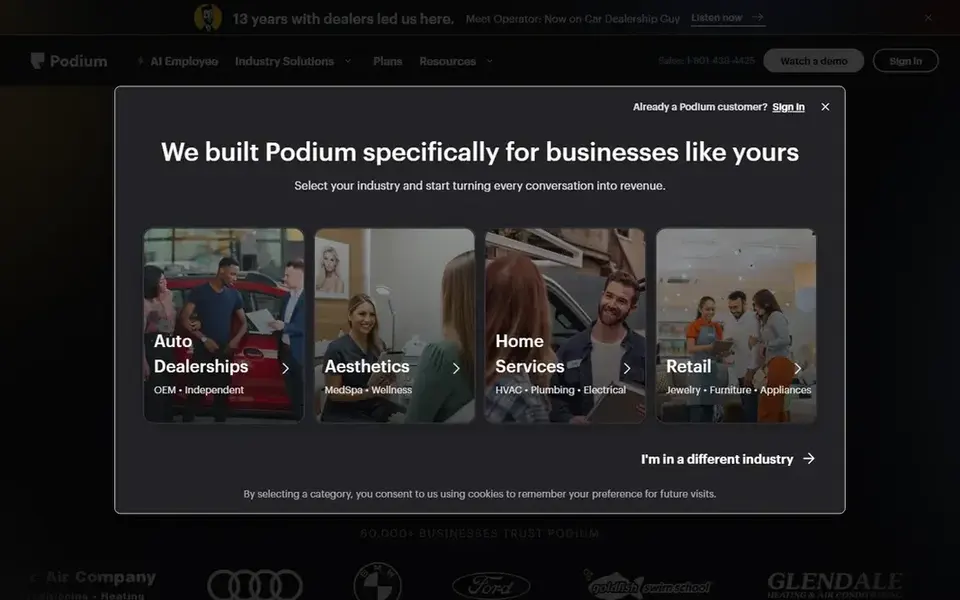
Podium started with texting and reviews and has grown into a customer interaction platform. Contractors often end up there because they want one number customers can text for quotes, scheduling changes and photos of the problem, and review requests come along with that.
In practice, a contractor uses Podium to text the customer after the job, ask for a review in the same thread, and keep the conversation in one inbox. That suits trades where customers already prefer texting, like HVAC, plumbing and garage door work. The mobile app means a crew lead can send the request from the driveway before leaving.
One limitation: scope. Podium is a messaging product first, so if you only want review requests, you are paying for a lot you may not use, and there is no free plan stated. It also takes some setup to get the number and inbox configured properly.
- Strong text messaging for customer conversations
- review invites built into the same inbox
- good mobile app for crews
- Review features are one part of a larger messaging product
- no free plan stated
ReviewTrackers is a review monitoring and analytics platform. Its strength is watching what customers say across Google, Facebook and industry directories, then reporting on it in a way an owner can read in five minutes.
For a contractor with several branches or service areas, that monitoring is the useful part. You can see which location gets the best reviews, which one has a slow response habit, and where a pattern of complaints is forming before it hits your Google Maps ranking. Review requests exist in the product, but they are not the main event.
If your priority is a text after every job, another tool on this list will serve you better. ReviewTrackers makes more sense once you already have steady review volume and need to manage it across locations. There is no free plan stated.
- Strong review monitoring across many sites
- good reporting for owners
- location-level dashboards
- Request tools are secondary to monitoring
- no free plan stated
Broadly is a customer interaction tool for local service businesses, combining web chat, messaging and review requests. For contractors, the appeal is a chat widget on the website that captures quote requests, plus review invites sent after the job from the same dashboard.
That combination suits a contractor whose website gets enquiries but whose office staff are too busy to answer every form. The chat captures the lead, the job gets done, and the review request goes out from the same place. It is simple enough that a part-time office manager can learn it in an afternoon.
The limits are integrations and depth. The list of connections to field service and accounting software is shorter than the bigger platforms, and there is no free plan stated. Skip it if you need deep reporting across many locations.
- Web chat and review requests in one tool
- simple inbox for small teams
- easy for office staff to learn
- Smaller integration list
- no free plan stated
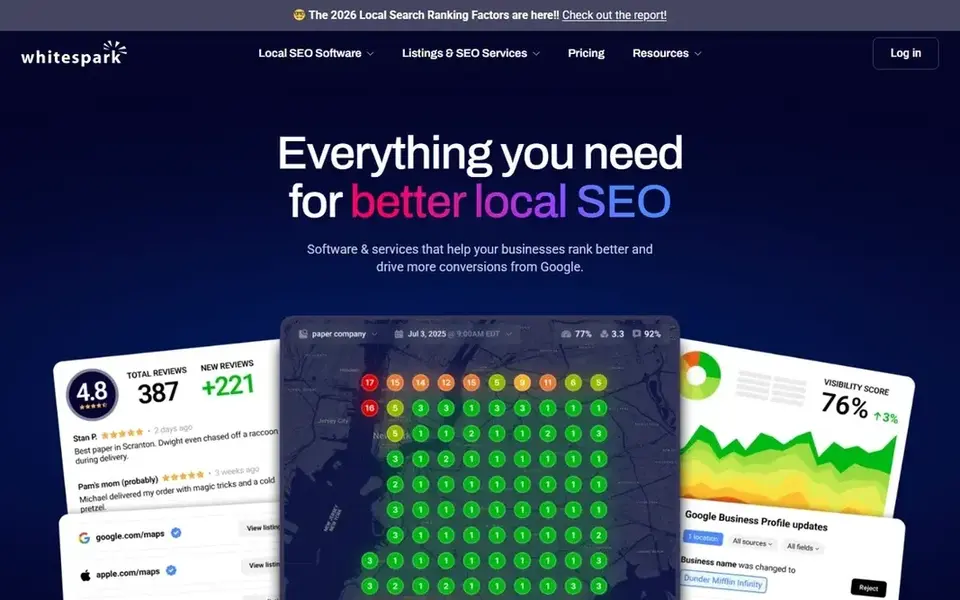
Whitespark is a local SEO tool company known for citation building and local search tools. Contractors who care about Google Maps visibility often end up there because listings and reviews are two halves of the same job.
On the review side, Whitespark helps you find where customers are talking about you, gives you a place to organise requests, and pairs that with citation work so your business details stay consistent across directories. That consistency supports the reviews you collect, because a customer who finds a clean listing is more likely to trust it and leave a review.
It is not a job-triggered automation platform. If you want a text to go out automatically when a job closes, look at NiceJob or Grade.us. Whitespark fits the contractor who wants listings and reviews handled together and is willing to send requests manually. There is no free plan stated.
- Reputable local SEO toolset
- citation and listing tools alongside review help
- clear documentation
- Review requests are largely manual
- not a full automation platform
How I chose
I built this list from vendor documentation, help centre articles and public sources, and I did not run hands-on tests of any product. I started with the workflow a contractor actually has: a booked job, a crew on site, an invoice, and a customer who will either leave a review or forget. Tools that connect to that workflow, or that at least make a manual request quick, ranked higher than tools that only monitor reviews after the fact.
I also weighed limits honestly. Some of these products are much bigger than a small crew needs, and some are thinner than a growing company needs. I noted where review requests are a side feature rather than the main product, and where setup or admin time is a real cost. No tool here was ranked on claimed results or user numbers, because I cannot verify those, and I did not include any tool that encourages review gating or paid reviews.
What to check before you buy
- Does it connect to your scheduling, invoicing or field service software, so a completed job can trigger the request without anyone remembering?
- Can it send by text as well as email, and does it handle the follow-up automatically if the customer ignores the first message?
- Does every customer get asked, with no filtering based on how happy you think they are, so you stay inside Google's review policies?
- Can you reply to reviews from the same dashboard, and does it alert you quickly when a one-star review lands on your Google Business Profile?
- What happens to your customer list and review history if you cancel, and can you export it?
- Does the contract lock you in for a year, and what does support actually cover during a busy season?
Frequently asked questions
Do review request tools break Google's rules?
No, as long as you ask every customer, never offer money or gifts for a review, and never write reviews on a customer's behalf. A private feedback step is allowed because every customer still has the option to post publicly. What gets businesses in trouble is review gating, where only happy customers are shown the public link, and that is against Google's policies.
Should contractors ask by text or email?
Text usually gets a faster response for trades, because the customer has your number in their phone from the quote and the job. Email works better for commercial clients and property managers who handle everything in an inbox. Most tools let you use both, and the practical answer is to send the first request by text and follow up by email if there is no response.
How soon after the job should the request go out?
Same day is best, and within a few hours of finishing is better still. The customer is still pleased with the new boiler or the repaired roof, and they remember the crew's name. A request that arrives a week later competes with other messages and gets ignored. This is the main reason to connect the tool to your job management software rather than sending requests by hand.
Can I ask for reviews on Google and other sites at the same time?
Yes, but keep it simple. Send the customer to one place, usually your Google Business Profile, because that is where local searches look first. Some tools let you rotate destinations or ask for a second review later. Asking for several reviews in one message confuses people and lowers the response rate.
Do I need a paid plan as a one-person contractor?
Not always. Grade.us has a free plan, which is enough to test whether review requests work for your type of work. Once you are doing several jobs a day, the automation in a paid tool usually pays for itself in time saved, but check the pricing page and start small rather than buying the biggest package on day one.
Sources
See where you really rank - block by block
ProMapRanker scans Google Maps across a grid of your service area. Simple monthly plans from $19, white-label on every plan.
Start freeBrowse all guides
← Best Review Request Software for Car Dealerships in 2026Best Review Request Software for Landscapers in 2026 →
 best review request software for auto repair shops
Best Review Request Software for Auto Repair Shops in 2026
A practical guide to the best review request software for auto repair shops in 2026, compared from vendor documentation and public sources.
Read → best review management software for tutoring centers
Best Review Management Software for Tutoring Centers in 2026
A practical guide to the best review management software for tutoring centers in 2026, compared from vendor docs and public sources.
Read → best review management software for moving companies
Best Review Management Software for Moving Companies in 2026
A moving company owner's guide to review management software: request reviews after jobs, reply to feedback, and track reputation. Compared for 2026.
Read → google my business optimization checklist
The Ultimate Google My Business Optimization Checklist
A complete Google My Business optimization checklist covering every field that affects ranking.
Read → geo grid local rank tracking
Geo-Grid Local Rank Tracking: The Complete Explainer
Everything you need to know about geo-grid local rank tracking: what it is, how it works, and why it matters.
Read → rankscale alternatives
Best RankScale Alternatives in 2026
rankscale alternatives for local rank tracking, geo grids, citations and reviews, compared on price, coverage, reporting and value for small teams today.
Read →More in Local SEO & Google Maps · All guides A to Z by date · Latest guides