 ProMapRanker
Best Review Management Software for Moving Companies in 2026

All-in-one review requests and replies · Pricing starts at: See website
Direct answer
For a moving company, my pick is Birdeye because it handles review requests across text and email, pulls feedback from multiple sites into one inbox, and gives office staff a place to reply from a desktop. It has no free plan stated, so check its pricing page. If you want simpler, lower-cost review requests, look at NiceJob; if you mainly need to monitor and respond across many platforms, ReviewTrackers is the other one to weigh.
I compared these tools from vendor documentation and public sources, not from hands-on tests. I looked at how each one fits the way a moving company actually works: jobs finish at odd hours, customers are stressed, and reviews tend to land days after the truck leaves. The list below is ordered by how well each fits that pattern.
Key takeaways
- Moving reviews arrive in bursts after jobs, so the software needs to send requests automatically when a job is marked complete.
- Customers often review on Google, but some use Yelp or Facebook, so multi-site monitoring matters more than a single-platform tool.
- A shared inbox with reply templates saves office time because moving complaints usually need a calm, factual answer.
- Review requests should go to every customer the same way, not only to people you expect to be happy, to stay within Google's guidelines.
- Check that the tool can handle multiple crew leads or locations if you run more than one branch.
Quick comparison
| Pick | Great for | Pricing starts at | Free tier | |
|---|---|---|---|---|
| Birdeye | All-in-one review requests and replies | See website | Not stated | Visit |
 NiceJob | Simple post-job review requests | See website | No free plan | Visit |
 ReviewTrackers | Monitoring reviews across many sites | See website | Not stated | Visit |
 Podium | Text-first customer messaging | See website | Not stated | Visit |
 Grade.us | Agencies managing several movers | See website | Free trial | Visit |
 Broadly | Small local service businesses | See website | Not stated | Visit |
 GatherUp | Budget-friendly request campaigns | See website | Free trial | Visit |
The best review management software for moving companies compared
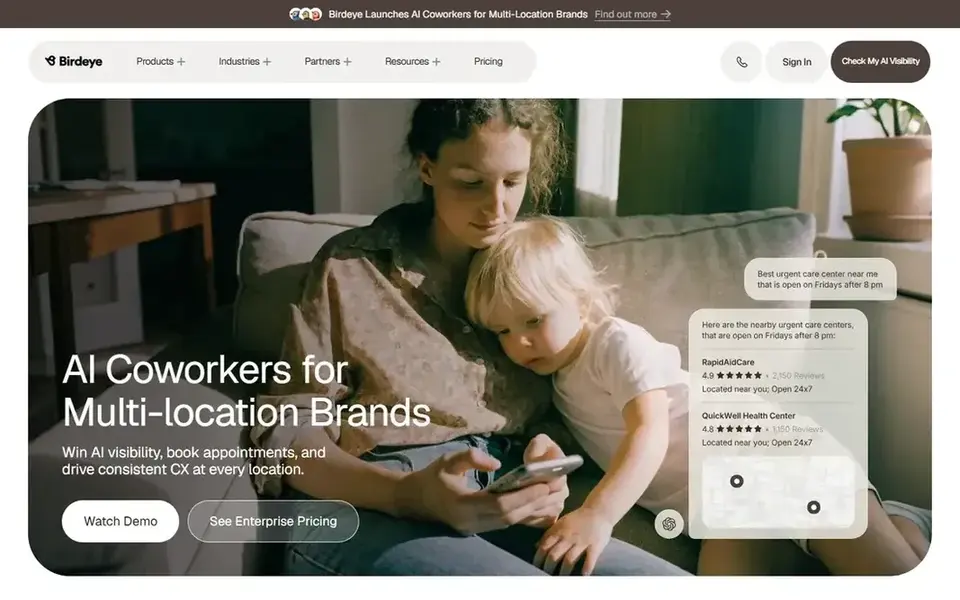
Birdeye is a reputation and customer messaging platform built for local service businesses. For a moving company it fits because the office can trigger a review request the moment a job is closed out, and the customer gets a short text while the move is still fresh in their mind. It also collects reviews from Google, Facebook and other sites into one dashboard, which helps when a customer leaves feedback somewhere other than Google.
The workflow that matters for movers is the request timing. A move is a one-time purchase, so there is no repeat visit to prompt a review later. Birdeye lets you set requests to go out automatically after a job status changes, and the replies can be handled by whoever runs the front desk. Templates help staff answer complaints about damaged items or late arrival without writing from scratch each time.
The limits are mostly about size. A two-truck operation may find the feature set larger than it needs, and the quote-based pricing means you have to talk to sales before you know the cost. Skip it if you only want a basic request link and nothing else.
- Sends review requests by text and email
- combines reviews from many sites in one inbox
- supports multiple locations
- Pricing is quote-based
- more features than a small mover may need
NiceJob is aimed at local service companies that want reviews without a complicated setup. For a mover, that means you can add a customer after a job, send a request, and let the tool nudge them once if they do not respond. The focus is on getting the review, not on running a full messaging platform.
It helps with the moving workflow because requests can be tied to a completed job rather than a calendar date. If your office staff already use a CRM or moving software, check whether NiceJob connects to it before you buy, since manual entry adds work on a busy week. The reporting is simple, which is fine for a single-location company.
The limits show up when you need to manage replies across several platforms or run multiple branches. NiceJob is lighter on inbox features than the bigger suites. Skip it if you want one system for review requests, replies and customer texting together.
- Straightforward request campaigns
- built for local service businesses
- easy for small teams to set up
- Fewer inbox and reply tools
- less useful for multi-branch movers
ReviewTrackers is a review monitoring and analytics platform. It is a good fit for a moving company that already gets reviews on Google, Yelp and Facebook and wants one place to see them all, with alerts when a new one lands. Owners who want a weekly view of how each branch is doing will find the reporting useful.
For movers, the value is in catching problems early. A bad review about a damaged piano or a no-show crew can spread if it sits unanswered for a week. ReviewTrackers sends notifications and lets staff respond, and the location grouping helps if you run crews out of more than one city. It does not replace a request tool, so most movers pair it with something that sends the ask.
The limits are on the request side. If your main problem is that too few customers leave reviews, this tool will not fix that on its own. Skip it if you need a single system that both asks for and manages reviews.
- Pulls reviews from many platforms
- good reporting for owners
- supports multiple locations
- Less emphasis on sending requests
- quote-based pricing
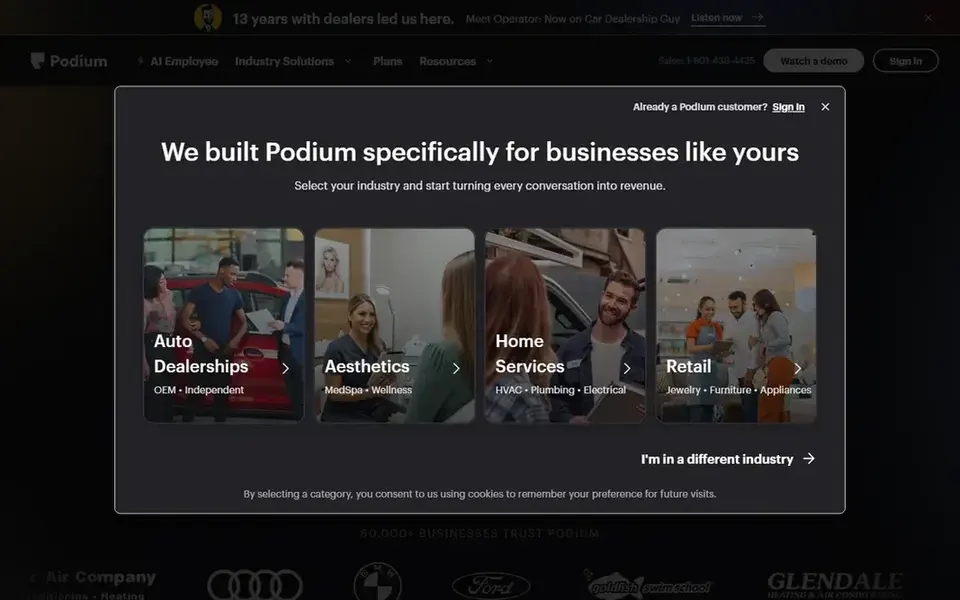
Podium is a messaging platform that includes review requests. Moving companies that already text customers about arrival windows and paperwork can send a review request in the same thread, which feels natural to the customer. The inbox is built around conversations rather than a review dashboard.
For a mover, the practical benefit is that the same number handles scheduling questions and review asks. That reduces the number of tools the office juggles during a busy summer. The review features are solid, though the platform is broader than reviews alone.
The limits are cost and complexity. Podium is generally aimed at businesses with enough message volume to justify it, and a small mover with a few trucks a week may not get the value. Skip it if you want a review-only tool.
- Strong text messaging workflow
- review requests built into conversations
- good for high-volume offices
- Priced for larger businesses
- may be more than a small mover needs
Grade.us is a review management tool often used by agencies that manage reviews for several local businesses. If a marketing agency handles reviews for a group of moving companies, the multi-account setup and white-label options are the reason to look at it. A single mover can use it too, but the design assumes someone is managing campaigns.
For moving companies, the campaign builder lets you set up a request sequence after a job and route happy customers to a review site. The reporting is basic but usable. It works best when someone owns the process and checks in weekly.
The limits are polish and depth. The interface is older than the bigger platforms, and the integrations are fewer. Skip it if you want a modern inbox or advanced messaging.
- White-label options for agencies
- campaign builder for review requests
- supports multiple client accounts
- Interface feels dated
- smaller feature set than big suites
Broadly is a customer interaction platform for local service businesses, including trades and home services. A moving company can use it to send review requests after a job and to answer web chat from people asking for quotes. The focus is on small teams that want one tool for messages and reviews.
For movers, the web chat side is useful during quote season, when people browse several companies and ask quick questions. Review requests can be sent after the job, and replies are handled in the same inbox. It is a reasonable fit for a company that wants reviews and lead chat together.
The limits are integrations and reporting. If you rely on a specific moving CRM, check the connection list first. Skip it if you need deep analytics across many branches.
- Built for local service trades
- review requests and web chat in one place
- simple setup
- Smaller integration list
- less reporting depth
GatherUp is a review generation and monitoring tool with a straightforward campaign setup. For a moving company, it covers the basics: add a customer, send a request, and see the reviews that come back in one place. It is a practical choice for a single-location mover that wants to ask every customer the same way.
The workflow fits moving because campaigns can be triggered after a job and reminders can be scheduled. The dashboard shows which requests turned into reviews, which helps the office see whether the process is working. Replies can be handled from the tool for the main platforms.
The limits are depth. It has fewer messaging and multi-location features than the larger suites. Skip it if you run several branches and need consolidated reporting.
- Review request campaigns by email and text
- simple dashboard
- works for single-location movers
- Fewer messaging features
- lighter on multi-location tools
How I chose
I built this list from vendor documentation and public sources, not from hands-on tests. I read each vendor's feature pages, help docs and public descriptions, then checked how the workflow matches a moving company: one-time jobs, requests that need to go out right after the move, and replies that often involve damage or timing complaints. I did not run trials or measure results for any tool.
I ranked by fit rather than by feature count. A mover does not need every messaging feature; it needs requests that go out reliably, a shared inbox for replies, and monitoring across the sites customers actually use. I also noted limits, because a tool that is too large for a two-truck operation wastes money, and a tool that only monitors reviews will not solve a request problem. Where pricing is quote-based, I say so rather than guess.
What to check before you buy
- Confirm the tool can trigger a review request when a job is marked complete in your moving software or CRM, not only on a fixed schedule.
- Check which review sites it monitors and replies to, since movers get feedback on Google, Yelp and Facebook.
- Ask whether multiple crew leads or branches can share one inbox with separate logins.
- Look for reply templates and saved responses, because damage and delay complaints need consistent wording.
- Make sure requests go to every customer the same way rather than only to customers you expect to be happy.
- Check the contract length and cancellation terms before you commit, since moving season volumes change.
Frequently asked questions
Do moving companies need review management software?
Not strictly, but it helps. Moves are one-time purchases, so the request has to go out right after the job or it never happens. Software automates that ask, collects reviews from several sites in one place, and gives the office a shared inbox for replies. A small mover can start with a simple request tool and add monitoring later.
Which review sites matter most for movers?
Google is the main one because it feeds Maps and local search results. Yelp and Facebook matter too, since some customers check them before booking. Ask the vendor which sites it monitors and whether you can reply from inside the tool. If a platform is missing, you will end up logging in separately.
How should a moving company ask for reviews?
Ask every customer the same way after the job, by text or email, and do not filter out people you expect to be unhappy. Do not offer money or gifts for reviews, and do not write reviews for customers. Keep the request short and link straight to your Google Business Profile. Follow Google's review policies so the reviews stay published.
Can I reply to negative reviews about damage or delays?
Yes, and you should. Reply calmly, state what happened from your side, and say what you are doing about it. Do not argue or include private customer details. A short, factual reply shows other people reading the review that you respond to problems. Most review tools let you save templates so replies are faster.
How many locations can one account handle?
It varies by vendor. Some tools price by location and support many branches under one login; others are built for a single business. If you run crews out of more than one city, ask about location grouping and consolidated reporting before you buy. A single-location mover can usually ignore these features.
Sources
See where you really rank - block by block
ProMapRanker scans Google Maps across a grid of your service area. Simple monthly plans from $19, white-label on every plan.
Start freeBrowse all guides
← Best Review Management Software for Landscapers in 2026Best Review Management Software for Tutoring Centers in 2026 →
 best review management software for junk removal companies
Best Review Management Software for Junk Removal Companies in 2026
A practical guide to the best review management software for junk removal companies in 2026, compared from vendor documentation and public sources.
Read → best review management software for jewelry stores
Best Review Management Software for Jewelry Stores in 2026
A practical guide to the best review management software for jewelry stores in 2026, compared from vendor documentation and public sources.
Read → best review management software for florists
Best Review Management Software for Florists in 2026
A florist's guide to review management software in 2026. Compare Birdeye, Podium, NiceJob, Grade.us and more on workflow, Google reviews and fit.
Read → transfer google business profile ownership
How to Transfer Ownership of a Google Business Profile
Step-by-step instructions for safely transferring ownership of a Google Business Profile.
Read → google business profile description
Google Business Profile Description: How to Write One That Converts
Write a Google Business Profile description that informs customers and supports SEO, with templates and examples.
Read → canada citation sites
Canada Citation Sites: A Complete Guide
Everything you need to know about canada citation sites: what it is, why it matters for local SEO, and exactly how to act on it.
Read →More in Local SEO & Google Maps · All guides A to Z by date · Latest guides