 ProMapRanker
Best Review Management Software for Jewelry Stores in 2026

All-in-one reviews and customer messaging · Pricing starts at: See website
Direct answer
Birdeye is my top pick for jewelry stores because it handles review requests, replies and messaging in one place and fits the way a store collects feedback after a repair, resizing or custom order. It has no free plan stated, so check its pricing page. NiceJob is a strong lower-cost option for stores that want simple photo-friendly review requests, and Podium suits stores that do a lot of texting with customers about orders and appointments.
I put this list together by reading vendor documentation, help center articles and public product pages, and by checking how each tool fits the way a jewelry store actually talks to customers. I did not run hands-on tests, so treat this as a fit-and-features comparison rather than a lab report. The order reflects how well each tool matches jewelry-specific workflows like repairs, custom orders and appointment follow-ups.
Key takeaways
- Jewelry stores get reviews at very different moments than restaurants or salons, so the software needs to trigger requests after a pickup, repair or appraisal, not just after a sale.
- A shared inbox matters because customers often text about ring sizing, warranty work and custom orders long after the purchase.
- Photo and video reviews carry more weight for jewelry because buyers want to see how a piece looks in real light.
- Reply tools should let staff answer from a phone at the counter without logging into a desktop dashboard.
- Software that pushes customers toward positive reviews only, or hides the negative ones, breaks Google's review policies and puts the profile at risk.
Quick comparison
| Pick | Great for | Pricing starts at | Free tier | |
|---|---|---|---|---|
| Birdeye | All-in-one reviews and customer messaging | See website | Not stated | Visit |
 Podium | Stores that text customers about orders | See website | Not stated | Visit |
 NiceJob | Simple review requests on a budget | See website | Not stated | Visit |
 Grade.us | Agencies running reviews for several jewelers | See website | Not stated | Visit |
 Broadly | Small independent jewelers | See website | Not stated | Visit |
 ReviewTrackers | Multi-location chains tracking sentiment | See website | Not stated | Visit |
 Whitespark | Review links plus local citation work | See website | Not stated | Visit |
The best review management software for jewelry stores compared
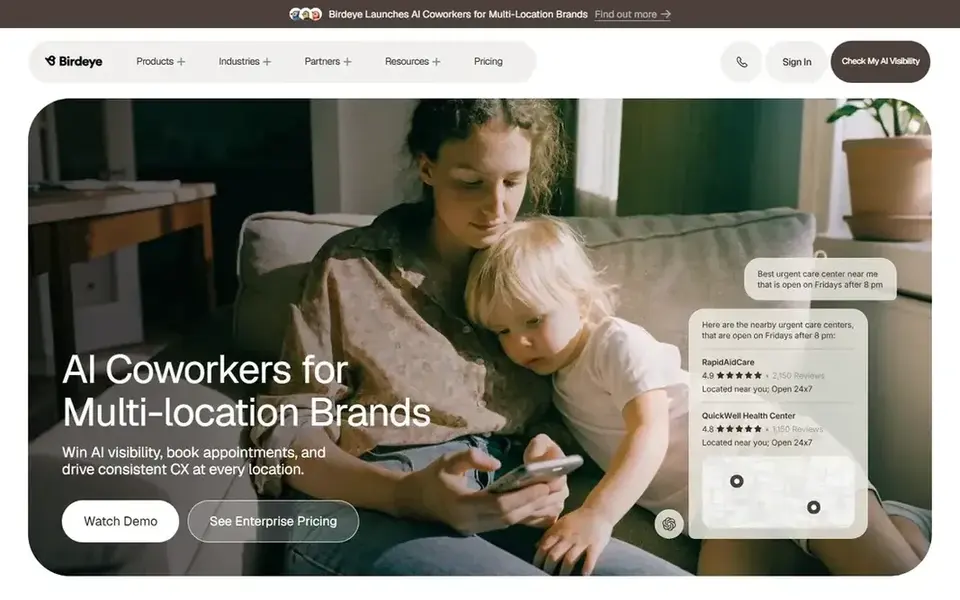
Birdeye is a reputation and customer experience platform that combines review collection, review responses, messaging and business listings. For a jewelry store it fits because the same account can send a request after a ring pickup, follow up on a repair, and keep the conversation going when a customer asks about resizing or a warranty. It suits stores that want one vendor instead of stitching together a review tool and a separate texting app.
The workflow that matters most here is the trigger. You can set a request to go out after a transaction is marked complete, which for a jeweler might be a custom order pickup or a watch battery replacement rather than a simple retail sale. Replying from the shared inbox means the person who handled the repair can answer a review without passing it to a manager. Photo reviews from customers tend to be the most useful content for a jewelry store, and Birdeye's request templates make it easy to ask for one.
The limits are practical. It is a broad platform, so a single-store jeweler may pay for features they never touch, and getting automations and templates right takes an afternoon or two. Stores that only want a simple review widget should look at a lighter tool first.
- Review requests across email, text and other channels
- shared inbox for customer conversations
- listings and survey tools in the same account
- Setup and onboarding take effort
- pricing is quote-based
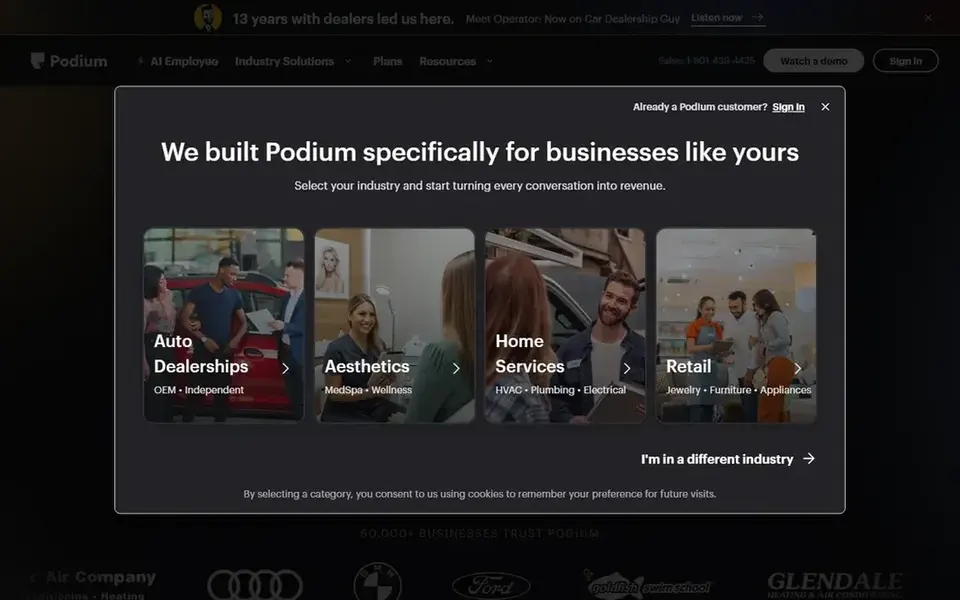
Podium started with texting and built reviews, webchat and payments around it. That makes it a natural fit for a jewelry store where customers ask "is my ring ready?" or "can you resize this by Friday?" over text. The review request can ride along at the end of a conversation the customer already started, which often feels less pushy than a separate email blast.
For jewelry specifically, the messaging angle helps with custom orders that stretch over weeks. A staff member can keep the thread open, send progress photos, and then ask for a review once the piece is collected. That history also gives you context when a review comes in, so a reply can reference the actual order.
Skip Podium if reviews are your only need. It is a messaging platform first, and a small store that just wants review invites may find it heavier than necessary.
- Strong two-way texting
- review invites fit naturally into order conversations
- webchat and payments in one place
- Review features are part of a larger messaging product
- quote-based pricing
NiceJob is built around getting more reviews and referrals without a complicated setup. A jewelry store can load past customers, send a request by text or email, and let the tool nudge people who have not responded. The photo-friendly request format is a good match for rings, necklaces and custom pieces, because customers who share a picture give future buyers something concrete to look at.
The day-to-day is straightforward. You add a customer after a pickup or repair, choose a campaign, and the software handles the follow-up. Replies and review monitoring are included, so a manager can see new reviews in one feed and respond before the end of the day.
The trade-off is depth. If you want a full inbox for order questions, appointment booking and payments, NiceJob will feel narrow. It is best for a single store that wants reviews handled well and nothing more.
- Easy campaign setup
- supports photo and video in requests
- simple dashboard for a small team
- Fewer messaging channels than big suites
- lighter reporting
Grade.us is aimed at agencies and marketers who manage reviews for clients, which fits an independent jeweler working with a local SEO consultant. You can build separate campaigns for retail buyers, repair customers and custom-order clients, then report on each. That segmentation matters in jewelry because a repair customer and an engagement-ring buyer need very different follow-up.
The white-label option lets an agency present the dashboard under its own brand, which is useful if you are the consultant in the relationship. Review monitoring and response tools are included, and the platform connects to the major review sites.
The main drawback is the interface, which feels older than the newer suites. A store owner who wants to manage everything from a phone at the counter may find it clunky.
- White-label options for agencies
- campaign builder for different customer types
- review monitoring across locations
- Interface feels dated in places
- less polished mobile experience
Broadly is a reputation and messaging tool built for small local businesses, and it keeps things simple. A jeweler can send review invites after a sale or repair, answer webchat questions from the website, and keep reviews and messages in one inbox. That simplicity is the point: a two-person store does not need a platform with a dozen modules.
For jewelry, the webchat piece is handy because shoppers often have a specific question before they visit, like whether a setting can be made in a different metal. Catching that question on the site and then following up with a review request after the visit closes the loop.
It is not the tool for a chain with several locations and detailed sentiment reporting. Stores that expect to grow into multi-location reporting should look at ReviewTrackers instead.
- Review requests by text and email
- webchat for site visitors
- simple inbox
- Less depth in reporting
- fewer integrations than larger platforms
ReviewTrackers focuses on listening rather than asking. It pulls reviews from Google, Facebook and other sites into one dashboard, tags them by topic and location, and gives managers reports on how each store is doing. For a jewelry chain with several showrooms, that makes it easier to spot a branch where repair turnaround is drawing complaints.
The sentiment tools are the reason to pick it. If you want to know whether customers talk more about price, service or selection at each location, the reporting answers that. It also helps a marketing team prepare responses that match the tone of the review.
What it does less well is automated review requests. If your main goal is to get more reviews after each sale, a request-focused tool like NiceJob or Birdeye will do more for you.
- Review monitoring across many sites
- sentiment analysis and reporting
- location-level dashboards
- Request automation is not the core strength
- quote-based pricing
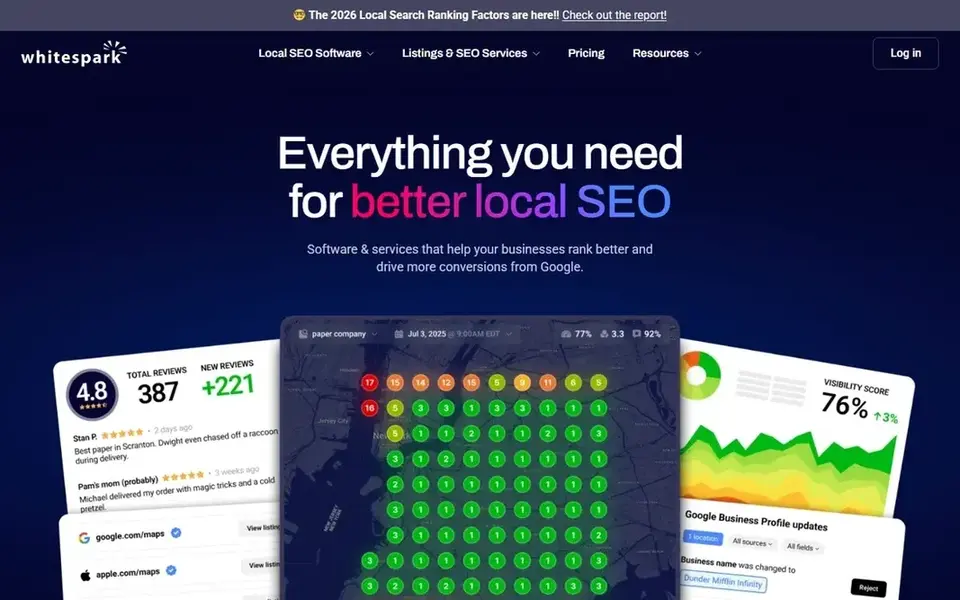
Whitespark is a local SEO toolkit, and its review features are built around getting the link and the ask right. You can generate a direct review link for Google, shorten it, and hand it to staff to send by text or print on a card that goes in the jewelry box. That low-tech approach works well at a counter where a customer is paying and the salesperson can ask in person.
The citation tools are a bonus for a jeweler who also wants consistent name, address and phone details across directories. Local search visibility and reviews reinforce each other, and having both in one place saves a login.
It is not a review management suite. There is no shared inbox for order questions and no automated campaign builder. Pick it if you want review links and citations handled well and you are comfortable sending requests yourself.
- Review link generator and short links
- citation building tools in the same account
- local SEO focus
- Not a full inbox or messaging platform
- review requests are more manual
How I chose
I started with the job a jewelry store actually needs done: ask for a review at the right moment, make it easy to leave one, and reply well when it arrives. From there I read vendor documentation and public product pages to see which tools support triggers after a repair or custom order, which offer a shared inbox for order questions, and which handle photo reviews. I did not run hands-on tests, so I relied on what each vendor publishes about its features and limits.
The second pass was about fit. A single-store jeweler and a five-location chain need different things, so I kept tools that serve different sizes rather than stacking the list with near-identical suites. I also weighed limits honestly: some tools are messaging platforms with reviews attached, some are listening tools, and one is a local SEO kit. Where a tool is weak for jewelry workflows, I said so. No prices, ratings or user counts are included because those change and should be checked on each vendor's site.
What to check before you buy
- Confirm the tool can trigger a review request after a repair, resizing or custom order, not just after a retail sale.
- Check whether photo and video reviews are supported in requests, since jewelry buyers rely on real images.
- Ask whether replies can be sent from a phone, because counter staff will not walk to a desktop to answer.
- Make sure the shared inbox covers text messages if your store already texts customers about order status.
- Verify the tool follows Google's review policies and does not offer review gating or incentives for positive reviews.
- Check how review links and short links work for in-person asks, since many jewelry reviews start at the counter.
Frequently asked questions
Do jewelry stores need review management software at all?
Not strictly, but it helps. Jewelry purchases are often high-value and considered, so buyers read reviews closely. Software makes it easier to ask at the right moment, keep requests consistent across staff, and reply before a small complaint turns into a lost customer. A store with steady foot traffic and no system tends to collect reviews in bursts and then go quiet.
Which review sites matter most for a jewelry store?
Google is the one to focus on because it feeds Maps and local search results. Facebook still matters for some stores, and industry-specific sites can help for high-end pieces. Most review management tools connect to the major platforms, so check that Google is covered and that replies sync back to your profile.
Can I ask customers for reviews in the store?
Yes, as long as you ask everyone and do not offer rewards for positive reviews or screen out unhappy customers. A common approach is to print a short review link on the receipt or put a card in the jewelry box, then let the customer decide. Asking in person is fine; steering only happy customers to Google is not.
How do I handle a negative review about a repair?
Reply politely, keep it short, and move the details offline. Acknowledge the issue, invite the customer to contact the store, and avoid arguing in public. Future buyers read the reply as much as the review, so a calm response often does more good than the original complaint does harm.
Is a texting-focused tool better than an email-based one?
It depends on how your store already communicates. If customers text about order status and repairs, a texting-first tool like Podium fits naturally. If most contact happens by email or in person, a simpler request tool like NiceJob may be enough. Many stores use both channels, so check that the software supports the one your customers actually use.
Sources
See where you really rank - block by block
ProMapRanker scans Google Maps across a grid of your service area. Simple monthly plans from $19, white-label on every plan.
Start freeBrowse all guides
← Best Review Management Software for Florists in 2026Best Review Management Software for Junk Removal Companies in 2026 →
 best review management software for dermatologists
Best Review Management Software for Dermatologists in 2026
A practical guide to the best review management software for dermatologists in 2026, compared from vendor documentation and public sources.
Read → best reputation management software for physical therapists
Best Reputation Management Software for Physical Therapists (2026)
A practical guide to the best reputation management software for physical therapists in 2026, compared from vendor docs, with review requests, replies and listings.
Read → best reputation management software for pet groomers
Best Reputation Management Software for Pet Groomers in 2026
A practical guide to reputation management software for pet groomers, comparing review tools, pricing pages, and features for local grooming businesses.
Read → grid rank tracker google maps
Grid Rank Tracker for Google Maps: Setup, Scans, and Reading Results
A complete walkthrough of using a grid rank tracker for Google Maps, from setup to interpreting your heatmap.
Read → google business profile reinstatement
Google Business Profile Reinstatement: A Step-by-Step Recovery Plan
A complete GBP reinstatement playbook: appeal templates, evidence to submit, and how to avoid a second suspension.
Read → how does google rank local businesses
How Does Google Rank Local Businesses? Inside Local Search
How Google decides which local businesses rank: the signals, the math, and what you can control.
Read →More in Local SEO & Google Maps · All guides A to Z by date · Latest guides