 ProMapRanker
Best Review Management Software for Dermatologists in 2026
Direct answer
Birdeye is my top pick for dermatology practices because it handles review requests, replies and multi-location reporting in one place, which suits clinics with several providers and front-desk staff. It has no free plan stated, so check its pricing page. NiceJob is a good fit for smaller single-office practices that want simple review requests, and Podium works well for clinics that mainly want to collect reviews and answer patient texts from one inbox.
I put this comparison together from vendor documentation and public sources, not from hands-on testing. I looked at what each product says it does, how it fits the way a dermatology office actually runs, and where the limits are. Prices change, so I have not listed any figures and you should confirm current pricing on each vendor's site.
Key takeaways
- Dermatology practices get reviews tied to a provider name and a procedure, so the software needs to route requests to the right profile and the right person.
- HIPAA-minded clinics should confirm how a vendor handles patient contact data before sending review invitations.
- Multi-location practices need one dashboard that shows reviews per office, per provider and per platform.
- Review replies that mention a patient's condition or treatment can create privacy problems, so templates and staff training matter.
- Software only helps if requests go out at the right moment, usually after the visit is closed and the patient has left the office.
Quick comparison
| Pick | Great for | Pricing starts at | Free tier | |
|---|---|---|---|---|
 Birdeye | Multi-location dermatology groups | See website | Not stated | Visit |
 NiceJob | Small single-office practices | See website | Not stated | Visit |
 Podium | Text-based review requests and messaging | See website | Not stated | Visit |
 Grade.us | Agencies managing clinic clients | See website | Not stated | Visit |
 ReviewTrackers | Tracking reviews across many platforms | See website | Not stated | Visit |
 Broadly | Small local businesses including clinics | See website | Not stated | Visit |
 Whitespark | Review requests plus local citation work | See website | Not stated | Visit |
The best review management software for dermatologists compared
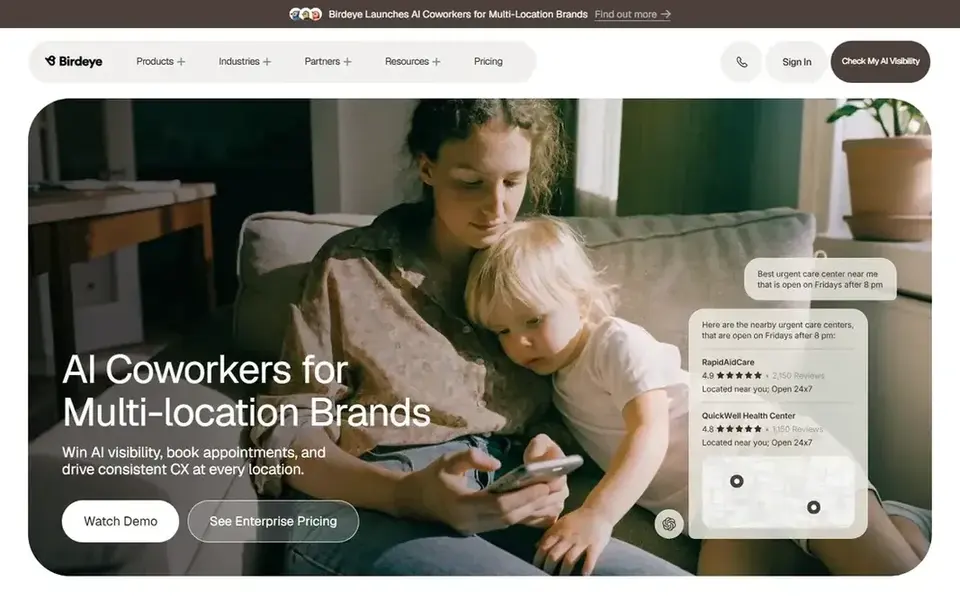
Birdeye is a reputation and customer experience platform used by multi-location businesses, including medical and dental groups. For a dermatology practice with several offices and providers, it keeps review activity in one place instead of scattering it across Google Business Profiles. It also covers listings and messaging, so the front desk works from fewer tools.
For dermatology, the useful part is routing. You can send a request after a visit and tie it to the specific office, and you can watch reviews per location so a problem at one clinic does not get lost. Reply workflows help staff respond to feedback about wait times, scheduling or a provider without writing each reply from scratch.
The limits are setup effort and cost. A single-provider practice will pay for features it never uses, and the quote-based pricing means you need to ask for a written proposal before committing.
- Handles review requests, replies and listings in one dashboard
- strong multi-location reporting
- supports messaging and surveys
- Setup takes time
- pricing is quote-based and can climb with locations
NiceJob is built around getting more reviews from happy customers with less manual work. It fits a solo dermatologist or a small clinic where one person handles requests and replies. The setup is straightforward, and staff can learn it in an afternoon.
In a dermatology office, the value is timing. You can trigger a request after an appointment is marked complete, so the patient gets the message after leaving rather than at the front desk. Automated follow-ups nudge people who ignore the first message, and a single inbox keeps replies organized.
Skip it if you run many locations and need deep reporting or if you want review management bundled with listings and messaging. It is a focused tool, and that focus is the point.
- Simple review request flow
- automated follow-ups
- easy for front-desk staff to learn
- Reporting is lighter than enterprise tools
- fewer integrations
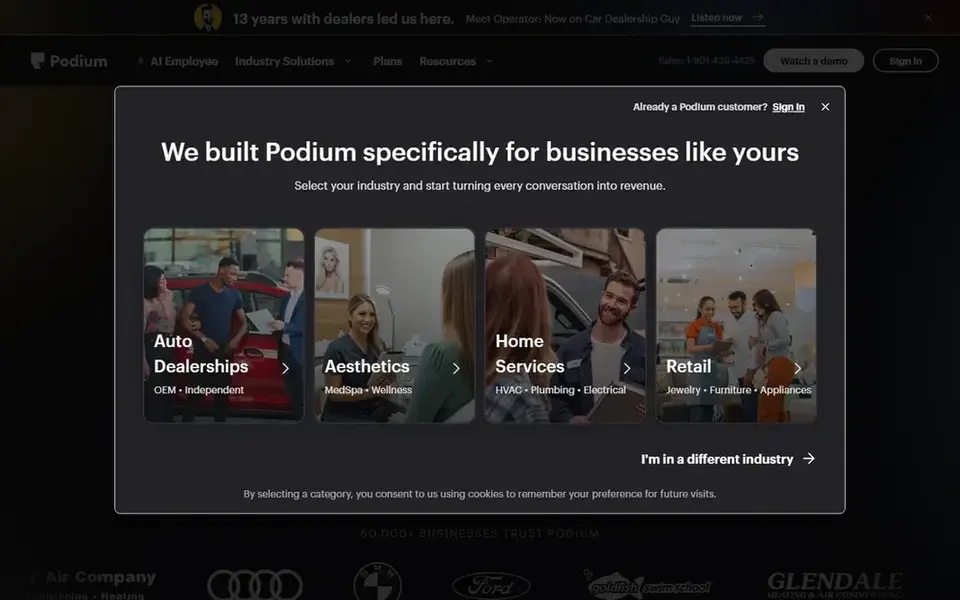
Podium started with text messaging and grew into a review and communication platform. Dermatology practices that already text patients about appointments will find the workflow familiar. Requests and replies sit in one inbox, and staff can respond from a phone or desktop.
For reviews, Podium sends invitations by text and links patients to the right profile. That matters when a practice has separate profiles for each provider. The inbox also captures replies, so a patient who answers a request with a question gets a response instead of silence.
The main caution is scope and cost. If you only need review requests, a simpler tool may be enough. If you want messaging, payments and reviews together, Podium makes more sense.
- Strong text messaging workflow
- single inbox for reviews and messages
- good mobile experience
- Messaging features can add cost
- less depth on local listings
Grade.us is a review management tool often used by agencies that manage reputation for local clients, including medical practices. If a dermatology clinic works with an SEO or marketing agency, Grade.us lets the agency run review campaigns under its own brand.
For a clinic, the practical benefit is structured campaigns. You can build a request flow, send it to patients after visits, and route happy patients to Google while capturing private feedback from unhappy ones. That last part matters in dermatology, where a bad experience often involves wait times or billing rather than the clinical result.
The trade-off is polish. The interface is functional but not as modern as newer tools, and reporting is basic. It suits agencies more than practices that want to log in and see a clean dashboard.
- White-label options for agencies
- campaign-based review requests
- supports multiple platforms
- Interface feels dated to some users
- less polished reporting
ReviewTrackers focuses on listening: pulling reviews from many sites into one place and helping you understand what patients say. For a dermatology group, that means seeing Google, Yelp and health-related review sites together rather than checking each one by hand.
The reporting is where it earns its place. You can compare locations, spot recurring complaints about scheduling or parking, and give each office manager a view of their own reviews. Sentiment analysis helps sort feedback at scale when you have hundreds of reviews a month.
It is less of a request-generation tool. If your main goal is getting more reviews from patients after visits, pair it with a request tool or choose a platform that does both.
- Wide platform coverage
- good sentiment analysis
- useful location-level reporting
- Review request automation is not the main focus
- pricing is quote-based
Broadly is a review and customer interaction tool aimed at local service businesses. A small dermatology practice can use it to request reviews after visits, reply from one inbox and add a web chat widget to the site.
For dermatology, the fit is the small-practice workflow. Requests go out by text or email, and staff see all replies in one place. The web chat option helps capture new-patient questions before they call, which matters when the front desk is busy.
It is not built for large multi-location groups, and the reporting is simpler than the bigger platforms. A single-office practice that wants an easy review workflow will find it comfortable.
- Review requests by text and email
- simple inbox
- web chat option
- Less known for large medical groups
- fewer enterprise controls
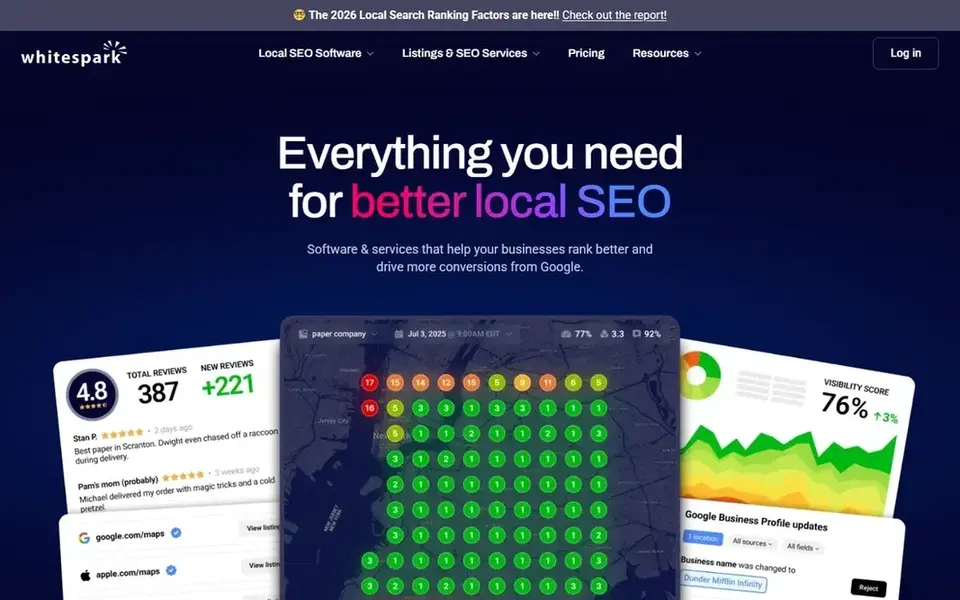
Whitespark is known for local SEO tools, including citation building and a review request product. For a dermatology practice that also cares about local rankings, it keeps review requests and listing work in one vendor relationship.
The review tool sends requests to patients and helps you track responses and new reviews. Because Whitespark also handles citations, a clinic can fix inconsistent business listings at the same time, which supports both map visibility and review credibility.
It is not a messaging or patient communication platform. If you need a shared inbox for texts and calls, look elsewhere. If you want reviews and local listings handled together, it is a sensible choice.
- Review request tool alongside citation building
- local SEO focus
- straightforward reporting
- Review features are one part of a wider toolkit
- not a full messaging platform
How I chose
I compared these tools from vendor documentation and public sources. I read what each vendor says about review requests, reply workflows, reporting and platform coverage, then matched those features to how a dermatology practice works: multiple providers, several offices in some cases, front-desk staff who are busy, and patient privacy concerns that make careless review requests risky.
I did not run hands-on tests, and I have not listed prices because they change and are often quote-based. Instead I focused on fit and limits. A tool that suits a five-location group is overkill for a solo dermatologist, and a simple request tool will frustrate an agency managing ten clinics. I also weighed how each product handles the basics: sending requests at the right time, routing them to the right profile, and keeping replies organized.
What to check before you buy
- Confirm how the vendor handles patient contact data and whether it will sign a business associate agreement if you need one.
- Check that review requests can be routed to the right Google Business Profile when each provider has a separate listing.
- Ask whether replies can be templated and approved by staff, so no one writes a reply that mentions a patient's condition.
- Confirm the tool supports the platforms your patients actually use, not just Google.
- Test the reporting view for each location if you run more than one office.
- Ask how the vendor handles a negative review and whether it offers alerts before a bad review sits unanswered.
Frequently asked questions
Do dermatologists need special review software?
Not special software, but careful setup. Dermatology reviews often mention a provider and a treatment, so the tool needs to route requests to the right profile and keep replies general. Standard review platforms work if you configure them well and train staff on what not to say in a public reply.
Can I ask patients for reviews?
You can ask patients for reviews, but you should not offer incentives or filter out unhappy patients before they reach Google. Send requests to all patients after visits, keep the message neutral, and let people decide. Review gating, where only happy patients get the request, goes against Google's guidelines.
How should a clinic reply to a negative review?
Reply briefly, stay general and avoid confirming that the person was a patient or naming any treatment. Acknowledge the concern, invite them to contact the office directly, and keep the reply short. Never argue in public or include clinical details, even if the reviewer shared them first.
Does review software help with local rankings?
Reviews are one signal among many for local visibility, and a steady flow of reviews with replies supports your Google Business Profile. The software helps you ask consistently and respond, but it does not replace accurate listings, a complete profile and relevant content on your site.
What about practices with several providers?
Look for a tool that supports multiple profiles and lets you route requests by provider or location. Birdeye and ReviewTrackers handle this well. A single-provider practice can start with a simpler tool and move later if it adds providers or offices.
Sources
See where you really rank - block by block
ProMapRanker scans Google Maps across a grid of your service area. Simple monthly plans from $19, white-label on every plan.
Start freeBrowse all guides
← Best Reputation Management Software for Physical Therapists (2026)Best Review Management Software for Florists in 2026 →
 best reputation management software for pet groomers
Best Reputation Management Software for Pet Groomers in 2026
A practical guide to reputation management software for pet groomers, comparing review tools, pricing pages, and features for local grooming businesses.
Read → best reputation management software for gyms
Best Reputation Management Software for Gyms in 2026
A practical guide to the best reputation management software for gyms in 2026, compared from vendor documentation and public sources by Shihab Mia.
Read → best reputation management software for funeral homes
Best Reputation Management Software for Funeral Homes in 2026
A guide to the best reputation management software for funeral homes in 2026, compared from vendor documentation and public sources for review requests and replies.
Read → google my business categories
Google Business Profile Categories: How to Choose the Right Ones
Your GBP category is a top ranking signal. Learn how to pick the right primary and secondary categories.
Read → best llm rank tracker software
Best LLM Rank Tracker Software in 2026
Best llm rank tracker software compared on model coverage, prompt limits and price, including free options, so teams can track AI search visibility clearly.
Read → local seo for financial advisors
Local SEO for Financial Advisors
A local SEO guide for financial advisors: Google Business Profile setup, reviews, and compliance-safe local SEO for advisors.
Read →More in Local SEO & Google Maps · All guides A to Z by date · Latest guides