 ProMapRanker
Best Reputation Management Software for Real Estate Agents in 2026
Direct answer
My top pick for real estate agents is Birdeye, because it combines review requests, multi-site review monitoring and a shared inbox for replies in one place, which suits agents who work from a phone between showings. It has no free plan stated, so check its pricing page. For agents who mainly want review generation, Grade.us fits well; for local listing and review visibility across many profiles, BrightLocal is the other name I would shortlist.
I put this comparison together from vendor documentation and public sources, not from hands-on testing. I looked at what each product says it does for review collection, monitoring, response and reporting, then judged how that fits the way agents actually work: mobile, between appointments, with a mix of personal and brokerage profiles. Where a vendor does not publish clear details, I say so rather than guess.
Key takeaways
- Real estate reviews usually arrive from two places: the agent's Google Business Profile and the brokerage profile, so pick software that can monitor and route both.
- Review requests work best when they are sent right after closing, so look for automation tied to a contact record rather than manual sends.
- A shared inbox matters for teams, because listing agents, buyer agents and an assistant often all need to see and answer the same review.
- Response templates save time, but each reply should still mention the property, neighborhood or transaction type so it reads as genuine.
- No tool fixes a weak service experience; software only helps you ask at the right moment and answer consistently.
Quick comparison
| Pick | Great for | Pricing starts at | Free tier | |
|---|---|---|---|---|
 Birdeye | All-in-one reviews and messaging | See website | Not stated | Visit |
 Grade.us | Review generation and funnels | See website | Free trial | Visit |
 BrightLocal | Local listings plus review monitoring | See website | Free trial | Visit |
 Podium | Text-first review requests | See website | No free plan | Visit |
 Reputation.com | Larger brokerages and multi-office brands | See website | Not stated | Visit |
 GatherUp | Simple review collection and alerts | See website | Free trial | Visit |
 NiceJob | Automated review and referral requests | See website | Free trial | Visit |
The best reputation management software for real estate agents compared
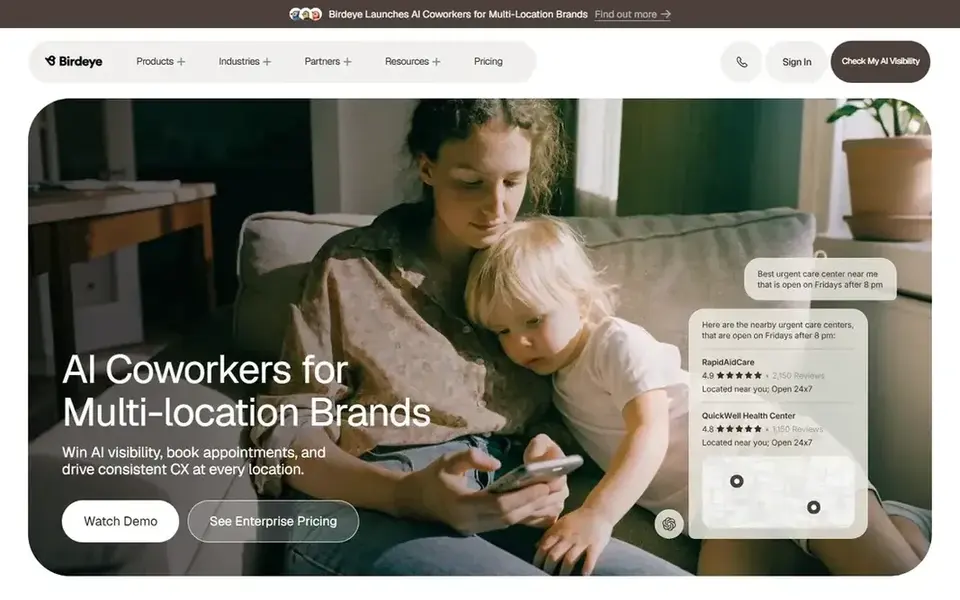
Birdeye is a reputation and customer messaging platform that businesses use to request reviews, monitor listings and manage conversations in one inbox. For a real estate agent, the appeal is that a single dashboard can hold your Google Business Profile reviews, your brokerage profile reviews and messages from leads, so you are not switching between apps while driving between showings.
In practice, an agent would add a new contact after a closing, trigger a review request by text or email, and then watch incoming reviews in the monitoring feed. When a review lands, the shared inbox lets you or an assistant draft a reply, and you can keep templates that reference the neighborhood or the type of transaction. That last detail matters, because a reply that names the property or area reads as a real response rather than a copy-paste.
The limit is scope. Birdeye is built for businesses with a steady flow of customers, and a solo agent doing a handful of deals a month may find the setup and quote-based pricing heavier than needed. Agents who want a simple review widget should look at lighter tools first.
- Review requests across multiple channels
- shared inbox for replies
- monitoring of several profiles
- Pricing is quote-based
- more features than a solo agent may use
Grade.us is a review generation tool built around campaigns and funnels. You add a customer, choose which review sites to target, and the tool sends a request and follows up. For real estate, that maps well to the post-closing window, when a buyer or seller is most likely to leave a Google review if asked once and reminded once.
The workflow is straightforward: create a campaign for buyers and another for sellers, connect your Google Business Profile, and let the tool handle reminders. You can route happy customers toward public review sites and catch unhappy ones with a private feedback step first, which is a legitimate way to learn about problems before they become public. Agents who list on multiple portals can point requests at the profile that matters most.
Grade.us is narrower than a full reputation suite. It does not try to be your CRM or your listing manager, so if you want one system for reviews, messages and listings, it will feel incomplete. It suits agents and small teams who mainly need more reviews on the right profiles.
- Focused on getting reviews
- supports multiple review sites
- simple campaign setup
- Less broad than full reputation suites
- listing management is limited
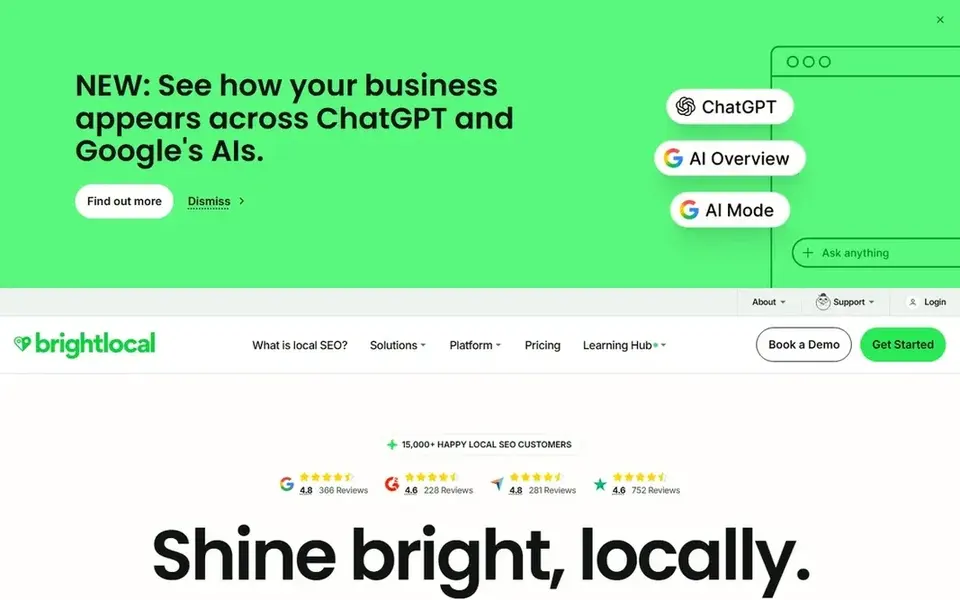
BrightLocal is a local marketing platform known for citation building, local rank tracking and review monitoring. For a real estate agent, the useful part is the review monitoring and the ability to see how your name and profile appear across directories, which matters when buyers search your name before they call.
An agent can use BrightLocal to watch new reviews on Google and other sites, get alerts, and keep an eye on whether listing details like phone number and website are consistent. If you work with a small team or run a referral network, the reporting helps you show where reviews are coming from. Review requests are available, but they sit inside a wider toolkit rather than being the whole product.
The trade-off is breadth. BrightLocal is built for marketers and agencies managing local visibility, so a solo agent who only wants review requests may find it does more than necessary. It is a good fit if you also care about citations and local search presence.
- Review monitoring across sites
- citation and listing tools
- reporting for clients
- Review requests are one module
- interface covers a lot of ground
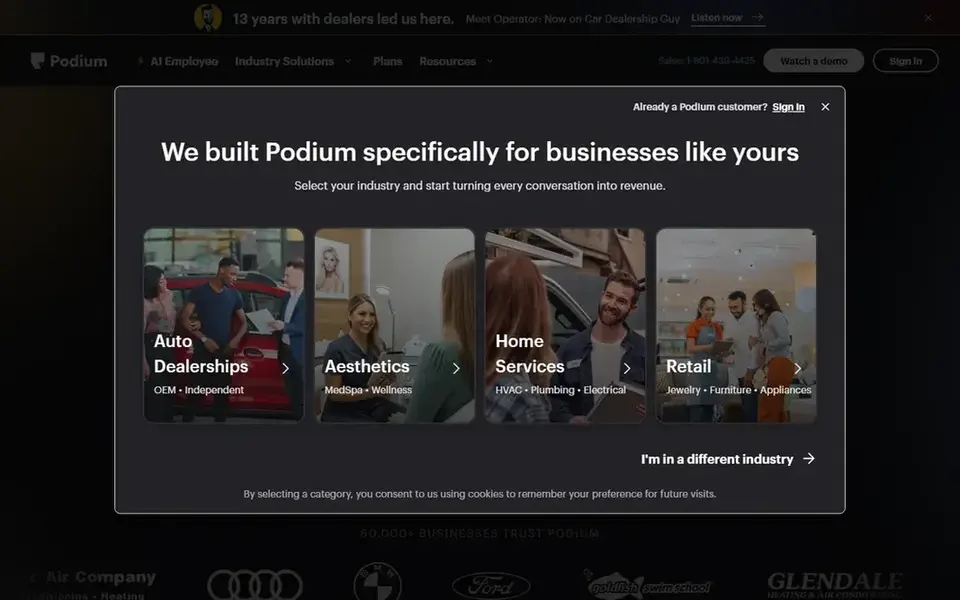
Podium is a messaging platform that businesses use to text customers, collect reviews and manage conversations. Real estate runs on text messages, so the fit is natural: after a showing or closing, an agent can send a short review link by SMS and keep the conversation in the same inbox.
The workflow is built around interactions. A new lead texts in, you reply, and when the deal closes you send a review invite through the same thread. That continuity feels less like a marketing blast and more like a follow-up from the person they worked with. Podium also supports review monitoring so you see responses in one place.
Podium has no free plan, and pricing is quote-based, so it is a bigger commitment. It suits teams and brokerages with steady lead flow and staff who can answer messages quickly. A solo agent with low volume may not get enough use from it.
- Text messaging focus
- review invites by SMS
- inbox for lead conversations
- Quote-based pricing
- aimed at teams and higher volume

Reputation.com is an enterprise reputation platform used by multi-location businesses to monitor reviews, surveys and listings across many profiles. For real estate, the natural fit is a brokerage with several offices, where each branch has its own Google Business Profile and the brand needs a consistent view of reviews across all of them.
A brokerage can use it to route reviews to the right office, set response workflows, and report on review volume and sentiment by location. An individual agent inside that structure benefits when the brokerage rolls the tool out, because reviews on branch profiles get answered and tracked. The agent does not usually buy this directly.
For a solo agent, Reputation.com is more than needed. Setup is heavier, pricing is not published, and the value shows up at scale across locations. Small teams should look at the lighter tools above first.
- Built for multi-location brands
- review monitoring and response workflows
- reporting
- Heavier setup
- not aimed at individual agents
GatherUp is a review management tool focused on collecting customer feedback and reviews, then alerting you when new ones appear. For an agent, that means a simple loop: add the client, send a request, get notified when the review is live, and reply.
The product is deliberately plain. You can set up campaigns for buyers and sellers, send requests by email or text, and capture private feedback before it becomes a public review. Agents who do not want a large platform will find the learning curve short, and the alerts help you respond while the transaction is still fresh in the client's mind.
GatherUp does not try to cover listings, citations or a full messaging inbox. If you need those, a broader platform is a better fit. It works best for agents who want review collection handled well and nothing else.
- Straightforward review requests
- alerts for new reviews
- feedback capture
- Fewer integrations than large suites
- limited listing tools
NiceJob is a reputation marketing tool that automates review requests and referral asks. For real estate, the automation is the point: after a closing, the tool can send a request, follow up if there is no response, and prompt the client to refer a friend, all without the agent remembering to do it.
An agent sets up a sequence once and then adds clients as deals close. The tool handles timing and reminders, and you get notified when a review appears so you can reply. Referral prompts fit real estate well, because most agents get business from past clients and their friends.
What to weigh is data quality. Automation only works if client names, emails and phone numbers are entered correctly, so it depends on your CRM habits. NiceJob is lighter on enterprise reporting than the big platforms, which is fine for solo agents and small teams but may not suit a large brokerage.
- Automated request sequences
- review monitoring
- referral prompts
- Automation needs clean contact data
- fewer enterprise features
How I chose
I started with the job an agent actually has to do: ask for a review at the right moment, see reviews across the profiles that matter, and reply without losing a morning. From there I read vendor documentation and public sources for each product, checked what review sites and channels each one supports, and noted whether pricing and free options are published. I did not run hands-on tests, so where a vendor is vague about features or pricing, I flag it instead of filling the gap.
The second filter was fit. A solo agent and a multi-office brokerage need different things, so I kept enterprise platforms in the list but marked them as such, and kept lighter tools for people who only want review requests. I also weighed limits: quote-based pricing, setup effort, and whether review requests are the core product or one module inside a larger suite. That is why the list mixes focused review tools with broader local marketing platforms.
What to check before you buy
- Confirm which profiles the tool can monitor: your personal Google Business Profile, your brokerage profile, and any portals where clients leave reviews.
- Check how review requests are sent, whether by email, text or both, and whether you can time them to fire after closing rather than at first contact.
- Ask whether the tool supports a shared inbox so an assistant or team member can draft replies without sharing your login.
- Look for review monitoring alerts on your phone, since agents are rarely at a desk when a new review lands.
- Confirm the tool follows Google's review policies: no review gating, no incentives for positive reviews, and no filtering out unhappy clients.
- Ask what happens to your review history and contacts if you cancel, and whether you can export them.
Frequently asked questions
Do real estate agents need separate reputation software from their CRM?
Not always. Some CRMs include basic review requests. Separate reputation software usually adds monitoring across multiple sites, a shared inbox for replies and reporting. If your CRM already sends review requests and you only use Google, you may not need another tool. If you want alerts and consistent replies across profiles, a dedicated tool helps.
Can I ask clients for reviews without breaking Google's rules?
Yes, if you ask everyone the same way and do not offer incentives for positive reviews. Do not filter out unhappy clients before they can post, and do not write reviews for clients. Software can automate the request, but the practice has to stay within Google's review policies. A private feedback step is fine as long as it does not block public reviews.
How should an agent respond to a negative review?
Reply promptly, stay factual and avoid arguing. Acknowledge the experience, keep details about the transaction private, and offer to continue the conversation offline. Do not include personal information about the client. A calm reply shows future buyers and sellers how you handle problems, which matters in a business built on trust and referrals.
Does review software help with local search rankings?
Reviews are one signal among many, and no tool guarantees rankings. What review software does is make it easier to collect reviews consistently and respond to them, which supports your Google Business Profile activity. Pair it with accurate listing details and regular profile updates rather than expecting reviews alone to move you up.
What is the difference between review monitoring and review generation?
Review generation is about asking customers for reviews and making it easy for them to post. Review monitoring is about watching the reviews that appear across sites and alerting you so you can respond. Most agents need both, but some tools are stronger on one side. Check which side matters more for your workflow before choosing.
Sources
See where you really rank - block by block
ProMapRanker scans Google Maps across a grid of your service area. Simple monthly plans from $19, white-label on every plan.
Start freeBrowse all guides
← Best Reputation Management Software for Pool Companies in 2026Best Reputation Management Software for Small Business in 2026 →
 best plumbing dispatch software
Best Plumbing Dispatch Software in 2026
A practical guide to the best plumbing dispatch software in 2026, compared from vendor documentation and public sources for local plumbing businesses.
Read → best pest control routing software
Best Pest Control Routing Software in 2026
A practical guide to the best pest control routing software in 2026, covering dispatch, scheduling, route planning and field service tools for pest control teams.
Read → best multi location review management software
Best Multi-Location Review Management Software in 2026
A practical guide to the best multi location review management software, compared from vendor docs and public sources by Shihab Mia.
Read → local seo for gutter cleaning companies
Local SEO for Gutter Cleaning Companies
A local SEO guide for gutter cleaning companies: Google Business Profile setup, reviews, and recurring-service local SEO for gutter cleaners.
Read → local seo for tow truck companies
Local SEO for Tow Truck Companies
A local SEO guide for towing companies: 24/7 GBP setup, service-area targeting, and emergency-search visibility.
Read → spot spam competitors geo grid
How to Spot Spammy Competitors in Your Geo-Grid Data
How to spot spammy competitors in your geo-grid data and report listings that violate policy.
Read →More in Local SEO & Google Maps · All guides A to Z by date · Latest guides