 ProMapRanker
Best Pest Control Routing Software in 2026
Direct answer
My top pick for most pest control companies is Jobber, because it combines scheduling, dispatching and route planning in one place that suits recurring service work. It offers a free trial, so you can check the fit before committing. If you want deeper route optimisation, look at OptimoRoute, and if you need a full field service platform with strong reporting, consider ServiceTitan.
I compared these tools using vendor documentation and public sources rather than running hands-on tests. I looked at how each one handles recurring pest control jobs, dispatch, route planning and the customer record, and where each one fits best.
Key takeaways
- Pest control routing is different from generic delivery routing because most jobs are recurring, so the software must handle repeat visits and treatment cycles.
- The right tool links the route to the customer record, the technician, the service history and the invoice in one workflow.
- Route optimisation matters most when you have several technicians covering overlapping territories.
- Dispatch visibility, mobile access for technicians and customer notifications are the features that save the most admin time.
- Check how each tool handles recurring appointments and chemical or treatment notes before you commit.
Quick comparison
| Pick | Great for | Pricing starts at | Free tier | |
|---|---|---|---|---|
 Jobber | Small pest control teams | See website | Free trial | Visit |
 OptimoRoute | Route planning focus | See website | Free trial | Visit |
 ServiceTitan | Larger field service firms | See website | Not stated | Visit |
 Housecall Pro | Home service dispatch | See website | Free trial | Visit |
 Workiz | Dispatch and scheduling | See website | Free trial | Visit |
 FieldRoutes | Pest control specific | See website | Not stated | Visit |
 Route4Me | Multi-stop route planning | See website | Free trial | Visit |
The best pest control routing software compared
Jobber is a field service tool built for small home service businesses, and pest control fits that model well. It keeps client records, recurring appointments and invoices in one place, which suits a company running weekly or monthly treatment visits across a local area.
For routing, Jobber lets you assign jobs to technicians and see the day's schedule on a map. Recurring service jobs are a core part of the product, so a quarterly treatment plan can be set up once and repeated. Technicians use the mobile app to see their stops and add notes after each visit.
The route optimisation is not as advanced as dedicated routing engines, so a large team with tight travel windows may want more. Small teams with two to five technicians will usually find it enough.
- Clear scheduling and dispatch
- recurring job support
- customer notifications
- Basic route optimisation
- limited custom reporting
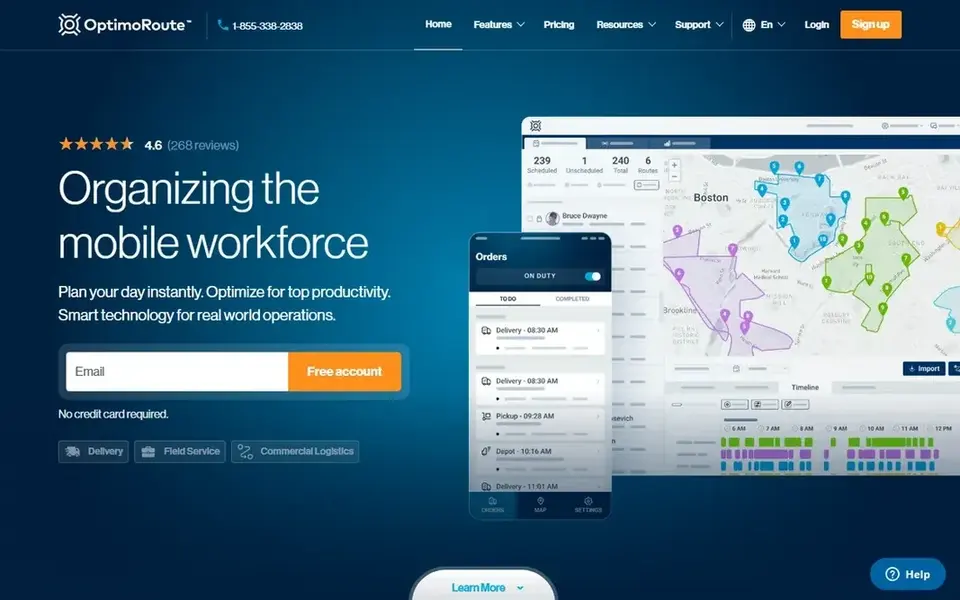
OptimoRoute is a route planning and optimisation tool rather than a full field service platform. It is a good fit for pest control companies that already have a CRM or booking system and mainly need the daily routes planned well.
You upload or sync orders, set time windows and technician availability, and the software builds optimised routes. For pest control, that helps when you have a mix of emergency call-outs and scheduled treatments in the same day. The driver app shows each technician their sequence of stops.
Because it is not a CRM, you still need a way to store customer history, treatment notes and invoices. Teams that want one system for everything should look elsewhere.
- Strong route optimisation
- handles time windows
- driver mobile app
- Not a full CRM
- needs another system for billing
ServiceTitan is a full field service management platform used by larger home service companies, and pest control is one of the trades it supports. It covers dispatch, scheduling, invoicing, reporting and customer records in one system.
For routing, it gives dispatchers a view of the day's jobs and technician capacity, and it ties each job to the customer history. That matters for pest control, where a technician needs to see previous treatments and products used before arriving. Reporting helps managers see route efficiency and job completion.
The trade-off is setup effort. It is built for companies with more staff and process, and smaller one-van operations will likely find it more than they need.
- Deep field service features
- dispatch and reporting
- handles larger teams
- Heavier setup
- pricing is quote-based
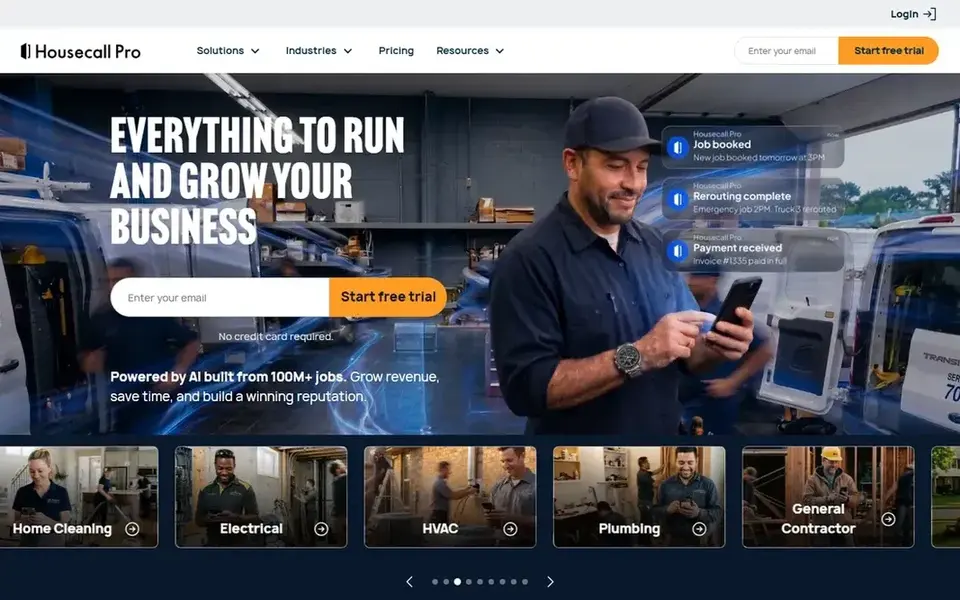
Housecall Pro is a home service platform with scheduling, dispatch, invoicing and customer communication. Pest control companies use it because the workflow of booking a visit, sending a technician and getting paid is similar across home services.
The dispatch board shows jobs by technician and day, and the mobile app lets technicians see their schedule and add notes. Customer notifications help confirm appointments, which reduces missed visits. For recurring pest treatments, you can set up repeat jobs.
Its routing is more about seeing the day's schedule than optimising the sequence of stops. If route efficiency across a large territory is your main goal, a dedicated routing tool will do more.
- Simple dispatch board
- customer messaging
- mobile app for technicians
- Advanced routing is limited
- some features cost extra
Workiz is a field service tool aimed at small service businesses, with a strong focus on dispatch and scheduling. It suits pest control companies that want a simple way to assign jobs and track technicians.
You can create jobs, assign them to technicians and see the day's work in a dispatch view. The client record holds service history, which helps when a technician returns for a follow-up treatment. Text messaging with customers is part of the workflow.
Routing is handled at a basic level, so you get a schedule but not deep optimisation. It fits small teams that mainly need dispatch clarity rather than complex route planning.
- Dispatch-focused
- good for small teams
- client communication tools
- Route optimisation is basic
- reporting is limited
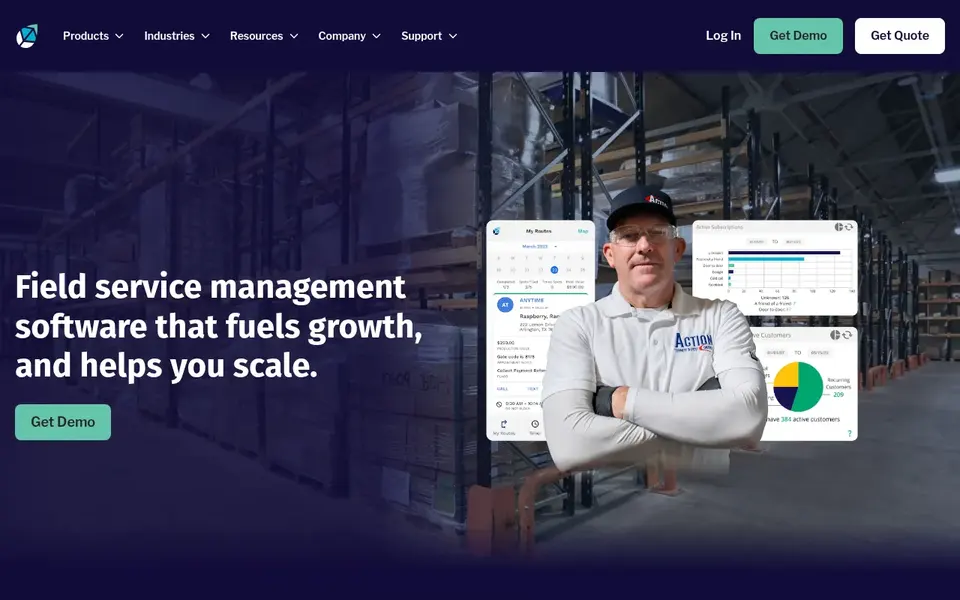
FieldRoutes is a software platform built specifically for pest control companies, which makes it different from the general field service tools on this list. It handles scheduling, routing, billing and customer records with pest control workflows in mind.
Because it is industry-specific, it understands recurring treatments, service plans and the kind of customer history a pest control technician needs. Routing and scheduling are part of the core product rather than an add-on. That can reduce the work of fitting a general tool to pest control processes.
The main limit is that pricing is quote-based, so you need to contact the vendor. Companies outside pest control will not get much from it.
- Built for pest control
- recurring service support
- routing and scheduling
- Pricing is quote-based
- less suited to other trades
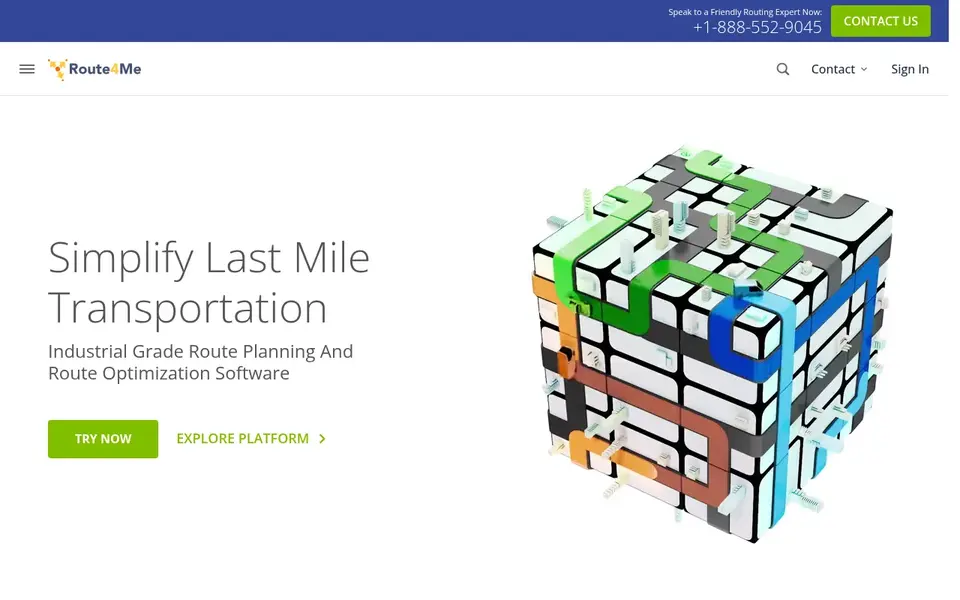
Route4Me is a route planning platform focused on optimising multi-stop routes. It is useful for pest control companies with many stops per day and a need to cut travel time across a territory.
You import stops, set constraints such as time windows and technician skills, and the software builds an optimised route. For pest control, that helps when you have a dense set of scheduled treatments plus call-outs. The mobile app guides technicians through their stops.
It is not built for pest control specifically, so customer history, treatment notes and invoicing live in another system. It works best as a routing layer alongside your existing CRM.
- Strong multi-stop optimisation
- works with many stop types
- mobile app
- Less industry-specific
- needs integration for CRM
How I chose
I selected these tools by reading vendor documentation and public product pages, then matching each one to how pest control companies actually work. The key questions were whether the tool handles recurring service visits, whether routing is core or an add-on, and whether it fits small teams or larger operations.
I did not run hands-on tests, and I have not used every tool in a live pest control business. The comparison is based on documented features and public sources. I left out tools where the fit for pest control was unclear, and I noted the main limit for each one so you can judge whether it matches your team size and workflow.
What to check before you buy
- Confirm the tool supports recurring appointments, since most pest control work is repeat service rather than one-off jobs.
- Check whether route optimisation is included or an add-on, and how many stops it can handle per day.
- Ask how the customer record stores treatment history and product notes for the technician.
- Look at the mobile app: technicians need to see their route, add notes and close jobs from the field.
- Check how customer notifications work for appointment reminders and follow-up visits.
- Confirm how the tool connects to your invoicing and accounting, or whether it handles billing itself.
Frequently asked questions
What is pest control routing software?
It is software that plans and assigns the daily routes for pest control technicians. It links each stop to the customer record and service history, so a technician knows what treatment is due. It usually includes scheduling, dispatch and a mobile app for the field team.
Do I need a pest control specific tool or a general field service tool?
It depends on your size and process. A pest control specific tool like FieldRoutes is built around recurring treatments and service plans. A general tool like Jobber or Housecall Pro can work well for smaller teams that want scheduling and dispatch without a heavy setup.
Can routing software handle recurring treatments?
Most field service tools let you set up recurring jobs, so a quarterly or monthly treatment is scheduled once and repeated. Check that the tool links each repeat visit to the same customer record and keeps the treatment history visible to the technician.
How does routing software help with local SEO?
It does not directly change your Google rankings. What it does is help you complete jobs on time, collect reviews after visits and keep your service area organised. Those habits support your Google Business Profile and local reputation over time.
What should a small pest control company start with?
Start with a tool that covers scheduling, dispatch and recurring jobs, then add route optimisation if travel time becomes a problem. A free trial lets you check whether the workflow fits before you commit. Keep the customer record and treatment history in the same system where possible.
Sources
See where you really rank - block by block
ProMapRanker scans Google Maps across a grid of your service area. Simple monthly plans from $19, white-label on every plan.
Start freeBrowse all guides
← Best Multi-Location Review Management Software in 2026Best Plumbing Dispatch Software in 2026 →
 best martial arts studio software
Best Martial Arts Studio Software in 2026
A practical guide to the best martial arts studio software in 2026, covering member management, billing, attendance, trials and local search visibility.
Read → best locksmith software
Best Locksmith Software in 2026: 7 Tools Compared
A practical comparison of the best locksmith software in 2026 for scheduling, dispatch, invoicing and local search visibility, based on vendor docs.
Read → best local seo tools for pool service companies
Best Local SEO Tools for Pool Service Companies (2026)
A practical guide to the best local SEO tools for pool service companies in 2026, covering Google Business Profile, reviews, citations and rank tracking.
Read → google business profile suspended
Google Business Profile Suspended? How to Get Reinstated
Profile suspended? Learn why GBP suspensions happen and the exact steps to get reinstated quickly.
Read → google my business categories
Google Business Profile Categories: How to Choose the Right Ones
Your GBP category is a top ranking signal. Learn how to pick the right primary and secondary categories.
Read → best llm rank tracker software
Best LLM Rank Tracker Software in 2026
Best llm rank tracker software compared on model coverage, prompt limits and price, including free options, so teams can track AI search visibility clearly.
Read →More in Local SEO & Google Maps · All guides A to Z by date · Latest guides