 ProMapRanker
Best Plumbing Dispatch Software in 2026

Larger plumbing companies with complex operations · Pricing starts at: See website
Direct answer
ServiceTitan is my top pick for most established plumbing companies because it connects dispatch, job costing and customer history in one system, and pricing is quote-based, so you need to request a demo. For smaller crews that want something simpler, Housecall Pro and Jobber are worth a close look. FieldPulse and Workiz suit shops that want strong scheduling without a heavy setup.
I put this list together by reading vendor documentation, help centers and public product pages, and by comparing how each tool fits the way plumbing companies actually work. I did not run hands-on tests of each product, so treat this as a starting point for your own demo calls rather than a lab result.
Key takeaways
- Dispatch software matters most when your plumbers are on the road and the office needs to send the nearest tech to an emergency call.
- The right tool links the dispatch board to customer records, job notes, invoices and review requests so the office stops retyping information.
- Small shops can often start with a simpler field service tool and move to a full platform as the team grows.
- Check how each tool handles after-hours calls, recurring maintenance visits and multiple service areas before you commit.
- Software alone will not improve your Google Maps ranking; pair it with a complete Google Business Profile and a steady flow of genuine reviews.
Quick comparison
| Pick | Great for | Pricing starts at | Free tier | |
|---|---|---|---|---|
| ServiceTitan | Larger plumbing companies with complex operations | See website | Not stated | Visit |
 Housecall Pro | Small and mid-size plumbing shops | See website | Free trial | Visit |
 Jobber | Small service teams that want simple scheduling | See website | Free trial | Visit |
 FieldPulse | Field crews that need mobile-first scheduling | See website | Free trial | Visit |
 Workiz | Dispatch-heavy service businesses | See website | Free trial | Visit |
 ServiceM8 | Solo plumbers and very small teams | See website | Free plan | Visit |
 Kickserv | Budget-conscious small plumbing shops | See website | Free trial | Visit |
The best plumbing dispatch software compared
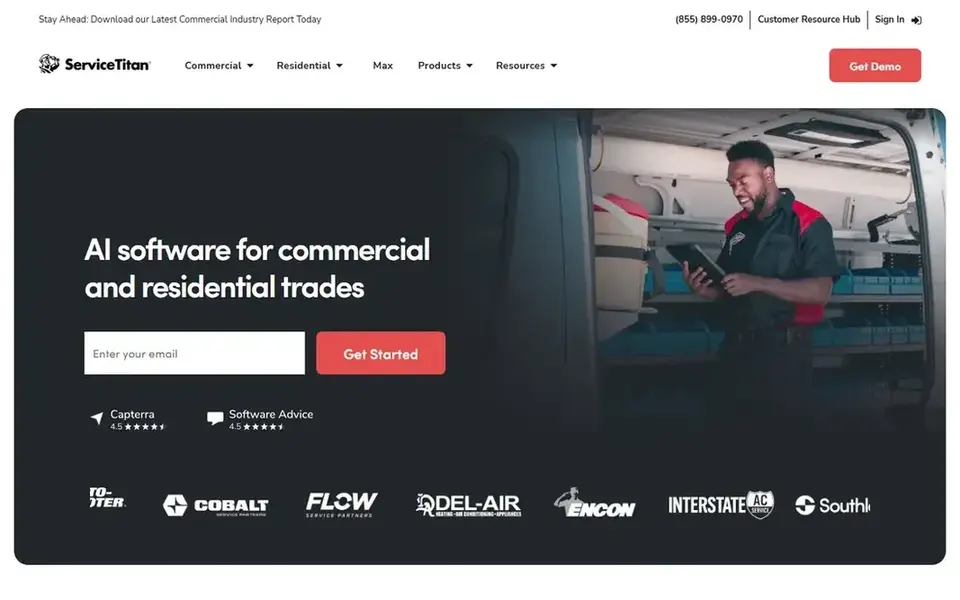
ServiceTitan is built for plumbing companies that have outgrown spreadsheets and a whiteboard. It covers dispatch, scheduling, estimating, invoicing, payroll support and marketing in one platform. If you run several crews, handle both emergency repairs and scheduled installs, and need to see profit per job, this is the kind of system that fits.
On the dispatch side, the board shows techs, jobs and availability in one view, and you can attach customer history, equipment notes and photos to each job. That matters for plumbing because a second visit to the same water heater or sewer line goes faster when the tech can see what was done last time. The platform also connects to review requests and marketing tools, which helps your Google Business Profile stay active.
The limits are real. Setup takes planning, the price is quote-based, and a two-person shop will likely find it too much. Skip it if you want something you can switch on in an afternoon.
- Deep dispatch and job costing in one system
- strong reporting for owners
- handles commercial and residential work
- Onboarding takes time
- pricing is quote-based
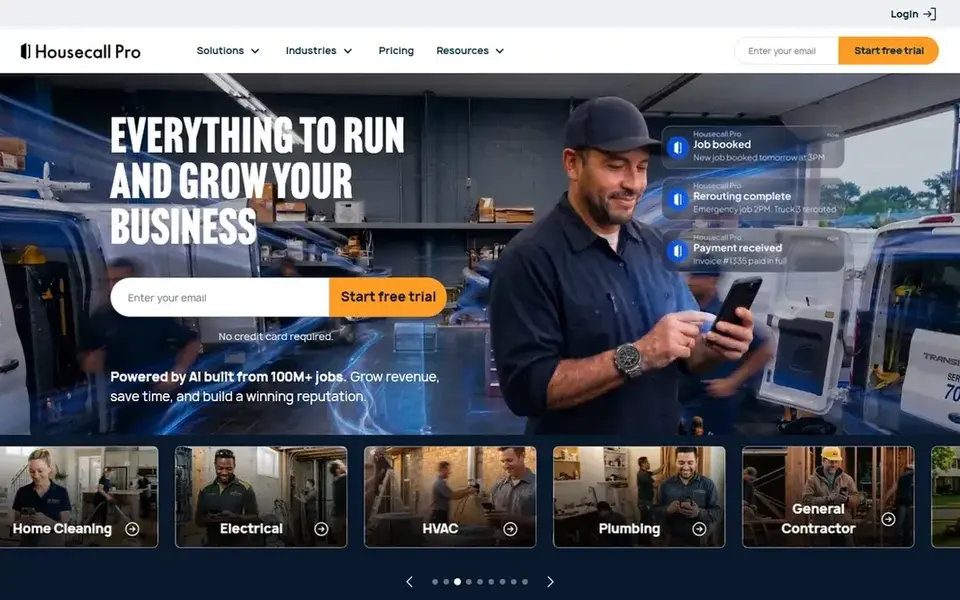
Housecall Pro is one of the most common starting points for plumbing companies with a handful of techs. The dispatch view is clear, the mobile app works well for techs in the field, and the office can send job details, photos and payment links without leaving the platform.
For plumbing work, the useful parts are the customer history, the ability to schedule recurring maintenance visits, and the automatic review request after a completed job. That last feature supports your local SEO because fresh, honest reviews help your Google Business Profile. You can also set up online booking so after-hours customers can request a callout.
The main limit is that the lower tiers hold back some features, so check what you actually need before choosing a plan. Very large companies with complex commercial contracts may want a heavier platform.
- Easy dispatch board
- built-in payments and invoicing
- review requests after jobs
- Higher tiers needed for advanced features
- some add-ons cost extra
Jobber is a friendly option for plumbing businesses that mostly do residential service and small installs. The schedule view lets you assign jobs to techs, and clients get automatic texts when a plumber is on the way, which cuts down on phone calls to the office.
The quoting and invoicing flow is straightforward, and you can attach notes and photos to each job. For a shop that wants to look organized without a long setup, Jobber does the basics well. It also supports recurring visits, which helps with maintenance plans and backflow testing schedules.
Where it falls short is complex commercial work and deep job costing. If your plumbing business runs large projects with multiple phases, you will probably want a platform built for that.
- Clean scheduling and dispatch
- good client communication tools
- quotes and invoices in one place
- Less suited to complex commercial plumbing
- advanced reporting is limited
FieldPulse focuses on the field side of the job. Techs can see their schedule, open job details, fill in forms and collect signatures from a phone or tablet. For plumbing companies where the office is small and the crew is always moving, that focus is useful.
The dispatch board lets you assign work by location and availability, and you can build custom forms for things like water heater installs or drain cleaning checklists. That keeps job records consistent, which helps when a customer calls back months later.
The trade-off is a smaller integration list and simpler reporting. If you need deep accounting links or advanced analytics, compare it against ServiceTitan or Housecall Pro first.
- Strong mobile app for techs
- scheduling and dispatch in one place
- forms and checklists for jobs
- Smaller integration library
- reporting is basic compared with larger platforms
Workiz is designed for service businesses that live on the dispatch board, and plumbing fits that pattern well. The platform handles scheduling, dispatching, invoicing and client communication, with options for call tracking so you can see which marketing channels bring in jobs.
For plumbing, the useful parts are quick job assignment, text notifications to customers and the ability to keep notes on each property. If you handle a lot of short service calls in a day, the workflow is built for that pace.
Check the plan details before you commit, because some features are only on higher tiers. Very small shops may find it more than they need.
- Built around dispatch and scheduling
- call tracking options
- good for teams handling many short jobs
- Some features sit on higher plans
- setup needs some planning
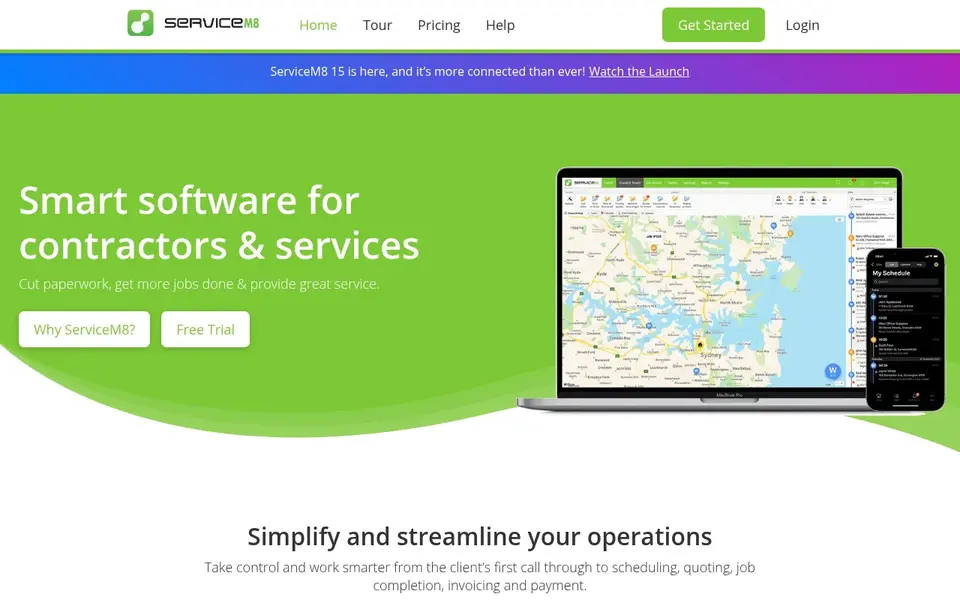
ServiceM8 is a practical starting point for a one-person plumbing business or a two-tech shop. It runs on phones and tablets, lets you schedule jobs, send quotes and invoices, and keep photos and notes attached to each job.
For a plumber who mainly needs to know where the next job is and to send an invoice from the van, this covers the basics without a long setup. The free plan makes it easy to try the workflow before paying for more.
The limits show up as you grow. Multi-crew dispatch, deeper reporting and complex commercial work are better handled by a larger platform, so plan to move when the team expands.
- Free plan for very small users
- simple job scheduling
- works well on phones
- Limited for larger multi-crew operations
- fewer advanced features
Kickserv is a simple field service tool for small plumbing companies that want scheduling, job tracking and invoicing without a heavy system. The interface is easy to learn, which matters when the office admin is also answering the phone.
You can schedule jobs, assign them to techs and keep customer history in one place. For a small shop that mostly needs a clean dispatch list and quick invoices, it does the job.
The trade-off is depth. If you need advanced reporting, marketing automation or complex job costing, look at Housecall Pro or ServiceTitan instead.
- Straightforward scheduling and invoicing
- simple to learn
- good for small teams
- Fewer integrations
- lighter reporting than bigger platforms
How I chose
I started with vendor documentation, help centers and public product pages, then compared how each tool handles the daily work of a plumbing company: dispatching emergency calls, scheduling maintenance visits, keeping customer and equipment history, and getting invoices out quickly. I also looked at how each platform connects to review requests and customer communication, since those affect your local visibility.
I did not run hands-on tests, so my notes come from what vendors publish and what is publicly documented. I focused on fit and limits rather than feature counts, because a tool that is too heavy for a two-person shop is a bad buy even if it has every feature. Use this guide to shortlist two or three tools, then book demos and ask each vendor the questions in the checklist below.
What to check before you buy
- Ask how the dispatch board handles emergency calls, after-hours jobs and multiple service areas.
- Confirm the mobile app works offline or on weak signal, because plumbing jobs often happen in basements and crawl spaces.
- Check whether customer and equipment history carries over to repeat visits, including photos and notes.
- Ask how review requests are sent after a job and whether they follow Google's review policies.
- Confirm the invoicing and payment flow, including how it links to your accounting software.
- Ask about setup time, data migration and training, and get the total cost in writing before you sign.
Frequently asked questions
What is plumbing dispatch software?
It is software that helps a plumbing company assign jobs to technicians, track their schedules and keep customer details in one place. Most tools also handle invoicing, job notes and customer texts. The dispatch board is the core screen, showing which tech is free and which job is next.
Do I need dispatch software for a small plumbing business?
Not always, but it helps once you have more than one tech or more than a few jobs a day. A simple tool can stop double bookings and lost job notes. If you are a solo plumber, a basic app with scheduling and invoicing may be enough to start.
How does dispatch software affect my Google Business Profile?
It does not change your ranking directly. What helps is that a good tool makes it easy to send review requests after completed jobs and to keep your service area and hours accurate. Genuine reviews and complete profile information support your local visibility over time.
Can I move my customer data from one tool to another?
Most vendors offer data import or migration help, but the process varies. Ask before you buy what formats they accept and whether they will help move customer records, job history and photos. Get the answer in writing so there are no surprises later.
Do these tools work for commercial plumbing work?
Some do better than others. ServiceTitan is built with larger and commercial operations in mind, while simpler tools like Jobber and Kickserv focus on residential service. If you handle commercial contracts with multiple phases, check that the platform supports job costing and progress billing.
Sources
See where you really rank - block by block
ProMapRanker scans Google Maps across a grid of your service area. Simple monthly plans from $19, white-label on every plan.
Start freeBrowse all guides
← Best Pest Control Routing Software in 2026Best Reputation Management Software for Pool Companies in 2026 →
 best multi location review management software
Best Multi-Location Review Management Software in 2026
A practical guide to the best multi location review management software, compared from vendor docs and public sources by Shihab Mia.
Read → best martial arts studio software
Best Martial Arts Studio Software in 2026
A practical guide to the best martial arts studio software in 2026, covering member management, billing, attendance, trials and local search visibility.
Read → best locksmith software
Best Locksmith Software in 2026: 7 Tools Compared
A practical comparison of the best locksmith software in 2026 for scheduling, dispatch, invoicing and local search visibility, based on vendor docs.
Read → citation building for local seo
Citation Building for Local SEO: A Scalable Workflow
A scalable citation building workflow for local SEO, whether you do it manually or with a service.
Read →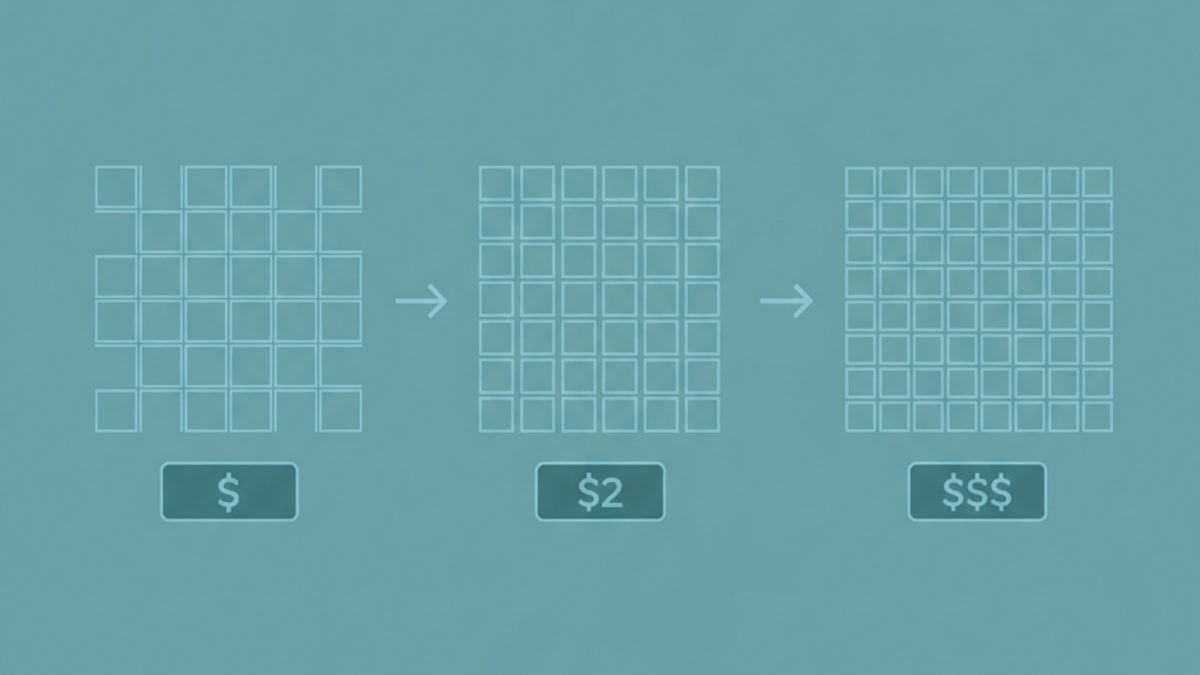 geo grid size selection
What Grid Size Should You Use? Balancing Detail and Cost
How to choose a geo-grid size that balances detail and scan cost for each business.
Read → geo grid rank tracker
How Much Does Geo-Grid Rank Tracking Cost Per Client? A Real Breakdown
A transparent per-client cost breakdown for geo-grid rank tracking, including how credits and scan frequency add up.
Read →More in Local SEO & Google Maps · All guides A to Z by date · Latest guides