 ProMapRanker
Best Locksmith Software in 2026: 7 Tools Compared

Small locksmith crews running mobile jobs · Pricing starts at: See website
Direct answer
My top pick for most locksmiths is Housecall Pro, because it covers scheduling, dispatch, invoicing and review requests in one place that suits a small mobile crew. It has a free trial, so you can check the workflow before committing. If you mainly need to rank in the Google Maps pack, BrightLocal is the better fit for listings and review management. For a field-service platform built around dispatch and job costing, ServiceTitan is worth a look for larger operations.
I put this list together from vendor documentation, public product pages and general knowledge of how locksmith businesses operate. I did not run hands-on tests of each tool, so treat the notes as a starting point for your own trial. The focus is on what a mobile locksmith actually does: taking urgent calls, dispatching a technician, sending an on-my-way message, invoicing on site and getting found on Google Maps.
Key takeaways
- Locksmith work is mostly mobile and urgent, so dispatch, on-my-way texts and fast invoicing matter more than a shop-front POS.
- Google Business Profile and map visibility decide a large share of local lockout calls, so listing and review tools belong in your stack.
- Most field-service platforms bill per user or per technician, so match the plan to how many vans you actually run.
- Review requests should go to every customer through a neutral process, never only to people you expect to leave a good rating.
- Keep your business name exactly as registered; adding keywords like "24 hour lockout" to the name breaks Google's guidelines.
Quick comparison
| Pick | Great for | Pricing starts at | Free tier | |
|---|---|---|---|---|
| Housecall Pro | Small locksmith crews running mobile jobs | See website | Free trial | Visit |
 Jobber | Solo locksmiths and small growing teams | See website | Free trial | Visit |
 ServiceTitan | Larger locksmith companies with several vans | See website | No free plan | Visit |
 BrightLocal | Local map visibility and review management | See website | No free plan | Visit |
 Whitespark | Citation building and local rank tracking | See website | No free plan | Visit |
 Yext | Central control of listings across directories | See website | No free plan | Visit |
 QuickBooks Online | Bookkeeping and invoicing alongside job software | See website | Free trial | Visit |
The best locksmith software compared
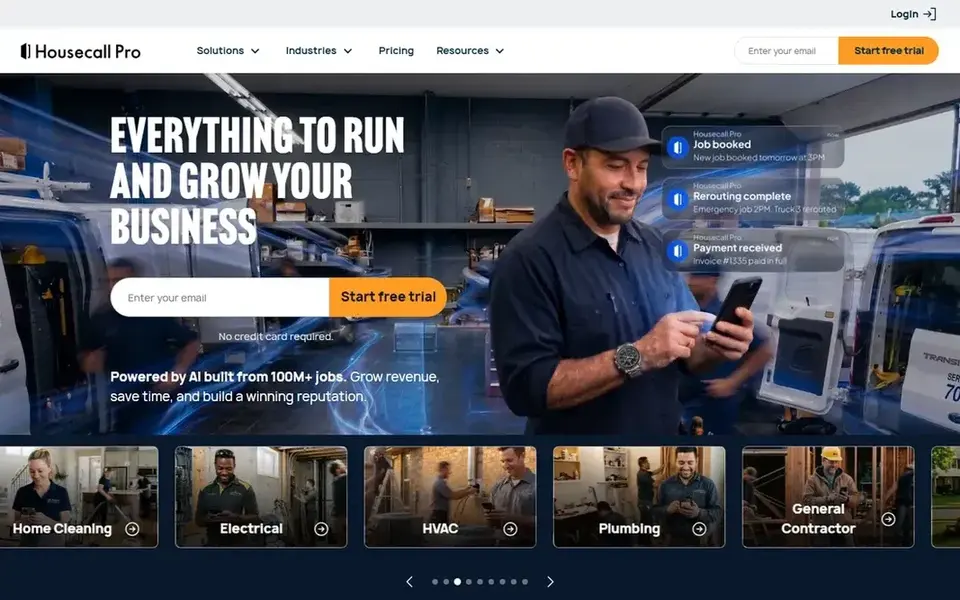
Housecall Pro is a field-service platform aimed at home-service businesses, and locksmiths fit that model well because most work happens at the customer's door. It handles booking, dispatching a technician, sending arrival updates and collecting payment after the job. For a small crew that currently runs on phone calls and a paper diary, it replaces several separate tools with one.
For locksmith work, the useful parts are the customer notifications and the quick invoice. A lockout customer is often stressed and waiting, so an automatic "technician on the way" message cuts down on check-in calls. After the job, the platform can ask for a review, which feeds your Google Business Profile over time. Keep that request neutral and sent to every customer.
The limits show up when you need very detailed job costing or inventory for a large parts stock. A single locksmith who mostly does lockouts may find it more than needed. Skip it if you only want a simple invoice app.
- Scheduling and dispatch in one app
- on-my-way customer texts
- built-in invoicing and review requests
- Some features cost extra
- can feel busy for a one-person operation
Jobber is a field-service tool built around quoting, scheduling and invoicing for small service businesses. It suits a locksmith who is adding a second technician and wants quotes, jobs and payments in one place without a heavy setup. The customer-facing side is friendly, which helps when you are sending an estimate for a rekey or a lock replacement.
The workflow maps to locksmith jobs reasonably well. You create a quote, convert it to a scheduled job, send the technician, then invoice from the same record. Recurring work, such as maintenance for a property manager, can be set up as repeating jobs. Review requests can be added after completion, again sent to all customers rather than a chosen few.
The trade-off is dispatch. If you run several vans and need live routing or a dispatch board, Jobber is thinner than the larger platforms. A solo operator will rarely notice; a busy multi-van company might.
- Clear scheduling and quoting
- client hub for customers
- recurring job support
- Dispatch depth is lighter than bigger suites
- some features sit on higher tiers
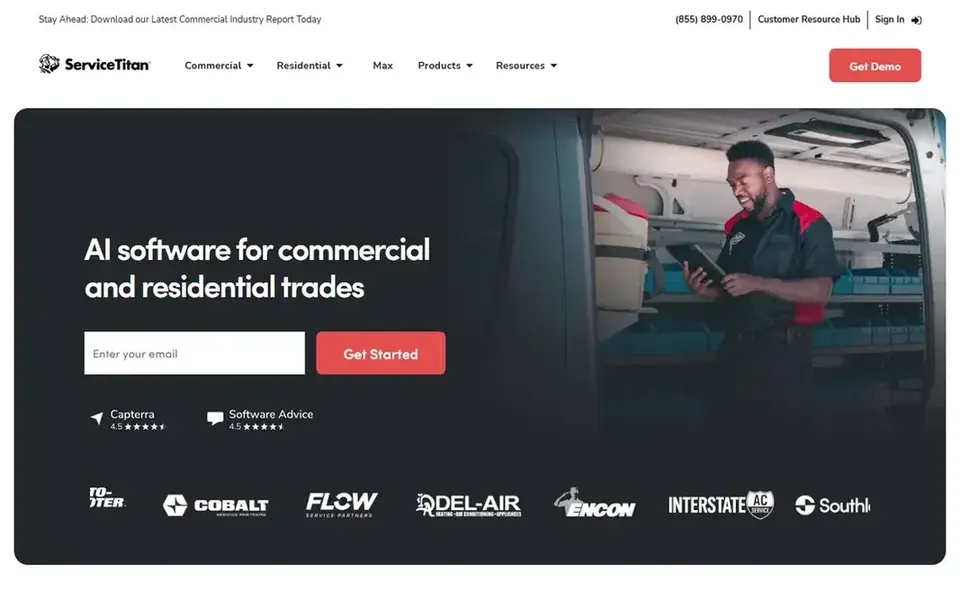
ServiceTitan is a field-service management platform used by home-service companies with a real office and a fleet of technicians. For a locksmith business that has grown past a few vans and needs a dispatch board, job costing and reporting in one system, it is a serious option. It also connects marketing and call tracking to the jobs those calls produce.
For locksmiths, the value is in coordinating urgent calls across technicians and seeing which jobs and service areas actually make money. If you run commercial accounts alongside residential lockouts, the reporting helps separate the two. The platform assumes you have someone to administer it, which is a fair assumption at that size.
The obvious limit is scale. A one-van locksmith will find it heavy and the setup effort hard to justify. It also has no free plan, so budget for a sales conversation and a proper onboarding period.
- Strong dispatch and scheduling
- job costing and reporting
- marketing and call-tracking options
- Onboarding takes time and effort
- priced for established businesses
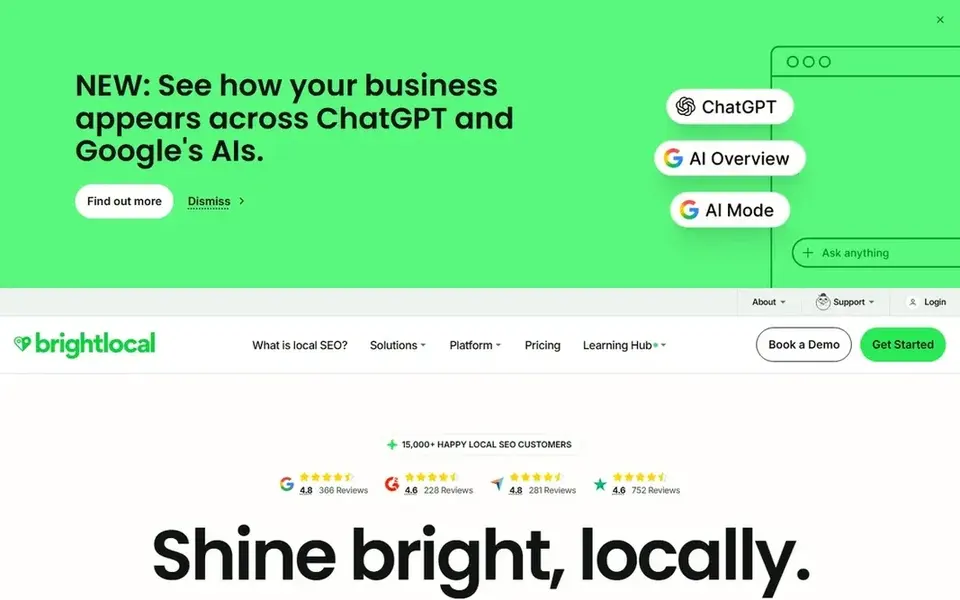
BrightLocal is a local SEO platform, not a field-service app, and that is exactly why it belongs in a locksmith's stack. Most lockout searches happen on a phone with map results at the top, so tracking where you appear in the local pack for terms like "locksmith near me" tells you whether your Google Business Profile is doing its job. It also monitors reviews and can send review requests.
The workflow is separate from dispatch: you connect your Google Business Profile, set the search terms and locations you care about, and review the reports. Citation checks help you confirm your name, address and phone number match across directories. Review monitoring lets you reply to feedback, which matters when a customer is unhappy about a price or wait time.
It will not schedule a technician or send an invoice. If you already have job software, BrightLocal fills the visibility gap. Skip it if you have no plan to act on the reports.
- Local rank tracking for map results
- review monitoring and requests
- citation and listing checks
- Not a job or dispatch tool
- overlaps with other SEO tools
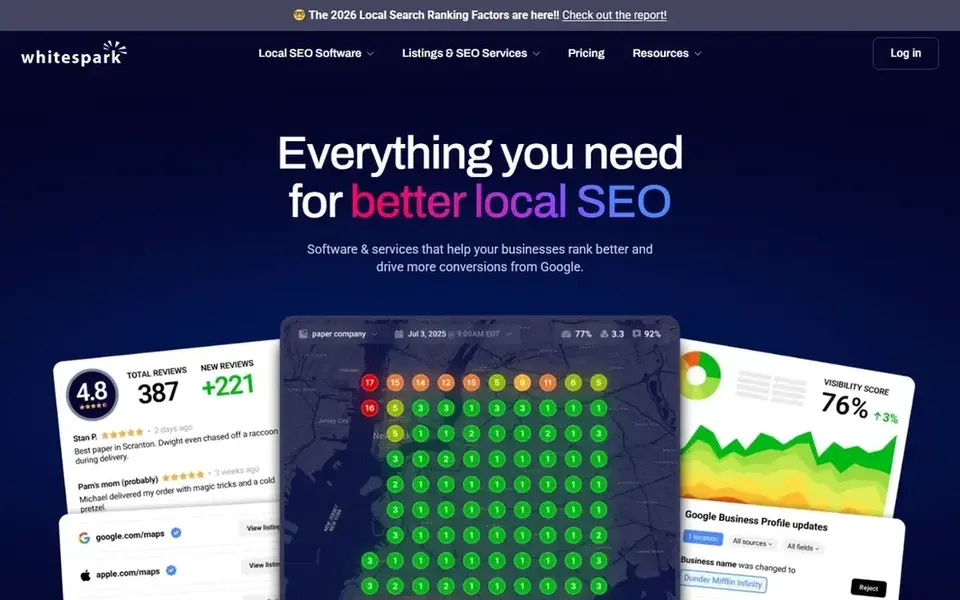
Whitespark is a local search company known for citation building and local rank tracking. For a locksmith, citations are the listings of your business name, address and phone number on directories, and keeping them consistent helps Google connect your business to a location. Whitespark offers both tools and a done-for-you citation service, which suits an owner who does not want to chase directories.
The practical use is to clean up old listings from a previous address or phone number, then keep new ones consistent. Local rank tracking shows movement in map results over time. These are background tasks, not things you touch every day, so the value comes from doing them once and checking periodically.
It is not a scheduling or invoicing product, and it will not run your dispatch. If you want a single tool for everything, this is not it. It fits a locksmith who is deliberately working on local visibility.
- Citation building service and tools
- local rank tracking
- focused on local search
- Built for SEO work rather than daily operations
- needs someone to manage the work
Yext is a listings management platform that lets you update business information in one place and push it to many directories and maps. For a locksmith with more than one location or a brand that changes details often, it saves the repetitive work of editing each listing by hand. It also helps keep hours, especially 24-hour availability, consistent across the web.
The fit for locksmiths is around accuracy. If your listed hours say you are open when you are not, customers call and get frustrated, and that can turn into bad reviews. Central control reduces that risk. It can also help with the structured information Google reads about your business.
The limit is cost over time. A single-location locksmith with stable details may get enough from free tools and a citation service. Yext makes more sense when directory sprawl is a real problem.
- Manage listings from one place
- wide directory reach
- structured data control
- Ongoing subscription
- can be more than a small locksmith needs
QuickBooks Online
Great for: Bookkeeping and invoicing alongside job software
QuickBooks Online is accounting software, and I include it because locksmiths often need proper invoicing and bookkeeping even when scheduling lives elsewhere. It handles invoices, payments, expenses and reporting, and it integrates with several field-service platforms, so job data can flow into the books without double entry.
For a locksmith, the useful parts are sending an invoice after a lockout, recording parts and fuel costs, and seeing whether the month actually made money. If you use Housecall Pro or Jobber for jobs, check the integration before you commit, because the two systems should not require you to type the same job twice.
It will not dispatch a technician or send on-my-way texts. Treat it as the financial layer, not the operations layer. A very small operation might use it alone for invoices, but most will pair it with a job tool.
- Invoicing and payments
- expense tracking
- works with many field-service apps
- Not built for dispatch or scheduling
- needs setup to fit service work
How I chose
I started from the jobs a locksmith actually does: answering urgent calls, sending a technician, invoicing on site and getting found when someone searches for a locksmith nearby. I read vendor documentation and public product pages to see which tools cover those steps and where each one stops. I did not run hands-on tests, so the notes describe documented features and typical fit rather than my own trial results.
I then filtered for fit and limits. A tool that is excellent for a ten-van company can be wrong for a solo locksmith, and a listings tool cannot replace dispatch. I also checked that each product is a real, currently operating company with an official site. Where a tool is not a job-management app, I say so plainly, because mixing categories is how buyers end up with overlapping subscriptions.
What to check before you buy
- Confirm the tool handles mobile jobs, not just shop-based retail, including on-site invoicing and payment.
- Check whether customer notifications and on-my-way texts are included or cost extra.
- Ask how review requests work and make sure they go to every customer through a neutral process.
- Verify the Google Business Profile integration and whether listing updates sync automatically.
- Check per-user or per-technician pricing against the number of vans you run now and next year.
- Test the mobile app on the phones your technicians actually carry before you commit.
Frequently asked questions
What software does a locksmith need most?
Most locksmiths get the most value from a field-service app that handles scheduling, dispatch and invoicing, paired with tools that manage the Google Business Profile and reviews. Accounting software sits underneath for the books. Start with the job workflow, then add local visibility tools once the daily operations are stable.
Can locksmith software help me rank on Google Maps?
Job software helps indirectly by making review requests easy, and reviews are one signal Google uses. For direct work on map rankings, use a local SEO tool such as BrightLocal or Whitespark to track your position, fix citations and monitor reviews. No tool guarantees a ranking, and anyone who promises one is overselling.
Is it allowed to ask customers for reviews?
Yes, asking every customer for a review through a neutral process follows Google's guidelines. What breaks the rules is review gating, where you only ask happy customers, or offering incentives for positive reviews. Keep the request the same for everyone and never filter by expected sentiment.
Do I need separate listing software if I have one location?
Often not. A single-location locksmith with stable name, address and phone details can keep the main listings accurate with a citation service or manual checks. Listing platforms like Yext make more sense when you have multiple locations or details that change often.
How long should I trial a field-service tool before buying?
Run it through real jobs for a couple of weeks, including an urgent lockout and a scheduled rekey, so you see dispatch, notifications and invoicing under normal pressure. Involve the technicians who will use it daily. If the mobile app slows them down, the back-office features will not make up for it.
Sources
See where you really rank - block by block
ProMapRanker scans Google Maps across a grid of your service area. Simple monthly plans from $19, white-label on every plan.
Start freeBrowse all guides
← Best Local SEO Tools for Pool Service Companies (2026)Best Martial Arts Studio Software in 2026 →
 best local seo tools for pest control companies
Best Local SEO Tools for Pest Control Companies (2026)
A practical guide to the best local SEO tools for pest control companies in 2026, covering Google Business Profile, reviews, citations and rank tracking.
Read → best local seo tools for franchises
Best Local SEO Tools for Franchises in 2026
Compare the best local SEO tools for franchises in 2026. See how each handles multi-location listings, reviews and reporting, plus what to check before buying.
Read → best local seo chrome extensions
Best Local SEO Chrome Extensions in 2026
A practical guide to the best local SEO Chrome extensions in 2026, covering what each tool does for Google Business Profile and Maps work.
Read → local seo for moving companies
Local SEO for Moving Companies
A local SEO guide for moving companies: Google Business Profile setup, reviews, and multi-location and service-area SEO for movers.
Read → ai overviews local business
AI Overviews and Local Business Visibility in 2027
How Google's AI Overviews are reshaping local search visibility and what local businesses should do about it.
Read → average map rank explained
Average Map Rank Explained: Reading the Number on Your Report
What average map rank means on your local SEO report and how to interpret changes over time.
Read →More in Local SEO & Google Maps · All guides A to Z by date · Latest guides