 ProMapRanker
Best Local SEO Chrome Extensions in 2026

Google Business Profile audits in the browser · Pricing starts at: See website
Direct answer
My top pick is GMB Everywhere, because it puts Google Business Profile audit data and Maps details directly into the browser where you already work. It has a free plan, and paid tiers are listed on its site. For citation and listing checks, BrightLocal is the stronger fit, and for bulk review management across locations, Birdeye is worth a look.
I put this list together by reading vendor documentation and public sources, and by matching each tool to the kind of work a local business or small agency actually does. I did not run hands-on tests, so treat this as a starting point for your own trial.
Key takeaways
- Chrome extensions help most with quick audits, on-page checks and Maps data, not with full rank tracking.
- GMB Everywhere is the most focused pick for Google Business Profile inspection inside the browser.
- Citation and listing work is better handled by a dedicated platform like BrightLocal or Whitespark than by an extension.
- Review management at scale needs a proper platform such as Birdeye, not a browser add-on.
- Always check what data an extension collects before you install it on a client's machine.
Quick comparison
| Pick | Great for | Pricing starts at | Free tier | |
|---|---|---|---|---|
| GMB Everywhere | Google Business Profile audits in the browser | See website | Free plan | Visit |
 SEOquake | Quick on-page SEO checks | See website | Free plan | Visit |
 Detailed SEO Extension | Technical on-page review | See website | Free plan | Visit |
 BrightLocal | Citation and listing management | See website | No free plan | Visit |
 Whitespark | Local citation finding | See website | No free plan | Visit |
 Birdeye | Review management across locations | See website | No free plan | Visit |
 Yext | Listing sync at scale | See website | No free plan | Visit |
The best local SEO Chrome extensions compared
GMB Everywhere is a Chrome extension built around Google Business Profile inspection. When you open a listing on Google Maps or Search, it surfaces details that are otherwise spread across tabs, which helps when you are checking a client's profile or comparing competitors in a local pack.
For local SEO work, the extension fits the audit stage. You can look at categories, attributes and profile details while you are already on the page, which saves time when you are building a to-do list for a client. It is a good companion to a spreadsheet or a task board where you record fixes.
The limit is scope. It does not replace rank tracking, citation management or review software. If you need those, look at the platforms further down this list. Skip it if you want one tool that does everything.
- Shows GBP data inside Chrome
- useful audit views
- simple to install
- Focused on GBP only
- not a full SEO suite
SEOquake is a long-running SEO extension that shows on-page and link-related metrics for the page you are viewing. It is general-purpose rather than local-specific, but many local SEOs keep it installed for quick checks on service pages and location pages.
In a local context, it helps when you are reviewing a city landing page or a service page and want a fast read on titles, headings and links. It is not a substitute for a proper crawl, but it is handy for spot checks while you are working through a list of pages.
The limitation is that it says nothing about Google Business Profile or Maps. If your work is mostly profile optimisation, this is not the tool you need.
- Fast page metrics
- export options
- works on many sites
- Not built for local SEO
- metrics need interpretation
Detailed SEO Extension is a browser add-on from the team at Detailed. It gives you a structured view of on-page elements such as headings, meta tags, schema and links, which is useful when you are auditing a local site's pages.
For local businesses, the schema view matters. LocalBusiness markup, opening hours and address data are often wrong or missing, and a quick look at the structured data on a page helps you spot gaps before you hand a fix list to a developer.
It does not touch Google Business Profile, reviews or citations. Treat it as a technical helper, not a local SEO platform.
- Clear technical checks
- headings and schema views
- simple interface
- No local or Maps data
- manual review still needed
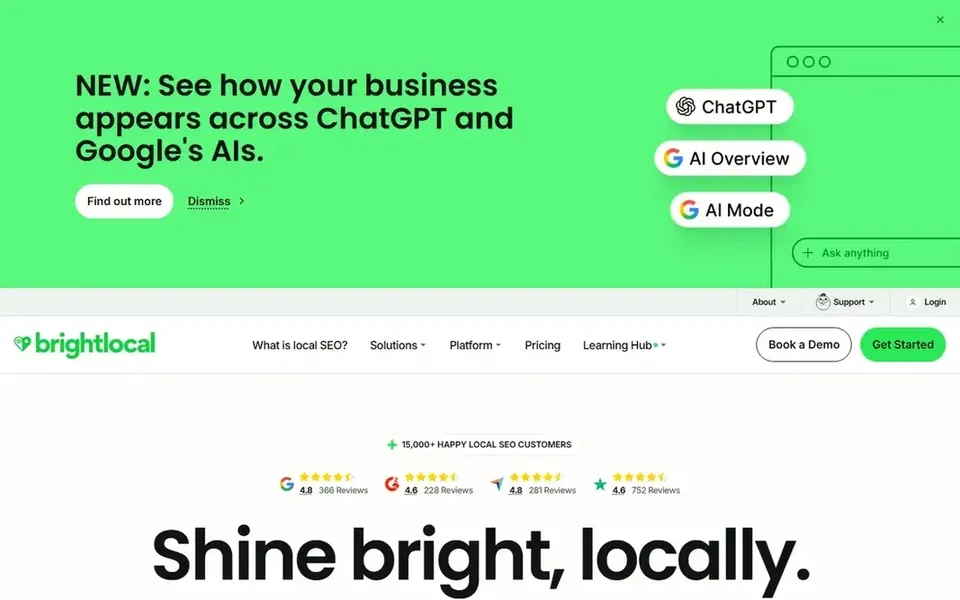
BrightLocal is a local SEO platform rather than a Chrome extension, and I am including it because citation and listing work is a common reason people search for local SEO browser tools. It covers citation building, listing audits, review monitoring and local rank tracking in one place.
For an agency or a multi-location business, the citation audit is the part that saves the most time. You can see where a business is listed, where the name, address and phone number differ, and where listings are missing, then work through fixes in a structured way.
The trade-off is that it is a paid platform with no free plan, and it is not something you install in the browser. If you only need a quick profile check, a free extension is enough.
- Citation tracking
- review tools
- local rank checks
- Not a Chrome extension
- paid subscription
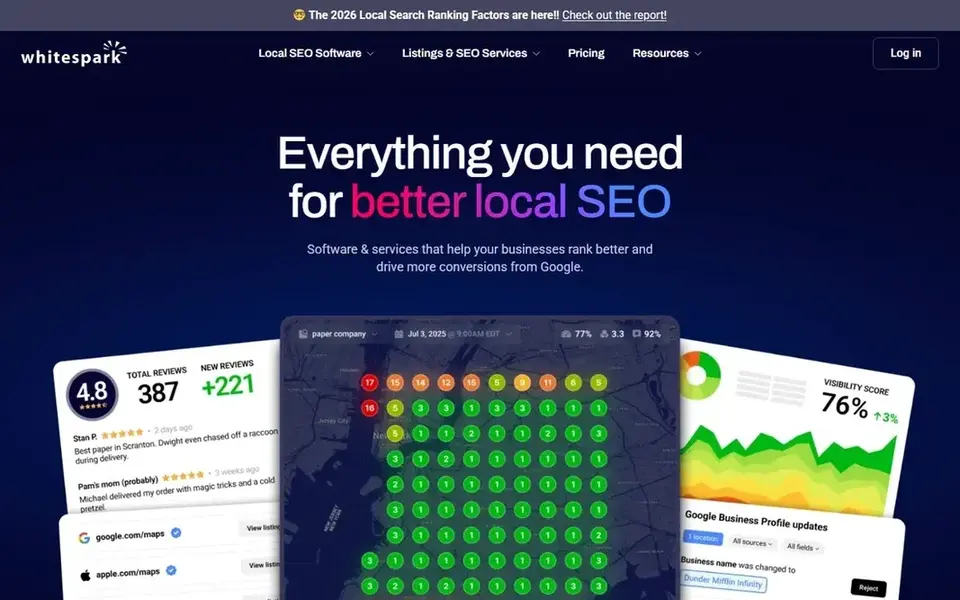
Whitespark is known for local citation research and local rank tracking. Its citation finder helps you discover directories and sites where a local business should be listed, which is useful when you are building a citation plan from scratch.
The value for local businesses is in the discovery step. Instead of guessing which directories matter in a city or niche, you can work from a list and then check each listing for accuracy. That fits agencies that build citations manually rather than syncing everything through a large platform.
It is not a Chrome extension and it has no free plan. Small businesses that only need a handful of listings may find a lighter approach cheaper.
- Strong citation research
- local rank tools
- citation opportunities
- Paid tools
- not a browser add-on
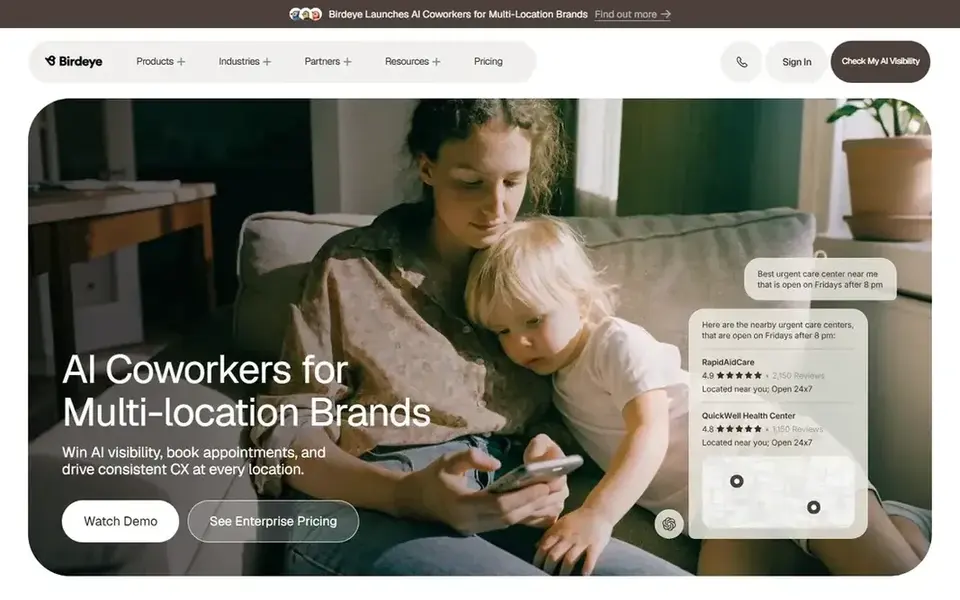
Birdeye is a reputation and customer experience platform. It handles review requests, review monitoring and messaging, which matters for local businesses that depend on Google reviews to win calls and visits.
For multi-location businesses, the appeal is central control. You can manage review requests across many locations and keep responses consistent. That is a different job from a browser extension, and it is why I list it separately.
The limit is weight and cost. A single-location business with a steady review flow may not need a platform this size. It also has no free plan, so budget for a subscription.
- Review requests
- multi-location support
- inbox for messages
- Platform pricing
- heavier than a small business needs
Yext is a listings and digital presence platform. It lets a business manage its core data in one place and push it to a wide network of directories and maps services, which suits brands with many locations.
For local SEO, the main benefit is consistency. When address, hours and categories change, a central source reduces the chance of outdated listings across the web. That is a real problem for businesses with several branches.
It is not a Chrome extension and it has no free plan. Small businesses with one location should weigh whether the setup effort is worth it against simpler citation work.
- Wide listing network
- central data control
- enterprise fit
- Paid platform
- setup effort for small firms
How I chose
I started from the job a local business or small agency is trying to do: check a Google Business Profile, review on-page elements, fix citations, manage reviews or sync listings. Then I read vendor documentation and public sources for each tool and matched it to that job. I did not run hands-on tests, so the notes here reflect what the vendors say and what is publicly known about each product.
I also looked at limits. A browser extension is good for quick checks but weak for bulk work, while a platform is strong for citations and reviews but heavier to set up. That is why the list mixes extensions with platforms: the best choice depends on whether you need a fast audit or a managed process. I left out tools where I could not confirm the product exists and is operating, and I did not include any pricing figures because those change and should be checked on the vendor site.
What to check before you buy
- Confirm the extension is still maintained and works with the current Chrome version.
- Read the permissions it requests, especially access to all sites and browsing data.
- Check whether it stores client data locally or sends it to a server.
- Decide whether you need a browser add-on or a full platform for citations and reviews.
- Test it on one client profile or one page before rolling it out to a team.
- Check the vendor's own documentation for what the free plan includes.
Frequently asked questions
Are Chrome extensions enough for local SEO?
No. Extensions are useful for quick audits and on-page checks, but local SEO also needs citation management, review handling and rank tracking. Those jobs are better served by platforms such as BrightLocal, Whitespark or Birdeye. Use extensions to speed up checks, not as your whole stack.
Is GMB Everywhere safe to install?
It is a widely used extension, but you should still review the permissions it asks for before installing it. Check the vendor's privacy information and install it on a work profile rather than a personal browser. If you handle client data, confirm your agency's policy on browser extensions first.
Do I need a paid plan for these tools?
Some extensions have a free plan that covers basic checks, while platforms like BrightLocal and Whitespark have no free plan. Start with free tools to see what you actually use, then pay only for the features that save you time on client work.
Can these tools help with Google Maps rankings?
Extensions can show you Maps data and profile details, but they do not move rankings. Rankings come from profile completeness, reviews, citations and the quality of the pages on your site. Use the tools to find gaps, then fix them.
What is the difference between an extension and a platform?
An extension runs inside Chrome and works on the page you are viewing. A platform is a separate web app that stores data, runs audits across many locations and tracks changes over time. Most local SEOs use both: extensions for quick checks, platforms for ongoing work.
Sources
See where you really rank - block by block
ProMapRanker scans Google Maps across a grid of your service area. Simple monthly plans from $19, white-label on every plan.
Start freeBrowse all guides
← Best Local Schema Markup Generators in 2026Best Local SEO Tools for Franchises in 2026 →
 best local rank tracking tools for law firms
Best Local Rank Tracking Tools for Law Firms in 2026
A practical guide to the best local rank tracking tools for law firms in 2026, covering grid tracking, Google Business Profile insights and reporting.
Read → best local rank tracking tools for hvac companies
Best Local Rank Tracking Tools for HVAC Companies in 2026
A guide to the best local rank tracking tools for HVAC companies in 2026, compared from vendor documentation, with grid tracking, GBP insights and reporting.
Read → best local rank tracking tools for hotels
Best Local Rank Tracking Tools for Hotels in 2026
A practical guide to the best local rank tracking tools for hotels in 2026, compared from vendor documentation and public sources by Shihab Mia.
Read → manage local business listings
How to Manage Local Business Listings Without the Overwhelm
A simple approach to managing local business listings so they stay consistent without constant effort.
Read → local marketing strategy
Local Marketing Strategy: A Complete Guide
Everything you need to know about local marketing strategy: what it is, why it matters for local SEO, and exactly how to act on it.
Read → local citations service
Local Citations Service: When to DIY and When to Outsource
Should you use a local citations service or build them yourself? A clear decision framework.
Read →More in Local SEO & Google Maps · All guides A to Z by date · Latest guides