 ProMapRanker
Best Multi-Location Review Management Software in 2026
Direct answer
My top pick for multi location review management is Birdeye because it is built around many locations, with location-level inboxes, review requests and reporting in one place. Pricing is quote-based, so check its pricing page. If you want a lower-cost tool that handles review requests and location reporting, go with Reputation or Podium for messaging-heavy teams. For businesses that mainly need review monitoring and replies across many Google Business Profiles, BrightLocal is a solid fit.
I compared these tools from vendor documentation and public sources, not from hands-on tests. I looked at how each one handles location groups, review requests, replies, reporting and user permissions, then matched them to how multi location businesses actually work. Where a vendor does not publish pricing, I say so instead of guessing.
Key takeaways
- Multi location review management is different from single-location review software because you need location-level inboxes, permissions and reporting, not just one dashboard.
- Decide first whether you need review requests, review replies, messaging or all three, because tools differ a lot on messaging.
- Check how the tool connects to Google Business Profile, since some tools sync reviews through the API and others rely on manual setup.
- Ask about user roles and location groups before you buy, because head-office teams and store managers usually need different access.
- Read the vendor's own documentation on review request rules so your requests follow Google's review policies.
Quick comparison
| Pick | Great for | Pricing starts at | Free tier | |
|---|---|---|---|---|
 Birdeye | Large multi location brands | See website | Not stated | Visit |
 Reputation | Enterprise reputation programs | See website | Not stated | Visit |
 Podium | Messaging and review requests | See website | Not stated | Visit |
 BrightLocal | Agencies managing many locations | See website | Free trial | Visit |
 Yext | Listings plus reviews at scale | See website | Not stated | Visit |
 ReviewTrackers | Review monitoring and analytics | See website | Not stated | Visit |
 GatherUp | Review requests and feedback | See website | Free trial | Visit |
The best multi location review management software compared
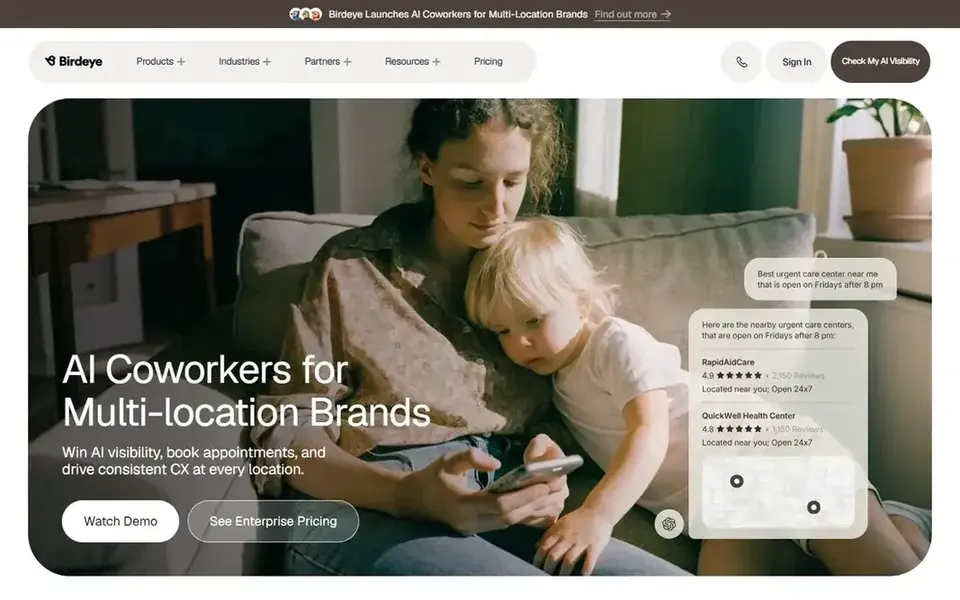
Birdeye is a customer experience and reputation platform built for businesses with many locations. Head office can see reviews across the group while each store works its own inbox. It fits brands with a marketing team that wants one system for reviews, surveys and messaging.
For multi location review management, Birdeye lets you group locations, send review requests from each location and route replies to the right manager. Reporting rolls up from store to region to brand, which is what most multi location teams ask for first. The workflow assumes you have someone at head office who owns the setup.
The main limit is pricing: it is quote-based, so smaller chains may find it heavy. If you only need review monitoring and replies, a lighter tool may fit better. Skip it if you have no central team to run it.
- Location-level review inboxes
- Review requests by location
- Reporting across locations
- Quote-based pricing
- Setup needs planning
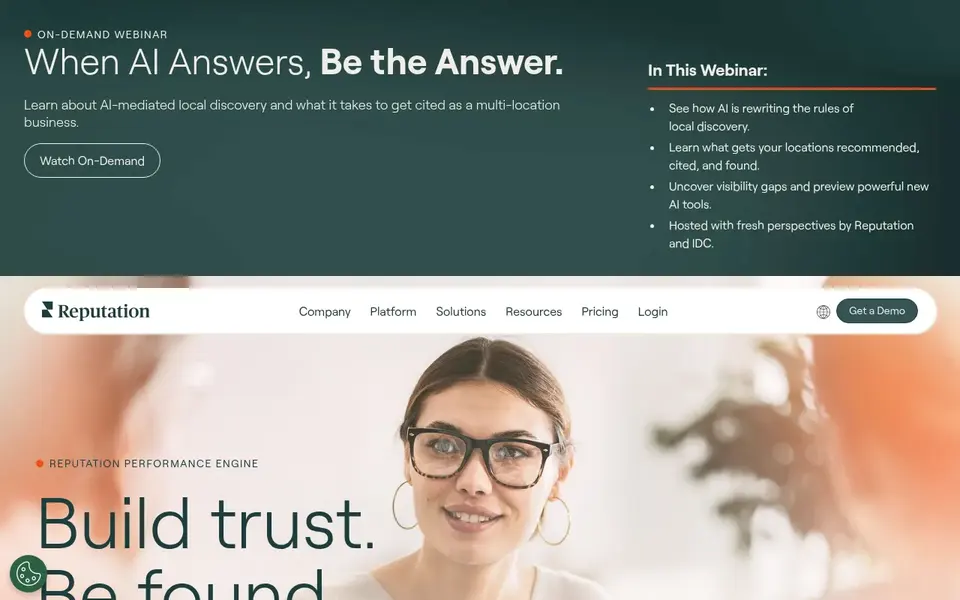
Reputation is an enterprise reputation management platform used by large brands with many physical locations. It covers reviews, surveys, listings and social in one system. It suits companies with a dedicated reputation or customer experience team.
For multi location review work, Reputation supports location groups, role-based access and review request campaigns per location. You can set rules so each store gets its own requests and replies, while head office sees trends across the group. That structure matters when you have hundreds of locations and several regions.
The limits are cost and setup time. Pricing is quote-based, and rolling it out across many locations takes planning. Skip it if you are a small chain that needs a quick start.
- Strong location hierarchy
- Review and survey workflows
- Enterprise reporting
- Quote-based pricing
- Longer setup
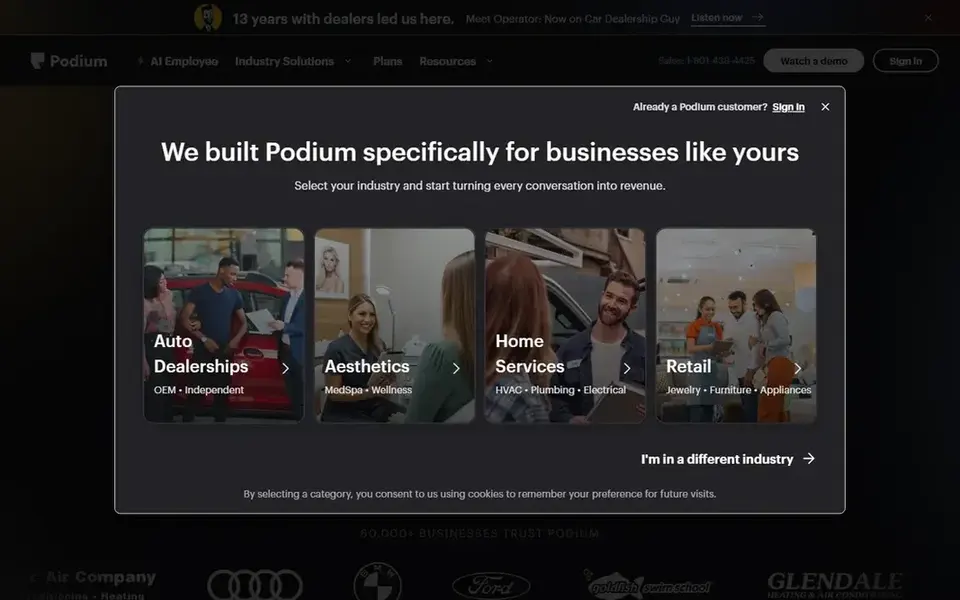
Podium is known for business texting, and reviews are one part of that. Local teams use it to message customers, ask for reviews and reply from one inbox. It fits service businesses where staff already talk to customers by text.
For multi location review management, Podium lets each location send review invites by text and manage replies in a shared inbox. Head office can set templates and see how each location performs. That works well for businesses with high customer contact, like home services and auto.
The limit is focus. If you mainly want review monitoring and reporting, Podium may include more messaging than you need. Pricing is quote-based, so ask for a location-level quote before you commit.
- Text messaging for review requests
- Location-level inboxes
- Good for local teams
- Messaging-first focus
- Quote-based pricing
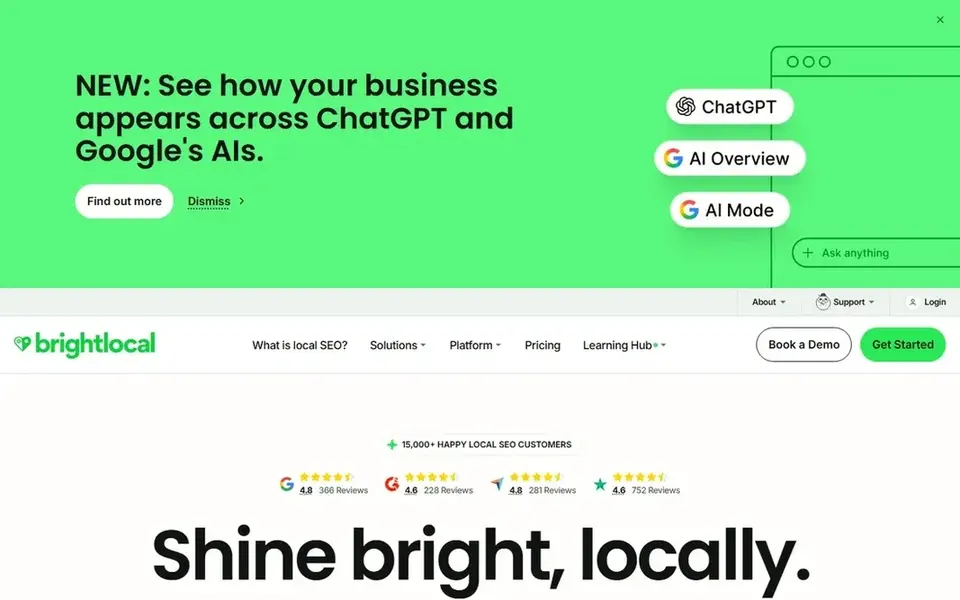
BrightLocal is a local SEO platform with review monitoring, citation tools and reporting. It is popular with agencies that manage many client locations. It fits agencies and multi location marketing teams that want reviews alongside local SEO work.
For multi location review management, BrightLocal lets you connect Google Business Profiles, monitor reviews per location and draft replies. You can build reports that show review activity across a group of locations. That is useful when one team manages reviews for many stores.
The limit is that BrightLocal is not a messaging platform. If you need text-based review requests from each store, look elsewhere. It has a free trial, so you can check the review workflow before buying.
- Review monitoring across locations
- Reply tools
- Agency-friendly reporting
- Less in-store messaging
- Some features are add-ons
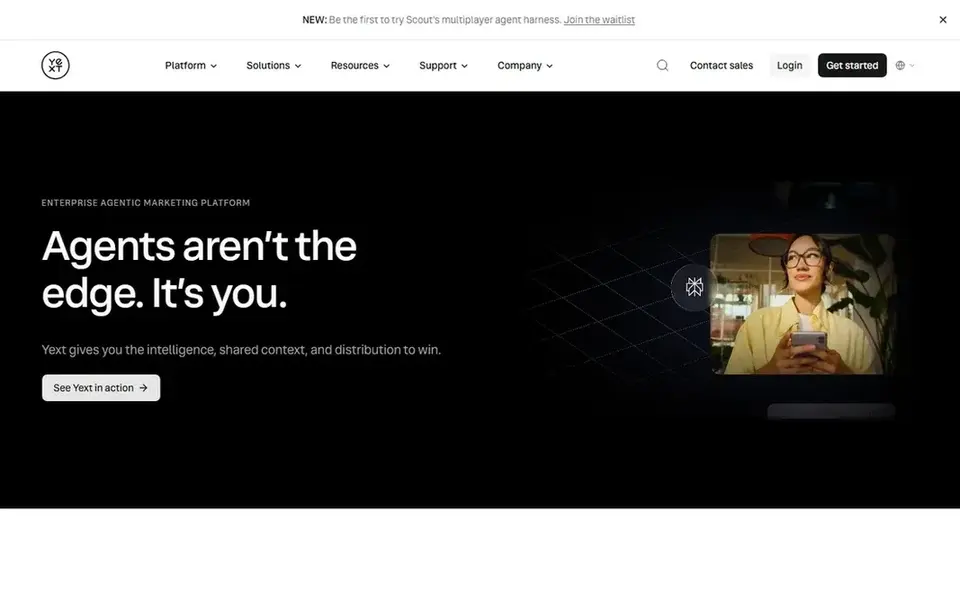
Yext is a listings and reputation platform. It is best known for managing business listings across many locations, with reviews as part of the same system. It fits brands that want one source of truth for location data and reviews.
For multi location review management, Yext lets you monitor reviews across locations and respond from a central place. Because listings and reviews sit together, changes to location data and review workflows stay in sync. That helps large brands with many stores and frequent changes.
The limit is that Yext is listings-first. If reviews are your only need, a review-focused tool may be simpler. Pricing is quote-based, so ask about location counts before you decide.
- Listings and reviews together
- Location data control
- Enterprise fit
- Listings-first
- Quote-based pricing
ReviewTrackers is a review management platform focused on monitoring and analytics. It collects reviews from many sites and shows them by location. It fits multi location teams that want clear reporting on review volume and sentiment.
For multi location review management, ReviewTrackers lets you group locations, assign replies and track review trends. Head office can see which stores need attention, and local managers can reply from the same system. That is a practical setup for chains that want reviews handled without a full messaging suite.
The limit is messaging. If you need text-based review requests, ReviewTrackers is not the main tool for that. Pricing is quote-based, so check the location tiers.
- Review monitoring across sites
- Location-level analytics
- Simple reply workflow
- Fewer messaging features
- Quote-based pricing
GatherUp is a review and customer feedback tool. It focuses on getting reviews and collecting feedback after a customer visit. It fits small and mid-size multi location businesses that want a simple review request workflow.
For multi location review management, GatherUp lets each location send review requests and track responses. You can set up campaigns per location and see how each store is doing. That works for businesses with a few dozen locations and a lean marketing team.
The limit is scale. Larger brands may want deeper reporting and role controls. It has a free trial, so you can test the request workflow before buying.
- Review request campaigns
- Feedback tools
- Simple setup
- Less enterprise reporting
- Smaller brands may outgrow it
How I chose
I chose these tools by reading vendor documentation and public sources, then matching each one to how multi location businesses work. I looked at location grouping, review requests, reply workflows, reporting and user roles. I did not run hands-on tests, so treat this as a starting point for your own demo.
I also noted limits. Some tools are quote-based, some are listings-first and some are messaging-first. That matters because a tool that fits a large chain may be too heavy for a small group of stores. I left out tools I could not confirm are operating, and I did not include any prices or ratings.
What to check before you buy
- Confirm the tool connects to Google Business Profile for each location, and ask how it handles multiple profiles under one brand.
- Check location groups and user roles, so store managers see only their store while head office sees the group.
- Ask how review requests are sent and whether the workflow follows Google's review policies.
- Look at reporting by location, region and brand, because that is what multi location teams use most.
- Confirm how replies are assigned and whether there is an approval step for local managers.
- Ask about onboarding for many locations, since setup effort is often the hidden cost.
Frequently asked questions
What is multi location review management software?
It is software that helps a business with many stores monitor reviews, send review requests and reply from one place. It usually includes location groups, user roles and reporting by store. Single-location review tools often lack these controls, which is why multi location brands look for a dedicated platform.
Do I need a separate tool for each location?
No. Most multi location brands use one platform and set up each location inside it. That keeps reporting and replies consistent. A separate tool per store makes it hard to compare locations and usually costs more admin time.
Can I ask customers for reviews by text?
Yes, if your tool supports messaging and your requests follow Google's review policies. Do not offer incentives for reviews, do not filter out unhappy customers and do not ask staff to write reviews. Keep requests simple and send them to all customers.
How do I handle replies across many locations?
Set clear rules: who replies, how fast and what tone. Use templates for common cases but personalise each reply. Give local managers access to their own store and keep an approval step for sensitive reviews. Head office should review trends, not every reply.
Is a free trial enough to test multi location workflows?
A trial helps you test review requests and replies, but multi location setup often needs more time. Ask the vendor for a demo with several locations loaded. Check reporting and roles during the trial, because those are the parts that matter most at scale.
Sources
See where you really rank - block by block
ProMapRanker scans Google Maps across a grid of your service area. Simple monthly plans from $19, white-label on every plan.
Start freeBrowse all guides
← Best Martial Arts Studio Software in 2026Best Pest Control Routing Software in 2026 →
 best locksmith software
Best Locksmith Software in 2026: 7 Tools Compared
A practical comparison of the best locksmith software in 2026 for scheduling, dispatch, invoicing and local search visibility, based on vendor docs.
Read → best local seo tools for pool service companies
Best Local SEO Tools for Pool Service Companies (2026)
A practical guide to the best local SEO tools for pool service companies in 2026, covering Google Business Profile, reviews, citations and rank tracking.
Read → best local seo tools for pest control companies
Best Local SEO Tools for Pest Control Companies (2026)
A practical guide to the best local SEO tools for pest control companies in 2026, covering Google Business Profile, reviews, citations and rank tracking.
Read → ai search visibility
Track Google Maps and ChatGPT Rank From the Same Grid
Track your Google Maps and ChatGPT, Gemini, and Perplexity visibility from one geo-grid heatmap.
Read → google maps ranking factors
Google Maps Ranking Factors in 2026: Relevance, Distance, Prominence
A practical 2026 guide to Google Maps ranking factors - relevance, distance, prominence - with concrete steps to climb the Map Pack and outrank rivals.
Read → local seo for window and door companies
Local SEO for Window and Door Companies
A local SEO guide for window and door companies: Google Business Profile setup, reviews, and quote-request-focused local SEO.
Read →More in Local SEO & Google Maps · All guides A to Z by date · Latest guides