 ProMapRanker
Best Reputation Management Software for Small Business in 2026

All-in-one reviews, messaging and listings · Pricing starts at: See website
Direct answer
My top pick for most small local businesses is Birdeye, because it combines review requests, a unified inbox and listing management in one place that a small team can run without extra staff. It has no free plan stated, so check its pricing page and ask for a quote. If you want a lower-cost review-first tool, look at Grade.us, and if you mainly need to fix business listings across many directories, Yext is the better fit.
I compared these tools from vendor documentation and public sources, not from hands-on testing. I looked at what each product says it does, how it fits the daily work of a small local business, and where the limits are. The order below reflects fit for a typical small business, not a score.
Key takeaways
- A small business usually needs three things from reputation software: review requests, one inbox for replies, and accurate business listings.
- Review request automation matters more than dashboards, because most customers leave a review only when asked at the right moment.
- Reply tools save time when several staff members handle customer messages, but you still need a short internal rule for who answers what.
- Listing management and review management are often sold together, yet many small businesses only need one of them at the start.
- Every tool here follows Google's review policies only if you use it that way, so never gate reviews or offer rewards for positive ones.
Quick comparison
| Pick | Great for | Pricing starts at | Free tier | |
|---|---|---|---|---|
| Birdeye | All-in-one reviews, messaging and listings | See website | Not stated | Visit |
 Grade.us | Review requests on a small budget | See website | Free trial | Visit |
 Podium | Text messaging plus review requests | See website | Not stated | Visit |
 Yext | Fixing listings across many directories | See website | Not stated | Visit |
 BrightLocal | Local SEO reporting and review tracking | See website | Free trial | Visit |
 Whitespark | Citation building and local ranking work | See website | Not stated | Visit |
 Reputation.com | Multi-location brands needing analytics | See website | Not stated | Visit |
The best reputation management software for small business compared
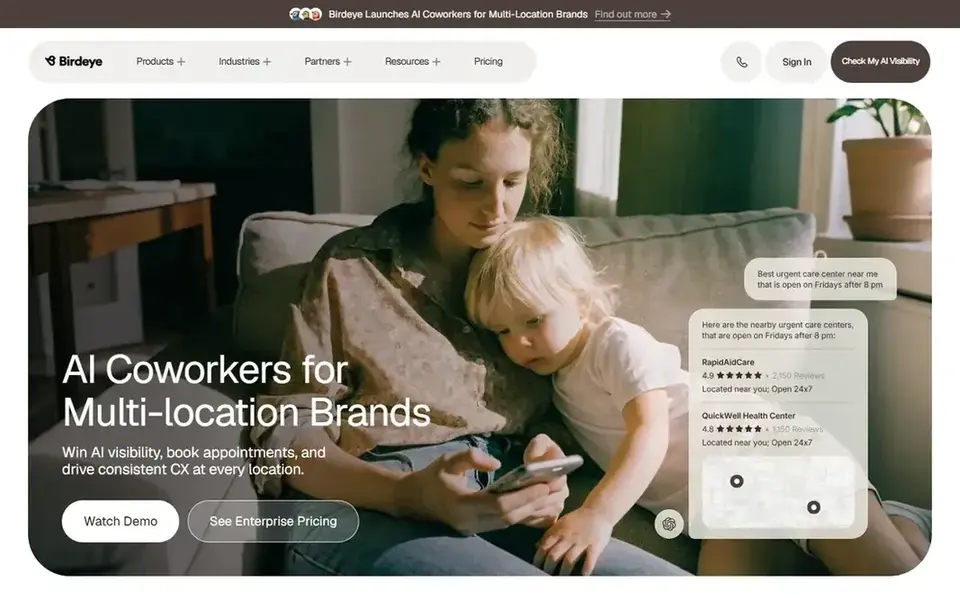
Birdeye is a customer experience platform built around reviews, messaging and business listings. For a small business such as a dental office, a home services company or a multi-chair salon, it puts review requests, review replies and directory listings in one login. That matters when the person handling reviews is also answering the phone.
In daily use, you add a customer after a job or visit, and the tool sends a review request by text or email. New reviews land in a shared inbox where staff can reply, and the same account can push corrected business details to directories. That workflow suits a business that wants one vendor instead of three.
The limit is scale. A single-location shop with a handful of reviews a month may pay for modules it never opens. Ask for a demo that matches your actual volume before you commit.
- Review requests by text and email
- one inbox for reviews and messages
- listing management in the same account
- Quote-based pricing
- more features than a very small shop may use
Grade.us is a review management tool aimed at small businesses and agencies. It centers on getting reviews to the right place, whether that is Google, Facebook or an industry directory, and on monitoring what people say. It is a sensible pick when reviews are the main problem and you do not need a full messaging suite.
The workflow is campaign-based: you import customers, pick a destination, and the tool sends requests on a schedule. Reviews and ratings are tracked in a dashboard, and you can route unhappy customers to a private feedback form so the issue is handled before it becomes public. That routing is a normal support practice, not review gating, as long as every customer can still leave a public review.
Skip it if you need texting, web chat and listings in one place. It is a review tool first, and the rest is thinner.
- Focused on review requests and monitoring
- simple campaign setup
- works for agencies managing several small clients
- Fewer messaging and listing features
- interface is more utilitarian than polished
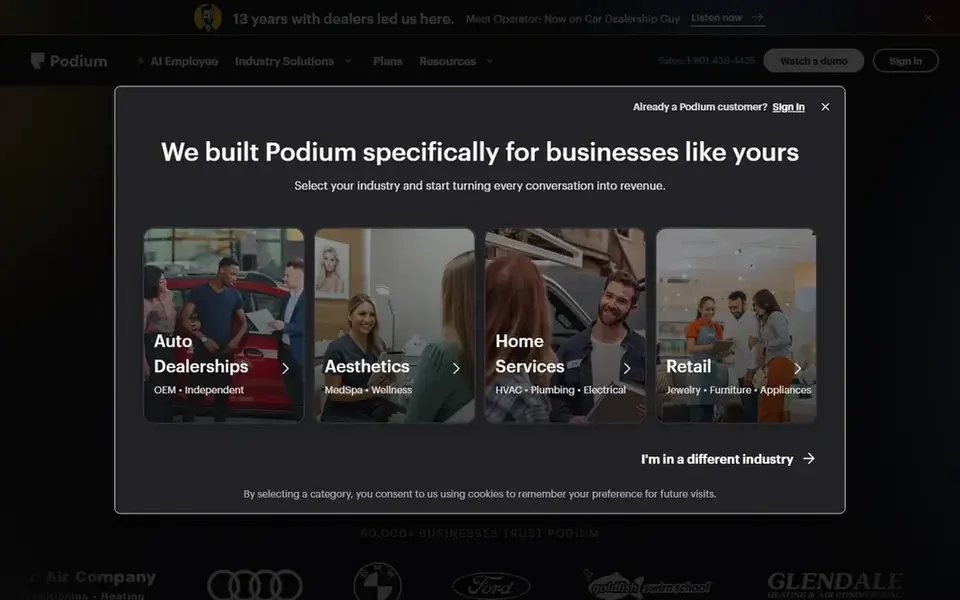
Podium is built around text messaging between a business and its customers, with review requests folded into that conversation. It fits businesses that already live in their phones, such as auto shops, contractors and clinics that confirm appointments by text. The review ask arrives while the customer is still engaged.
In practice, a customer texts the business, staff reply from a shared inbox, and the tool can send a review link after the job closes. Because the request follows a real conversation, it tends to feel less like a mass email. That is useful for a small team that wants one thread per customer.
The cost is the main caution. If you will not use messaging daily, you are paying for a channel you do not need. Compare it with a review-only tool before signing a longer term.
- Strong text messaging for local businesses
- review invites built into conversations
- payments and messaging in one place
- Quote-based pricing
- value depends on using messaging every day
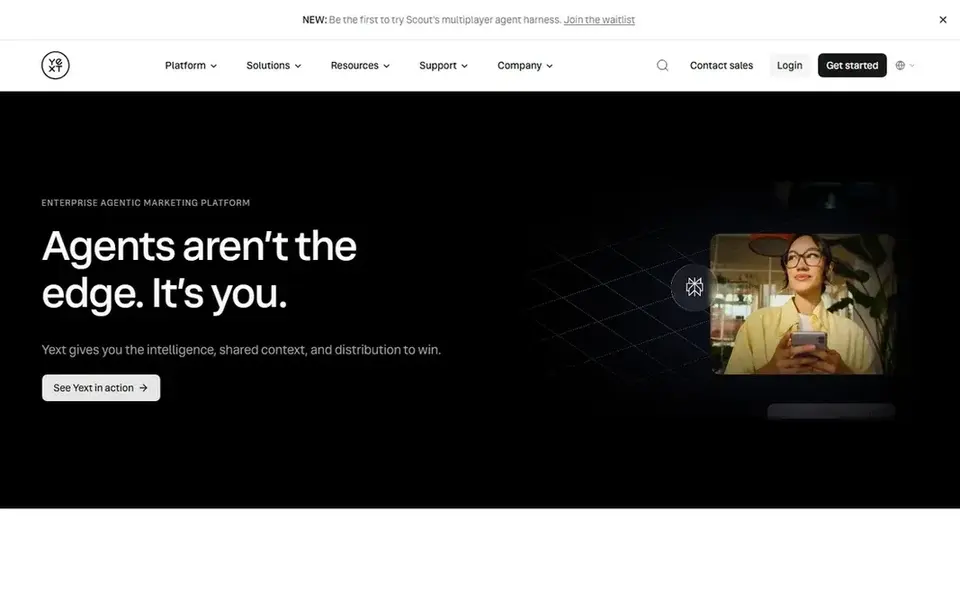
Yext is a listings and knowledge management platform. It is the tool to consider when your business name, address, phone number and hours are wrong in many places at once, which is common after a move or a rebrand. Correct listings support local rankings and reduce confused customers.
For reputation work, Yext shows reviews from connected sources and lets you respond, and it keeps the business facts that customers see consistent. A small business with one location and clean listings may not need it, but a business with several locations or a messy directory history will notice the difference.
The trade-off is focus. If your main problem is getting more Google reviews, a review-first tool will usually be simpler and cheaper to run.
- Wide directory coverage
- central control of business facts
- review monitoring alongside listings
- Review request automation is not the core
- pricing is quote-based
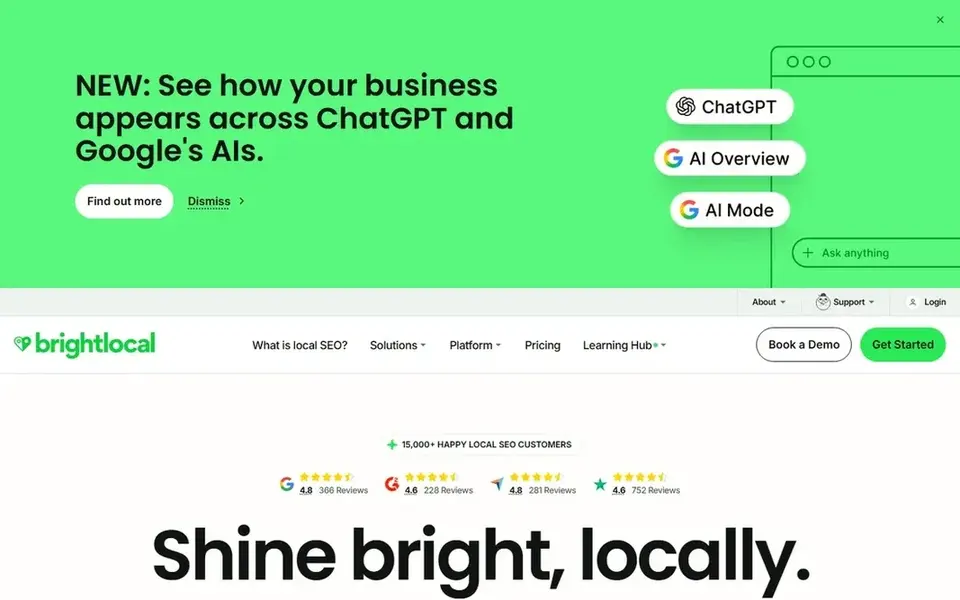
BrightLocal is a local SEO platform used by small businesses and agencies. It tracks reviews, local rankings and citations, and it produces reports you can read without a data background. For a small business owner who wants to see whether review volume and local rankings are moving together, it is a practical dashboard.
Its review features lean toward monitoring and reporting rather than running a full customer conversation. You can see new reviews, track ratings over time and check how listings compare. That suits an owner who handles replies manually and wants a clear monthly picture.
If you need automated review requests by text and a shared inbox, pair it with a review tool or choose a suite instead. BrightLocal is strongest as the measurement layer.
- Review tracking across sites
- local ranking reports
- citation and audit tools in one place
- Not a customer messaging platform
- more reporting than day-to-day review requests
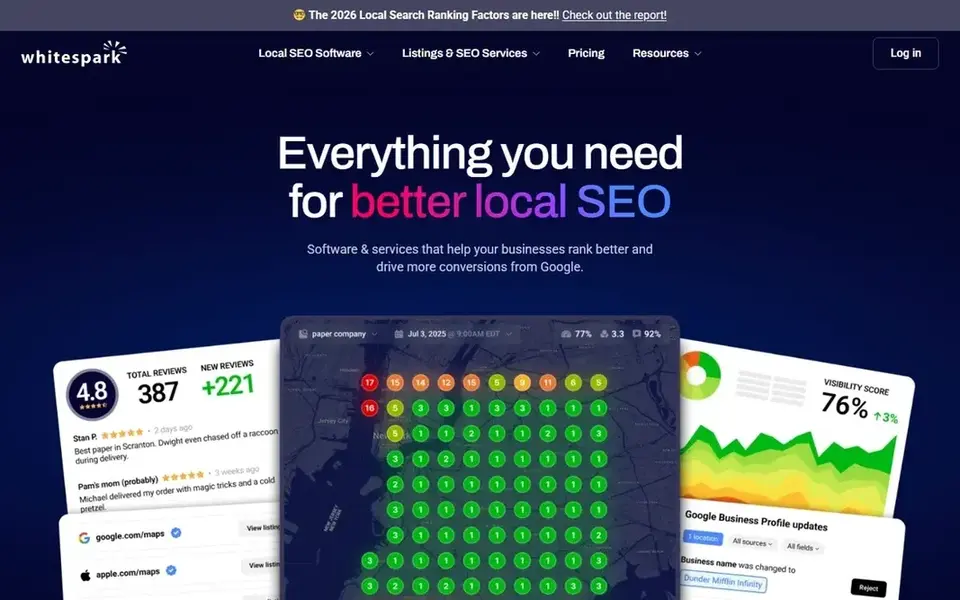
Whitespark is a local SEO toolkit known for citation building and local search data. A small business that has fixed its Google Business Profile and now needs consistent listings elsewhere can use it to find and build citations. Review tracking sits alongside those local tools.
For reputation, the value is context: you can see how citations and local rankings line up with review activity. It does not try to be your customer inbox, so replies and review requests stay in whatever tool you already use for that.
Choose it if citations and local rankings are the priority. If review requests are your main gap, start with a review-focused product and add Whitespark later.
- Citation finding and building tools
- local rank tracking
- review tracking as part of the local toolkit
- Review management is a smaller part of the product
- not aimed at customer messaging
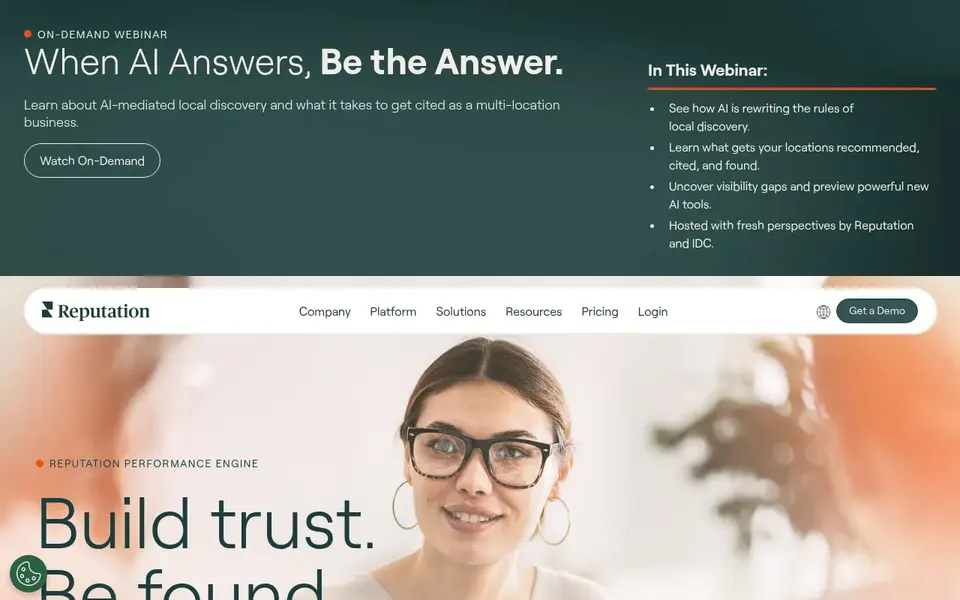
Reputation.com is an enterprise reputation platform that handles reviews, surveys, listings and social listening across many locations. It is included here because small businesses that grow into several locations often end up comparing it, and it helps to know what it is before that point.
For a single small business, the feature set is usually more than needed. The analytics and multi-location views make sense when one person has to report on several branches, not when the owner answers every review personally.
If you run one location, skip it for now. Revisit it when location count and reporting needs grow beyond what a review-first tool can handle.
- Broad review and survey coverage
- analytics for many locations
- listing and social listening features
- Built for larger organizations
- quote-based pricing and setup
How I chose
I built this list from vendor documentation and public sources. I read what each product says it does, checked which features are central versus secondary, and matched them to the way a small local business actually works: limited staff, reviews that arrive after a visit, and listings that need to stay correct. I did not run hands-on tests, so treat the workflow notes as descriptions of documented features rather than lab results.
The second filter was fit and limits. A tool that is excellent for a ten-location brand can be a poor match for a one-person shop, and the reverse is also true. I noted where pricing is quote-based and where a product is narrower than it first appears, because those details decide whether a small business can run the tool without extra help.
What to check before you buy
- Confirm which review sites the tool connects to, and whether Google Business Profile reviews are included in the plan you are quoted.
- Ask how review requests are sent, by text, email or both, and whether you can set the timing after a visit or job.
- Check whether replies can be handled by more than one staff member without sharing a single login.
- Ask whether listing management is included or sold separately, since many small businesses only need one of the two.
- Read the vendor's policy on review requests and confirm it does not filter out unhappy customers or offer incentives for positive reviews.
- Request a short trial or demo using your real customer volume, and confirm what happens to your data if you leave.
Frequently asked questions
What is the best reputation management software for a small business with one location?
For one location, a review-first tool such as Grade.us or a suite like Birdeye is usually enough. The deciding factor is whether you also need messaging and listings. If reviews are the only gap, keep it simple and avoid paying for multi-location analytics you will not use.
Do I need reputation software if I only get a few reviews a month?
You can manage a few reviews manually, but software helps with timing and consistency. A request sent a day after a visit is more likely to be answered than one you remember to send a week later. Start with a low-cost review tool and add listings later if needed.
How does reputation software affect local rankings?
Reviews and accurate listings are among the signals customers and search engines use to judge a local business. Software does not rank you by itself, but it helps you collect reviews steadily and keep business details correct, which supports your Google Business Profile and local visibility over time.
Is it against Google's rules to ask customers for reviews?
No. Asking customers for reviews is allowed. What is not allowed is offering rewards for positive reviews, asking only happy customers, or writing reviews on behalf of customers. Use software that sends the same request to every customer and lets them leave honest feedback.
Can I manage reviews and listings with one tool?
Yes, several suites combine both, including Birdeye and Yext. The question is whether you need both on day one. Many small businesses start with review requests, fix listings separately, and combine them later when the volume justifies the cost.
Sources
See where you really rank - block by block
ProMapRanker scans Google Maps across a grid of your service area. Simple monthly plans from $19, white-label on every plan.
Start freeBrowse all guides
← Best Reputation Management Software for Real Estate Agents in 2026Best Reputation Management Software for Veterinarians in 2026 →
 best reputation management software for pool service companies
Best Reputation Management Software for Pool Companies in 2026
A practical guide to the best reputation management software for pool service companies in 2026, comparing review tools, messaging and local listing features.
Read → best plumbing dispatch software
Best Plumbing Dispatch Software in 2026
A practical guide to the best plumbing dispatch software in 2026, compared from vendor documentation and public sources for local plumbing businesses.
Read → best pest control routing software
Best Pest Control Routing Software in 2026
A practical guide to the best pest control routing software in 2026, covering dispatch, scheduling, route planning and field service tools for pest control teams.
Read → local seo for catering companies
Local SEO for Catering Companies
A local SEO guide for catering companies: Google Business Profile setup, reviews, and event-based service area SEO for caterers.
Read → local seo for photographers
Local SEO for Photographers: A Complete Guide
How photography studios can win local search: Google Business Profile setup, portfolio SEO, and review strategy for photographers.
Read → multi-location google maps seo
Google Maps SEO for Multi-Location Brands
Scale Google Maps SEO across dozens of locations with a repeatable, trackable system.
Read →More in Local SEO & Google Maps · All guides A to Z by date · Latest guides