 ProMapRanker
Best Reputation Management Software for Driving Schools in 2026

Simple review requests for small schools · Pricing starts at: See website
Direct answer
For most driving schools, Grade.us is the best reputation management pick because it handles review requests, monitoring and replies in one place and suits a small office that sends requests after each lesson. It has no free plan stated, so check its pricing page. If you mainly need accurate listings and review replies across many locations, look at Uberall; if you want review requests tied to job records you already keep, look at Jobber.
I compared these tools from vendor documentation and public sources rather than hands-on tests. I looked at how each one fits the way a driving school actually works: lessons booked in advance, students who finish after a set number of hours, parents who pay, and a steady flow of new learners each month. The order below reflects that fit, not a lab benchmark.
Key takeaways
- Driving schools collect reviews in bursts after lessons and tests, so a tool that sends requests automatically from your booking or student records saves the most time.
- Review replies matter more for driving schools than for many local businesses because nervous learners and their parents read them before booking.
- Google Business Profile is usually the first thing a parent sees, so pick software that monitors and replies to Google reviews well before you look at extras.
- Listing accuracy across Apple Maps, Bing and directories prevents students from calling an old number or driving to a closed branch.
- No tool fixes a bad process: you still need to ask every student at the right moment and answer reviews in plain language.
Quick comparison
| Pick | Great for | Pricing starts at | Free tier | |
|---|---|---|---|---|
| Grade.us | Simple review requests for small schools | See website | Not stated | Visit |
 Uberall | Multi-branch schools with listing accuracy needs | See website | Not stated | Visit |
 Jobber | Schools already scheduling lessons in Jobber | See website | Free trial | Visit |
 Whitespark | Citation building and review links | See website | Not stated | Visit |
 Semrush Local | Schools already using Semrush for SEO | See website | Not stated | Visit |
 NiceJob | Simple review campaigns for small teams | See website | Not stated | Visit |
 Birdeye | Larger schools wanting reviews plus messaging | See website | Not stated | Visit |
The best reputation management software for driving schools compared
Grade.us is a review management tool built around asking customers for reviews and then tracking what comes back. For a driving school with one or two offices and a handful of instructors, that focus is useful. You are not buying a full marketing suite; you are buying a way to send a request after each student passes their test and to see every review that arrives.
The workflow fits driving schools well. You can set up a campaign that sends a request by email or text after a lesson or a test, and route happy students toward your Google Business Profile while catching unhappy ones privately first. That last part matters when a learner is frustrated about a failed test; a private message gives you a chance to explain before it becomes a public review. Replies can be handled from one inbox.
The limits are on the listing side. If you have several branches with changing addresses and phone numbers, Grade.us will not fix that for you. Skip it if you need heavy citation cleanup or a full local SEO suite.
- Clear review request campaigns
- Review monitoring and replies
- Works for single and multi-location schools
- Listing management is limited
- Interface is plain rather than polished
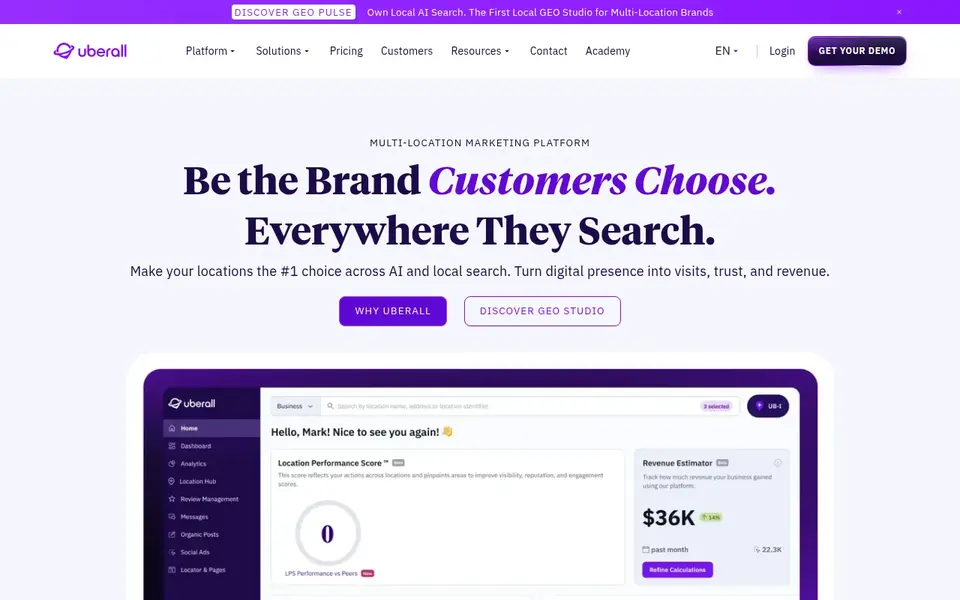
Uberall is a location marketing platform that keeps business listings consistent and collects reviews across locations. A driving school with branches in several towns, or one that shares instructors between offices, gets the most from it. Parents searching for a school near them should see the right address, phone number and opening hours wherever they look.
For reputation work, Uberall pulls reviews from Google and other platforms into one view so you can reply without logging into each site. It also helps you keep the Google Business Profile for each branch accurate, which affects whether you show up in local map results at all. That combination of listings and reviews is the reason it sits high for schools with more than one site.
The trade-off is setup. You need to gather addresses, hours and category details for every branch, and that takes time. A single-office school with one instructor should skip it and use something simpler.
- Strong listing management across directories
- Review monitoring and replies in one place
- Built for multi-location businesses
- Setup takes effort
- More than a single office needs
Jobber is field service software for scheduling, invoicing and customer communication, and it includes review request features. Driving schools that book lessons like appointments can use it to schedule instructors, send reminders and invoice parents. When a lesson or a package is marked complete, you can trigger a review request.
That connection to the job record is the useful part. Instead of exporting a list of students and uploading it to another tool, the request goes out from the same system that knows the lesson happened. Reminders also cut no-shows, which protects your schedule and reduces the chance of a frustrated review about a missed slot.
The review side is basic compared with dedicated tools. You get requests and some monitoring, not deep sentiment tracking or listing management. Skip it if you already have a booking system you like and only need reviews.
- Review requests tied to completed jobs
- Scheduling and invoicing in the same tool
- Reminders reduce no-shows
- Review features are basic
- Not a dedicated reputation platform
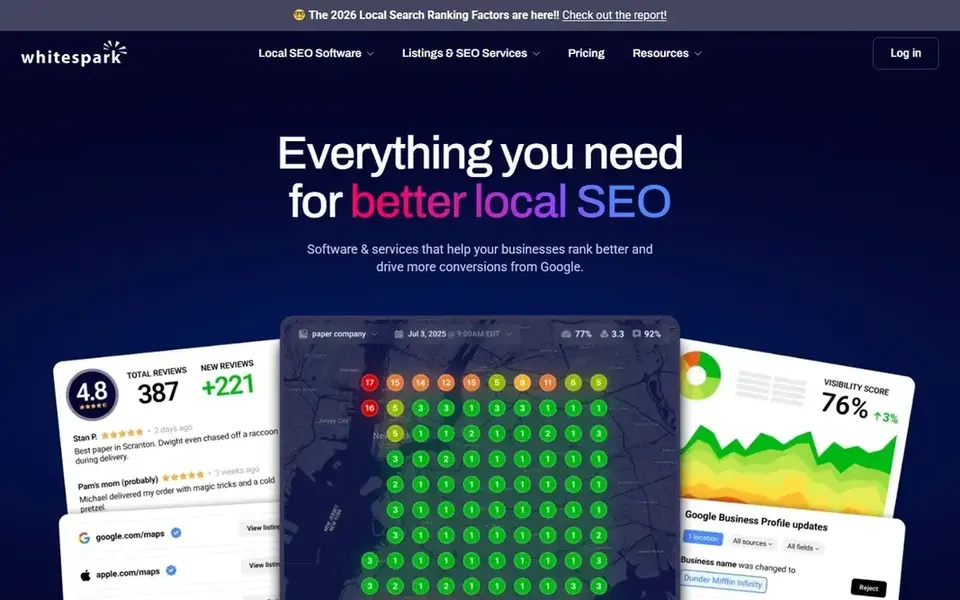
Whitespark is a local SEO company known for citation building and local search tools. For a driving school, its value is in making sure your name, address and phone number match across directories, and in giving you clean links that send students straight to your Google review form.
Citation work is less glamorous than review requests, but it matters. If a directory lists an old phone number, a parent may call a disconnected line and give up. Whitespark's team builds and fixes those listings, and its tools help you create review links you can hand to instructors to share after a test.
It is not a reputation inbox. You will still need a way to monitor and reply to reviews, so treat it as a partner to a review tool rather than a replacement.
- Strong local citation service
- Review link tools
- Clear reporting on listings
- Not a full review inbox
- Needs manual follow-up
Semrush Local adds listings management and review monitoring to the wider Semrush platform. A driving school that already pays for Semrush to track its website rankings can keep local work in the same place, which reduces the number of logins and bills to manage.
The review features cover monitoring and replies, and the listings side helps keep branch details consistent. Where it helps most is context: you can see how your Google Business Profile performs next to your website traffic, so you know whether a drop in calls comes from rankings or from a stale listing.
The review workflow is not as deep as a dedicated reputation tool. If reviews are your main problem, start elsewhere; if you want one dashboard for SEO and local, this is reasonable.
- Listings management alongside SEO data
- Review monitoring
- Familiar dashboard if you use Semrush
- Review workflow is lighter than dedicated tools
- Best value only if you use other Semrush features
NiceJob is a reputation marketing tool aimed at small local businesses. It sends review requests, helps you show positive reviews on your site and social channels, and gives you a place to track responses. For a driving school with a few instructors, the setup is quick.
The fit is in the simplicity. You add students, send requests after lessons, and let the tool nudge people who have not responded. Positive reviews can be turned into social posts, which helps when you want to show parents what other families said. That matters because driving schools sell trust as much as lessons.
It does less on listings and deep analytics. A school with many branches and a marketing manager will likely outgrow it.
- Easy review request campaigns
- Social sharing of positive reviews
- Simple setup for small teams
- Limited listing management
- Less depth for large multi-branch schools
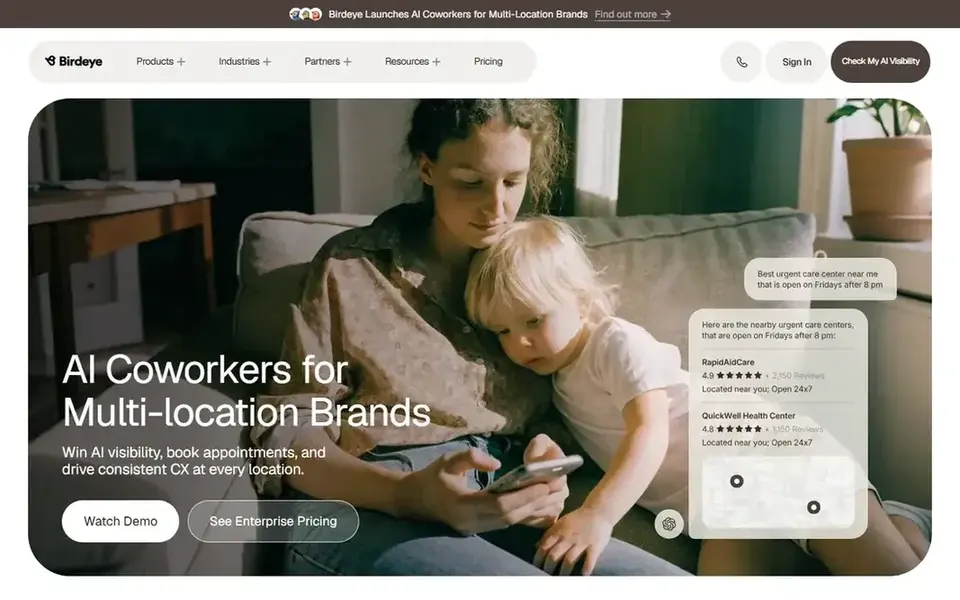
Birdeye is a customer experience platform that combines review management, messaging and surveys. It suits a driving school with high enquiry volume, several branches and staff who answer messages all day. Reviews, texts and webchat sit in one inbox.
For reputation work, Birdeye automates review requests after a lesson or a test and lets you reply to reviews from the same screen you use for messages. Surveys can catch a unhappy student before they post publicly, which is useful when a failed test is the reason for the complaint.
The scope is the drawback. A single-office school with two instructors will pay for features it never opens. Skip it unless you have the volume and the staff to use it.
- Reviews, messaging and surveys in one platform
- Good for high-volume customer contact
- Multi-location reporting
- More product than a small school needs
- Setup and cost suit bigger operations
How I chose
I built this list from vendor documentation and public sources, not from hands-on testing. I read each product's own pages on review requests, monitoring, replies and listings, then checked how those features map to a driving school's routine: lessons booked ahead, students who finish after a fixed number of hours, parents who pay, and a constant stream of new learners. Tools that only work well for retail or restaurants dropped down the list.
I also weighed limits. A tool that does reviews well but ignores listings is fine for a single office and weak for a school with branches. I noted where each product is more than the audience needs, because paying for unused features is a common mistake for small schools. No prices, ratings or user counts appear here; check each vendor's site for current terms.
What to check before you buy
- Can it send a review request automatically after a lesson or a passed test, or will someone have to upload a list each time?
- Does it monitor and let you reply to Google reviews from one inbox, including the Google Business Profile for each branch?
- Can it route unhappy students to a private message before they post publicly, without filtering or blocking negative reviews?
- Does it keep name, address and phone number consistent across Apple Maps, Bing and the directories parents actually use?
- Will it handle multiple branches and instructors without mixing up their reviews and listings?
- Does it fit your booking system, or will you maintain two sets of student records?
Frequently asked questions
Do driving schools need reputation management software?
Not strictly, but it helps. Most schools get reviews in bursts and forget to ask, so an automated request after each test brings in more feedback. Software also puts Google, Facebook and other reviews in one inbox, which makes replying faster. A small school with one instructor can start with manual requests and add software when volume grows.
Can I ask students for reviews without breaking Google's rules?
Yes, if you ask everyone and do not offer rewards for positive reviews. Do not filter out unhappy students or write reviews for them. Ask at a natural moment, such as after a passed test, and keep the request neutral. Google's guidelines prohibit incentives and review gating, and breaking them can cost you your reviews.
Should I reply to negative reviews about a failed test?
Yes, and keep it short and calm. Acknowledge the experience, explain your policy in one or two sentences, and invite the person to contact the office. Parents reading the reply learn how you handle problems. Never argue or reveal personal details about a student in a public reply.
How does listing accuracy affect reviews?
If a directory shows an old phone number or a closed branch, students get frustrated before they ever book, and that frustration can turn into a review about poor communication. Keeping listings consistent across Google, Apple Maps and directories prevents those avoidable complaints and makes it easier for parents to find the right office.
What is the difference between review software and citation services?
Review software asks for feedback, monitors reviews and gives you one place to reply. Citation services build and correct business listings across directories. Some platforms do both, but many schools are better served by a focused review tool plus a citation service such as Whitespark. Decide which problem costs you more bookings first.
Sources
See where you really rank - block by block
ProMapRanker scans Google Maps across a grid of your service area. Simple monthly plans from $19, white-label on every plan.
Start freeBrowse all guides
← Best Reputation Management Software for Day Spas (2026)Best Reputation Management Software for Franchises in 2026 →
 best reputation management software for computer repair shops
Best Reputation Management Software for Computer Repair Shops (2026)
A guide to the best reputation management software for computer repair shops in 2026, compared from vendor documentation and public sources.
Read → best reputation management software for car dealerships
Best Reputation Management Software for Car Dealerships in 2026
A dealer-focused guide to reputation management software for car dealerships in 2026, covering review requests, responses, listings and lead tracking.
Read → best reputation management software for auto repair shops
Best Reputation Management Software for Auto Repair Shops (2026)
A practical guide to the best reputation management software for auto repair shops in 2026, covering review requests, replies, listings and tracking.
Read → free geo grid scan
How to Get a Free Geo-Grid Scan of Your Business
How to get a free geo-grid scan of your business and see exactly where you rank.
Read → local citation finder
Local Citation Finder: A Complete Guide
Everything you need to know about local citation finder: what it is, why it matters for local SEO, and exactly how to act on it.
Read → geo grid heatmap seo
How to Read a Local Search Grid: A Beginner's Heatmap Tutorial
New to geo-grid heatmaps? This beginner tutorial walks you through reading every color, number, and pattern.
Read →More in Local SEO & Google Maps · All guides A to Z by date · Latest guides