 ProMapRanker
Best Reputation Management Software for Car Dealerships in 2026
Direct answer
My top pick for car dealerships is Reputation.com because it is built for multi-location businesses that need review requests tied to sales and service visits, plus dashboards for each rooftop. Pricing is quote-based, so check its pricing page. If you want review-first workflows at a lower entry point, look at Grade.us, and if your dealership also needs listing accuracy across many departments, consider Uberall.
I compared these tools from vendor documentation and public sources rather than running hands-on tests. For dealerships I weighted review request timing, department-level reporting, response workflow and Google Business Profile handling, then noted where each tool stops short.
Key takeaways
- Dealerships need review software that can separate new-car sales, used-car sales, F&I and service department feedback, because a single star rating hides where the problem sits.
- Review requests should go out after delivery and after service visits, not at the point of sale, so the customer has actually experienced the handover.
- Response tools matter more for dealers than for most local businesses because public replies to service complaints are read by future buyers.
- Listing management is part of reputation for dealerships, since wrong hours on a service department page turn into one-star reviews.
- No tool fixes a bad process, so map who sends requests, who replies and who escalates before you compare vendors.
Quick comparison
| Pick | Great for | Pricing starts at | Free tier | |
|---|---|---|---|---|
 Reputation.com | Multi-rooftop dealer groups | See website | Not stated | Visit |
 Grade.us | Review-first dealerships | See website | Free trial | Visit |
 Uberall | Listings plus reviews across departments | See website | Not stated | Visit |
 Birdeye | Messaging plus reviews | See website | Not stated | Visit |
 Podium | Text-first review requests | See website | No free plan | Visit |
 NiceJob | Smaller single-point dealerships | See website | Free trial | Visit |
 Local Viking | Google Business Profile control | See website | Free trial | Visit |
The best reputation management software for car dealerships compared
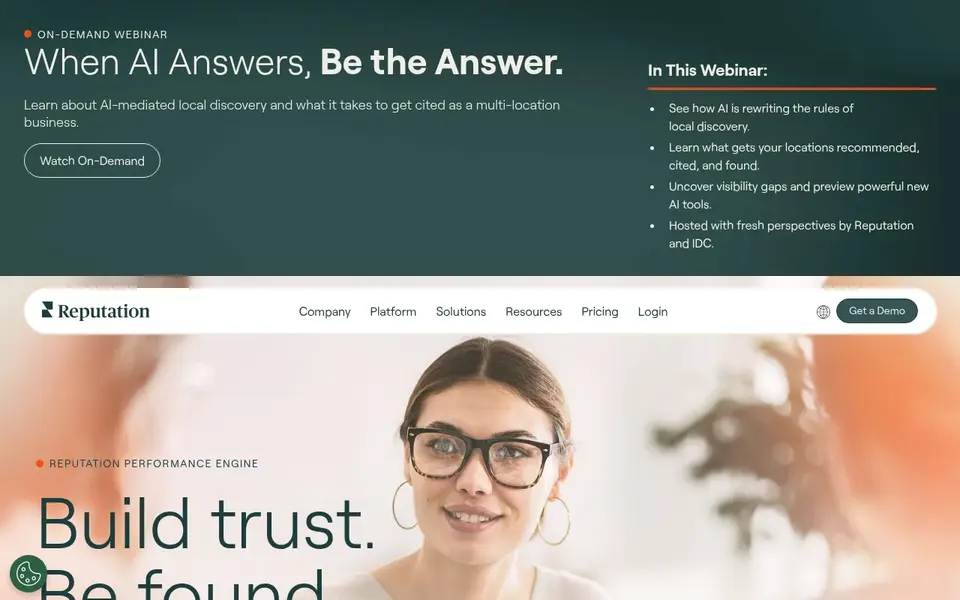
Reputation.com is aimed at businesses with several locations and a central marketing team, which matches a dealer group with separate showrooms and service centres. It pulls reviews and survey responses into one view so a group manager can compare stores without logging into each profile.
For a dealership the useful part is tying a request to the actual transaction. A sales customer and a service customer get different messages at different times, and the reporting lets you see which department drags the score down. That is more actionable than one blended rating for the whole store.
The limits are practical. It is not a quick self-serve signup, and a single independent dealer may find the setup heavier than needed. Skip it if you have one location and want a simple review request loop.
- Location-level reporting
- review requests tied to customer records
- broad survey and listening tools
- Quote-based pricing
- heavier setup than a single store needs
Grade.us focuses on getting reviews and managing replies, which suits a dealership that already has its listings in order and mainly wants more reviews on Google and the major review sites. Agencies that serve dealers can run it under their own brand.
In a dealership workflow you can build separate campaigns for sales and service, send them from the advisor's name, and route negative responses to a manager before a public reply goes out. That matters because a service complaint answered badly in public costs more than the original complaint.
The trade-off is breadth. If you want listings, surveys and messaging in one place, this is not that product. A single store that just wants steady review flow will be fine; a group wanting a full customer experience platform should look elsewhere.
- Simple review request campaigns
- white-label options for agencies
- clear response workflow
- Listing management is lighter
- fewer messaging features
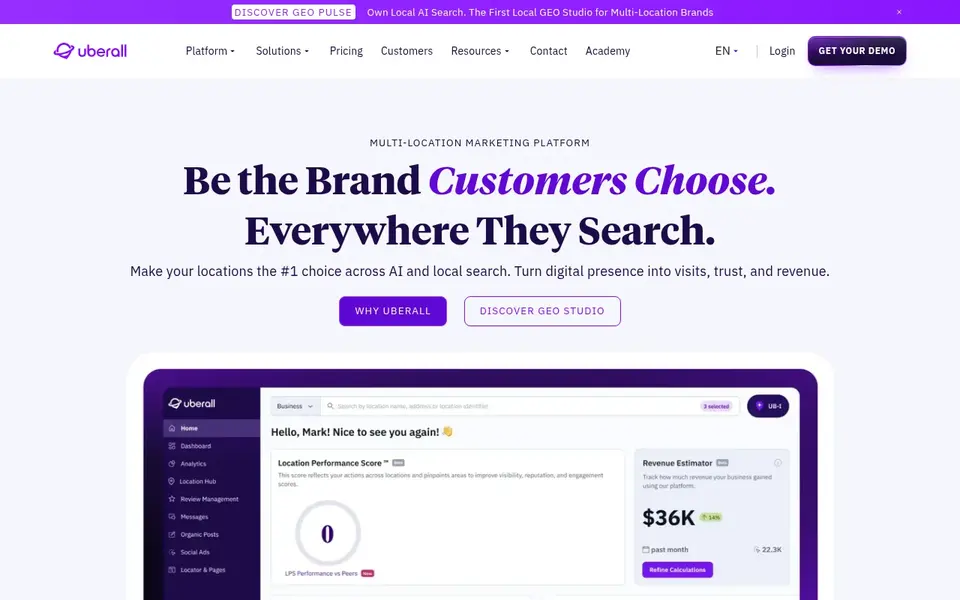
Uberall is known for keeping business listings accurate across directories and maps, and it also handles review monitoring and responses. For a dealership with a sales page, a service page and sometimes a parts page, that listing accuracy is reputation work in itself.
When a customer searches for service hours and finds last year's times, they arrive annoyed and the review reflects it. Uberall lets a group push correct hours, phone numbers and department details to many platforms from one place, then watch reviews that mention those locations.
It is not the first choice if your only goal is a high volume of review requests. The setup is a project, and small single stores may not need that level of control.
- Strong location data management
- review monitoring across many sites
- good fit for multi-brand groups
- Setup takes real work
- review request automation is not its main strength
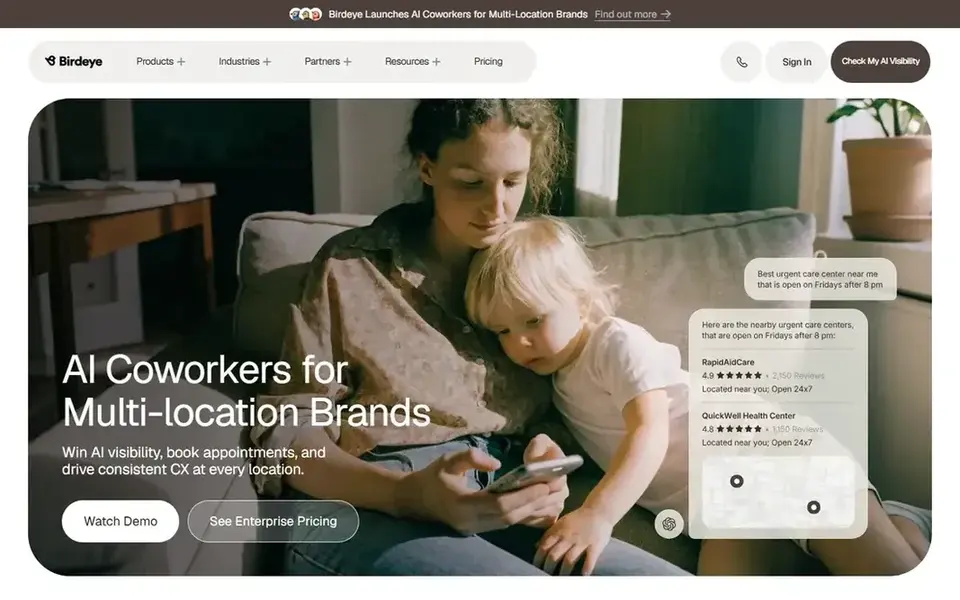
Birdeye combines review requests with customer messaging and a shared inbox, which fits dealerships that already talk to customers by text and want reviews to come from the same channel. It is common in multi-location service businesses.
For a dealer, the value is in timing. A request sent the day after delivery, or after a service visit is closed, tends to get a better response than a blast to the whole database. The shared inbox also keeps replies from sitting unanswered when the person who owns the profile is off.
The downside is scope. There is a lot to configure, and a small store may pay for messaging features it never uses. Decide whether you need the inbox before you shortlist it.
- Review requests by text and email
- inbox for messages and reviews
- multi-location reporting
- Broad feature set takes time to configure
- pricing is quote-based
Podium built its name on text messaging for local businesses, and dealerships use it to ask for reviews in the same thread where they confirm a delivery time or answer a service question. The review request feels like part of the conversation rather than a separate campaign.
That works well when a salesperson or service advisor owns the relationship. The customer gets a short message, taps through to Google, and the review lands while the experience is fresh. Replies and follow-ups stay in one inbox.
One limitation is that the product is priced around messaging, so a dealer who only wants review software may be paying for a channel they do not use. There is no free plan, so treat it as a commitment.
- Strong text messaging workflow
- simple review invites
- payments and messaging in one place
- No free plan
- value depends on using messaging heavily
NiceJob is built for small local businesses that want more reviews without a long setup. For an independent used-car lot or a single franchise point, that simplicity is the point.
You add customers, choose when the request goes out, and the tool handles reminders. For a dealership the practical use is a short campaign after delivery and a separate one after service, with a dashboard the manager can check weekly without training.
It is not designed for a group with a central marketing team and many locations. If you need department-level reporting across rooftops or deep integrations with dealer systems, this will feel limited.
- Easy review request setup
- simple dashboards
- good for small teams
- Less depth for large groups
- fewer enterprise controls
Local Viking is a Google Business Profile management tool with review monitoring and local rank tracking. For a dealership, it is useful when the main problem is that profiles are inconsistent or posts and photos are not being published.
It lets a group manage many profiles from one dashboard, watch reviews as they arrive and see how the store ranks in the local grid. That supports reputation work indirectly, because a complete, active profile tends to earn more engagement.
It is not a review request engine. If your gap is asking customers for reviews after delivery, pair it with a review tool or choose a different product on this list.
- Google Business Profile management at scale
- review monitoring
- geo-grid rank tracking
- Review request automation is secondary
- narrower than full reputation suites
How I chose
I started from vendor documentation and public sources, then filtered for how dealerships actually operate: separate sales and service journeys, multiple profiles per rooftop, and a front desk that has to reply to complaints in public. Tools that only handled one of those jobs were ranked lower even if they were well known.
I also looked at limits. Some products are strong review engines but weak on listings, and others are listing platforms with reviews attached. I noted which is which so you can match the tool to your actual gap rather than buying the biggest suite. No hands-on testing was done, and no vendor paid for placement.
What to check before you buy
- Confirm the tool can send separate review requests for sales, service and F&I, with different timing for each.
- Check how it handles multiple Google Business Profiles per rooftop, including service and parts pages.
- Ask whether negative feedback can be routed to a manager before a public reply is posted, without hiding or filtering reviews.
- Confirm the tool follows Google's review policies and does not offer incentives, gating or review swapping.
- Check whether review responses can be assigned to specific staff and tracked to completion.
- Ask how the tool reports on review volume and response time by location, so you can see which store needs help.
Frequently asked questions
What is the best reputation management software for car dealerships?
For most dealer groups, Reputation.com is the strongest fit because it handles multiple locations and separates feedback by department. Single stores that mainly want more Google reviews can use Grade.us or NiceJob. If listings are the weak point, Uberall or Local Viking cover that ground. Match the tool to your biggest gap rather than the longest feature list.
How should a dealership ask for reviews?
Ask after the customer has taken delivery or collected the car from service, not at the signing desk. Send one request by text or email, add a single reminder, and link straight to your Google Business Profile. Do not offer discounts or gifts for reviews, and never filter out customers you expect to be unhappy. Google's policies apply to dealerships like any other business.
Can reputation software remove bad reviews?
No legitimate tool can remove a review that follows Google's content policies. Software can alert you quickly, help you reply professionally and route the complaint to the right manager. You can report reviews that break the rules, such as spam or conflicts of interest, but expect most negative reviews to stay. A calm public reply often matters more than removal.
Do I need separate tools for reviews and business listings?
Not always. Uberall and Reputation.com cover both, and Local Viking handles Google Business Profile work with review monitoring. Smaller dealers often run a review tool alone because their listings are already correct. Audit your Google profiles for wrong hours, old phone numbers and missing department pages before you decide you need a listings platform.
How do I compare pricing for dealership reputation software?
Most vendors on this list quote by location and feature set, so ask for a quote based on your number of rooftops and profiles. Compare what is included at that level, especially review request volume, users and listing sync. A lower headline cost can hide per-location fees, so ask for the total for all your stores before you sign.
Sources
See where you really rank - block by block
ProMapRanker scans Google Maps across a grid of your service area. Simple monthly plans from $19, white-label on every plan.
Start freeBrowse all guides
← Best Reputation Management Software for Auto Repair Shops (2026)Best Reputation Management Software for Computer Repair Shops (2026) →
 best local seo tools for tattoo shops
Best Local SEO Tools for Tattoo Shops in 2026
A practical guide to the best local SEO tools for tattoo shops in 2026, covering Google Business Profile, reviews, citations and map rankings.
Read → best local seo tools for septic companies
Best Local SEO Tools for Septic Companies in 2026
A practical guide to the best local SEO tools for septic companies in 2026, covering listings, reviews, calls and Google Business Profile management.
Read → best local seo tools for preschools
Best Local SEO Tools for Preschools in 2026
A practical guide to the best local SEO tools for preschools in 2026, covering Google Business Profile, reviews, citations and local rank tracking.
Read →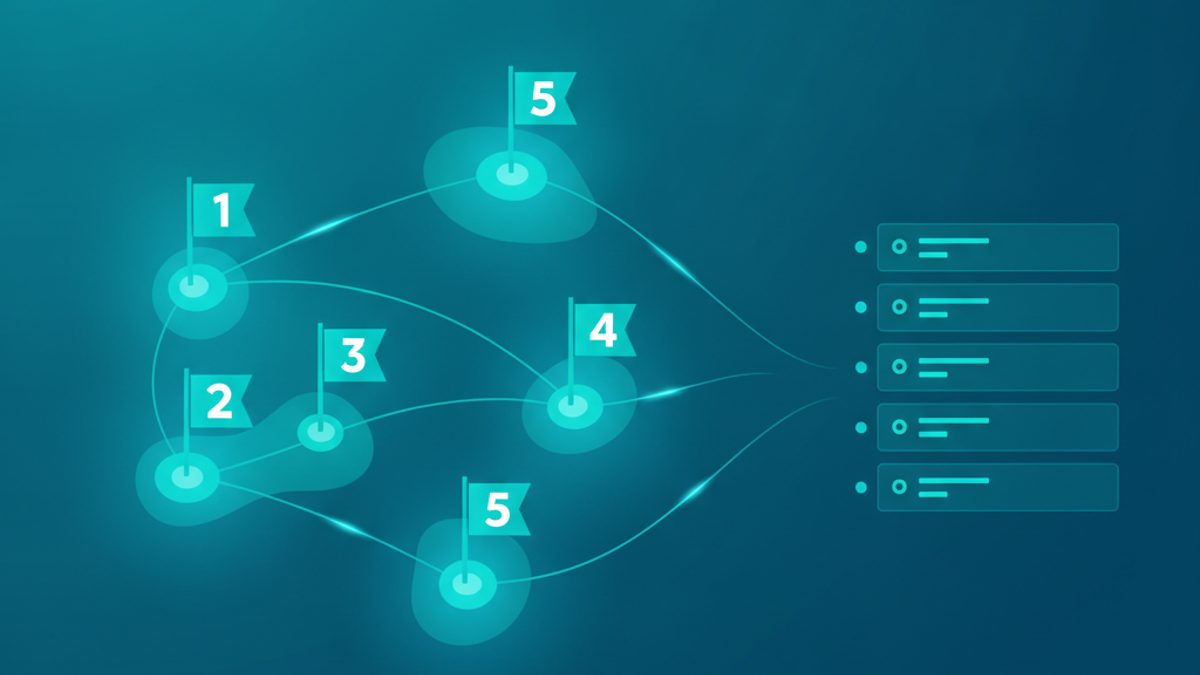 heatmap action plan
From Heatmap to Action Plan: Prioritizing Red Grid Points
Turn a geo-grid heatmap into a prioritized action plan that fixes the highest-impact zones first.
Read → local seo for restaurants
Local SEO for Restaurants: Get Found on Google Maps and Win Diners
A restaurant local SEO guide: menus, photos, reviews, and geo-grid tracking to fill more tables.
Read → promorepublic alternatives
Best PromoRepublic Alternatives in 2026
Compare 9 PromoRepublic alternatives for scheduling, content ideas, reviews, and local marketing in 2026, from Buffer to Sprout Social and Planable today.
Read →More in Local SEO & Google Maps · All guides A to Z by date · Latest guides