 ProMapRanker
Best Local SEO Tools for Preschools in 2026

Citations and local rank tracking · Pricing starts at: See website
Direct answer
Whitespark is my top pick for preschools because citation building and local rank tracking are the two jobs that matter most for a single-location school, and it does both without a heavy monthly suite. It has no free plan stated, so check its pricing page. For review collection, look at GatherUp, and for managing the Google Business Profile itself alongside other listings, Synup is a sensible second option.
I put this comparison together from vendor documentation and public sources, including each vendor's own feature pages and help centre articles. I did not run hands-on tests, so treat the notes below as a guide to fit rather than a lab result. Every preschool is different, and a two-room nursery in a suburb has different needs from a multi-site chain.
Key takeaways
- Preschools compete in a small map radius, so local rank tracking at the neighbourhood level matters more than broad keyword volume.
- Citation consistency across directories, health guides and council family listings does a lot of the early work for a new preschool.
- Review requests work best when they are sent to parents at a natural moment, such as after a settling-in period, and never filtered or gated.
- Google Business Profile posts about open days, holiday closures and enrolment windows give parents a reason to check the listing.
- Most preschools only need two or three tools, not a full enterprise local suite.
Quick comparison
| Pick | Great for | Pricing starts at | Free tier | |
|---|---|---|---|---|
| Whitespark | Citations and local rank tracking | See website | Not stated | Visit |
 GatherUp | Parent review collection and replies | See website | Not stated | Visit |
 Synup | Listing management across many directories | See website | Not stated | Visit |
 Semrush Local | Keyword and competitor research with local data | See website | No free plan | Visit |
 Moz Local | Straightforward listing accuracy checks | See website | Not stated | Visit |
 Local Viking | Google Business Profile scheduling and geo-grid ranks | See website | Free trial | Visit |
 BrightLocal | Citation audits and repeatable review campaigns | See website | Free trial | Visit |
The best local SEO tools for preschools compared
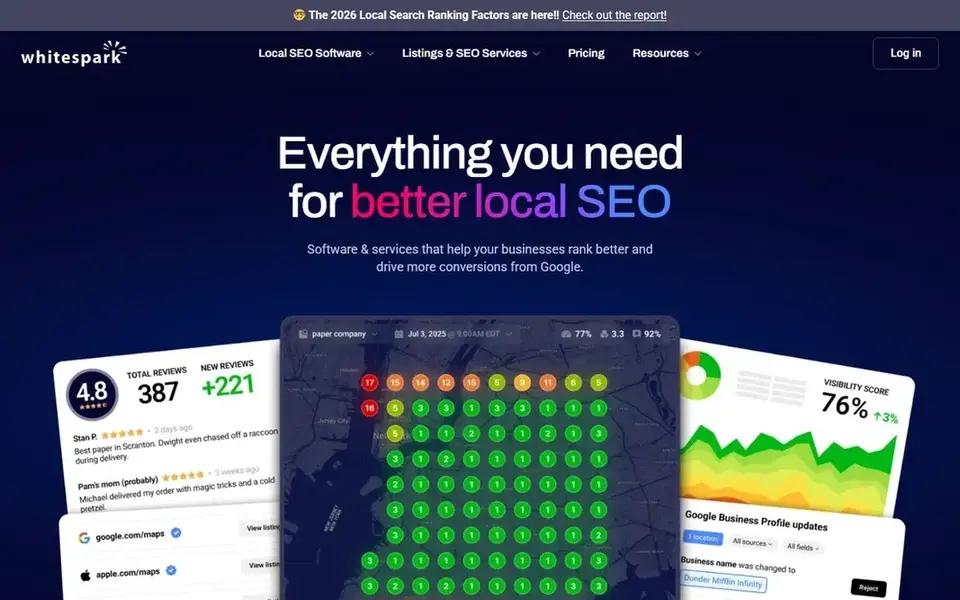
Whitespark is a local search toolkit built around citations and rank tracking. For a preschool, the citation side is the useful part: it helps you find the directories, council family guides, childcare portals and local community sites where a school should appear with the same name, address and phone number. That consistency is what helps Google match your listing to the right suburb.
The rank tracking side lets you see where the preschool appears in map results across a grid of points around your location. That matters because parents usually search from home or work within a few kilometres. You can check whether you show up for "preschool near me" in the streets you actually serve, rather than a single city-wide position.
The limit is effort. Citation work is manual and ongoing, and if nobody at the preschool has time to submit and verify listings, the tool will sit unused. Skip it if you want a set-and-forget product.
- Strong citation building workflow
- local rank tracking by grid point
- clear directory research
- Citation submission is time-heavy
- no all-in-one social or email features
GatherUp is a customer feedback and review management tool. For a preschool, the natural use is asking parents for a Google review after their child has settled in, and then replying to what they write. Happy parents are usually willing to help, but only if the ask arrives at the right moment and is easy to complete.
The tool sends review invitations by email or text and brings responses into one place so the director or office manager can reply. Keep the flow neutral: send the same invitation to every family and never screen out parents you think might leave a negative comment. Google's review policies do not allow review gating, and a preschool's reputation is better served by honest feedback anyway.
The constraint is contact data. If your enrolment system does not give you clean parent emails, the tool has little to work with. Small schools with no admin support may find the setup more than they need.
- Simple review request campaigns
- supports email and SMS invites
- reply workflow in one inbox
- Needs a steady supply of parent contacts
- review flow must stay unfiltered to follow Google's rules
Synup is a listings and local presence platform. It suits a preschool that appears in several places at once: Google Business Profile, Apple Maps, Bing Places, childcare directories and local family guides. You enter the school's details once and push them out, which cuts down on the drift that happens when a phone number or opening time changes.
For a small group of nurseries under one owner, Synup's location pages are worth a look, since each site can carry its own hours, fees note and photos. Review monitoring sits in the same dashboard, so the office can see new parent comments without logging into several accounts.
The main drawback is scale. A single preschool with one address will pay for capability it never touches, and the initial data cleanup takes a few hours before anything syncs.
- Central profile data for many directories
- location pages for multi-site groups
- review monitoring alongside listings
- Feature set is large for one site
- setup takes planning

Semrush is a search marketing platform with a local add-on. A preschool director would use it less for listings and more for understanding what parents type: "pre school [suburb]", "childcare near [landmark]", "kindergarten open day [town]". That research shapes the website pages and the services you describe on your profile.
The local tools cover listing management and review monitoring, so it can serve as a single dashboard if you already pay for Semrush for other reasons. For an agency running several preschool clients, that consolidation is the appeal.
For a standalone preschool, the platform is bigger than the job. The interface assumes some SEO knowledge, and the price reflects a full research suite rather than a simple listing tool.
- Deep keyword data
- competitor tracking
- local listing tools inside one platform
- Broad platform with a learning curve
- priced for agencies and larger brands
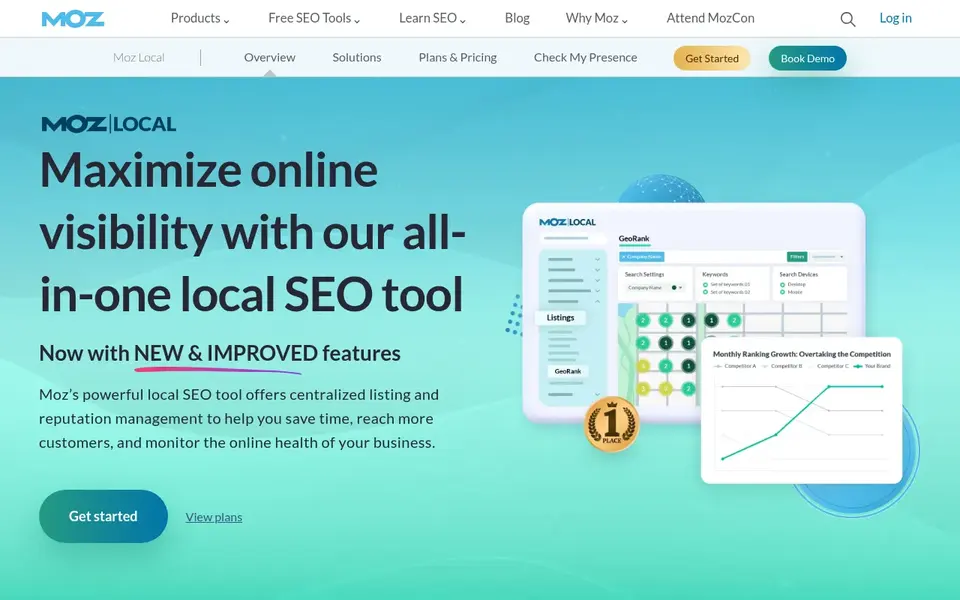
Moz Local focuses on making sure your business details are correct across the major data aggregators and directories. For a preschool, that means the address, phone number and opening hours parents see on mapping apps should match what is on your website and enrolment forms.
The interface is plain and the workflow is short: connect the listing, review the accuracy report, fix what is flagged. That suits a school office with limited marketing time. Review monitoring is included, so new parent comments surface in the same place.
It is not a deep rank tracker, and coverage outside the United States varies. If your preschool is in a smaller market, check the directory list before you commit.
- Clear accuracy scoring
- distribution to major data providers
- simple review monitoring
- Less depth than full local suites
- citation coverage varies by country
Local Viking is a Google Business Profile management tool. Preschools get real value from scheduled posts: a note about an open morning, a reminder about a holiday closure, a photo set from a recent activity. Posts keep the profile active, which helps it stay visible in the map pack.
The geo-grid tracking shows where the listing ranks across a map of nearby points, which is more useful than a single position for a school that draws families from specific housing estates or commuter routes. Audit history helps you see what changed after an edit.
The scope is narrow. It does nothing for Apple Maps, Bing or childcare directories, so pair it with a citation tool if those matter to you.
- Post scheduling for the profile
- geo-grid rank tracking
- simple audit history
- Google-only focus
- not a citation tool
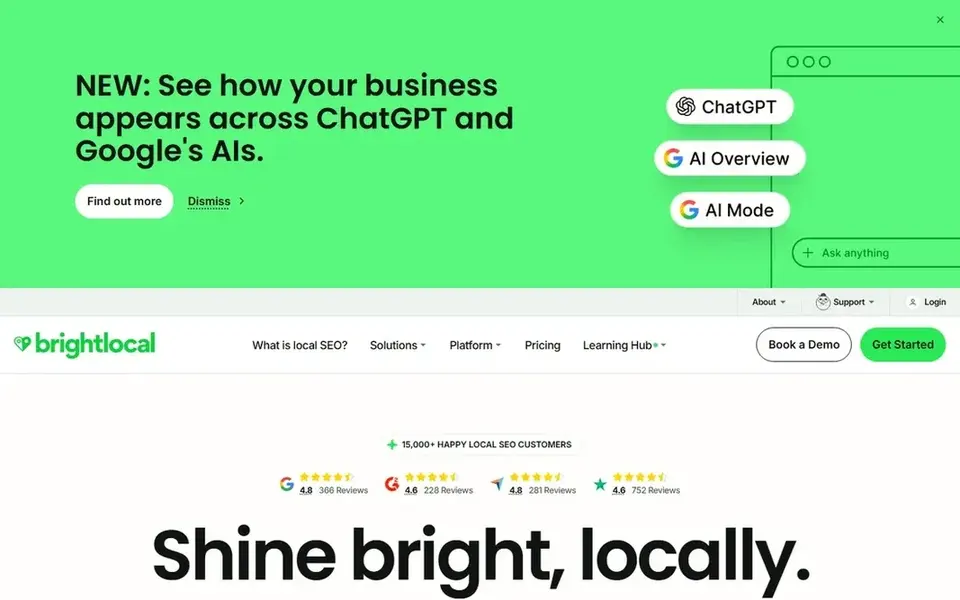
BrightLocal is a local SEO platform aimed at agencies and multi-location businesses. A preschool would use the citation audit first: it scans the directories that matter and lists the ones with missing or wrong details, which is a quick way to spot problems after a move or a phone number change.
The review tools let you send invitations and monitor replies, and the rank reports show local positions over time. For a small group of nurseries, the reporting is easy to share with owners who want a monthly summary.
The trade-off is breadth. A single-site preschool will use a fraction of the platform, and the trial period is the best way to judge whether the workflow fits before paying.
- Citation audit and cleanup tools
- review invite campaigns
- local rank reports
- Wide feature set to learn
- best value across several locations
How I chose
I started from the jobs a preschool actually has to do: keep the Google Business Profile accurate and active, get listed in the directories parents and council guides use, collect honest reviews from families, and see whether the school appears in map results around the streets it serves. I then read each vendor's documentation and public help pages to check whether the tool covers those jobs and how much setup it assumes.
I left out tools that only make sense for large multi-location brands, and I avoided anything that encourages review gating or keyword-stuffed business names, since those break Google's guidelines. I also weighed the practical side: who will run the tool, how often, and whether the interface suits a school office rather than an agency. Where a tool is broader than a preschool needs, I say so. I did not run hands-on tests, so confirm current features and terms on each vendor's site before you buy.
What to check before you buy
- Confirm the tool supports Google Business Profile management directly, since that is where most parent searches end up.
- Check whether citation coverage includes the directories used in your country, such as childcare portals and local family guides.
- Ask whether review invitations can be sent to every family on the same schedule, with no filtering, to stay within Google's review policies.
- Look at how many locations the plan covers if you run more than one nursery, and whether extra sites cost more.
- Check the reporting format, because a simple monthly summary is easier to share with a committee or owner than a raw dashboard.
- Confirm who will do the work: citation submissions and profile updates need a named person at the school, not just a subscription.
Frequently asked questions
Do preschools really need local SEO tools?
Most preschools benefit from at least a citation tool and a review tool. Parents search on a phone, often for "preschool near me", and the map result depends on accurate listings and a steady flow of reviews. A rank tracker helps you see whether you appear in the streets you serve. You do not need a large enterprise suite.
How do I get more Google reviews for my preschool?
Ask every family at a natural moment, such as a few weeks after their child settles in, and make the request simple with a direct link. Send the same invitation to all parents and never filter out anyone you expect to be critical. Reply to every review, positive or negative, in a calm and factual tone. Tools like GatherUp or BrightLocal can automate the sending.
Should I use a citation service or build listings myself?
If you have one location and time to spare, building the main listings yourself is fine and cheaper. A citation service helps when you have moved, changed your phone number or opened a second site, because it finds the old duplicates and wrong details faster. Either way, keep the name, address and phone number identical everywhere.
Can I post about open days and closures on my Google Business Profile?
Yes, and you should. Posts about open mornings, enrolment windows, holiday closures and recent activities give parents a reason to check the listing. Keep the wording plain and avoid stuffing keywords into the business name or post text. Scheduling tools such as Local Viking make regular posting easier.
How often should I check my local rankings?
Monthly is enough for most preschools. Check map positions around your catchment, review any new parent reviews, and confirm the profile details are still correct. If you run an open day or change your hours, check again afterwards to see whether the listing still shows the right information.
Sources
See where you really rank - block by block
ProMapRanker scans Google Maps across a grid of your service area. Simple monthly plans from $19, white-label on every plan.
Start freeBrowse all guides
← Best Local SEO Tools for Podiatrists in 2026Best Local SEO Tools for Septic Companies in 2026 →
 best local seo tools for jewelry stores
Best Local SEO Tools for Jewelry Stores in 2026
A practical guide to the best local SEO tools for jewelry stores in 2026, covering listings, reviews, maps tracking and call tracking for shops.
Read → best local seo software for towing companies
Best Local SEO Software for Towing Companies in 2026
A practical guide to the best local SEO software for towing companies in 2026, covering listings, reviews, calls and Google Business Profile tools.
Read → best local seo software for self storage facilities
Best Local SEO Software for Self Storage Facilities in 2026
A practical guide to the best local SEO software for self storage facilities in 2026, covering listings, reviews, rank tracking and call tracking.
Read → gbp optimization
GBP Optimization: A Beginner-Friendly Starter Guide
A beginner-friendly GBP optimization starter guide to set up your profile for local success.
Read → local seo statistics
Local SEO Statistics: A Complete Guide
Everything you need to know about local seo statistics: what it is, why it matters for local SEO, and exactly how to act on it.
Read → how to build local citations
How to Build Local Citations: A Step-by-Step Process
A step-by-step process to build accurate local citations that strengthen NAP consistency and rankings.
Read →More in Local SEO & Google Maps · All guides A to Z by date · Latest guides