 ProMapRanker
6 Best Report Software for 2026

Teams that share reports with numerous viewers · Pricing starts at: $300 a month (billed annually)
Direct answer
Qlik Sense comes first here, mainly for teams that share reports with plenty of viewers. Listed starting prices: Qlik Sense from $300 a month, Microsoft Power BI from $14 per user/month and Tableau from $15 per user/month. Look at Domo for large businesses that require usage based analytics, and at Microsoft Power BI for Microsoft 365 teams that share reports widely. Details, prices and limits for the rest of the 6 tools are below.
ProMapRanker compared 6 tools for report software. The goal is a practical shortlist: published prices, free plan facts, best-fit use cases and honest limits for every entry.
Key takeaways
- Qlik Sense is the opening pick, best for teams that share reports with many viewers.
- Looker Studio has the lowest monthly starting price in this list: $9 per user per project/month.
- A free plan is available from 2 of the 6 tools: Microsoft Power BI, Looker Studio.
- Looker Studio fits Google users who require free reports.
Quick comparison
| Pick | Great for | Pricing starts at | Free tier | |
|---|---|---|---|---|
| Qlik Sense | Teams that share reports with numerous viewers | $300 a month (billed annually) | Free trial (30 days) | Visit |
 Domo | Large businesses that require usage based analytics | Quote only | Free trial (30 days) | Visit |
 Microsoft Power BI | Microsoft 365 teams that share reports widely | $14 per user/month (billed yearly) | Yes | Visit |
 Tableau | Large teams that require deep visual analysis | $15 per user/month (billed yearly) | Free trial (14 days) | Visit |
 Sisense | Product teams that embed analytics | Quote only | Free trial (7 days) | Visit |
 Looker Studio | Google users who require free reports | $9 per user per project/month | Yes | Visit |
The 6 tools in detail
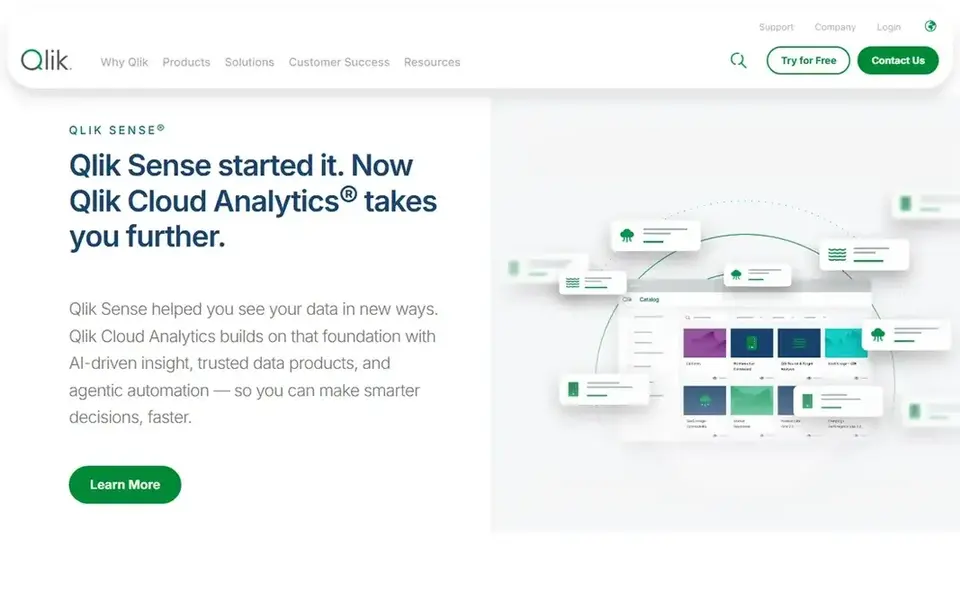
Qlik Sense targets teams that share reports with numerous viewers. Qlik Sense is sold as Qlik Cloud Analytics.
From a buyer's view, premium costs $2,750 a month (billed yearly) for 50 GB, and Enterprise is quoted from 250 GB. Starting cost for Qlik Sense: $300 per month. Free access: Free trial (30 days).
Where it is weaker: Standard jumps to $825 a month.
- Starter bundles 10 users for $300 a month
- Standard and Premium charge no cost for extra users
- Starter data is fixed at 10 GB and cannot be increased on that plan
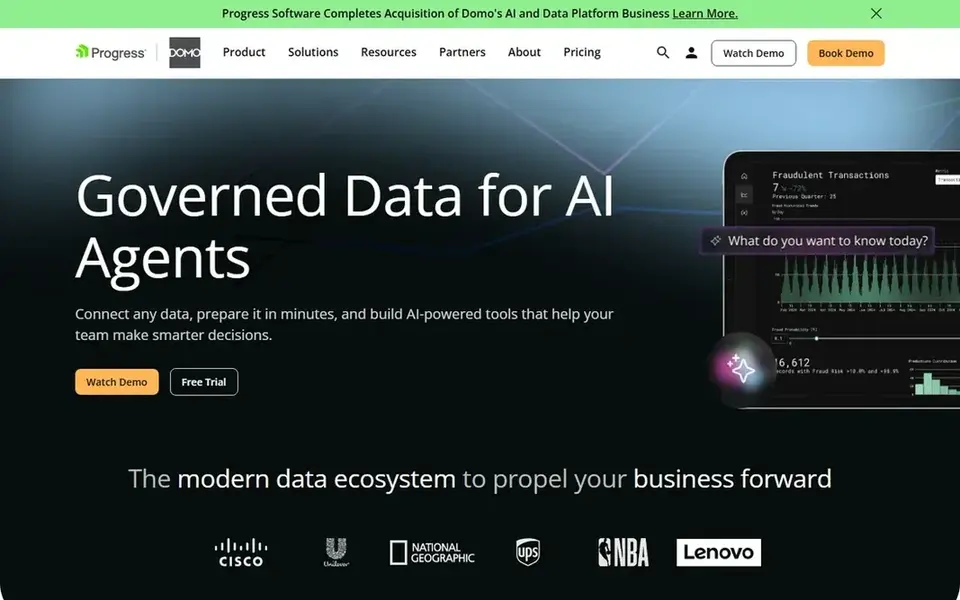
Where Domo fits: large businesses that require usage based analytics. Its pricing page provides a 30-day free trial of the full system with unlimited users and no credit card, and a custom pricing route through sales. In practice, subscription use is consumption based: you buy a pool of credits, and storage, executions, workflows, and AI requests draw that pool down.
That model rewards businesses that can forecast usage, since the bill follows what the product keeps and runs, not how plenty of people log in. More specifically, in September 2026, Progress Software completed its purchase of Domo's AI and data product business, so buyers should confirm current terms before sig Pricing for Domo is quote based, so budget talks start with the vendor. Free plan details: Free trial (30 days).
Trade-offs to know: the old free level is closed to new sign-ups.
- 30-day free trial spans the full system with no credit card
- User seats are unlimited on subscription plans
- Subscription use draws on a purchased pool of consumption credits
Microsoft Power BI
Great for: Microsoft 365 teams that share reports widely
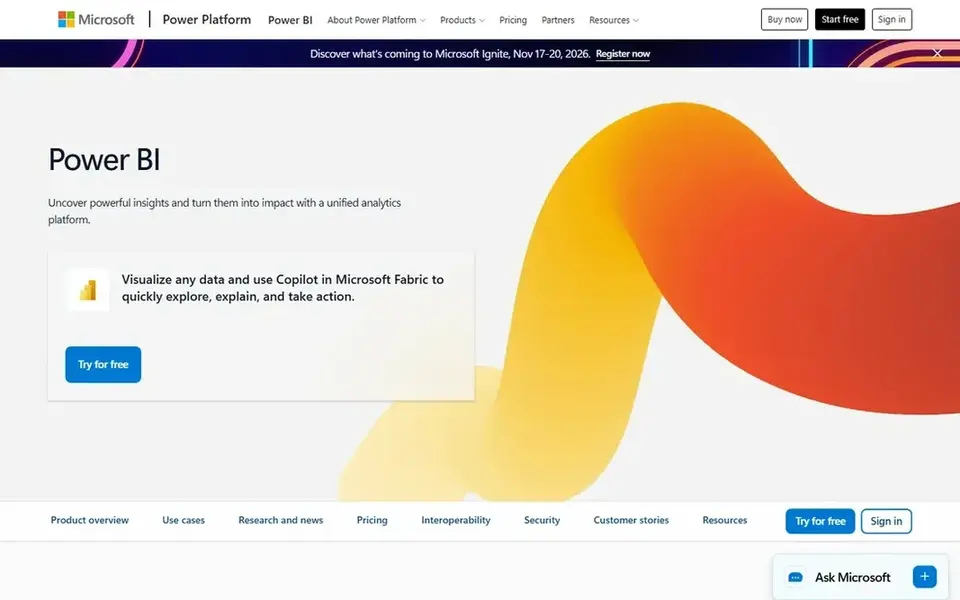
Microsoft Power BI targets Microsoft 365 teams that share reports widely. A Pro dataset is capped at 1 GB, and scheduled refresh is restricted to 8 times per day.
Points against: Pro datasets are capped at 1 GB.
Entry price for Microsoft Power BI: $14 per user/month. Microsoft Power BI has a free plan.
- Pro is included in Microsoft 365 E5
- Capable sharing and scheduled refresh in the service
- Every viewer who shares reports in the service needs a Pro licence except when content sits on Fabric F64 or bigger capacity
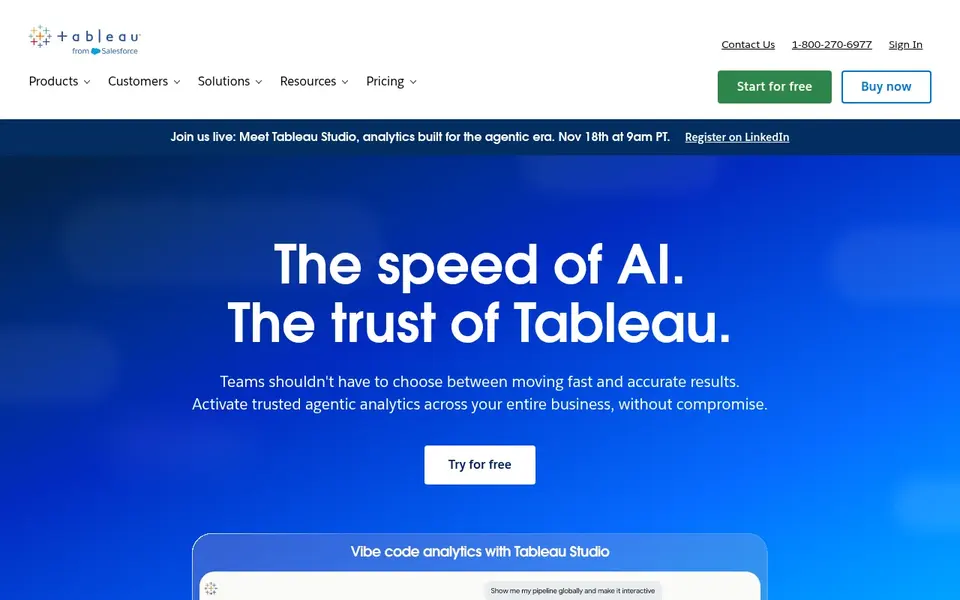
Choose Tableau for large teams that require deep visual analysis. Tableau Cloud Standard lists three licence types, and the role decides most of the bill. Creator costs $75 per user a month (billed yearly), Explorer costs $42, and Viewer costs $15.
Standard contains up to 3 sites and Tableau Pulse, whereas Enterprise brings Data Management, Advanced Management, and support for up to 10 sites. The headline starting price of $15 is the Viewer price, and a Viewer can only view and interact with published dashboards. Starting cost for Tableau: $15 per user/month. On free options: Free trial (14 days).
What to check first: Every deployment needs a minimum of one Creator licence at $75 per user a month (billed yearly).
- Viewer seats are low cost for readers
- Creator bundles Tableau Desktop and Prep Builder
- All plans use an annual contract with no monthly billing
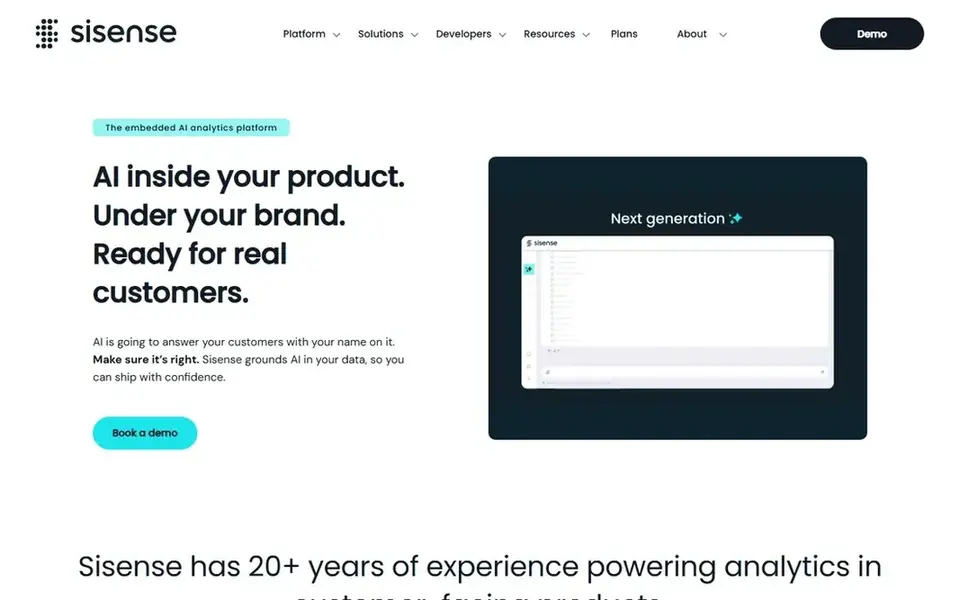
Sisense is built with product teams that embed analytics in mind. Sisense also uses a managed AI credit model for some AI features in 2026.
Where it is weaker: No list price is published on the plans page, so budgeting needs a sales quote.
For everyday use, Sisense publishes no dollar figure on its plans page. Pricing for Sisense is quote based, so budget talks start with the vendor. As for free access: Free trial (7 days).
- Self-Serve route provides a free trial without a sales call
- Enterprise brings full white-labeling and native multi-tenant architecture
- Full white-labeling sits in Enterprise only
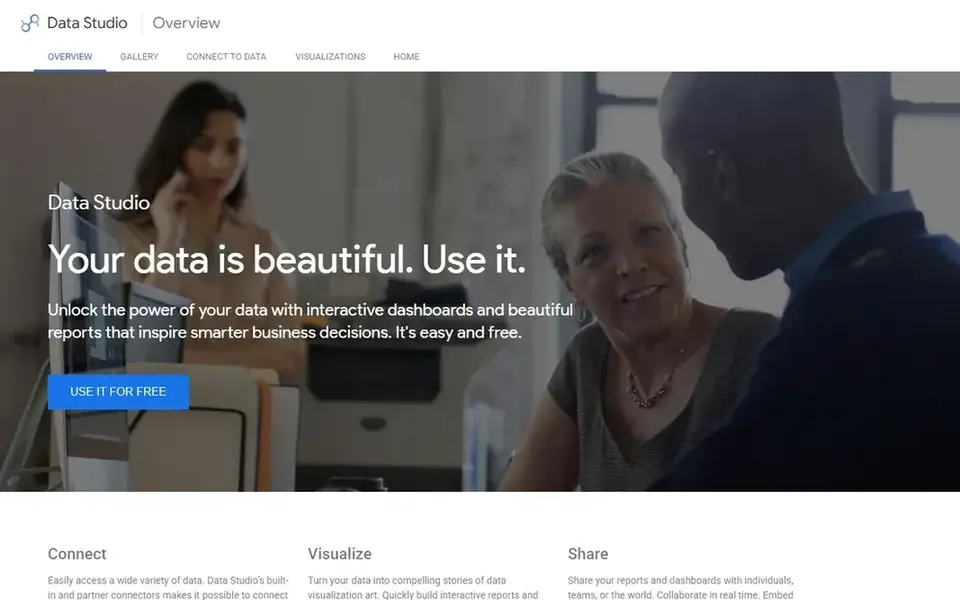
Where Looker Studio fits: Google users who require free reports. The only subscription level is Data Studio Pro, listed at $9 per user per project a month, with a 30-day trial.
In practice, a Pro subscription is tied to exactly one Google Cloud project, so five users across eight projects would need 40 licences at list price, not five. Pro layers on organisation owned content, team workspaces, Gemini features, and Google Cloud support. Starting cost for Looker Studio: $9 per user per project/month. Looker Studio offers a free plan.
Honest limits: Pro price varies with subscription length.
- Viewers need no licence even on Pro content
- Creating and viewing reports has no charge
- Pro is billed per Google Cloud project, so cost multiplies across projects
A buyer's checklist
- Confirm the entry price on the vendor page. For Domo and Sisense that means a quote rather than a fixed price.
- Read the fine print on the free plans from Microsoft Power BI and Looker Studio; seat, project and feature caps differ.
- Use real work to test the free trial from Qlik Sense, Domo, Tableau and Sisense, rather than a demo project.
- Before choosing Qlik Sense, weigh its main limit: starter data is fixed at 10 GB and cannot be increased on that plan.
- Look at which plan of Microsoft Power BI unlocks the features you need; entry tiers are often cut down.
- Check the integration list for Sisense against the tools you run today, and note which ones need a higher plan.
Frequently asked questions
Is Qlik Sense the right pick for everyone comparing report software?
No single tool suits every team. Qlik Sense comes first because it fits teams that share reports with many viewers, while Domo suits large firms that need usage based analytics and Microsoft Power BI suits Microsoft 365 teams that share reports widely. Match the tool to your own size, budget and workflow before deciding.
How much does the best report software cost?
Qlik Sense comes first here and is built for teams that share reports with numerous viewers. Buyers with other needs may prefer Domo (for large businesses that require usage based analytics) or Microsoft Power BI (for Microsoft 365 teams that share reports widely). Compare costs and limits first.
Does Looker Studio really cost nothing?
Yes, creating and viewing reports in Looker Studio has no charge, and viewers need no licence. The only subscription level is Data Studio Pro at $9 per user per project a month, with a 30-day trial. Pro adds organisation owned content, team workspaces, and Google Cloud support.
Why do Sisense and Domo not show a price?
Sisense lists a Self-Serve route with a 7-day free trial and an Enterprise plan reached through a demo request. Domo lists a 30-day free trial and custom pricing based on a pool of consumption credits.
Which options for report software have a free plan?
On this list, Microsoft Power BI and Looker Studio include a free plan. Caps on seats, usage or features are common, so test the free plan against your real workload. Several others offer a trial instead.
How are the tools for report software ordered?
Qlik Sense sits first and Looker Studio last because the order follows typical fit for report software, then price clarity and free access. It is a judgement call, so read each profile for fit and limits.
Sources
See where you really rank - block by block
ProMapRanker scans Google Maps across a grid of your service area. Simple monthly plans from $19, white-label on every plan.
Start freeBrowse all guides
← Best Oil and Gas Benchmarking Analytics platform in 2026Excel Alternatives in 2026: Prices and Free Plans →
 best delivery tracking software for small fleets
6 Best Delivery Tracking Software for Small Fleets in 2026
Best delivery tracking software for small fleets in 2026: 6 tools with starting prices, free plans and limits. Concise write-ups of every option. No filler.
Read → best data destruction software
Best Data Destruction Software (2026)
Best data destruction software, compared. 6 tools with published prices, free plans and limits. Short verdicts, no fluff. Last reviewed November 2026.
Read → best bi tools for early stage saas startups
BI Tools for Early Stage SaaS Startups: Best Picks of 2026
Best BI tools for early stage SaaS startups in 2026: 6 contenders with entry costs and free tiers. Price notes and drawbacks come with each one. Plain facts.
Read → best ai healthcare analytics software for payers
6 Strong AI Healthcare Analytics Software for Payers in 2026
Best AI healthcare analytics software for payers in 2026: 6 tools with starting prices, free plans and limits. Short verdicts, no fluff. Refreshed for 2026.
Read → best ai tools for academic research automation
8 Best AI Tools for Academic Research Automation Options for 2026
Best AI tools for academic research automation: 8 contenders ranked by fit, with entry costs and free tiers. Caveats come with every verdict. Pick by budget.
Read → agencyanalytics alternatives
Best AgencyAnalytics Alternatives in 2026
Looking for agencyanalytics alternatives? We compare 8 client reporting tools for agencies, from DashThis and Whatagraph to Databox and Swydo, with pricing.
Read →More in Data & Analytics · All guides A to Z by date · Latest guides