 ProMapRanker
Best AgencyAnalytics Alternatives in 2026

Key takeaways
- DashThis is our pick for small agencies that want clean client reports running quickly, with templates and scheduled delivery.
- Whatagraph suits larger agencies that need polished cross-channel reports and broad integration coverage.
- Swydo is best for PPC-focused agencies that need automated Google Ads and Meta Ads reporting with budget pacing.
- Databox is best for teams that want KPI dashboards and goal tracking alongside client reports.
- AgencyAnalytics itself is not listed here, since this article covers alternatives only, and pricing models differ more than headline prices suggest.
Quick comparison
| Pick | Great for | Pricing starts at | Free tier | |
|---|---|---|---|---|
 DashThis | Small agencies needing fast reports | See website | Free trial | Visit |
 Whatagraph | Polished cross-channel reports | See website | Free trial | Visit |
 Swydo | PPC agency reporting | See website | Free trial | Visit |
 Databox | KPI dashboards and goals | See website | Yes | Visit |
 Klipfolio | Custom live dashboards | See website | Free trial | Visit |
 Reporting Ninja | Budget white-label reports | See website | Free trial | Visit |
 Metrics Watch | Email-first client reports | See website | Free trial | Visit |
 Looker Studio | Free custom reporting | Free | Yes | Visit |
The best AgencyAnalytics alternatives for client reporting
Agency reporting tools pull data from ad platforms, analytics, SEO tools, and social channels, then turn it into reports clients can understand. The alternatives below differ in pricing model, white-label options, and how much setup each report needs.
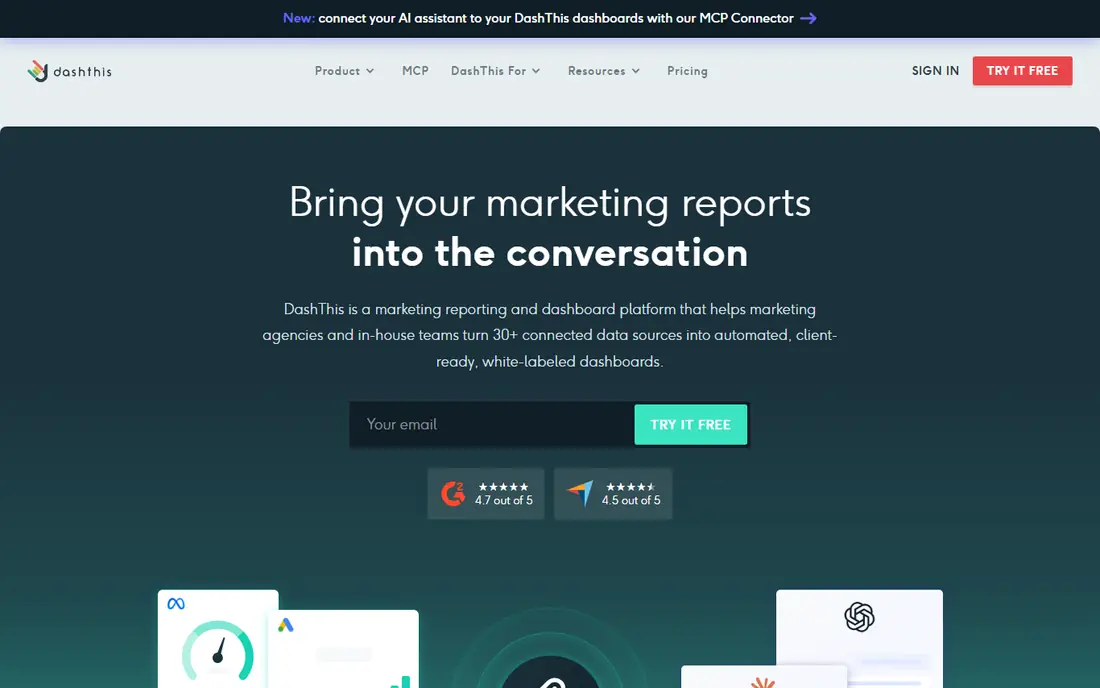
DashThis is built for speed. Pre-built templates cover Google Ads, Meta Ads, GA4, Search Console, and other common sources, so a small agency can create a client-ready dashboard in minutes rather than building each report from scratch. Scheduled reports, live dashboard links, and white-label options help agencies present results under their own branding. For a small agency with a growing client list, that speed matters more than advanced modeling.
The limits are plan-based. Dashboard counts and data source caps vary by tier, so an agency with many clients and many sources per client needs to check the plan math carefully. Custom calculations and deep data blending are also thinner than on a full BI platform. If your main need is clean, repeatable client reports delivered on schedule, DashThis is the best starting point. If you need complex data modeling, pair it with a BI tool or choose a data platform instead.
- Pre-built templates for common channels
- Quick dashboard setup
- Scheduled email reports and live links
- Data source limits vary by plan
- Less deep for custom data modeling than BI tools
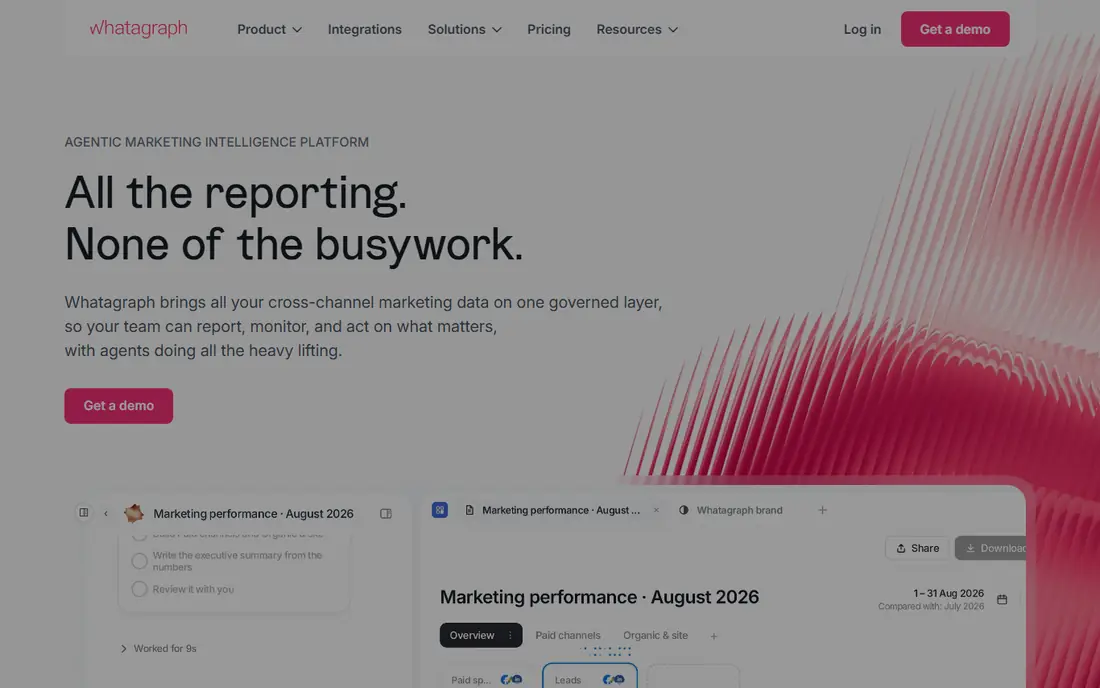
Whatagraph is the most polished reporting tool on this list for larger agencies. It connects to a broad set of marketing sources, offers drag-and-drop report building, and produces visual reports that clients find easy to read. White-label branding, scheduled delivery, and client portals help agencies present a professional service without manual design work each month. For agencies that sell reporting as part of a premium service, that polish is a real selling point.
Price is the main barrier. Entry pricing is higher than DashThis or Swydo, and credit-based tiers for sources can make total cost harder to forecast at first. Smaller agencies may find the cost hard to justify until client counts grow. If you run a mid-size or large agency and report quality is part of your pitch, Whatagraph is worth the investment. If you run a handful of clients, start cheaper and upgrade when reporting volume grows.
- Broad integration coverage
- Polished visual reports
- White-label and client portal options
- Higher entry price than budget tools
- Credit and integration tiers can complicate pricing
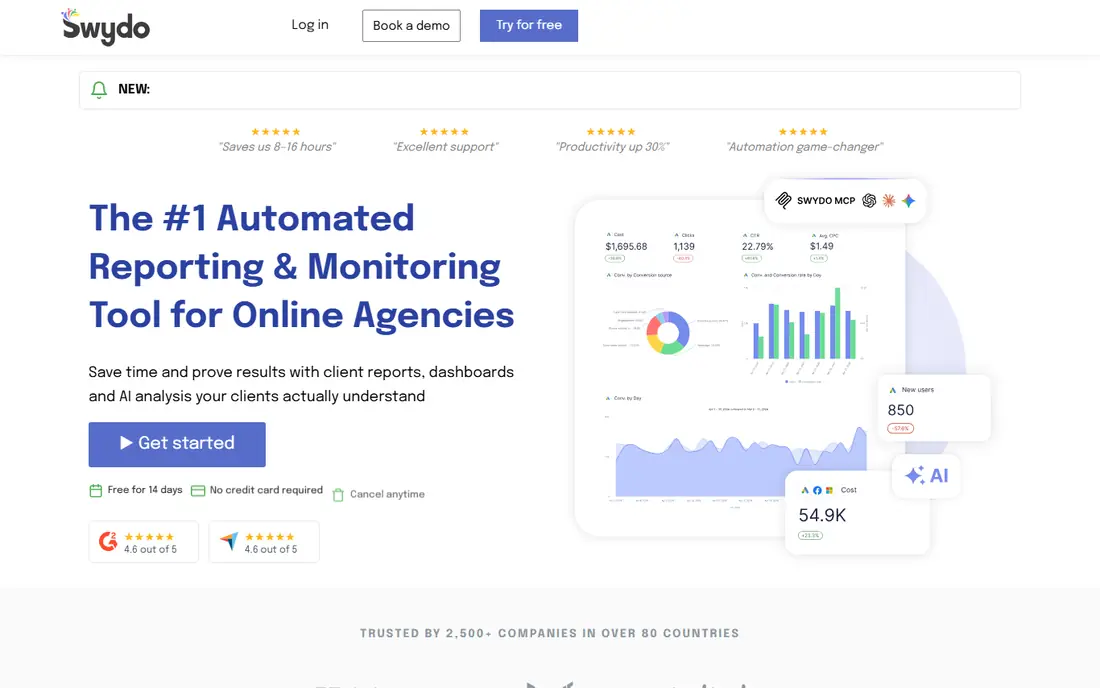
Swydo is a strong fit for PPC agencies. It automates reporting for Google Ads, Meta Ads, Microsoft Ads, and other paid channels, with budget pacing features that flag overspend or underspend before a client notices. White-label reports, scheduled delivery, and dashboard links cover the core agency workflow. For a PPC agency that reports the same metrics each month, Swydo reduces manual work and catches budget problems early.
Pricing by data source means costs rise as each client adds more channels. An agency with four sources per client will pay more than the headline entry price suggests, so calculate cost at your real client and source counts. Non-PPC data such as SEO or email may also need extra setup. If paid media is your core service, Swydo is one of the best alternatives on this list. If you need broad cross-channel reporting for many service lines, compare it with DashThis and Whatagraph first.
- Strong PPC reporting for Google Ads and Meta Ads
- Budget pacing and alerts
- White-label reports
- Priced by data source, so costs rise with sources per client
- Less broad than full BI tools for non-PPC data
Databox is best for teams that think in KPIs and goals rather than only in monthly PDFs. Pre-built dashboards cover common metrics, goal tracking shows progress against targets, and alerts flag changes that need attention. A free plan lets small teams test dashboards before paying, and the integration library covers marketing, sales, and product tools. For in-house teams and agencies that want live dashboards clients can check anytime, Databox is a practical choice.
White-label branding is a paid add-on on some plans, which matters for agencies that present dashboards as their own product. Pricing also rises with data sources, so the free or entry plan may not cover a large client roster. If live KPI dashboards and goal tracking matter most, Databox fits well. If white-label PDF reports are your main deliverable, DashThis or Swydo may suit you better.
- Pre-built KPI dashboards
- Goal tracking and alerts
- Broad integration library
- White-label is a paid add-on on some plans
- Pricing rises with data sources and clients
Klipfolio, now known for its Klips dashboard product, suits teams that want custom live dashboards rather than fixed report templates. You can build metrics from multiple sources, reuse them across dashboards, and display live data for clients or internal teams. That flexibility helps agencies with unusual metrics or clients that want a live view instead of a monthly PDF. The central metric layer also keeps definitions consistent across reports.
Setup time is the trade-off. Building custom dashboards takes longer than using DashThis templates, and white-label options cost extra on lower plans. Teams without someone comfortable building dashboards may find the learning curve steep. If you need custom live dashboards and consistent metrics, Klipfolio is a strong pick. If you need fast template reports, choose a template-first tool instead.
- Highly customizable live dashboards
- Central metric layer
- Broad data source options
- Setup takes more time than template tools
- White-label costs extra on lower plans
Reporting Ninja is a budget-friendly alternative for agencies that need white-label reports without a large monthly bill. It covers Google Ads, Meta Ads, and other common sources, offers scheduled email reports and live links, and includes white-label branding on many plans. For a small agency starting out, that combination keeps reporting professional while margins stay healthy. The low entry price also makes it easy to test before committing to a yearly plan.
The integration library is smaller than Whatagraph or Databox, and advanced features for large agencies are thinner. Teams with many niche sources may need workarounds or a second tool. If your clients use common ad and analytics platforms, Reporting Ninja covers the job well at a lower cost. If you need broad or niche integrations, check the source list during a trial before you switch.
- Low entry price
- White-label reporting included on many plans
- Scheduled reports and dashboard links
- Smaller integration library than larger rivals
- Fewer advanced features for large agencies
Metrics Watch takes a different approach. Instead of asking clients to open a dashboard link or PDF, it delivers the report inside the email body, so clients see the numbers as soon as they open the message. That approach suits clients who ignore dashboard links but read email. Setup is simple, white-label branding is included on many plans, and pricing is based on reports rather than only on clients or sources. For agencies with clients who want a quick monthly summary, it is an effective format.
The email-first format is also its limit. Clients who want to explore data, filter by date, or view live dashboards will find it less interactive than Databox or Klipfolio. The feature set is narrower than full reporting platforms, so agencies with complex reporting needs may need a second tool. If email open rates and simple client summaries matter most, Metrics Watch is worth testing. If interactive dashboards matter most, choose a dashboard-first tool.
- Reports delivered inside the email body
- Simple setup
- White-label included on many plans
- Less suited to live interactive dashboards
- Smaller feature set than full dashboard platforms
Looker Studio, formerly Google Data Studio, is the free alternative for teams willing to build reports themselves. It connects well to Google Ads, GA4, Search Console, and Sheets, and offers deep customization for charts, filters, and branding. Freelancers and small agencies use it to build client reports without a monthly reporting subscription. Community templates also help new users start faster than building from a blank page.
The cost is time and skill. Building, maintaining, and updating reports takes effort, and white-label client portals, scheduled PDF branding, and client management need manual setup or third-party tools. Support is mainly community-led, so troubleshooting takes longer than with a paid vendor. If budget is tight and you can build reports, Looker Studio is an excellent free option. If you need automated client management and support, a paid reporting tool will save time.
- Free for most use
- Deep customization
- Strong Google data connections
- Setup takes time and skill
- White-label and client management need manual work
- Support is community-led
How we picked these
We compared official product pages, integration coverage, pricing models, white-label options, report delivery methods, and trial availability. We kept only tools that exist and work in October 2026 for agencies reporting to clients, and we favored a mix of template tools, dashboard platforms, and a free option. We also weighed pricing model differences, since per-client, per-dashboard, and per-source pricing lead to very different totals at the same client count. No tool paid for a place on this list.
How to choose an AgencyAnalytics alternative without surprise costs
Headline prices mislead in this category more than in most. The points below help you compare total cost at your real client count.
Calculate cost at your real client and source counts
List your clients, then count data sources per client, such as GA4, Google Ads, Meta Ads, and Search Console. Apply each vendor pricing model to those numbers, including white-label add-ons where they are not included. A tool that looks cheap at five clients may cost far more at twenty clients if it charges per source. Do this math before a trial, not after you have migrated reports.
Test with a real client report
During a trial, rebuild one real client report end to end, including branding, scheduled delivery, and a PDF or link a client would receive. Check whether metrics match your current reports, whether dates and filters behave as expected, and whether the client view is clear without explanation. A tool that passes a demo but fails a real report will cost you trust with clients.
Decide between dashboards, PDFs, and email reports
Some clients want a live dashboard they can check anytime, others want a monthly PDF, and others read only email summaries. Choose a tool whose main delivery method matches most of your clients, rather than a tool that does everything poorly. If clients are split, favor a tool that handles two delivery methods well, and use a second tool only for the minority format.
Frequently asked questions
What are alternatives to agencyanalytics?
The alternatives on this list are DashThis, Whatagraph, Swydo, Databox, Klipfolio, Reporting Ninja, Metrics Watch, and Looker Studio. They cover template reports, live dashboards, email reports, and free custom reporting at different prices. DashThis suits small agencies, Whatagraph suits larger agencies, Swydo suits PPC agencies, and Looker Studio suits teams that want a free option.
What are alternatives agencyanalytics users choose for white-label reports?
DashThis, Whatagraph, Swydo, Reporting Ninja, and Metrics Watch all offer white-label options, but inclusion varies by plan, so check whether white-label is included or sold as an add-on. Databox and Klipfolio charge extra for white-label on some plans, while Looker Studio needs manual branding work. Confirm white-label terms during a trial, since client-facing branding is hard to change after migration.
Which AgencyAnalytics alternative is cheapest for a small agency?
Reporting Ninja and Looker Studio are the cheapest starting points, with Reporting Ninja offering low paid plans and Looker Studio offering a free product. DashThis is also affordable for small agencies that want templates and support. Calculate total cost at your client and source counts, since per-source pricing can change which tool is cheapest at your scale.
Can these tools replace AgencyAnalytics rank tracking and SEO reporting?
Some can, and some cannot, so check SEO features before you switch. SE Ranking and other SEO suites offer rank tracking, but most reporting tools on this list focus on pulling data from ad, analytics, and SEO sources rather than tracking rankings themselves. If rank tracking is core to your service, keep a rank tracker alongside your reporting tool or choose a suite that includes both.
How hard is it to switch reporting tools?
Switching takes time, mainly to rebuild templates, reconnect data sources, and check metric definitions against old reports. Rebuild one client report first, run old and new reports side by side for a month, and migrate clients in batches. Allow extra time for white-label setup, scheduled delivery testing, and client questions about a new report format.
Sources
See where you really rank - block by block
ProMapRanker scans Google Maps across a grid of your service area. Simple monthly plans from $19, white-label on every plan.
Start freeKeep reading
 top custom software development company
Top Custom Software Development Company in 2026
Looking for a top custom software development company? We compare 9 firms for web, mobile, and enterprise software, covering strengths and fit for 2026.
Read → tableau alternatives
Tableau Alternatives in 2026
Compare the best Tableau alternatives for 2026, from Power BI to Metabase, with prices, hosting options, and picks for small teams and enterprises today.
Read → microsoft teams alternatives
Best Microsoft Teams Alternatives in 2026
Looking for microsoft teams alternatives? We compare 9 chat and video tools for 2026, covering free plans, pricing, meetings, and integrations for teams.
Read →