 ProMapRanker
Tableau Alternatives in 2026


Most teams, especially Microsoft shops · Pricing starts at: $14 per user per month
Key takeaways
- Microsoft Power BI is our pick for most teams, starting at $14 per user per month, because it pairs a reasonable price with deep Microsoft 365 integration.
- Looker Studio is free for core reporting, which makes it the cheapest credible alternative for Google Sheets, Analytics, and Ads reporting.
- Qlik Sense starts at $30 per user per month and suits analysts who want free-form exploration across many data sources.
- Metabase and Apache Superset are open source options, with Metabase offering a hosted cloud plan from $100 per month and Superset free to self-host.
- ThoughtSpot starts at $25 per user per month and suits business users who want to ask questions in plain language against governed data.
Quick comparison
| Pick | Great for | Pricing starts at | Free tier | |
|---|---|---|---|---|
| Microsoft Power BI | Most teams, especially Microsoft shops | $14 per user per month | Free trial | Visit |
 Looker Studio | Google ecosystem reporting on a budget | Free | Yes | Visit |
 Qlik Sense | Analysts who explore data freely | $30 per user per month | Free trial (30 days) | Visit |
 Domo | Executive dashboards with ETL included | See website | Free trial (30 days) | Visit |
 Sisense | Embedded analytics in products | See website | Free trial (14 days) | Visit |
 Metabase | Startups and teams that want open source BI | Free | Yes | Visit |
 Apache Superset | Engineering teams that want full control | Free | Yes | Visit |
 ThoughtSpot | Business users who search data | $25 per user per month | Free trial (30 days) | Visit |
 Zoho Analytics | Small teams in the Zoho ecosystem | $30 per month | Yes | Visit |
The best Tableau alternatives
We compared Tableau alternatives on price, ease of use, data connections, hosting, and governance. Our pick for most teams is Microsoft Power BI, starting at $14 per user per month, because it balances price, Microsoft integration, and a large user community. Google-heavy teams should look at Looker Studio, while engineering teams should test Metabase and Apache Superset. This list covers alternatives only, since Tableau itself is the tool these products replace.
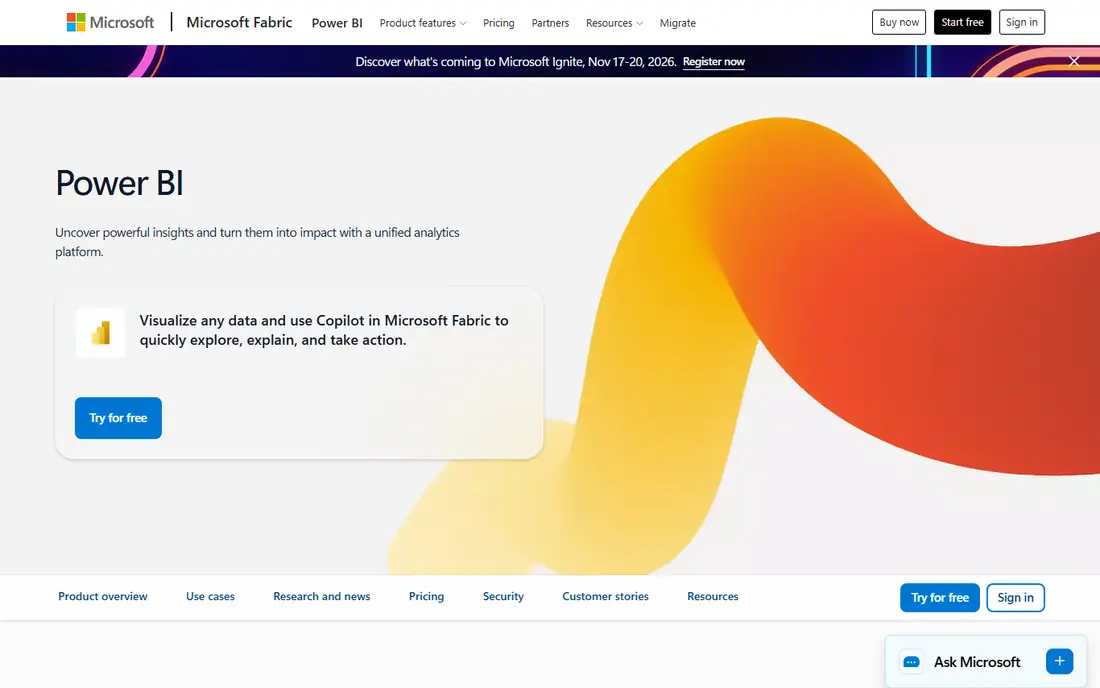
Start here if you want a short answer. Power BI is the default alternative for most teams, since it balances price, integration, and community support. It connects to Excel, SQL databases, cloud warehouses, and hundreds of SaaS apps, with modelling through DAX.
The catch is capacity, since advanced sharing and premium features can need Fabric capacity pricing beyond per-user plans. Check the current plan limits before you pay, since limits on users, invoices, or contacts decide the real cost.
- Deep Microsoft 365 integration
- Large community
- Strong modelling with DAX
- Complex visuals differ from Tableau
- Premium features need capacity pricing
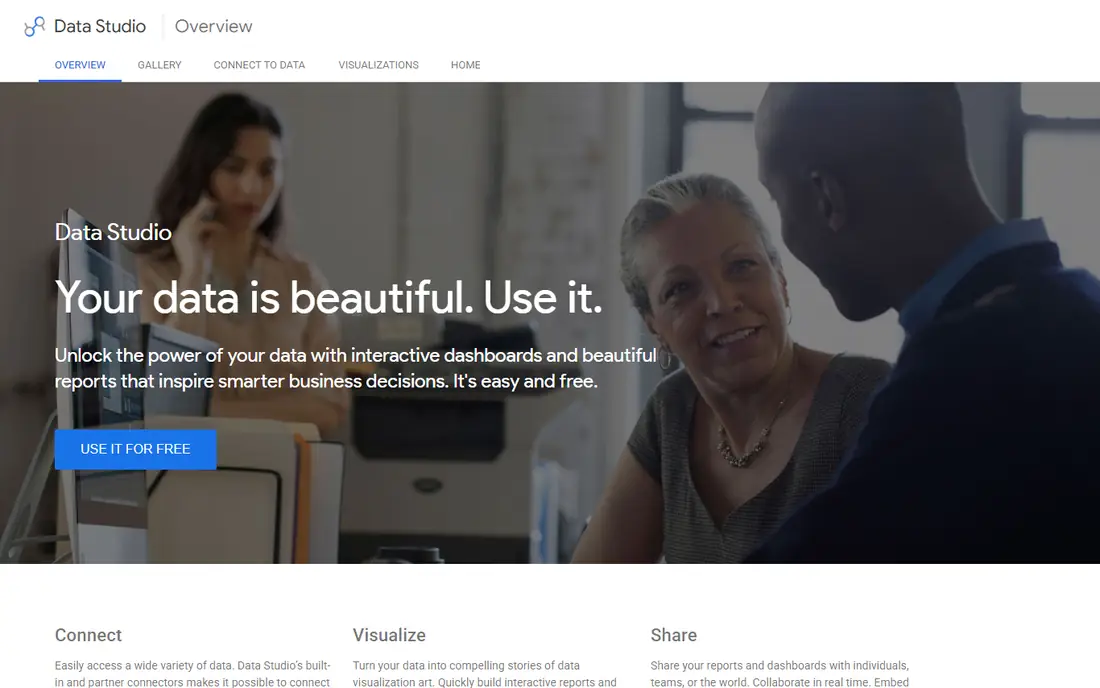
This one earns its place for a clear reason. Looker Studio suits teams that report on Google Ads, Analytics, Sheets, and BigQuery, since those connectors work well. Core reporting is free, and sharing a dashboard is as simple as sharing a Google document.
The catch is depth, since governance, advanced modelling, and Pro features at $9 per user per month suit larger teams better. Run a trial with your own data before you commit, and export a sample so you can see how leaving would work.
- Free core reporting
- Strong Google connectors
- Easy sharing
- Pro features cost extra
- Weaker governance than enterprise tools
Consider this option when the basics matter more than extras. Qlik Sense suits analysts who want to explore data without fixed query paths, since its associative engine shows related data as you filter. It connects to SQL databases, warehouses, and SaaS apps, with AI tools to suggest insights.
The catch is learning curve, since associative thinking and load scripts take time for teams used to drag-and-drop dashboards. Compare the total monthly cost, including add-ons and processing fees, rather than the headline price alone.
- Associative exploration
- Strong data connections
- AI-assisted insights
- Learning curve for new analysts
- Pricing varies by deployment
This pick suits buyers who know what they need and want it done well. Domo combines ETL, dashboards, and collaboration in one cloud platform, which suits executive reporting. Its connector library and mobile app help leaders check key numbers without analyst help.
The catch is price, since Domo quotes by usage and organisation size, so small teams should get a written quote early. If the entry plan covers your daily work, stay there for a few months before paying for a higher tier.
- Built-in ETL and connectors
- Mobile app
- Collaboration tools
- Quote-only pricing
- Enterprise scale and cost
Put this on the shortlist if fit matters more than fame. Sisense suits software companies that embed dashboards inside their own products for customers. Its API and SDK support white-label embedding, with strong handling of large datasets.
The catch is setup, since embedded analytics needs engineering time, and pricing is quoted rather than published. Ask support a hard question during the trial, since the answer tells you a lot about help when something breaks.
- Strong embedding for customer-facing analytics
- Handles large datasets
- Quote-only pricing
- Needs technical setup for embedding
This is a practical choice for a specific kind of buyer. Metabase is the easiest open source BI tool to start with, since non-technical users can ask questions without SQL. Its cloud Starter plan starts at $100 per month, while self-hosting remains free for teams that manage servers.
The catch is governance, since advanced permissions and enterprise features sit on higher tiers. Check the current plan limits before you pay, since limits on users, invoices, or contacts decide the real cost.
- Free self-hosted version
- Easy question builder
- Cloud option
- Advanced governance needs enterprise tier
- Self-hosting needs maintenance
We include this one because it solves a real problem well. Apache Superset suits engineering teams that want full control over hosting, security, and customisation. It supports SQL Lab exploration, rich charts, and dashboard sharing, all without licence fees.
The catch is effort, since you host, update, and secure it yourself, which suits teams with data engineering skills. Run a trial with your own data before you commit, and export a sample so you can see how leaving would work.
- Free open source
- SQL-based exploration
- Many chart types
- Needs hosting and setup
- Less friendly for non-technical users
This option stands out for a different reason than the leaders. ThoughtSpot lets business users search data in plain language, such as sales by region last quarter, and get charts back. That search model suits teams where many people need answers but few people build dashboards.
The catch is data readiness, since search works best on clean, well-modelled warehouse data, so messy sources need prep first. Compare the total monthly cost, including add-ons and processing fees, rather than the headline price alone.
- Natural language search
- Governed data models
- AI assistant
- Needs clean, governed data to work well
- Higher tiers add cost
Do not overlook this one if your needs are narrower than most guides assume. Zoho Analytics suits small teams that already use Zoho CRM, Books, or other Zoho apps. Its Basic plan covers five users, with dashboards, data prep, and an AI assistant included.
The catch is scale, since enterprise governance and very large datasets fit other tools here better than Zoho Analytics. If the entry plan covers your daily work, stay there for a few months before paying for a higher tier.
- Low price for small teams
- Zoho app connectors
- AI assistant Zia
- Less suited to large enterprise governance
- Connector depth varies
How we picked these
We checked current pricing pages and product descriptions for each alternative, and we compared data connectors, dashboard building, sharing, governance, AI features, and hosting options. We kept only tools that build dashboards and reports today and can replace Tableau for common business reporting, and we left out pure spreadsheet tools and single-purpose chart libraries. Where a vendor quotes instead of publishing a price, we say so, and we note that migration usually means rebuilding dashboards rather than importing them cleanly.
How to choose a Tableau alternative without a painful migration
Start with your data, not your dashboards. List every source your current reports use, from warehouses and databases to spreadsheets and SaaS apps, and confirm each alternative connects to them without extra tools. A cheap tool that needs a separate data pipeline for half your sources is not cheap for long.
Match the tool to the user, not just the analyst
Analysts and business users need different things, since analysts want modelling and calculation depth while business users want simple filters and search. Power BI and Qlik Sense suit analyst-led teams, while ThoughtSpot and Looker Studio suit business users who ask their own questions. Test both groups during a trial, since a tool only analysts love will sit unused by the people who need answers daily.
Plan for governance before you scale
Shared metric definitions, row-level security, and certified datasets matter once more than a few people build reports. Looker and governed Power BI models help larger teams keep numbers consistent, while lighter tools such as Metabase suit smaller teams with fewer definitions to control. Decide who owns each key metric before you migrate, since governance is harder to add after dashboards spread.
Budget the migration, not just the licence
Most dashboards need rebuilding, since formulas, calculations, and layouts rarely translate cleanly between tools. Prioritise your ten most-used dashboards, rebuild those first, and run old and new tools side by side for a month. That parallel period catches broken numbers early and gives users time to learn the new tool without losing trusted reports.
Frequently asked questions
What are the best alternatives to Tableau?
Microsoft Power BI is the most common alternative, starting at $14 per user per month, followed by Qlik Sense for exploration and Looker Studio for free Google reporting. Metabase and Apache Superset suit engineering teams that want open source control. The right pick depends on your data sources, team skills, and governance needs.
What is the cheapest Tableau alternative?
Looker Studio is free for core reporting, which makes it the cheapest option for Google data sources. Metabase is free to self-host, and Apache Superset is free open source software, though both need hosting and maintenance. Power BI at $14 per user per month is the cheapest strong paid option for most business teams.
Is Power BI a good alternative to Tableau?
Yes, Power BI suits many Tableau users, especially teams already on Microsoft 365, since it integrates with Excel, Teams, and Azure data sources. Its price is lower than Tableau for most viewer-heavy teams, though complex visual customisation can differ. Test your most complex dashboards in Power BI before you migrate fully.
What is the best open source alternative to Tableau?
Metabase is the easiest open source alternative to run, with a free self-hosted version and a cloud plan from $100 per month. Apache Superset offers more control for engineering teams, but it needs more setup and maintenance. Both suit teams with SQL skills and a willingness to host their own reporting.
How hard is it to migrate from Tableau?
Migration usually means rebuilding dashboards, since calculations, parameters, and layouts rarely import cleanly. Start with your most-used reports, map each data source, and run both tools side by side for a month. Budget time for training, since even a simpler tool needs new habits for filters, sharing, and metric definitions.
Sources
See where you really rank - block by block
ProMapRanker scans Google Maps across a grid of your service area. Simple monthly plans from $19, white-label on every plan.
Start freeKeep reading
 top custom software development company
Top Custom Software Development Company in 2026
Looking for a top custom software development company? We compare 9 firms for web, mobile, and enterprise software, covering strengths and fit for 2026.
Read → microsoft teams alternatives
Best Microsoft Teams Alternatives in 2026
Looking for microsoft teams alternatives? We compare 9 chat and video tools for 2026, covering free plans, pricing, meetings, and integrations for teams.
Read → evernote alternatives
Evernote Alternatives in 2026
We compared Evernote alternatives for notes, clipping, and organization, including Notion, Obsidian, OneNote, and simpler apps for everyday capture today.
Read →