 ProMapRanker
Best Microsoft Teams Alternatives in 2026


Chat-first teams with many integrations · Pricing starts at: $7.25 per user per month
Key takeaways
- Slack is our pick for most teams that want chat first, with a huge integration catalog and a free plan for small groups.
- Google Chat makes the most sense for teams already living in Gmail, Docs, and Drive, since it comes with Google Workspace.
- Zoom Workplace and Cisco Webex suit meeting-heavy teams, while Mattermost and Rocket.Chat suit teams that want to host chat themselves.
- Free plans differ a lot: Discord keeps full message history free, while Slack limits free history to 90 days, so check that detail before you move.
- Price per user adds up fast, so count only the people who will actually use the tool daily before you pick a paid plan.
Quick comparison
| Pick | Great for | Pricing starts at | Free tier | |
|---|---|---|---|---|
| Slack | Chat-first teams with many integrations | $7.25 per user per month | Yes | Visit |
 Google Chat | Teams already using Google Workspace | See website | Yes | Visit |
 Zoom Workplace | Teams that meet on video most of the day | See website | Yes | Visit |
 Discord | Communities and informal teams | Free | Yes | Visit |
 Cisco Webex | Large teams and regulated industries | See website | Yes | Visit |
 Zoho Cliq | Budget teams and Zoho users | See website | Yes | Visit |
 Mattermost | Teams that need to host chat themselves | See website | Yes | Visit |
 Rocket.Chat | Teams that want open source chat with omnichannel options | See website | Yes | Visit |
 Twist | Remote teams that prefer calm, thread-first chat | See website | Yes | Visit |
The best microsoft teams alternatives
Teams is a strong all-in-one tool, but it is not the right fit for every group. The nine options below cover chat-first teams, video-first teams, budget teams, and teams that need full control over their own data.
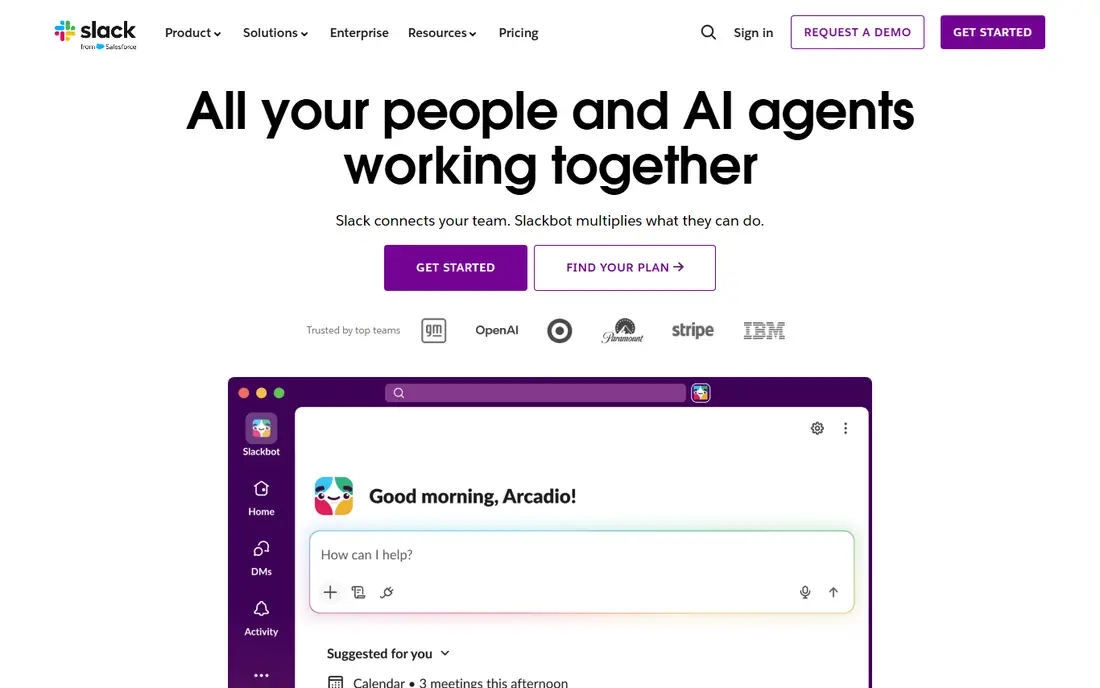
Slack organizes work into channels, direct messages, and threads, which keeps long projects readable instead of turning into one long scroll. Its integration catalog covers project tools, file storage, calendars, and developer tools, so most teams can connect the apps they already use without extra work. Huddles give a light way to start a quick voice chat without booking a formal meeting, and Canvas pages let teams keep notes next to the conversation.
The catch is cost and history. The free plan hides messages older than 90 days, which hurts teams that treat chat as a record of decisions. Paid plans fix that, but at $7.25 per user per month on annual billing (or $8.75 month to month, based on current published pricing), a team of 30 pays a real monthly bill. If your team chats all day and relies on search, Slack earns that price. If you mostly meet on video and rarely search old chat, one of the cheaper or bundled options below may fit better.
- Huge integration catalog
- Clear channel and thread structure
- Strong search on paid plans
- Free plan limits history to 90 days
- Cost climbs quickly at scale
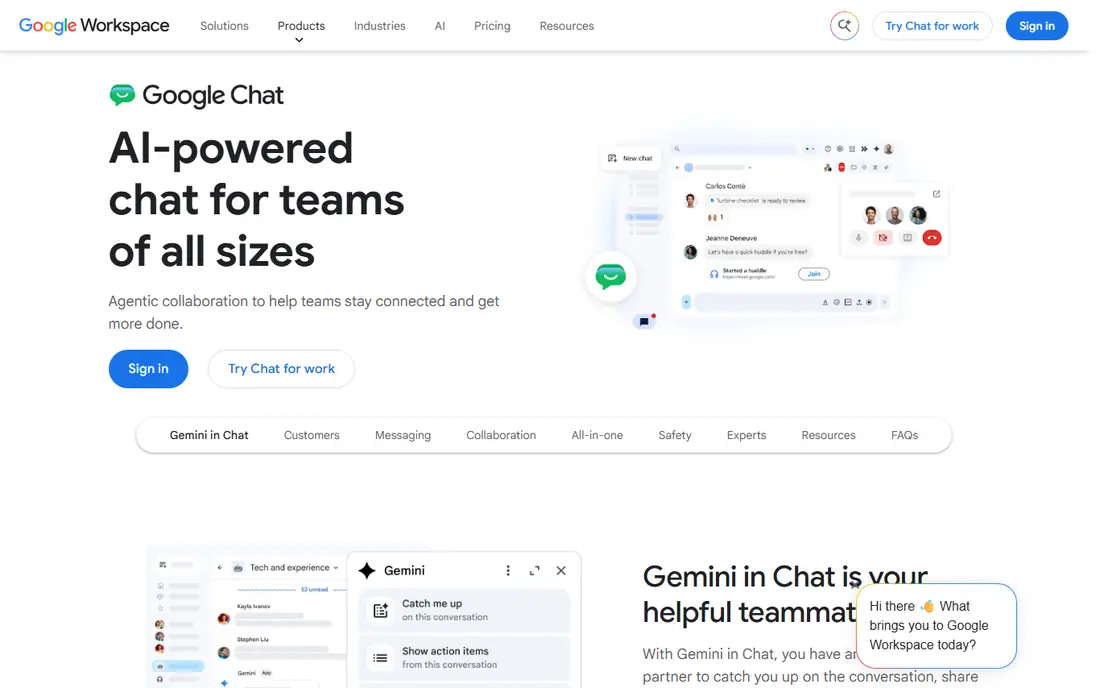
Google Chat sits inside Gmail and Google Workspace, so a team that already uses Docs, Drive, and Calendar gets chat without adding a separate app. Spaces group people, files, and tasks around a project, and threads keep replies attached to the message they answer. For a small business that already pays for Workspace, Chat can feel almost free, since it arrives with the bundle rather than as a separate per-user charge.
The trade-off is depth. Chat is simpler than Slack, with fewer third-party integrations and fewer automation options. Video calls hand off to Google Meet, which works well, but it means chat and meetings are two linked products rather than one tight system. If your team lives in Google apps and wants something simple, Chat is an easy move. If you need heavy automation or a large app directory, look at Slack or Mattermost instead.
- Built into Gmail and Workspace
- Simple spaces and threads
- Generous storage on paid Workspace plans
- Fewer integrations than Slack
- Video still depends on Google Meet
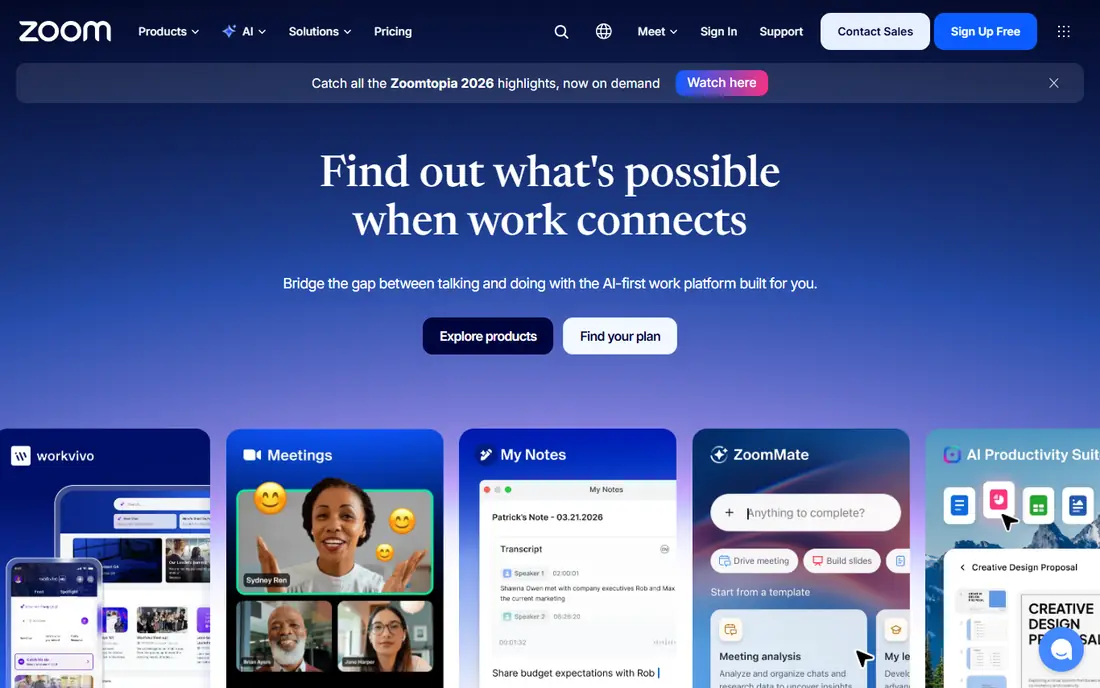
Zoom built its name on video, and Zoom Workplace now bundles Team Chat, mail, calendar, and docs around that core. For a team that spends hours in meetings, that focus matters: joining is fast, large meetings stay stable, and Team Chat keeps the conversation going between calls. Channels, threads, and file sharing cover the everyday chat needs of most offices, and the AI Companion on paid plans can summarize meetings and catch people up.
The free plan is useful for trying the service, but group meetings on the free tier are limited to 40 minutes, so it will not carry a meeting-heavy team for long. Pricing also varies by plan and add-ons, so check the vendor pricing page for the exact plan that matches your meeting size. Zoom is the pick when video quality and meeting reliability come first and chat is second. Chat-first teams may still prefer Slack.
- Reliable video and large meetings
- Team Chat included with paid plans
- AI Companion on current paid plans
- Free meetings cap group calls at 40 minutes
- Full feature set needs a paid plan
Discord started with gaming communities, but its structure fits many small teams: servers hold channels, voice channels stay open for drop-in talk, and video and screen sharing work without extra setup. The free tier is unusually generous, with unlimited message history, which makes it a strong choice for a volunteer group, a creator community, or a startup that wants to keep costs at zero. Setup takes minutes, and most younger team members already know how it works.
The honest catch is business control. Discord lacks the admin, compliance, and audit tools that larger companies expect, and its informal feel can look unprofessional in front of clients. Nitro, at $9.99 per month for the full tier, adds perks like larger uploads and better video, but it is a personal subscription, not a business admin plan. Pick Discord when cost and casual collaboration matter more than compliance. Skip it when you need strict access controls or client-facing formality.
- Free plan with unlimited message history
- Voice channels that stay open
- Easy server setup
- Weak admin and compliance controls for business use
- Can feel informal for clients
Webex is built for organizations where security, compliance, and large meetings are not optional extras. It combines messaging, video meetings, and calling in one suite, with admin controls and encryption options that suit health care, finance, government, and other regulated work. Meetings support large participant counts, and the free plan lets a small team try core meetings and messaging before committing.
Small teams may find Webex more than they need. The interface and admin setup carry more weight than a simple chat app, and paid plans start higher than Slack or Zoho Cliq. That trade is worth it when your clients or regulators ask about security and audit trails, or when you regularly run meetings with hundreds of people. For a five-person startup, a lighter tool will feel faster and cheaper.
- Strong security and compliance options
- Reliable large meetings
- Messaging, calling, and meetings in one suite
- Higher starting price than chat-first tools
- Setup can feel heavy for small teams
Zoho Cliq gives small teams a full chat tool at a lower price than most rivals, with channels, direct messages, audio and video calls, and unlimited message history. That last point matters: teams that search old decisions will not hit a 90-day wall. If your business already uses Zoho CRM, Projects, or People, Cliq fits into that suite cleanly, with shared contacts and calendars.
The limits show up at the edges. Its integration catalog is smaller than Slack, so a team that depends on a long list of outside apps may need workarounds. Outside collaborators also know Slack and Teams far better than Cliq, so onboarding a client can take a little more explanation. For a cost-conscious team that mainly chats internally and already uses Zoho, Cliq is hard to beat on value. For an integration-heavy team, Slack still leads.
- Low cost
- Unlimited message history
- Strong ties to other Zoho apps
- Smaller third-party integration catalog
- Less familiar to outside collaborators
Mattermost is an open source chat platform that teams can run on their own servers or use as a hosted cloud service. That control is the whole point: organizations in defense, health care, finance, and government can keep messages inside their own infrastructure and meet strict data rules. Channels, threads, file sharing, and integrations with developer tools like GitHub and GitLab cover daily work, and playbooks help teams run repeatable incident and project workflows.
Self-hosting is also the catch. Somebody on your team has to install, update, and secure the server, which is real ongoing work. Video and voice calls work through plugins rather than as a built-in strength, so a meeting-heavy team will still lean on Zoom or Meet. Pick Mattermost when data control and compliance drive the decision. Pick a hosted chat tool when you want to skip server work entirely.
- Self-hosting keeps data under your control
- Open source core
- Channels, threads, and playbooks
- Needs IT time to run and update
- Video calls rely on plugins
Rocket.Chat is another open source option, with channels, threads, video calls, and file sharing, plus an omnichannel feature that pulls customer messages from web chat, social apps, and email into one inbox. That makes it a fit for teams that want one tool for both internal chat and customer conversations. It can run self-hosted or as a cloud service, and its integration list covers common developer, calendar, and storage tools.
The interface is busier than Slack or Google Chat, and new users may need a short adjustment period. Some of the more polished admin and enterprise features require a paid plan, and pricing varies by deployment, so check the vendor page for the current cloud and self-hosted options. Rocket.Chat suits teams that value open source control and want customer messaging in the same place. Teams that want the simplest possible chat may prefer Google Chat or Twist.
- Open source and self-hostable
- Omnichannel messaging for customer contact
- Wide integration options
- Interface feels busier than Slack
- Advanced features sit on paid plans
Twist is built around a simple idea: every conversation is a thread with a clear subject, so nothing important gets buried in a fast-moving channel. That design suits remote and async-first teams, where people work across time zones and cannot all be online at once. The interface stays calm, notifications are easier to manage, and a new team member can read a thread from the start and catch up without asking for a summary.
Twist does not try to do everything. It has no built-in video meetings, so teams pair it with Zoom or Meet for calls. Its user base is also smaller than Slack or Teams, which means outside collaborators may need a quick walkthrough. If your team is tired of chat that demands instant replies and loses decisions in the scroll, Twist is a refreshing change. If you need video and chat in one app, Zoom Workplace or Webex fits better.
- Threads keep every topic in one place
- Less pressure to reply instantly
- Clean, focused design
- Smaller user base, so guests may need onboarding
- No built-in video meetings
How we picked these
We compared official feature pages, pricing pages, and app store listings, plus public reviews, for tools that cover the core Teams job: team chat, meetings, file sharing, and integrations. We kept only tools that exist and work today, and we favored a mix of chat-first, video-first, budget, and self-hosted options so different team types can find a fit. Where we could not verify a current price from the vendor, we wrote See website rather than guessing.
What to check before you switch
Start with how your team actually communicates. Count how many people chat daily, how many hours you spend in meetings, and which apps must connect to chat for work to flow. A chat-first team should weigh message history limits and search quality, while a meeting-heavy team should test video quality with real call sizes before paying. Next, check the free plan limits that matter to you: history, storage, meeting length, and guest access. Finally, run a two-week trial with one real project, not a demo channel. Invite the people who will use it daily, move one project fully into the new tool, and ask at the end whether finding old decisions got easier or harder. That trial tells you more than any feature list.
Frequently asked questions
What are the best free alternatives to microsoft teams?
Slack, Google Chat, Discord, Webex, Zoho Cliq, Mattermost, Rocket.Chat, and Twist all offer free plans, but the limits differ. Discord and Zoho Cliq keep full message history free, while Slack limits free history to 90 days. Pick based on history, meeting length, and storage, not just the zero price.
What is the best alternative to microsoft teams for small business?
For most small businesses, Slack or Google Chat is the simplest move. Slack wins for integrations and chat depth, while Google Chat wins for teams already paying for Google Workspace. Zoho Cliq is the budget pick when cost matters most and your team mainly chats internally.
Are there alternatives to teams that work without Microsoft 365?
Yes. Every tool on this list works without Microsoft 365, including Slack, Zoom Workplace, Discord, Webex, and Google Chat. If you leave Microsoft 365 entirely, check that your file storage, calendar, and email still connect to the new tool, since Teams bundles those closely.
Which teams alternative is best for large meetings?
Zoom Workplace and Cisco Webex lead for large, reliable meetings, with support for hundreds of participants and strong host controls. Google Meet, reached through Google Chat and Workspace, is a solid third option for teams already on Google. Test with your real meeting size before you commit.
Is Discord a good alternative to microsoft teams for work?
Discord works well for small, informal teams and communities, thanks to its free history and always-open voice channels. It is a weaker fit for regulated work or client-facing teams that need admin controls, audit trails, and a formal feel. For those teams, Slack, Webex, or Mattermost fits better.
Sources
See where you really rank - block by block
ProMapRanker scans Google Maps across a grid of your service area. Simple monthly plans from $19, white-label on every plan.
Start freeKeep reading
 top custom software development company
Top Custom Software Development Company in 2026
Looking for a top custom software development company? We compare 9 firms for web, mobile, and enterprise software, covering strengths and fit for 2026.
Read → tableau alternatives
Tableau Alternatives in 2026
Compare the best Tableau alternatives for 2026, from Power BI to Metabase, with prices, hosting options, and picks for small teams and enterprises today.
Read → evernote alternatives
Evernote Alternatives in 2026
We compared Evernote alternatives for notes, clipping, and organization, including Notion, Obsidian, OneNote, and simpler apps for everyday capture today.
Read →