 ProMapRanker
Best Alternatives to Excel for Large Data Sets in 2026

Key takeaways
- Row Zero and Gigasheet are the most direct spreadsheet-style answers when the file itself is too large for Excel.
- Google Sheets, LibreOffice Calc and Zoho Sheet suit smaller shared work, but they are not the best home for raw files with millions of rows.
- Airtable and Smartsheet suit structured operational data, where linked records, views and project tracking add more value than raw analysis.
- Power BI and Tableau suit the final step, when the goal is a dashboard for others to read rather than a file to edit.
- Test any tool on your largest real file first, and measure speed, row limits and formula behavior before you move a team.
Quick comparison
| Pick | Great for | Pricing starts at | Free tier | |
|---|---|---|---|---|
 Row Zero | Huge spreadsheets in a familiar grid | See website | Yes | Visit |
 Gigasheet | Big CSV and data files in a spreadsheet view | See website | Yes | Visit |
 Google Sheets | Free collaboration on smaller sheets | Free | Yes | Visit |
 LibreOffice Calc | Free desktop spreadsheet | Free | Yes | Visit |
 Zoho Sheet | Free online spreadsheet with desktop apps | Free | Yes | Visit |
 Airtable | Linked records and team trackers | Free | Yes | Visit |
 Smartsheet | Projects and work tracking in a grid | $9 per user per month | Free trial | Visit |
 Microsoft Power BI | Dashboards for Microsoft-based teams | See website | Yes | Visit |
 Tableau | Interactive dashboards for larger teams | See website | Free trial | Visit |
The best alternatives to Excel for large data sets
Excel slows down, crashes or becomes hard to share when a file grows very large. The tools below solve that problem in different ways: bigger grids, databases behind a grid, or dashboards built on a data source. We compared row handling, collaboration, pricing and the job each tool does best.
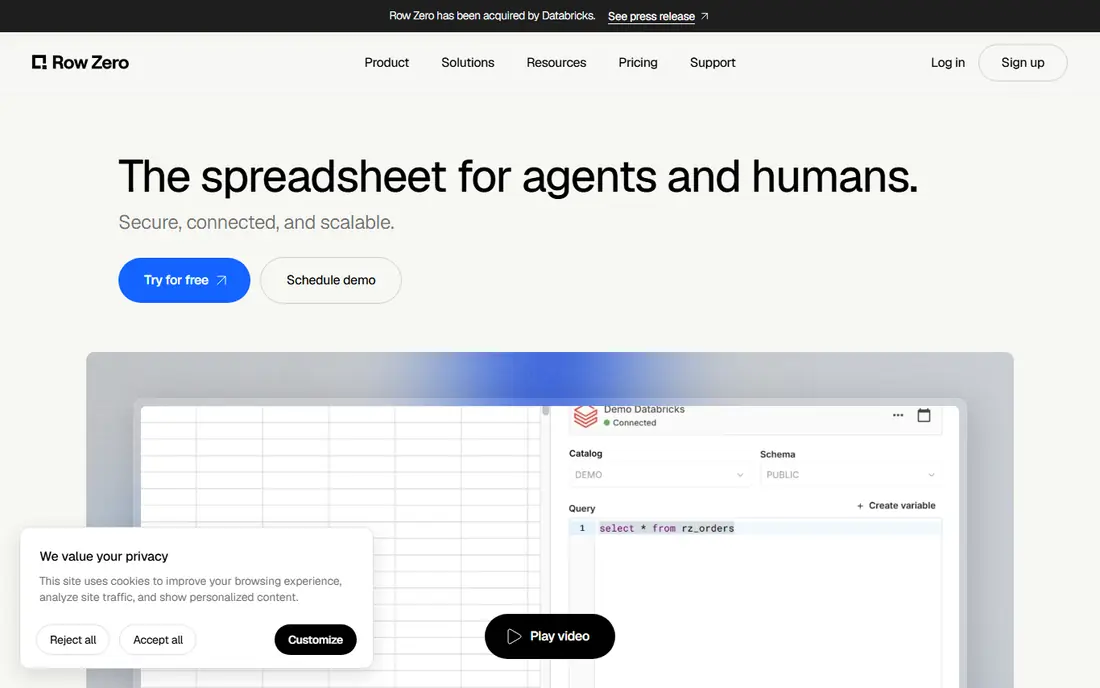
Row Zero is made for the exact problem in this article: a spreadsheet that is too large for a desktop file. It keeps the grid and formula style that Excel users know, while handling far larger row counts in the browser. Connections to data sources let analysts work with live or imported data without pasting huge files into a sheet.
For small, simple trackers, Row Zero may be more tool than you need, and Google Sheets or LibreOffice Calc will be simpler. When the file size is the problem, though, Row Zero is one of the first tools to test, using your largest real file as the trial.
- Built for very large spreadsheets
- Familiar grid and formulas
- Connects to data sources
- Less suited to simple shared trackers
- Pricing needs checking for team use
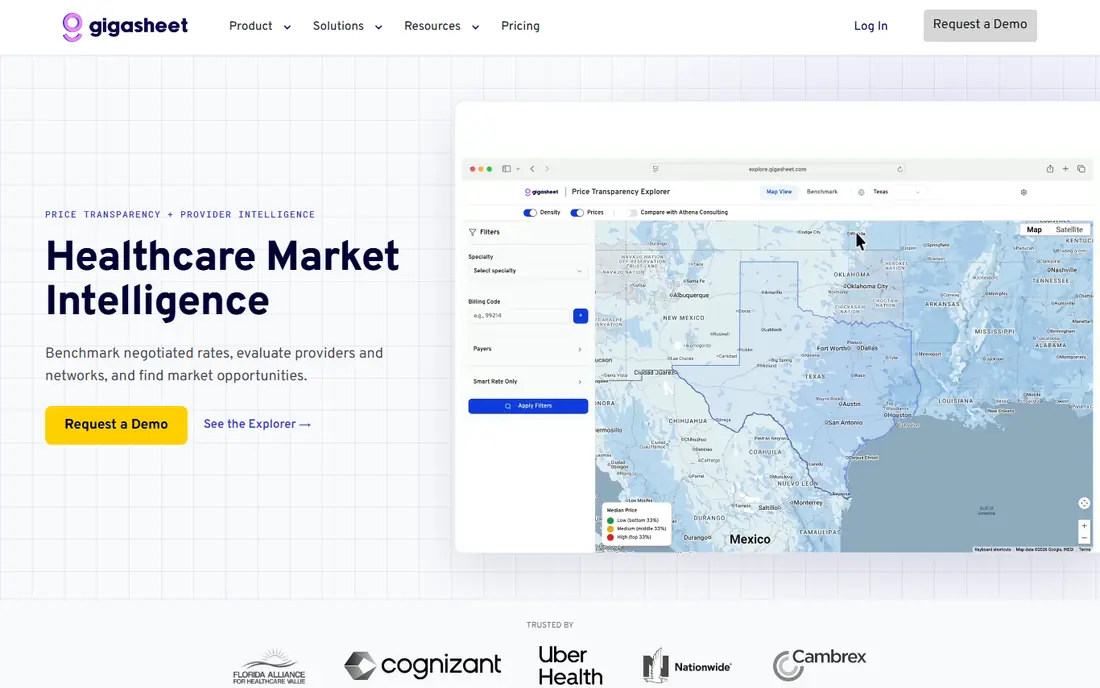
Gigasheet takes large CSV and data files and presents them in a spreadsheet-like view, so analysts can filter, group and explore without splitting a file into pieces. That approach helps when the work is exploration and cleaning rather than building a complex financial model. Sharing a large file as a Gigasheet can also be easier than emailing a huge workbook.
Complex Excel formulas, macros and pivot-style modeling are not its main strength. Use Gigasheet for large-file exploration, and pair it with a BI tool when the end product must be a polished dashboard.
- Handles very large files in a grid view
- Good for filtering and grouping
- No-code data work
- Not a full Excel replacement for complex formulas
- Team features need higher plans
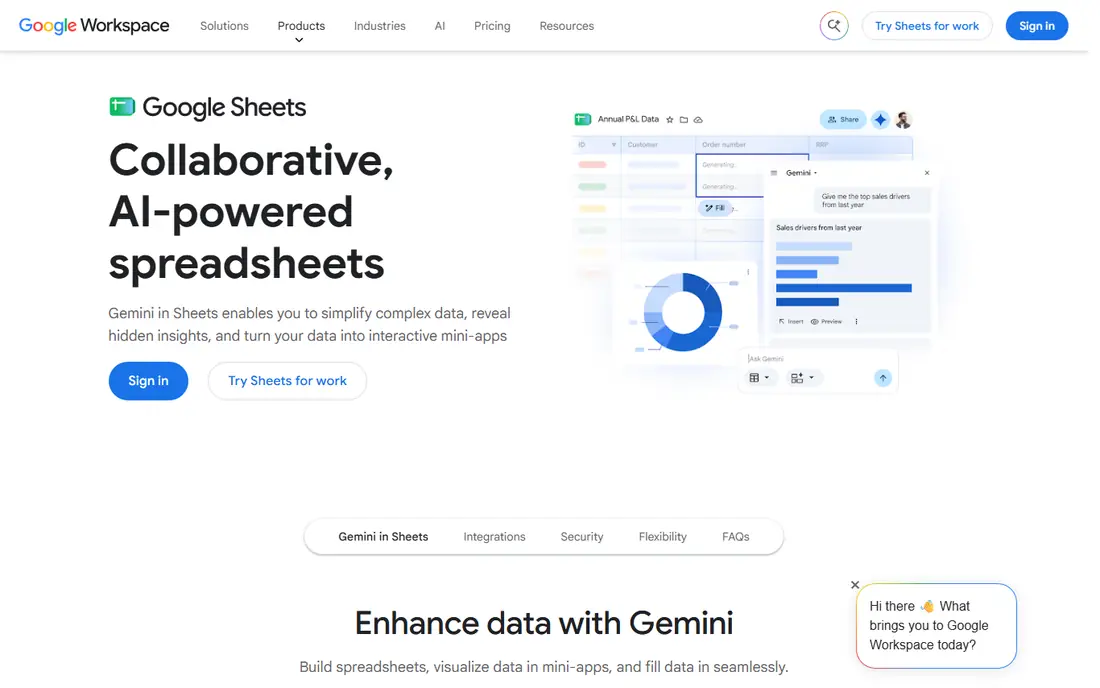
Google Sheets is the natural home for cleaned summaries, team trackers and shared planning sheets. Multiple people can edit at once, comments and version history are built in, and the price for personal use is free. For many teams, Sheets already handles the daily work that used to live in emailed Excel files.
Raw files with millions of rows are a different story. Performance drops as rows and formulas grow, and collaboration becomes harder to manage. Use Sheets for the summary that people read and edit, and keep the raw data in a big-data spreadsheet or a database tool.
- Free and easy sharing
- Real-time collaboration
- Good for cleaned summaries
- Performance falls on very large sheets
- Formula limits appear at scale
LibreOffice Calc is the free desktop answer for users who want a spreadsheet on their own computer. It opens and saves Excel files, works offline, and covers the core formula, chart and pivot features that most users need. There is no subscription and no account requirement for basic use.
A very large file can still strain Calc, just as it strains Excel, and real-time collaboration is not its strength. Calc is best when the goal is a free, private desktop spreadsheet, not when the goal is sharing a huge dataset with a team.
- Free and open-source
- Runs offline on desktop
- Opens and saves Excel files
- Large files can still slow down
- Collaboration is weaker than cloud tools
Zoho Sheet gives teams a free online spreadsheet with collaboration, sharing and a clean interface. It fits well for businesses already using Zoho products, since data and users can sit in the same ecosystem. Desktop and mobile apps extend it beyond the browser.
For very large raw files, Zoho Sheet has the same practical limits as other browser spreadsheets, and some advanced Excel features may not transfer perfectly. It is a strong free choice for shared workbooks of normal size, and a useful summary tool alongside a big-data platform.
- Free online spreadsheet
- Collaboration and sharing
- Part of the wider Zoho suite
- Large-file performance has limits
- Advanced Excel compatibility can vary
Airtable is not a big-file spreadsheet, but it is a strong replacement when the real job is structured operational data. Linked records connect projects, clients and tasks, and views let each team see the same data as a grid, calendar or kanban board. That structure beats a flat spreadsheet for trackers and lightweight CRMs.
Record limits on lower plans and slower performance at scale make Airtable a poor home for raw analytical files. Use it where linked data and team views add value, and use Row Zero, Gigasheet or a BI tool for the large raw dataset itself.
- Linked records and views
- Easy team trackers
- Strong integrations
- Record limits on lower plans
- Not built for raw analytical files
Smartsheet looks like a spreadsheet, but it is really a work management tool. Teams track projects, tasks, dates and owners in a grid, then switch to Gantt, card or calendar views without rebuilding the data. Templates, automation and reporting help managers follow progress across many projects.
It is not the tool for heavy statistical analysis or for holding millions of raw rows. Smartsheet earns its place when the spreadsheet is really a project tracker, and when dates, owners and status matter more than formulas.
- Grid plus Gantt, card and calendar views
- Project templates
- Automation and reporting
- Not a data analysis engine
- Per-user pricing adds up for large teams
Power BI is the right end point when the goal is a dashboard that many people read. It connects to databases, files and cloud sources, models the data, and publishes interactive reports that update as the source changes. Teams already using Microsoft 365, Azure or SQL Server will find the integration natural.
Building a good data model takes learning, and sharing reports broadly often requires paid licenses beyond the free desktop tool. Power BI is not a spreadsheet editor, but it is one of the best ways to present large data without asking everyone to open a huge file.
- Strong dashboards and data modeling
- Deep Microsoft integration
- Large dataset support
- Learning curve for data modeling
- Full sharing needs paid licenses for viewers in many cases
Tableau is built for visual exploration of large data. Analysts can connect to databases and files, drag fields onto a canvas, and build interactive dashboards that let readers filter and drill into results. That visual approach helps executives and teams see patterns that a grid of numbers hides.
Tableau is a bigger investment than a spreadsheet, in both price and learning time. It suits teams that publish dashboards regularly and need strong visual analysis, rather than teams that only need to edit a large file once.
- Strong visual analysis
- Connects to many data sources
- Polished interactive dashboards
- Higher price for full use
- Learning curve for advanced analysis
How we picked these
We compared official feature pages, pricing pages and documentation for each tool, and we left Excel itself out of the list because this article covers alternatives to it. We favored tools that are live in October 2026, that handle large data in a distinct way, and that cover spreadsheet-style, database-style and dashboard-style work. Where a vendor did not publish a simple self-serve price, we wrote See website.
What to check before you switch
Start with your largest real file, not a sample. Open it, filter it, sort it, add a formula, and share it with a colleague. Note where it slows down, where a feature is missing, and how long a common task takes. That test tells you more than a marketing row limit.
Next, decide what the end product should be. If people need to edit the file, choose a big-data spreadsheet. If people need to read a dashboard, choose Power BI or Tableau and keep the raw data in a database. If people need to track work, choose Airtable or Smartsheet. Mixing those jobs in one tool is how teams end up back in Excel.
Keep Excel for some work if it helps
Moving everything at once is rarely necessary. Many teams keep Excel for small models and personal analysis, while moving large files to Row Zero or Gigasheet and published results to a dashboard. That split keeps the familiar tool where it works, and removes it where it struggles.
Frequently asked questions
What is the best alternative to Excel for large data sets?
Row Zero and Gigasheet are the most direct answers when the problem is file size, because both keep a spreadsheet interface while handling far more rows than a desktop file. Power BI or Tableau are better when the end product is a dashboard.
Can Google Sheets handle millions of rows?
Google Sheets can open large sheets, but performance falls as rows and formulas grow, and collaboration becomes harder to manage. It works well for cleaned summaries and team trackers. For raw files with millions of rows, use a big-data spreadsheet or a BI tool and send only the summary to Sheets.
Is Airtable a good Excel replacement for big data?
Airtable is a good replacement for structured operational data, such as project trackers and lightweight CRMs. It is not a good fit for raw analytical files, because record limits on lower plans and slower performance at scale get in the way.
Do I need to learn SQL to use these tools?
No, not for most of them. Row Zero, Gigasheet, Airtable, Smartsheet and Google Sheets are designed for people who work in a grid. SQL helps in Power BI and Tableau when you build complex models, but both tools also offer visual ways to connect and shape data.
Can I keep Excel for some work and use a new tool for the rest?
Yes. Many teams keep Excel for small models, while moving large files to a big-data spreadsheet and published results to a dashboard. That split is often more practical than a full replacement on day one.
Sources
See where you really rank - block by block
ProMapRanker scans Google Maps across a grid of your service area. Simple monthly plans from $19, white-label on every plan.
Start freeKeep reading
 who has best internet service
Who Has the Best Internet Service in 2026
Who has best internet service for US homes? We compare fiber, cable, fixed wireless and satellite providers on speed, price, availability and terms today.
Read → which survey tool has the best analytics
Which Survey Tool Has the Best Analytics in 2026
Find which survey tool has the best analytics in 2026, comparing Qualtrics, SurveyMonkey, Typeform, Alchemer, and more on reports, text, and stats today.
Read → which streaming service has the best movies
Which Streaming Service Has the Best Movies in 2026
Answering which streaming service has the best movies, with Netflix, Max, Criterion and more compared on libraries, prices and free options in this guide.
Read →