 ProMapRanker
BI Tools for Early Stage SaaS Startups: Best Picks of 2026

Visual dashboards and exploration · Pricing starts at: $75 per user a month
Direct answer
Start with Tableau if you need visual dashboards and exploration. Listed starting prices: Tableau from $75 per user a month, Power BI from $14 per user per month and Amplitude from $75 a month. Power BI is the stronger choice for Microsoft 365 teams, while Amplitude suits deep behavioural analytics. The full list of 6 tools follows, with prices and free plan facts.
If you are comparing BI tools for early stage SaaS startups, this page covers 6 tools in one place: what each is best for, what it costs to start, whether it has a free plan, and the main limit to know about.
Key takeaways
- Tableau sits first on this list: visual dashboards and exploration.
- For the cheapest start, look at Looker Studio: $9 per user per month.
- Check the limits for Amplitude before you commit: usage-based pricing is hard to forecast, and SSO waits for the quote-only Growth plan.
- Free plans exist at 5 of 6 tools (Power BI, Amplitude, Looker Studio, Definite, Metabase).
- Metabase fits technical teams that can self-host.
Quick comparison
| Pick | Great for | Pricing starts at | Free tier | |
|---|---|---|---|---|
| Tableau | Visual dashboards and exploration | $75 per user a month | Free trial (14 days) | Visit |
 Power BI | Microsoft 365 teams | $14 per user per month | Yes | Visit |
 Amplitude | Deep behavioural analytics | $75 a month | Yes | Visit |
 Looker Studio | Free Google reporting | $9 per user per month | Yes | Visit |
 Definite | Startups that want analytics without a stack | $250 a month | Yes | Visit |
 Metabase | Technical teams that can self-host | $100 a month | Yes | Visit |
Our 6 BI tools for early stage SaaS startups
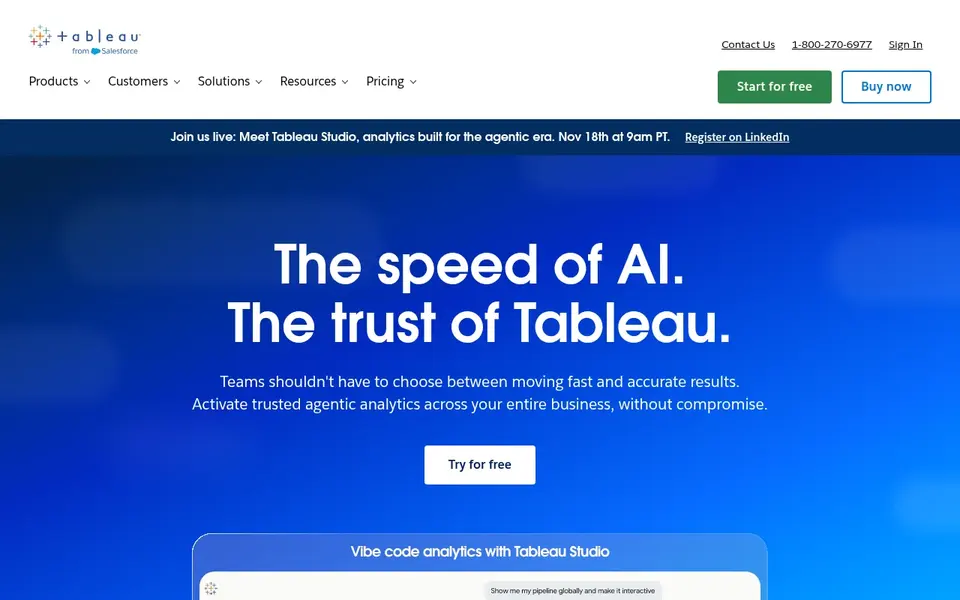
Think of Tableau for visual dashboards and exploration. If the team just needs a handful of shared dashboards, Metabase or Looker Studio will do the same job for far less.
Drawbacks to consider: it locks you into the Salesforce ecosystem.
On cost, Tableau starts like this: $75 per user per month. Free plan details: Free trial (14 days).
- The most solid visual exploration in this list
- Tableau Public is free for public data stories
- The most pricey per-user price here
Power BI targets Microsoft 365 teams. Power BI also needs a warehouse and an ETL tool for a real startup stack, and the year-one cost is frequently $10,000 to $50,000 once those are counted.
What to check first: Sharing needs a Pro licence for viewers in most setups.
On top of that, if your team already pays for Microsoft tools and most viewers and builders work inside that system, Power BI is the natural pick. What you pay to start with Power BI: $14 per user per month. You can start on Power BI without paying.
- More than 500 connectors
- AI features need Fabric capacity
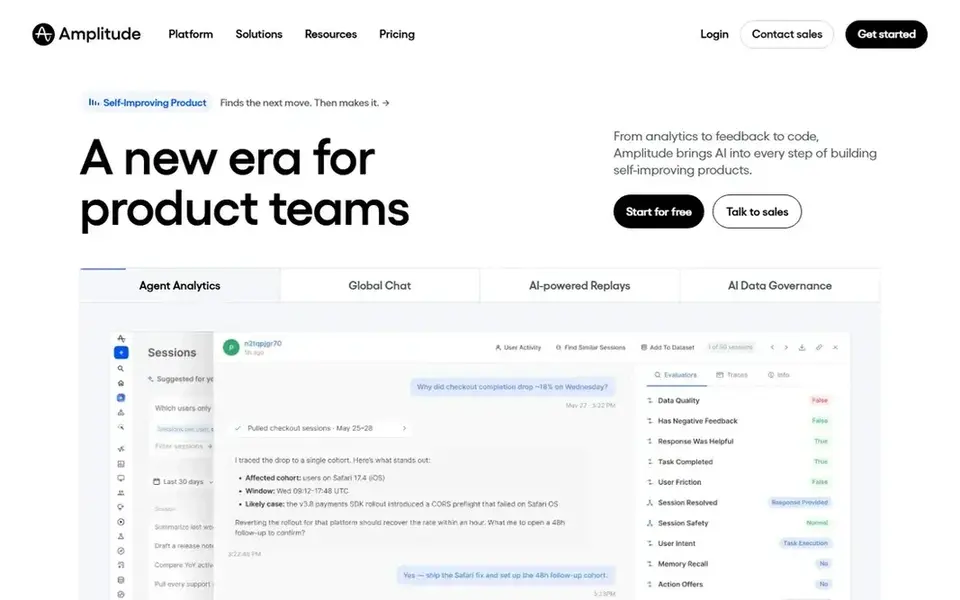
Amplitude makes the most sense for deep behavioural analytics. In 2026 Amplitude switched from per-user billing to per-event billing: the Plus plan begins at $0 with 2 million events included, then the price follows a slider, with $75 a month billed annually for 3 million events, $225 for 5 million, and $576 for 10 million.
Downsides: Usage-based pricing is hard to forecast.
The free plan includes 2 million events per month with no time limit and no card, which is the most ample free level here and enough for numerous small and mid-sized companies to run full behavioural analytics without paying anything. What you pay to start with Amplitude: $75 per month. Amplitude offers a free plan.
- Free plan spans 2 million events per month
- Startup scholarship provides a free year of Growth
- SSO waits for the quote-only Growth plan
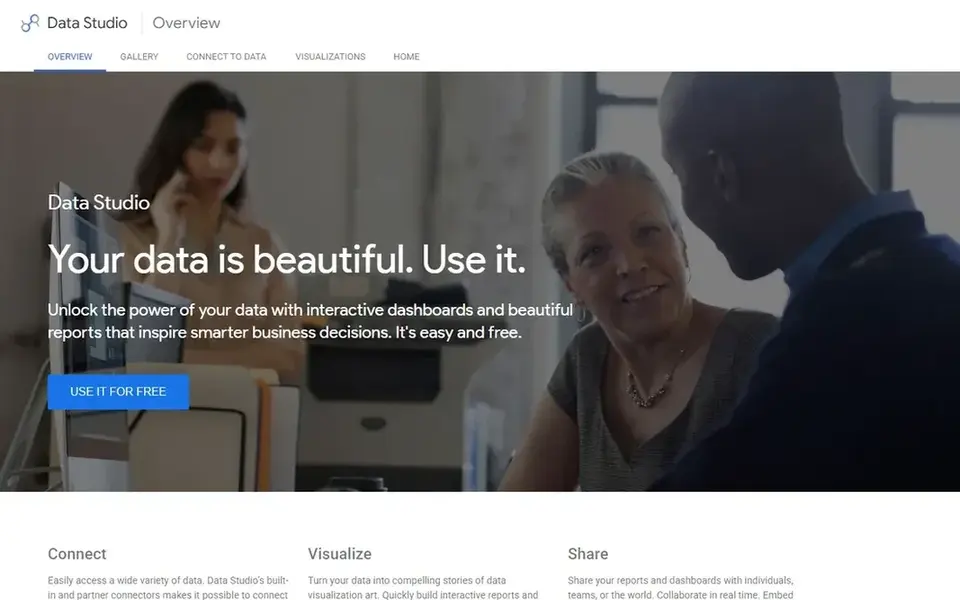
Looker Studio is designed for free Google reporting. The Pro edition, now called Data Studio Pro, layers on team content management, Google Cloud support, and admin controls for $9 per user per project a month.
What you pay to start with Looker Studio: $9 per user per month. A free plan is available with Looker Studio.
- Entirely free for creators and viewers
- Native Google Analytics and BigQuery connectors
- Weak controls for shared metric definitions, so two reports can present different numbers
Definite makes the most sense for startups that want analytics without a stack. The primary limits are youth and breadth: Definite is newer and narrower than Power BI or Tableau.
Limits to weigh: the Platform plan is $250 per month.
A team with unusual data sources may find a connector missing. The Growth plan is free, with 2 connectors, 2 users, and AI and dashboards included, and the Platform plan costs $250 per month with unlimited users and unlimited connectors. Entry price for Definite: $250 per month. You can start on Definite without paying.
- AI in one product
- Free Growth plan
- Newer and narrower than the big platforms
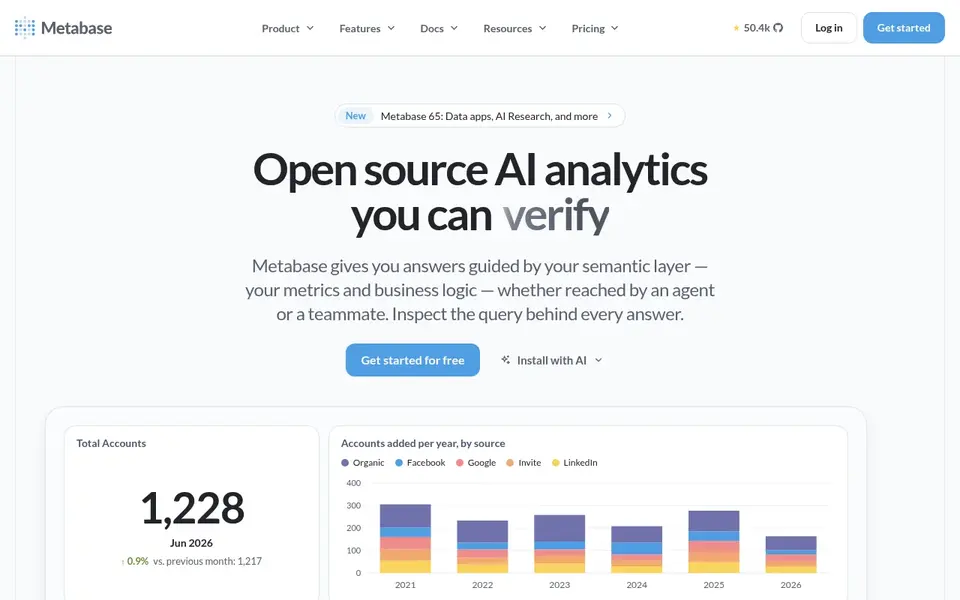
Metabase serves technical teams that can self-host. The open source version can be self-hosted at no licence cost with unlimited users. The visual query builder lets non-technical users ask questions without writing SQL.
What to check first: the full stack needs a warehouse and an ETL tool.
For everyday use, Metabase Cloud removes the hosting work: the Starter plan costs $100 per month for the first 5 users, which fits a small team that wants the product without running servers. Also, start with the open source version, prove the dashboards get used, and move to Cloud when hosting becomes a chore. Price to start with Metabase: $100 per month. You can start on Metabase without paying.
- Open source version is free with unlimited users
- Visual query builder for non-technical users
- Self-hosting needs engineering time
More on BI tools for early stage SaaS startups
Confirm who can build and who can only view, since viewer licences and sharing rules change the real seat count. Also, test the tool on one real question with one real data source, and check whether people actually open the dashboard before you expand.
How we chose
Selection started from tools commonly considered for BI tools for early stage SaaS startups, then narrowed to 6 that have clear pricing information or a clear quote process. Figures are shown as the vendors publish them. Billing terms, seat minimums and add-ons can change the real cost. Tools are placed by general fit for BI tools for early stage SaaS startups, with price clarity and free access as tie-breakers. A different team can reasonably rank them differently.
What to check before you buy
- Check the vendor page for the current price: Looker Studio starts at $9 per user per month here, and seats or billing terms can move it.
- Look at free plan limits closely: Power BI, Amplitude, Looker Studio and others have one, and the caps decide whether it is usable for real work.
- Take the trial from Tableau and push a live task through it before you pay.
- Before choosing Tableau, weigh its main limit: the most pricey per-user price here, and it locks you into the Salesforce ecosystem.
- Compare total cost, not headline price: for Amplitude, add extra seats, add-ons and any usage-based charges.
- Confirm the exact Looker Studio plan that includes your must-have features.
Frequently asked questions
Can I try these tools before paying?
Often, yes. Power BI, Amplitude, Looker Studio and others have a free plan and Tableau offers a free trial. Use your own data and a real task during the test, and check what the free tier or trial limits before you rely on it.
Do these tools publish their prices?
Yes. Every tool from Tableau to Metabase shows a starting price, though seats, add-ons and billing terms still change the final cost.
What is the cheapest option for BI tools for early stage SaaS startups in this list?
On published monthly entry prices, Looker Studio is the lowest here at $9 per user per month. Entry price is only part of the cost, because seats, add-ons and billing terms can change the total.
Is Tableau the right pick for everyone comparing BI tools for early stage SaaS startups?
No single tool suits every team. Tableau comes first because it fits visual dashboards and exploration, while Power BI suits Microsoft 365 teams and Amplitude suits deep behavioural analytics. Match the tool to your own size, budget and workflow before deciding.
Sources
See where you really rank - block by block
ProMapRanker scans Google Maps across a grid of your service area. Simple monthly plans from $19, white-label on every plan.
Start freeBrowse all guides
← 6 Strong Analytics Software for Real Estate Agents in 2026Best Data Destruction Software (2026) →
 best ai big data integration platforms
AI Big Data Integration Platforms in 2026: Top 6 Compared
Compare 6 best AI big data integration platforms, with prices, free plans and who each fits. Notes on cost and gaps for each tool. Skim the table first.
Read → best agentic analytics software for startups
5 Best Agentic Analytics Software for Startups in 2026
Need the best agentic analytics software for startups? We compare 5 tools on cost, free access and who each suits. Each pick comes with its main catch. No hype.
Read → top writing analytics software
Writing Analytics Software: Best Picks of 2026
Shortlisting the top writing analytics software? 5 products compared on cost, free access and ideal buyer. Every tool lists pros and cons. Pick with confidence.
Read → sheetgo alternatives
Best Sheetgo Alternatives in 2026
Compare the best sheetgo alternatives for syncing data into Google Sheets and Excel, from Coupler.io and Coefficient to Zapier, with pricing and honest limits.
Read → best enterprise etl tools
Best Enterprise ETL Tools in 2026
Compare the best enterprise ETL tools for managed pipelines, connectors, change data capture, governance, and usage based pricing models for large teams, 2026.
Read → apache nifi alternatives
Apache NiFi Alternatives in 2026
Compare apache nifi alternatives for data flow, ingestion, and integration, from Airbyte and Fivetran to SnapLogic, dbt, Airflow, and more tools compared.
Read →More in Data & Analytics · All guides A to Z by date · Latest guides