 ProMapRanker
Writing Analytics Software: Best Picks of 2026

Editing inside Word and collaboration · Pricing starts at: See website
Direct answer
If you need editing inside Word and collaboration, Microsoft Editor is the first tool to look at here. Listed starting prices: Jasper from $59 per seat a month, Grammarly from $12 USD and ProWritingAid from $5 per month. Jasper is the stronger choice for marketing workflow automation, while Grammarly suits everyday writing guidance across apps. All 5 tools are compared below on price, free plan and limits.
ProMapRanker put together this guide to writing analytics software for readers who want a clear shortlist without reading every vendor page. It compares 5 tools on starting price, free plans, who each one suits and where each one falls short.
Key takeaways
- Microsoft Editor takes the first slot, best suited to editing inside Word and collaboration.
- A fair warning about Jasper: marketing-oriented, not general editing.
- Free plans exist at 2 of 5 tools (Grammarly, ProWritingAid).
- Surfer SEO fits search and AI visibility tracking.
Quick comparison
| Pick | Great for | Pricing starts at | Free tier | |
|---|---|---|---|---|
| Microsoft Editor | Editing inside Word and collaboration | See website | Not stated | Visit |
 Jasper | Marketing workflow automation | $59 per seat a month | Free trial | Visit |
 Grammarly | Everyday writing guidance across apps | $12 USD | Yes | Visit |
 ProWritingAid | Deep prose and style improvement | $5 per month | Yes | Visit |
 Surfer SEO | Search and AI visibility tracking | $49 per month | Free trial | Visit |
5 options for writing analytics software in detail
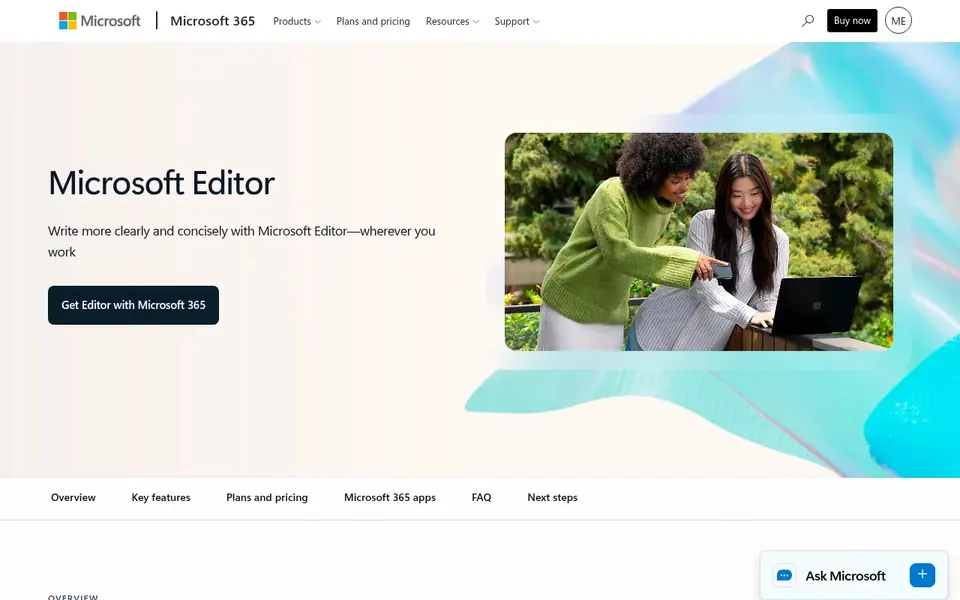
Microsoft Editor targets editing inside Word and collaboration. The vendor flags Copilot in Word for AI prompts that help organize ideas. Its strengths are tied to the Microsoft environment, so people working primarily in other editors may find less value.
Worth adding: analytics and style reporting are also less of a standalone focus. Worth adding: choose Microsoft Editor when your drafts and collaborators already live in Word and you want assistance close to where you write. Check the vendor site for Microsoft Editor pricing; none is listed in this comparison. As for free access: Not stated.
Watch-outs: Tied to the Microsoft ecosystem.
- AI prompts via Copilot
- Integrated with Word
- Less standalone analytics depth
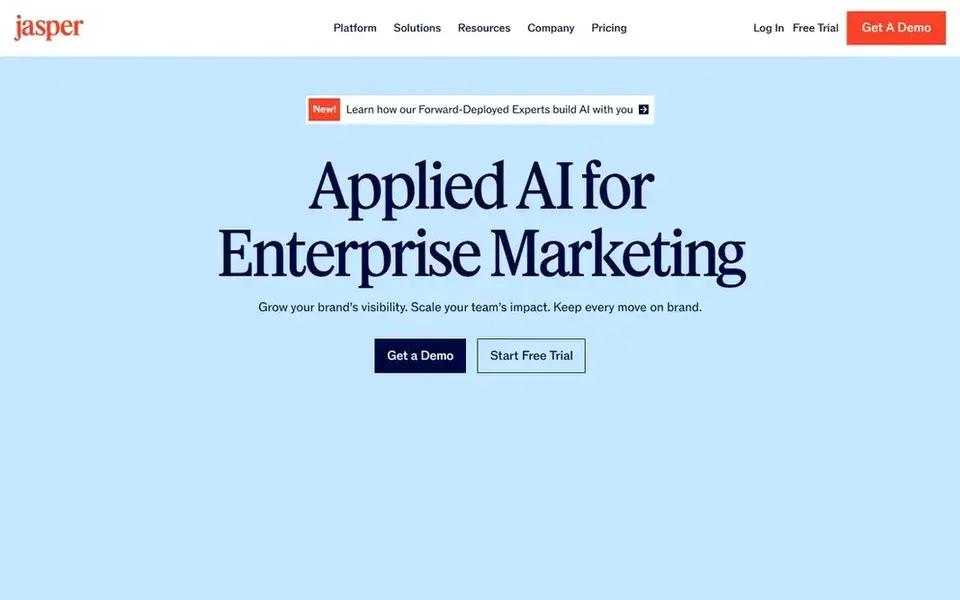
Think of Jasper for marketing workflow automation. Jasper frames itself around putting AI agents to work for marketing, orchestrating workflows that deliver speed, control, and measurable impact.
Points against: Marketing-oriented, not general editing.
It suits marketing teams that want to coordinate content production at scale instead of analyze individual sentences. Jasper starts at: $59 per seat per month. As for free access: Free trial.
- Focus on speed and control
- AI agents for marketing
- Less suited to academic prose
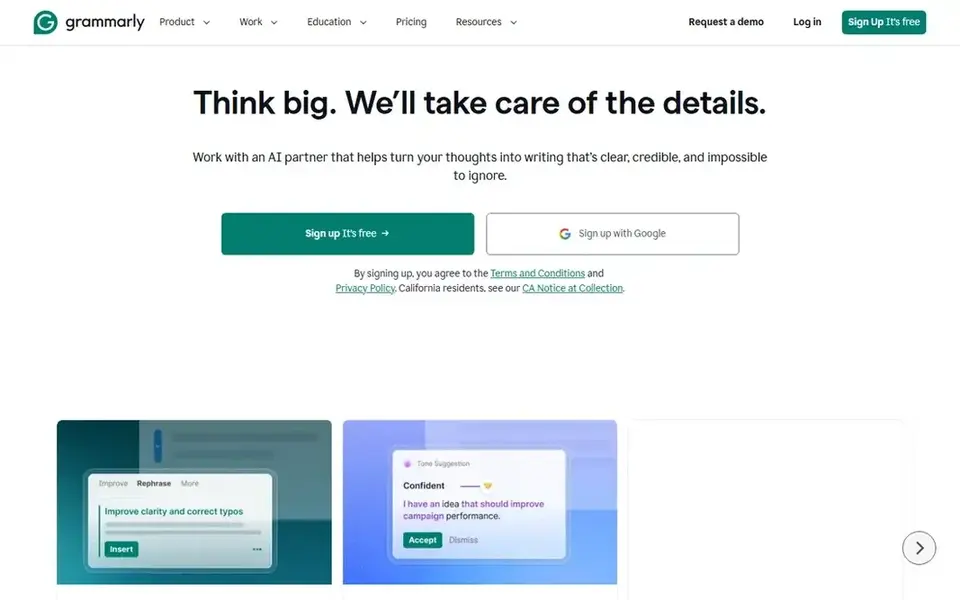
Think of Grammarly for everyday writing guidance across apps. Grammarly positions itself as AI writing assistance that works conveniently across apps and websites.
On top of that, since it aims for wide convenience, Grammarly may not deliver the deep long-form style reporting some authors want. Also, if your priority is in-depth prose diagnostics, another tool may fit better. Price to start with Grammarly: $12 USD. You can start on Grammarly without paying.
- Personalized AI guidance
- Works across plenty of apps and websites
- Depth varies by context
ProWritingAid makes the most sense for deep prose and style improvement. ProWritingAid describes itself as a toolkit to enhance prose and help writers finish a draft.
Beyond that, pick ProWritingAid when improving prose quality and finishing longer drafts is the primary job. The depth can be more than casual writers need, and it does not center on search or AI visibility. What you pay to start with ProWritingAid: $5 per month. A free plan is available with ProWritingAid.
Downsides: Can feel in-depth for casual writers.
- Toolkit geared toward improving prose
- Helps finish drafts
- Less centred on search visibility

For search and AI visibility tracking, Surfer SEO is a natural candidate. Surfer SEO positions itself as an AI visibility system pitched at getting brands cited in AI search, including ChatGPT, Gemini, Perplexity, and Google AI Overviews. It helps teams track AI visibility, close mention gaps, and create content that AI cites and Google ranks.
As for the details, Surfer SEO is not a grammar or prose analytics tool, so it will not replace an editing assistant. It also performs best when you already have search and content strategy context. Pick Surfer SEO when visibility in search and AI answers is the metric you care about, and pair it with an editing tool for language quality. Surfer SEO cost at the entry level: $49 per month. Free access: Free trial.
Honest limits: Needs SEO context to use well.
- Tracks AI visibility
- Helps close mention gaps
- Not a grammar checker
How the list was put together
Pricing pages, product documentation and feature lists were the main sources, and every entry carries at least one honest drawback. Treat prices as a snapshot: vendors change plans often, so check the vendor site for the figure that applies today. The order reflects how well each tool fits the most common buying scenario for writing analytics software, then price clarity, then free plan access. It is a starting point, not a verdict.
What to check before you buy
- Ask Microsoft Editor for a written quote, since no starting price is shown.
- Read the fine print on the free plans from Grammarly and ProWritingAid; seat, project and feature caps differ.
- Use real work to test the free trial from Jasper and Surfer SEO, rather than a demo project.
- Before choosing Microsoft Editor, weigh its main limit: tied to the Microsoft ecosystem.
- Compare total cost, not headline price: for Surfer SEO, add extra seats, add-ons and any usage-based charges.
- Look at the renewal terms for Grammarly: auto-renewal, notice periods and price changes can matter more than the first-year price.
Frequently asked questions
Which options for writing analytics software have a free plan?
Grammarly and ProWritingAid offer a free plan in this list. Free plans usually cap users, projects or features, so check the limits on the vendor page. Several others offer a trial instead.
What is the cheapest option for writing analytics software in this list?
On published monthly entry prices, ProWritingAid is the lowest here at $5 per month. Entry price is only part of the cost, because seats, add-ons and billing terms can change the total. Prices, free plan details and limits for all 5 tools in this writing analytics software roundup sit on the individual cards above.
How are the tools for writing analytics software ordered?
The order follows typical fit for writing analytics software, with Microsoft Editor first and Surfer SEO last, then price clarity and free access. It is editorial judgement, not a score, so another team could rank the tools differently.
Can I try these options before paying?
Often, yes. Grammarly and ProWritingAid have a free plan and Jasper and Surfer SEO offer a free trial. Use your own data and a real task during the test, and check what the free tier or trial limits before you rely on it.
Can these tools help with search visibility?
Surfer SEO is the choice here centred on AI and search visibility, including tracking mentions and creating content built to be cited. The other tools center on language quality instead of search performance.
Sources
See where you really rank - block by block
ProMapRanker scans Google Maps across a grid of your service area. Simple monthly plans from $19, white-label on every plan.
Start freeBrowse all guides
← Best Reporting Software for Real Estate Agents in 20265 Best Agentic Analytics Software for Startups in 2026 →
 best document intelligence software
6 Best Document Intelligence Software for 2026
Need the best document intelligence software? We compare 6 tools on cost, free access and who each suits. Caveats come with every verdict. Prices checked.
Read → best bot platform for data analysis
Best Bot Platform for Data Analysis (2026)
Best bot platform for data analysis: 6 contenders ranked by fit, with entry costs and free tiers. The catches are listed up front. Updated November 2026.
Read → best data integration software for real estate agents
5 Best Data Integration Software for Real Estate Agents for 2026
Searching for the best data integration software for real estate agents? Here are 5 options with prices and free plans. Each pick lists its main limit. No hype.
Read → best real-time data analytics tools comparison
Best Real-Time Data Analytics Tools in 2026
Best real-time data analytics tools compared for 2026: nine platforms for streaming, dashboards, and fast queries, with pricing, limits, and trade-offs.
Read → best dashboard software
Best Dashboard Software in 2026
Looking for the best dashboard software? We compare 8 dashboard tools for small business, their pricing, integrations, and ease of use, so you can pick one.
Read → best safety audit and inspection platform usa
Best Safety Audit and Inspection Platform USA in 2026
Compare the best safety audit and inspection platform usa options in 2026 for mobile checklists, corrective actions and audit-ready reports, in full detail.
Read →More in Data & Analytics · All guides A to Z by date · Latest guides