 ProMapRanker
Best Real-Time Data Analytics Tools in 2026


high-throughput analytical queries on event data · Pricing starts at: Free
Key takeaways
- Streaming, processing, and serving are different jobs, and few tools do all three well.
- ClickHouse, Druid, and Pinot lead for fast serving queries, while Confluent leads for event streaming.
- Snowflake, BigQuery, and Databricks suit governed, near-real-time warehouse work.
- Tinybird and Materialize offer the fastest paths for small teams that want fresh data without running clusters.
Quick comparison
| Pick | Great for | Pricing starts at | Free tier | |
|---|---|---|---|---|
| ClickHouse | high-throughput analytical queries on event data | Free | Yes | Visit |
 Apache Druid | real-time event analytics at scale | Free | Yes | Visit |
 Apache Pinot | user-facing analytics with high concurrency | Free | Yes | Visit |
 Snowflake | governed warehouse analytics across clouds | See website | Free trial | Visit |
 Google BigQuery | serverless analytics on very large datasets | Free | Yes | Visit |
 Databricks | lakehouse analytics plus AI workloads | See website | Free trial | Visit |
 Confluent Cloud | event streaming backbone for real-time pipelines | See website | Yes | Visit |
 Tinybird | API-first real-time analytics for developers | See website | Yes | Visit |
 Materialize | always-fresh SQL views over streaming data | See website | Yes | Visit |
The best real-time data analytics tools
Real-time analytics covers several different jobs, and the right tool depends on which one you mean. Some tools move events, some process streams, and some serve fast queries to dashboards or users. The comparison below separates those roles, so you can see whether you need a streaming backbone, a serving database, or a warehouse with near-real-time feeds. Our pick for most teams starting out is Tinybird for API-first work, with ClickHouse as the stronger open foundation.
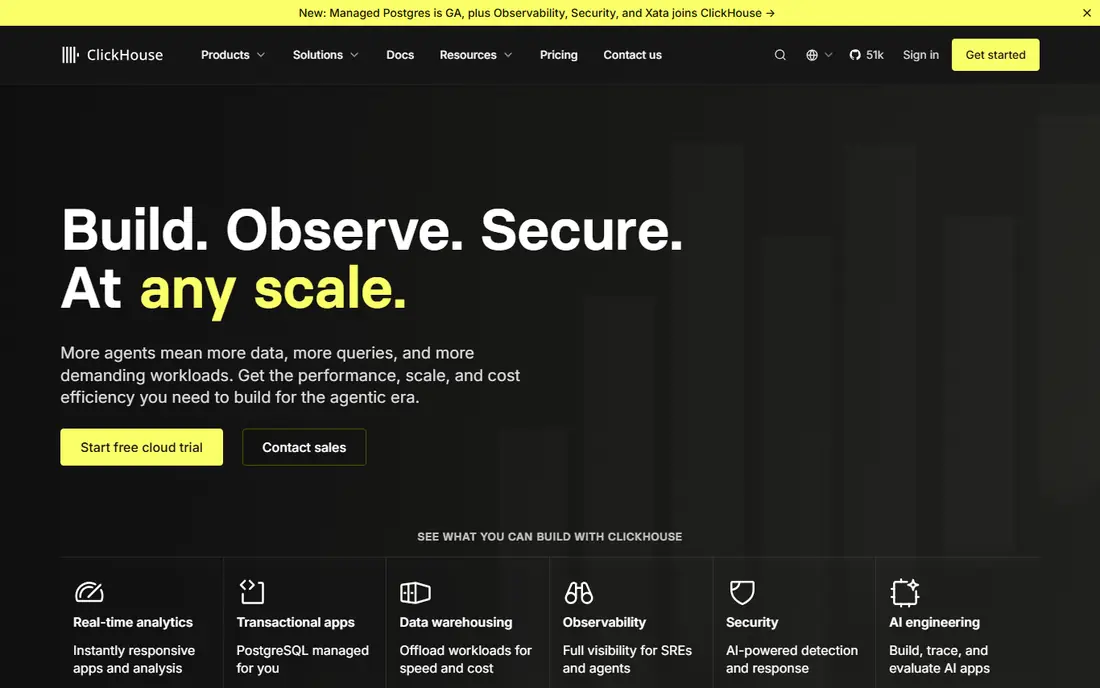
ClickHouse is a strong choice for high-throughput analytical queries on event data. ClickHouse is a columnar database built for fast analytical queries over large event, log, and product datasets. Its open source version is free, and ClickHouse Cloud offers a managed route with a trial, which suits teams that want speed without running clusters themselves.
The trade-off is worth weighing before you commit. Operating a large cluster takes expertise, and managed costs are metered by compute and storage. Teams should test query patterns on real data volumes before choosing a tier. Check the current plan limits on the vendor site, since allowances and add-ons change often, and run a small pilot with real tickets, content, or data before you roll it out more widely.
- Very fast columnar queries
- Open source option
- Managed cloud available
- Needs tuning for very high concurrency
- Managed pricing is metered
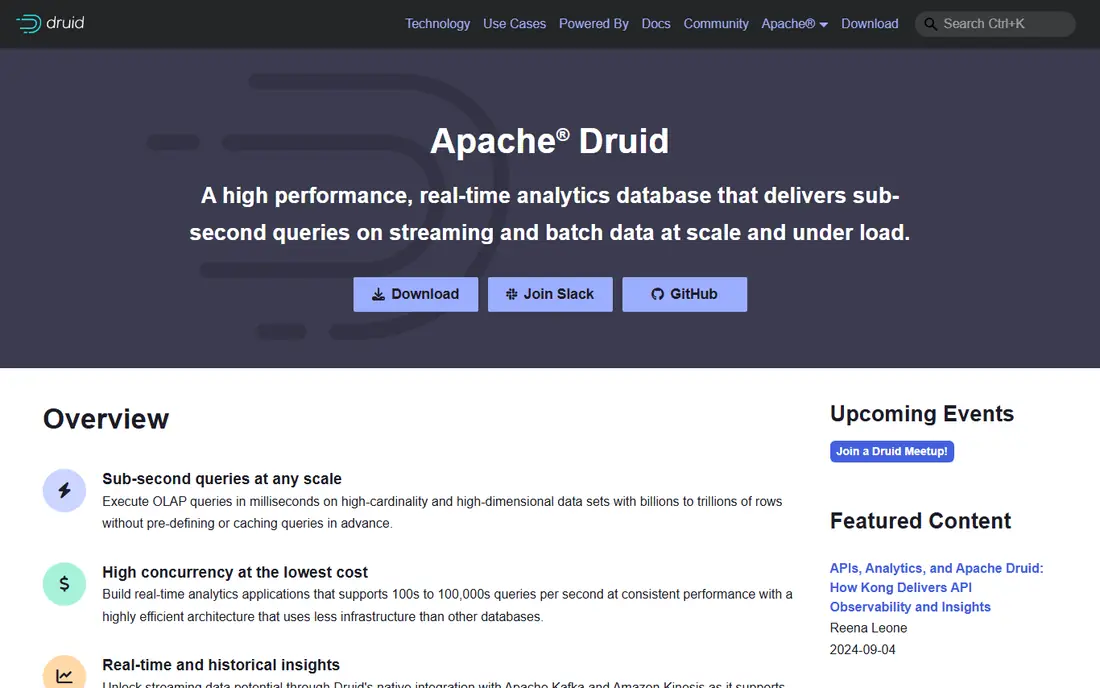
For real-time event analytics at scale, Apache Druid stands out for a practical reason. Apache Druid ingests streaming data and serves low-latency aggregations, which suits dashboards that must reflect events within seconds. Its rollup features can reduce storage by pre-aggregating data at ingestion time.
There is a catch to plan around. Druid is powerful but complex to run, and cluster sizing needs care. Smaller teams may prefer a managed service built on similar ideas, such as Imply or a hosted ClickHouse option. That does not rule it out, but it does mean you should test it against your own workflow and confirm the price for your team size before you buy.
- Native streaming ingestion
- Fast aggregations
- Rollups reduce storage
- Complex to operate
- Needs careful cluster sizing
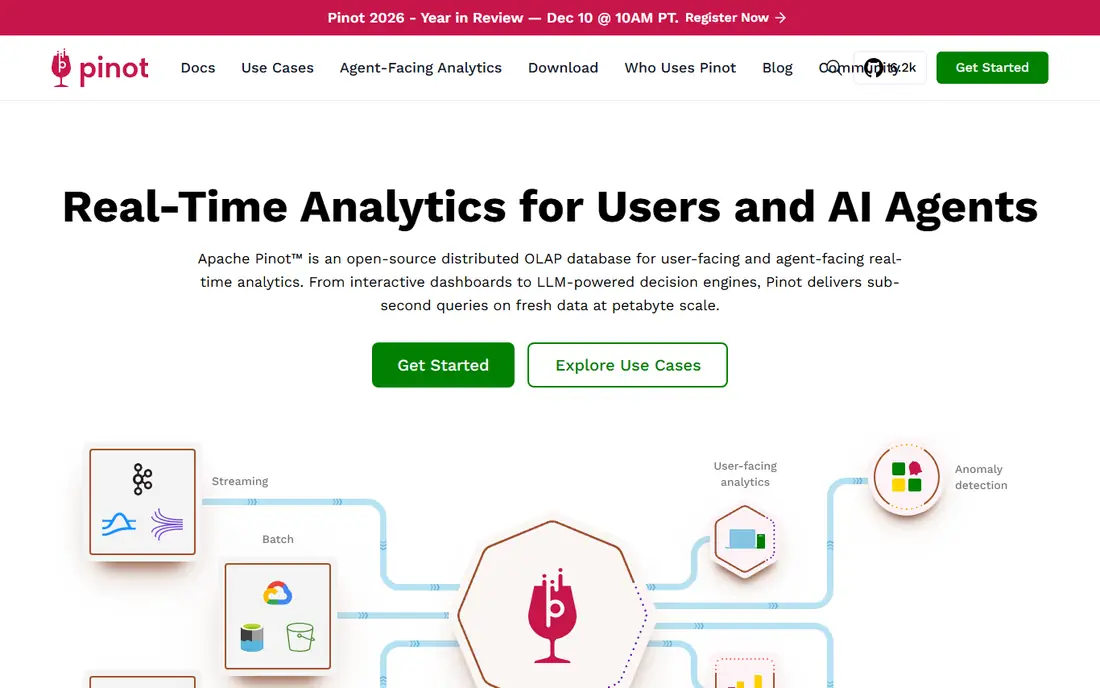
Apache Pinot earns its place here through its fit for user-facing analytics with high concurrency. Apache Pinot was built for user-facing analytics, where many people query the same dataset at once. It suits product analytics and internal tools that need fast, filtered aggregations over fresh event data.
Watch the limits as well as the strengths. Its ecosystem is smaller than ClickHouse or Druid, so finding managed help and examples takes more effort. It is best for teams with data engineering skills. A short trial with your own examples will tell you more than any feature page, so use that time to test the parts you will rely on every week.
- Low-latency queries
- Built for many concurrent users
- Open source
- Smaller ecosystem than Druid or ClickHouse
- Operational effort
If your main need is governed warehouse analytics across clouds, start with Snowflake. Snowflake is a governed warehouse that many teams use as the central store for analytics, with sharing across clouds and strong access controls. For real-time work, it suits near-real-time dashboards fed by streaming pipelines rather than millisecond user-facing queries.
The honest limit matters here. Consumption pricing can grow quickly if queries are not managed, so set budgets and monitor credits. Teams that need sub-second user-facing latency should pair it with a faster serving layer. If that limit touches your core work, compare the next tier or a rival before you sign up, and keep an eye on renewal terms.
- Strong governance
- Cross-cloud sharing
- Large ecosystem
- Not built for millisecond user-facing queries
- Consumption pricing needs control
Google BigQuery suits teams and individuals focused on serverless analytics on very large datasets. BigQuery lets teams run SQL over very large datasets without managing clusters, and its free tier covers the first terabyte of queries each month. That serverless model suits teams that want analytics without infrastructure work.
Price and fit need a final check. Costs depend on data scanned, so poorly written queries can be expensive. Streaming ingestion and real-time dashboards need thoughtful table design and partitioning. Start on the lowest plan or trial that covers your main task, measure what it saves or improves, and only then move up a tier.
- Serverless scale
- SQL-first workflow
- Free monthly query tier
- Costs depend on bytes scanned
- Streaming setup needs care
Among the options here, Databricks is the one to check first for lakehouse analytics plus AI workloads. Databricks combines data engineering, SQL analytics, and machine learning in a lakehouse, with streaming support for fresh data. That breadth suits teams that analyse data and then build models on the same platform.
The trade-off is worth weighing before you commit. Pricing across compute types is complex, and sub-second serving usually needs a separate serving layer. Get a clear estimate for your workload before committing. Check the current plan limits on the vendor site, since allowances and add-ons change often, and run a small pilot with real tickets, content, or data before you roll it out more widely.
- Unified Spark, SQL, and ML
- Strong governance
- Streaming support
- Pricing is complex
- Real-time serving needs extra design
Confluent Cloud is built around event streaming backbone for real-time pipelines, and that focus shows in daily use. Confluent Cloud provides managed Kafka as the durable event log behind many real-time systems, plus stream processing and connectors to common stores. It is the backbone choice when events must flow reliably from apps to analytics.
There is a catch to plan around. Costs can grow with throughput and retention, and streaming design still needs expertise. Teams should model event volume and retention before choosing a plan. That does not rule it out, but it does mean you should test it against your own workflow and confirm the price for your team size before you buy.
- Managed Kafka
- Stream processing
- Large connector library
- Can be costly at scale
- Needs streaming expertise
Buyers who need API-first real-time analytics for developers will find Tinybird a sensible shortlist pick. Tinybird wraps managed ClickHouse in a developer-friendly workflow: write SQL, publish it as an API, and serve dashboards or product features from fresh data. That API-first path suits small teams that want real-time analytics without running a database.
Watch the limits as well as the strengths. The free tier limits requests and storage, so production workloads need a paid plan. Check the vCPU and request allowances for your expected traffic. A short trial with your own examples will tell you more than any feature page, so use that time to test the parts you will rely on every week.
- Managed ClickHouse
- SQL to API publishing
- Fast setup
- Free tier has request limits
- Larger workloads need higher tiers
Materialize takes a clear approach to always-fresh SQL views over streaming data. Materialize keeps SQL views fresh as streaming data arrives, so dashboards and apps read current results without re-running heavy queries. Its Postgres compatibility helps teams reuse existing SQL skills.
The honest limit matters here. Usage-based pricing needs modelling for your data volume, and the ecosystem is newer than Kafka or Flink. Test it with a real streaming source before moving a core dashboard. If that limit touches your core work, compare the next tier or a rival before you sign up, and keep an eye on renewal terms.
- Incrementally updated views
- Standard SQL
- Postgres compatibility
- Usage-based pricing
- Newer ecosystem than Kafka or Flink
How we picked these
We compared official product and pricing pages, plus recent comparisons checked in October 2026, and kept only tools still offered as real-time or streaming products. We grouped tools by role, streaming, processing, or serving, rather than ranking them as if they were interchangeable. We did not claim hands-on testing. Where pricing is metered or quote-based, we say so rather than inventing a monthly total, since real costs depend on volume, retention, and query patterns.
How to compare real-time analytics tools fairly
Define freshness in seconds, not slogans
State how fresh data must be: under a second, under a minute, or under fifteen minutes. That number decides whether you need a streaming database, a micro-batch pipeline, or a warehouse refresh, and it stops vendors from selling you more speed than you need.
Test with your query pattern
Load a sample of your own events and run the exact dashboard queries your users will run, at the concurrency you expect. A tool that is fast for one wide aggregation can be slow for many filtered queries, and vice versa.
Model total cost, not just the entry price
Add ingestion, storage, compute, retention, and egress for your volume. Open source tools are free to download but still cost engineering time, while managed tools charge for the operations work they remove.
Frequently asked questions
What is the difference between real-time and near-real-time analytics?
Real-time usually means data is available within seconds, while near-real-time means within minutes. The distinction matters, since each level needs different ingestion and serving designs.
Which tool is best for user-facing dashboards?
ClickHouse, Apache Druid, and Apache Pinot are built for fast, concurrent dashboard queries. Tinybird is a good managed route to similar results for smaller teams.
Do I need Kafka for real-time analytics?
Not always, but Kafka, often via Confluent Cloud, is the common backbone when many systems must consume the same event stream reliably. Simpler pipelines can use direct streaming into a serving database.
Is Snowflake a real-time analytics tool?
Snowflake supports near-real-time analytics through streaming ingestion, but it is not designed for millisecond user-facing queries. Pair it with a serving layer for that job.
What does real-time analytics cost?
It varies widely with volume. Open source tools have no licence fee but need engineering time, while managed tools charge by compute, storage, and throughput. Model your event volume before you choose.
Sources
See where you really rank - block by block
ProMapRanker scans Google Maps across a grid of your service area. Simple monthly plans from $19, white-label on every plan.
Start freeKeep reading
 zoho inventory alternatives
6 Alternatives to Zoho Inventory, Compared on Price and Fit
Zoho Inventory alternatives: 6 tools compared on price, free plans and fit. Katana leads the list for manufacturers. Fit and flaws are laid out for each entry.
Read → zoho crm alternatives
Best Zoho CRM Alternatives (2026)
Need Zoho CRM alternatives? We compare 7 tools on cost, free access and who each suits. Every pick gets a straight assessment. Built for quick decisions.
Read → zelle alternatives
Best Zelle Alternatives in 2026
Compare the best Zelle alternatives for sending money to friends, paying sellers and moving funds abroad, with honest notes on fees, speed and safety in 2026.
Read →