 ProMapRanker
Best Online Platform to Learn Coding (2026)

Working developers · Pricing starts at: $21/month (Core Tech, billed annually)
Direct answer
This list puts Pluralsight first for working developers. Listed starting prices: Pluralsight from $21/month (Core Tech, billed annually), Udemy from $19.99/course and Codecademy from $14.99/month (Plus, billed annually). For a different need, Udemy covers single-skill deep dives and Codecademy covers absolute beginners. Details, prices and limits for the rest of the 7 tools are below.
This ProMapRanker guide covers 7 options for online platform to learn coding. Each profile lists a starting price, free plan details, strengths and drawbacks, so you can drop poor fits quickly.
Key takeaways
- The list opens with Pluralsight, aimed at working developers.
- DataCamp is the one to check for data science practice.
- Codecademy comes with a trade-off: shallow on advanced topics.
- For the cheapest start, look at DataCamp: $14/month.
- A free plan is offered by 6 of the 7 tools, including Udemy, Codecademy, The Odin Project and edX.
Quick comparison
| Pick | Great for | Pricing starts at | Free tier | |
|---|---|---|---|---|
| Pluralsight | Working developers | $21/month (Core Tech, billed annually) | Free trial | Visit |
 Udemy | Single-skill deep dives | $19.99/course | Yes | Visit |
 Codecademy | Absolute beginners | $14.99/month (Plus, billed annually) | Yes | Visit |
 The Odin Project | Free professional web dev path | Free | Yes | Visit |
 edX | Academic depth | See website | Yes | Visit |
 Udacity | Career-change nanodegrees | $249/month | Yes | Visit |
 DataCamp | Data science practice | $14/month (billed yearly) | Yes | Visit |
The best online platform to learn coding
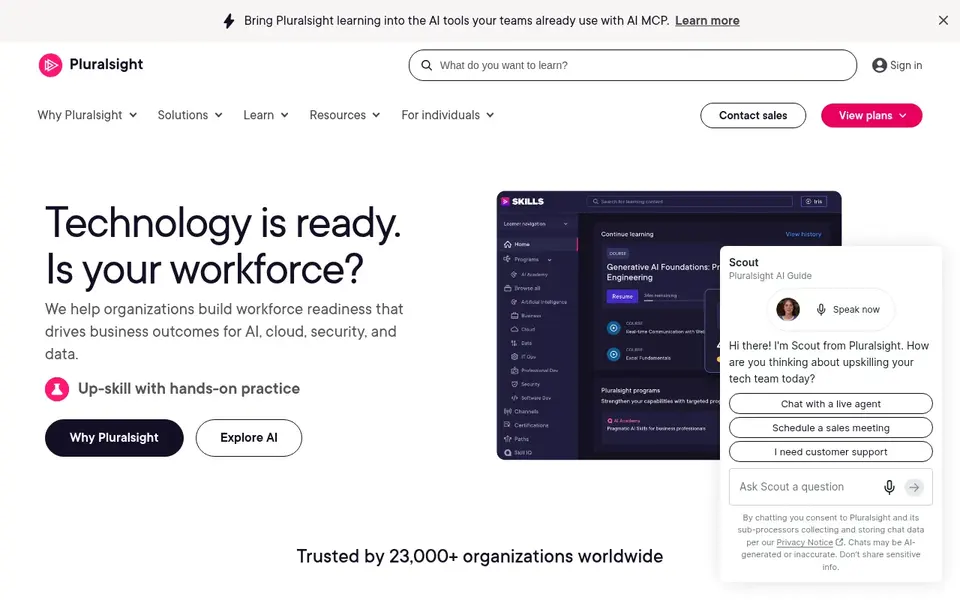
Think of Pluralsight for working developers. Pluralsight is aimed at people who already work in tech. For everyday use, for a working developer preparing for a cloud certification or learning a new stack on company time, it is one of the best investments available.
There is no free level, only a trial, and the teaching assumes baseline knowledge. More specifically, the catalog runs thousands of courses deep on software development, cloud, security and IT operations, with skill assessments that map what you know and learning paths that fill the gaps. This is not a beginner platform. On cost, Pluralsight starts like this: $21/month. Free access: Free trial.
The main drawbacks: Targeted at professionals, not first-timers.
- Certification prep
- Deep professional catalog
- No free level
Udemy is aimed squarely at single-skill deep dives. On sale, which is most of the time, courses run $10 to $20 rather than the listed $19.99 to $199.99. The trick is buying well: check ratings, review counts and last-updated dates, and stick to established instructors.
Where it falls short: Certificates carry little weight.
Worth adding: do not expect the completion certificate to impress employers; the portfolio projects you build matter far more. For everyday use, Udemy shines when you need one specific skill quick, like React hooks or Docker, and want a focused 10-hour course instead of a six-month curriculum. There is also a Personal Plan subscription from around $13 a month. Udemy starts at: $19.99/course. Free access exists with Udemy.
- Enormous catalog
- Frequent sales make courses cheap
- Quality varies wildly by instructor

Codecademy is a good fit for absolute beginners. Codecademy is where plenty of developers wrote their first line of code. That tight loop keeps beginners moving rather than drowning in documentation.
As for the details, premium plans add structure. Plus at $14.99 a month billed yearly opens career paths, real-world projects and completion certificates; Pro at $19.99 a month layers on interview prep and code challenges. Also, the free Basic level handles introductory courses in Python, JavaScript, HTML and CSS, which is enough to find out whether you enjoy programming. Price to start with Codecademy: $14.99/month. You can start on Codecademy without paying.
Trade-offs to know: Pro needed for certificates and interview prep.
- Career paths with portfolio projects
- Gentle ramp-up time
- Shallow on advanced topics
The Odin Project is a good fit for free professional web dev path. You set up a real development environment, read real documentation, and build portfolio projects without training wheels. For everyday use, there are no certificates and no hand-holding, but graduates routinely report the curriculum prepared them better for real jobs than premium alternatives.
For everyday use, the Odin Project is an open-source curriculum that teaches full-stack web development the way professionals actually work: with Git, the command line, and real projects from day one. It is harder than Codecademy by design. Starting cost for The Odin Project: Free. The Odin Project offers a free plan.
The main drawbacks: Expects self-direction.
- Fully free
- Teaches real tooling like Git and Linux
- No certificates
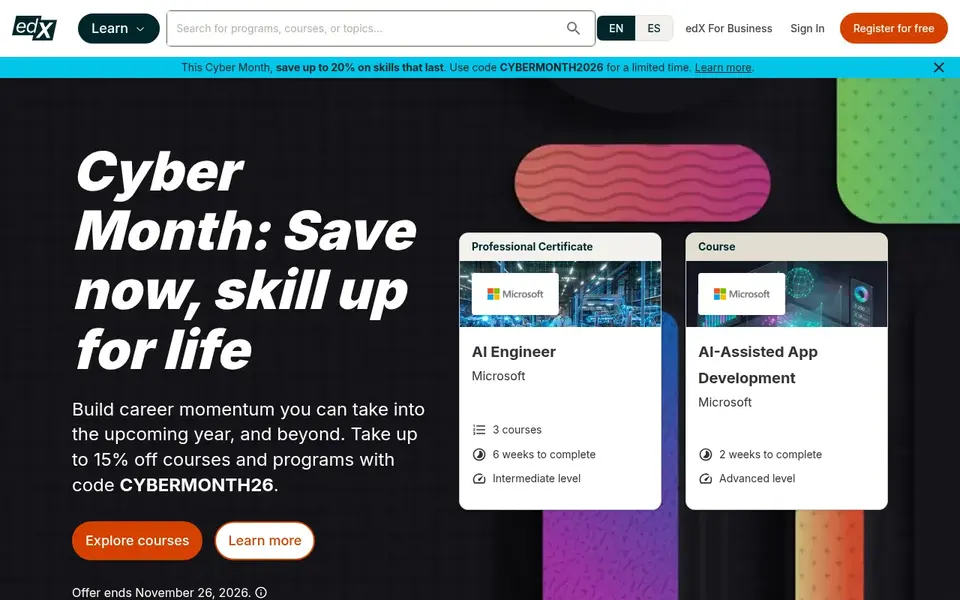
In short, edX is for academic depth. Choose edX when you want to understand computer science, not just learn a framework. In practice, the product also supplies MicroMasters and professional certificate programs for deeper credentials.
As for the details, the format is academic: lectures, problem sets and exams. It demands more math and patience than Codecademy, but graduates come out with real fundamentals. No starting price is listed for edX here; confirm pricing on the vendor site. A free plan is available with edX.
Where it is weaker: Per-course pricing brings up.
- MicroMasters programs
- University courses including Harvard's CS50
- Less hand-holding than interactive products

Udacity serves Career-change nanodegrees. Programs handle front-end development, data science, AI, cloud and more, frequently co-created with industry partners. Beyond that, the price is the catch: $249 a month, or $846 for a four-month bundle.
Beyond that, some free courses exist for sampling. Career services bundle resume reviews and interview prep geared toward actually landing a job. A nanodegree that takes six months costs around $1,500. Udacity starts at: $249/month. Udacity includes a free tier.
Where it is weaker: Monthly cost punishes slow learners.
- Industry-partnered content
- Project-based nanodegrees with human review
- Costly
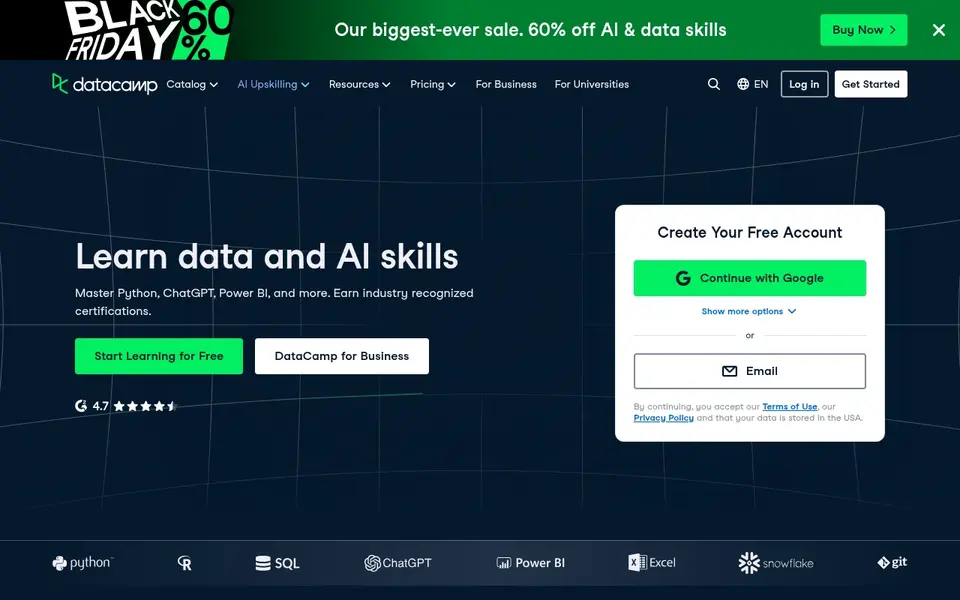
DataCamp is built with data science practice in mind. DataCamp applies the Codecademy formula to data skills: short interactive exercises in the browser, this time for Python, SQL, R and BI tools. The limitation is scope: this is a data system, not a general coding school.
The main drawbacks: Monthly billing is much pricier.
If your goal is data analysis or data science, DataCamp is the value pick. The career tracks for data analyst and data scientist bundle courses with projects into a coherent path. From a buyer's view, at $14 a month billed yearly, it is the cheapest serious choice for data skills. Month-to-month costs $35, so the annual plan is the sensible buy. Price to start with DataCamp: $14/month. Free access exists with DataCamp.
- Interactive Python
- Very affordable on annual billing
- Narrow focus on data skills
How we chose
We compared the tools on published pricing, free plan or trial availability, feature coverage for online platform to learn coding, and the limits each vendor documents. Seat minimums, billing terms and add-ons can move the real cost, so the starting prices here are a guide and not a quote. Order on the page follows fit for the typical buyer first, then price transparency and free access. Your own requirements should decide the final pick.
Pre-purchase checklist
- Confirm the entry price on the vendor page. For edX that means a quote rather than a fixed price.
- Check what the free option really includes: Udemy, Codecademy, The Odin Project and others offer a free plan, and usage caps differ.
- Run a trial of Pluralsight with real work before paying for a year; your own workflow is the best test.
- Read the limits listed for Pluralsight first: no free level.
- Compare total cost, not headline price: for Pluralsight, add extra seats, add-ons and any usage-based charges.
- Read the plan comparison for Udacity carefully; key features often start on a higher tier.
Frequently asked questions
Which language should I learn first?
Python fits data, automation and general programming; JavaScript is required for web development. More specifically, pick one based on your goal and go deep instead of sampling multiple.
Do these tools publish their prices?
Not all of them. edX publishes no starting price, so expect a quote request for it. The rest, Pluralsight included, show a starting price, though seats and billing terms still change the final cost.
Which options for online platform to learn coding have a free plan?
On this list, 6 of 7 tools include a free plan, among them Udemy, Codecademy, The Odin Project and edX. Caps on seats, usage or features are common, so test the free plan against your real workload. One other tool offers a trial instead.
How are the tools for online platform to learn coding ordered?
The order follows typical fit for online platform to learn coding, with Pluralsight first and DataCamp last, then price clarity and free access. It is editorial judgement, not a score, so another team could rank the tools differently.
What is the cheapest option for online platform to learn coding in this list?
On published monthly entry prices, DataCamp is the lowest here at $14/month. Entry price is only part of the cost, because seats, add-ons and billing terms can change the total.
Sources
See where you really rank - block by block
ProMapRanker scans Google Maps across a grid of your service area. Simple monthly plans from $19, white-label on every plan.
Start freeBrowse all guides
← 2026 Guide to the Best Active Metadata Management SoftwareBest Overall Cloud Platform: 2026 Prices and Picks →
 aws cloudformation alternatives
AWS CloudFormation Alternatives: 6 Tools Compared in 2026
AWS CloudFormation alternatives: 6 contenders ranked by fit, with entry costs and free tiers. Every pick includes one clear drawback. Straight answers.
Read → best web data extraction tools
2026 Guide to the Best Web Data Extraction Tools
Comparing the best web data extraction tools? 7 contenders, each with entry cost, free tier and best-fit buyer. The catches are listed up front. Clear verdicts.
Read → best reverse etl tools
2026 Guide to the Best Reverse ETL Tools
Best reverse ETL tools: 6 contenders ranked by fit, with entry costs and free tiers. We put RudderStack first for open core data pipelines. Quick to scan.
Read → codex alternatives
Best Codex Alternatives in 2026
Looking for codex alternatives? We compare 9 AI coding agents and assistants on price, workflow, model choice, and fit for developers and teams in 2026.
Read → best api management platforms for enterprise
7 Best API Management Platforms for Enterprise Options for 2026
Best API management platforms for enterprise: 7 contenders ranked by fit, with entry costs and free tiers. Verdicts stay brief and factual. Facts only.
Read → dbeaver alternatives
Best DBeaver Alternatives in 2026
Compare the best dbeaver alternatives for SQL work, from fast native clients to full database IDEs, with pricing, free plans, and honest limits in 2026.
Read →More in Developer Tools · All guides A to Z by date · Latest guides