 ProMapRanker
Best DBeaver Alternatives in 2026

Key takeaways
- DataGrip is the strongest pick for heavy SQL writing, while TablePlus wins on speed and one-time pricing.
- Beekeeper Studio and pgAdmin give you capable free options, though pgAdmin is focused on PostgreSQL only.
- HeidiSQL is hard to beat on Windows for MySQL and MariaDB work at no cost.
- Check your database list first: broad tools cover many engines, while specialist tools go deeper on one.
Quick comparison
| Pick | Great for | Pricing starts at | Free tier | |
|---|---|---|---|---|
 DataGrip | Serious SQL editing | $99 per year | Free trial | Visit |
 TablePlus | Fast native database work | $99 once | Yes | Visit |
 Beekeeper Studio | Clean free client | Free | Yes | Visit |
 DbVisualizer | Visual database work | See website | Free trial | Visit |
 Navicat Premium | Multi-database management | See website | Free trial | Visit |
 HeidiSQL | Free Windows client | Free | Yes | Visit |
 pgAdmin | PostgreSQL management | Free | Yes | Visit |
 DbGate | Lightweight free client | Free | Yes | Visit |
 MySQL Workbench | MySQL design and admin | Free | Yes | Visit |
The best dbeaver alternatives
We compared these tools on database coverage, editing quality, speed, and price. DBeaver itself is not listed here, because this guide covers what to use instead of it.
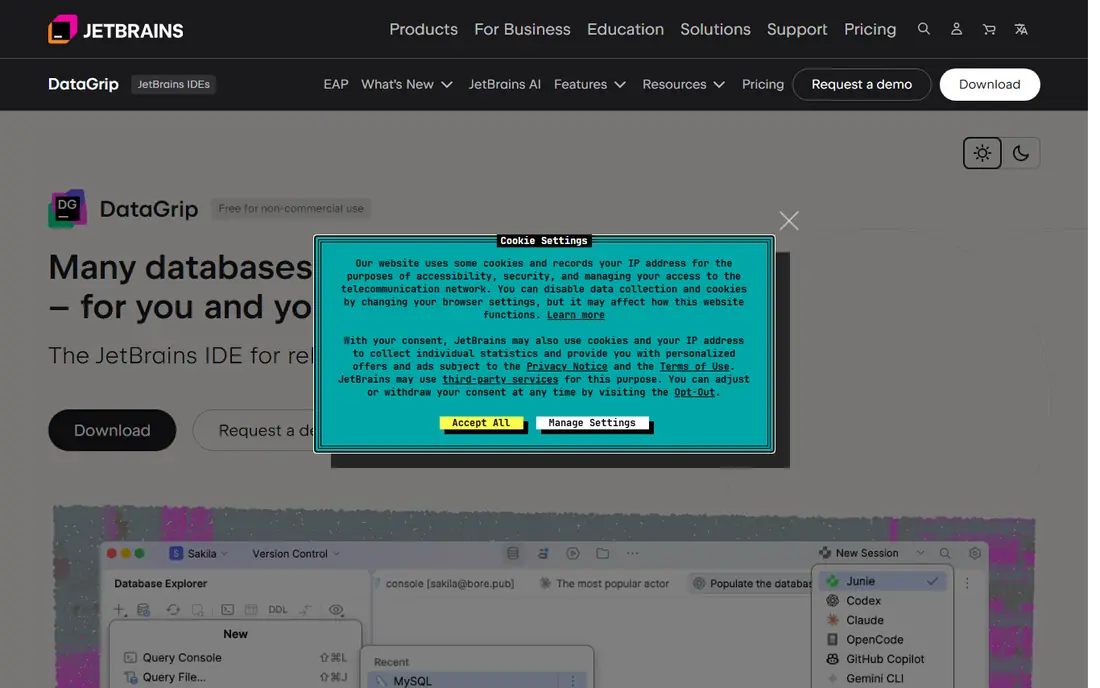
DataGrip is our pick for developers who write SQL all day. Its completion understands your schema, its refactoring tools rename objects safely, and its plan view helps you see why a slow query is slow. If SQL quality matters more than startup speed, this is the tool most teams settle on.
The cost is the main question. Commercial use runs $99 per year, and the app feels heavier than a native client when you only need a quick lookup. For daily, serious database work, the editing help usually pays for that cost back in saved debugging time.
- Smart code completion and refactoring
- Query plan tools
- Wide database support
- Yearly cost for commercial use
- Slower to open than native clients

TablePlus is the tool to try when DBeaver feels slow or crowded. It opens quickly, browses tables with little friction, and keeps the interface focused on the data in front of you. The one-time $99 license also appeals to people who dislike yearly subscriptions.
It is not a full database IDE. You will miss some of DataGrip's deeper refactoring and admin tools, and very wide database coverage is not its main selling point. For everyday queries, edits, and checks across common databases, its speed is a real, daily benefit.
- Very fast native app
- Clean interface
- One-time license
- Fewer admin features than full IDEs
- License is per operating system in some cases
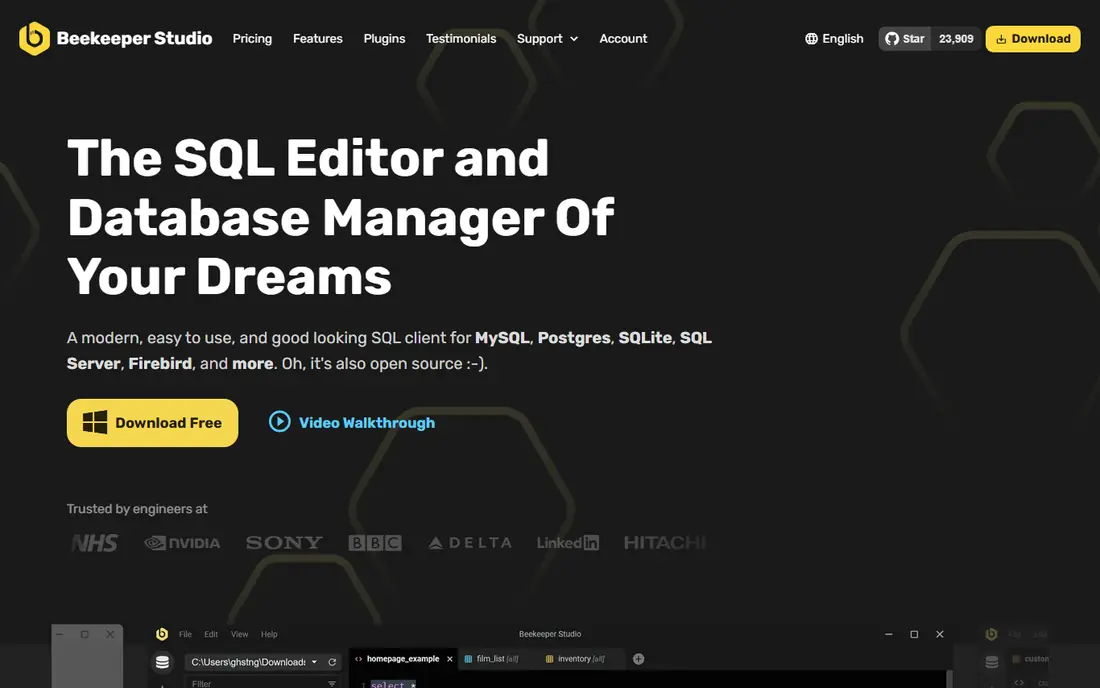
Beekeeper Studio gives you a polished, modern client without a price tag for the community edition. Tabs, saved queries, and a calm layout make it easy to keep several databases open at once. It covers PostgreSQL, MySQL, SQLite, SQL Server, and other common engines well enough for most development work.
The limit is depth. Visual explain plans and some advanced tools require the paid Ultimate edition, and exotic databases may not be supported. If you want a free, pleasant daily client for common SQL databases, Beekeeper Studio is a strong first install.
- Free open source community edition
- Modern tabbed interface
- Works on Windows, Mac, and Linux
- Advanced features sit in the paid Ultimate edition
- Fewer databases than DBeaver
DbVisualizer suits teams that value visual tools alongside SQL. Its query builder helps newer team members build joins without writing every clause by hand, and its diagram views make schema relationships easier to explain. Export and reporting options are also useful for analysts who share results often.
The interface packs in a lot, so first-time users may need a session to find their way around. Pricing also needs a check on the vendor site for your team size. For visual, cross-database work, it remains a capable and long-running option.
- Visual query builder and ER views
- Broad database support
- Strong export options
- Paid pricing is not always clear at a glance
- Interface can feel busy
Navicat Premium is aimed at professionals who manage several database types and need modeling, sync, and backup tools in one place. Its visual modeler and data transfer features save time when moving data between systems or documenting a schema for a team. Cloud database support is also a practical plus.
Solo developers may balk at the price, which is best checked on the vendor site for the current edition. It is also worth confirming that your specific database gets full feature support, since depth varies. For multi-database professionals, it is a polished, complete package.
- Covers many databases in one app
- Visual modeling and data sync
- Cloud connections
- Premium pricing is high for solo users
- Some features vary by database
HeidiSQL has been a favorite Windows tool for years because it does the common jobs quickly and costs nothing. Browsing, editing, importing, and exporting MySQL and MariaDB data feels direct, with no heavy setup. It is a good default for Windows developers who mainly work with those engines.
Windows-only support is the clear limit, and teams on Mac or Linux need another tool. PostgreSQL and SQL Server users will also find less depth here than in a specialist client. Within its focus, HeidiSQL is simple, fast, and dependable.
- Free and lightweight
- Strong for MySQL and MariaDB
- Fast for daily tasks
- Windows only
- PostgreSQL and SQL Server support is more limited
pgAdmin is the official management tool for PostgreSQL, and that shows in its depth. Server settings, roles, backups, monitoring, and schema tools are all covered, which makes it the right pick for PostgreSQL administrators as well as developers. It costs nothing and runs on all major platforms.
Its scope is narrow by design: PostgreSQL only. If you also work with MySQL or SQL Server, you will need a second tool. The web-based interface can also feel less snappy than TablePlus. For PostgreSQL-first work, pgAdmin is the free standard to beat.
- Free and official for PostgreSQL
- Full server management
- ER and schema tools
- PostgreSQL only
- Web-based interface can feel slower than native apps
DbGate is a light, free option for developers who want one client for SQL databases and MongoDB without paying. It runs as a desktop app or in a browser, which helps when you move between machines. Querying, browsing, and exporting cover the daily jobs well.
It does not match DataGrip or Navicat on advanced features, and its community is smaller, so help may take longer to find. For a free, flexible client that handles both SQL and MongoDB, DbGate is a sensible choice to keep in your toolkit.
- Free and open source
- Supports SQL databases plus MongoDB
- Runs in browser or desktop
- Smaller team and community
- Fewer advanced admin features
MySQL Workbench is the official free tool for MySQL, and it goes beyond simple querying. Visual modeling lets you design tables and relationships, forward-engineer schemas, and document a database for a team. Server administration, backups, and user management are also built in.
It only supports MySQL, so it cannot replace a multi-database client. Some parts of the interface also feel older than modern clients. For MySQL-focused developers and database administrators, it remains a free, official, and complete option.
- Free official MySQL tool
- Visual data modeling
- Server administration
- MySQL only
- Interface feels dated in places
How we picked these
We compared official pricing pages, database coverage, editing features, and platform support, and we kept only tools that are live in October 2026 and truly work as database clients. We included a mix of free, one-time, and subscription tools, plus both broad clients and focused specialists, so readers can match a tool to their main database.
What to check before you switch
List every database you touch in a normal week, including cloud versions and any NoSQL store. A tool that covers 90 percent of your work still leaves you juggling a second app for the rest, so coverage should come first. Next, test your most common tasks: writing a join, editing rows, exporting a result, and viewing a query plan.
Also check team features if you share work. Saved queries, connection sharing, and access controls matter more in a team than they do alone. Finally, weigh cost over two years, not one month, since a one-time license and a yearly subscription look very different over time. Also test the tool on your largest database, not just a small sample. Large schemas can slow completion and browsing in ways a demo database hides, and import or export speed matters when you move data often. Check keyboard shortcuts and saved connection handling too, since small daily frictions add up across a team. A two-week trial on real work, with notes on speed and missing features, gives a clearer verdict than a feature table alone.
Frequently asked questions
What is the best alternative to DBeaver?
DataGrip is the best alternative for heavy SQL work, TablePlus is best for speed and one-time pricing, and Beekeeper Studio is best if you want a free, modern client. Your main database and budget will narrow that choice quickly.
Are there free alternatives to DBeaver?
Yes. Beekeeper Studio, HeidiSQL, pgAdmin, DbGate, and MySQL Workbench all offer free editions. DataGrip, TablePlus, DbVisualizer, and Navicat Premium offer trials or limited free use, with paid plans for full features.
Which alternative to DBeaver is best for PostgreSQL?
pgAdmin is the deepest free PostgreSQL tool, while DataGrip, TablePlus, and Beekeeper Studio all handle PostgreSQL well alongside other databases. Pick pgAdmin for administration and DataGrip for heavy SQL editing.
What is the top alternative to DBeaver for Mac users?
TablePlus is a strong Mac-first pick because it is native and fast, and Beekeeper Studio and DataGrip also run well on Mac. HeidiSQL is Windows only, so Mac users should skip it.
Can I use these tools with cloud databases?
Yes, most of these tools connect to cloud-hosted databases such as Amazon RDS, Azure SQL, and Google Cloud SQL over standard connections, often with SSL and SSH tunnel support. Check your provider's connection guide and the tool's docs for your exact database.
Sources
See where you really rank - block by block
ProMapRanker scans Google Maps across a grid of your service area. Simple monthly plans from $19, white-label on every plan.
Start freeKeep reading
 zscaler alternatives
Best Zscaler Alternatives in 2026
Looking for zscaler alternatives? We compare 9 SASE and zero trust platforms on architecture, data protection, pricing, and fit for your network and team.
Read → zapier alternatives free
Best Zapier Alternatives Free in 2026
Nine automation tools for zapier alternatives free in 2026, all with genuinely free tiers, plus free plan limits, starting prices and upgrade paths explained.
Read → which platform is best for online reputation
Which Platform Is Best for Online Reputation in 2026
Wondering which platform is best for online reputation? We compare 8 review, listing, and response tools for small and multi-location businesses and agencies.
Read →