 ProMapRanker
Best Local SEO Tools for Occupational Therapists in 2026

Local rank tracking for a small practice · Pricing starts at: See website
Direct answer
SE Ranking is my first pick for occupational therapists because its local rank tracking and competitor checks fit a small practice that serves several towns or suburbs. It has no free plan stated, so check its pricing page before you commit. If you mainly need your name, address and phone number consistent across clinic directories, look at Uberall; if review requests are the weak spot, Grade.us is the one to compare next.
I put this list together from vendor documentation and public sources, not from hands-on tests. I looked at what each tool says it does, how it fits a small therapy practice, and where the limits show up. Where a tool is built for bigger brands, I say so.
Key takeaways
- Occupational therapists usually compete in a small radius around a clinic, a school contract or a home-visit area, so grid-based local rank tracking matters more than national keyword volume.
- Your Google Business Profile categories, service list and photos do a lot of the work, so pick a tool that audits and updates that profile rather than one that only tracks websites.
- Insurance, pediatric, hand therapy and sensory integration are separate search intents, and each one needs its own service page and its own rank check.
- Review requests should go to real patients or caregivers after a session, sent one at a time, never in bulk to a purchased list.
- Citation work for this niche means clinic directories, therapy associations, health-system provider pages and local chambers, not hundreds of generic link sites.
Quick comparison
| Pick | Great for | Pricing starts at | Free tier | |
|---|---|---|---|---|
| SE Ranking | Local rank tracking for a small practice | See website | Not stated | Visit |
 Uberall | Consistent clinic listings across directories | See website | Not stated | Visit |
 Grade.us | Review requests after therapy sessions | See website | Not stated | Visit |
 Places Scout | Grid rank maps for a service area | See website | Not stated | Visit |
 BrightLocal | Citation building and local audits | See website | Not stated | Visit |
 WhatConverts | Tracking calls from profile and site visitors | See website | Not stated | Visit |
 Whitespark | Finding local citation and link opportunities | See website | Not stated | Visit |
The best local SEO tools for occupational therapists compared
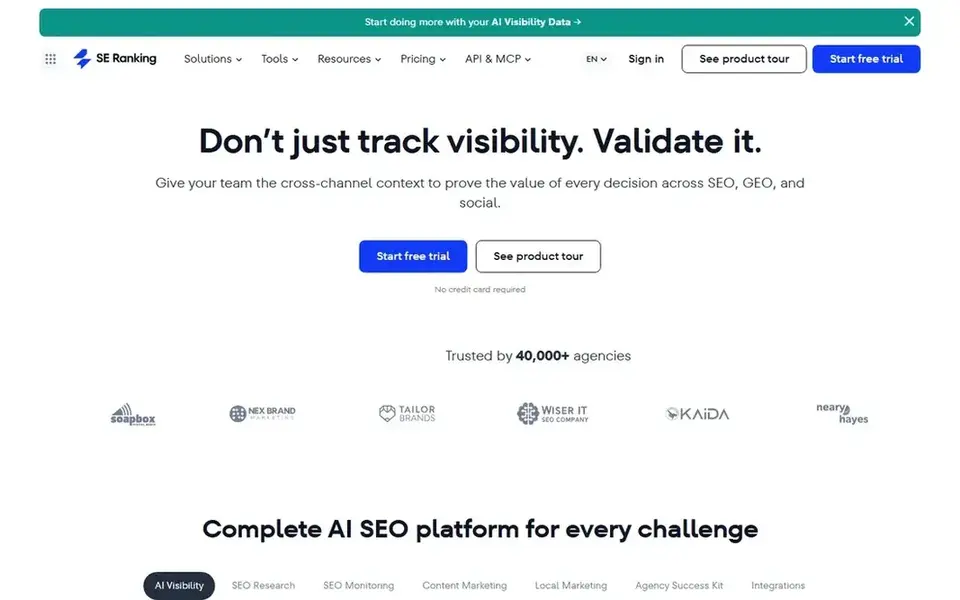
SE Ranking is an SEO platform with a local rank tracking module. For an occupational therapist, the useful part is checking where the clinic profile and service pages show up for searches like "pediatric occupational therapy [suburb]" or "hand therapy near me" across a map grid rather than one point. It suits a practice with one or two locations that wants to see which suburbs it reaches.
The workflow is straightforward. You add the clinic's main service terms, set the grid around the clinic address or the area you visit, and review the map after each change to the Google Business Profile. Competitor tracking lets you see which nearby clinics or therapy groups rank for the same terms, which is useful when a new pediatric clinic opens nearby.
The limit is scale. A solo therapist will use a fraction of the platform, and the local rank features sit alongside national keyword tools that may not matter. Skip it if you only want review requests and nothing else.
- Local rank grid and competitor tracking in one place
- site audit and keyword tools included
- reports you can share with a practice owner
- Feature set is larger than a solo clinic needs
- local grid data is an add-on area to check
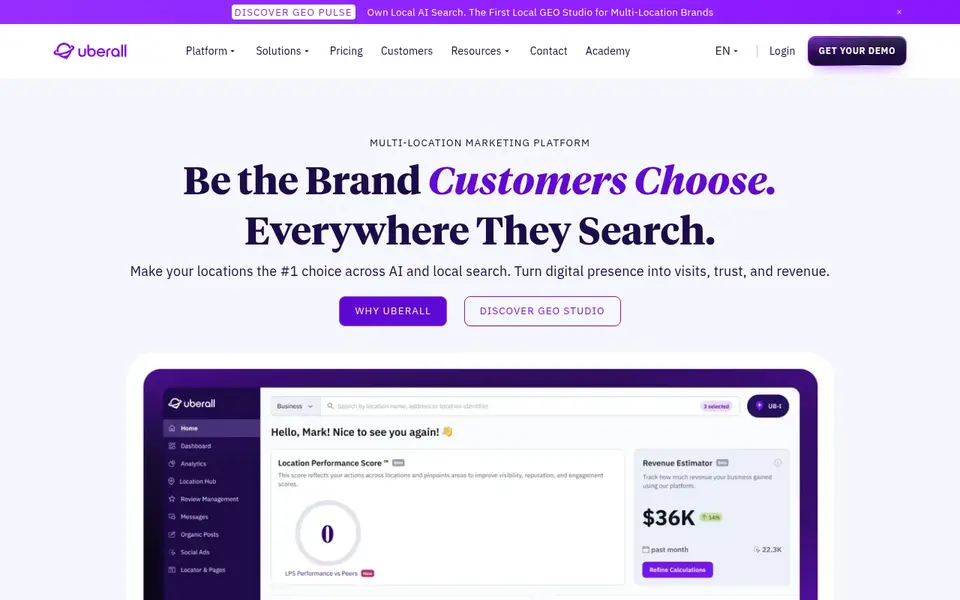
Uberall is a listing management platform. It keeps the clinic's name, address, phone number, hours and website the same across Google, Apple Maps, Bing and a long list of directories. For occupational therapy, that matters because families often find a clinic through a health directory, a local business listing or a maps search, and a wrong suite number or old phone number sends them elsewhere.
It fits a practice with several clinics or a therapy group with locations in different towns. A single therapist working from one address can usually keep that address correct by hand, so the value is lower.
The main limit is fit. Uberall is designed for brands with many locations and a marketing team, and the setup assumes you have a list of locations to manage. A solo practitioner should look at a simpler listing check first.
- Manages name, address and phone across many directories
- listing sync from one dashboard
- fits multi-location practices
- Priced and built for larger brands
- overkill for a single therapist
Grade.us is a review management tool built around asking customers for feedback and reviews. For an occupational therapist, the practical use is sending a request to a patient or caregiver after a course of sessions, or after a positive comment at discharge, and pointing them to the Google Business Profile. It also tracks which requests turned into reviews so you can see what works.
The workflow needs a routine. Someone at the front desk or the therapist sends the request after a session, using a template that follows Google's rules: no incentives, no filtering out unhappy patients, no asking only for positive reviews. Responses to reviews can be drafted in the same dashboard.
The limit is that review volume depends on real patients choosing to write. A small caseload means slow growth, and the tool cannot change that. Skip it if you already have a simple request habit that works.
- Sends review requests by email or text
- tracks which requests led to a review
- supports multiple review sites
- Requests still need a person to send them
- review content depends on patients choosing to respond
Places Scout is a desktop rank tracking tool focused on local search. It shows where a clinic ranks across a grid of points around an address, which fits an occupational therapist who serves a wide area through home visits or school contracts rather than one walk-in office. You can see whether the profile shows up in the towns you actually serve.
The workflow is to set the clinic or service area, add the terms families search, and run the grid after profile changes. Competitor scans show which nearby clinics or therapy groups appear in the same grid, which helps when you decide which suburb to write a page for.
The limits are practical. It is desktop software, so it does not run in a browser tab, and the report set is deeper than most solo practices need. Skip it if you want a simple monthly check.
- Map grid rank tracking for local terms
- competitor and profile auditing
- desktop software with detailed reports
- Desktop install and a learning curve
- more data than a solo clinic needs
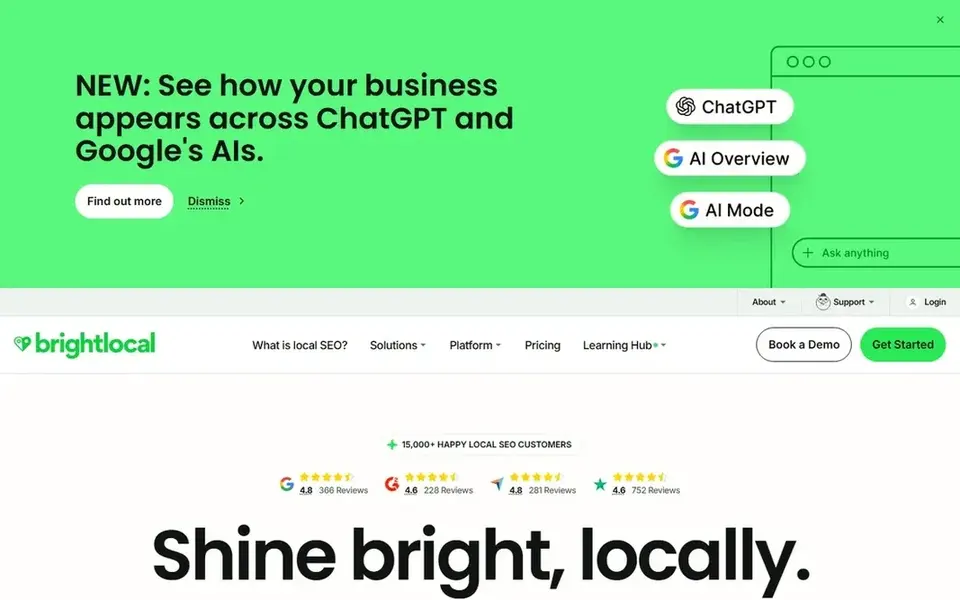
BrightLocal is a local SEO platform with a strong citation and listing component. For occupational therapy, the useful directories are clinic and health listings, therapy association directories, health-system provider pages and local chambers, and BrightLocal helps you find where the clinic is already listed and where it is missing or inconsistent.
The workflow is to run a citation audit, approve the directories that make sense for a therapy practice, and let the tool submit or queue the updates. You still check each listing because health directories often have their own verification steps.
The limit is that citation building is a slow task and the tool does not do the thinking for you. Skip it if your listings are already clean and you only need rank tracking.
- Citation finding and submission workflow
- local audit reports
- review and rank tools in the same account
- Citation submissions need your review
- directory coverage varies by country
WhatConverts is a call and lead tracking tool. For an occupational therapist, the value is knowing which calls came from the Google Business Profile, the website or a directory, and which service page the caller was reading. That helps you decide whether to put more effort into the profile, a pediatric page or a hand therapy page.
The workflow is to add a tracking number to the profile and site, tag calls by source, and review the lead report each month. Front desk staff need to know which number is which so intake calls are not missed.
The limit is that call tracking adds a number and a process. A practice that gets most inquiries by referral form may not need it. Skip it if you already ask every caller how they found you.
- Call tracking with source attribution
- form and chat tracking
- lead reports by channel
- Adds a tracking number to manage
- needs a clear intake process
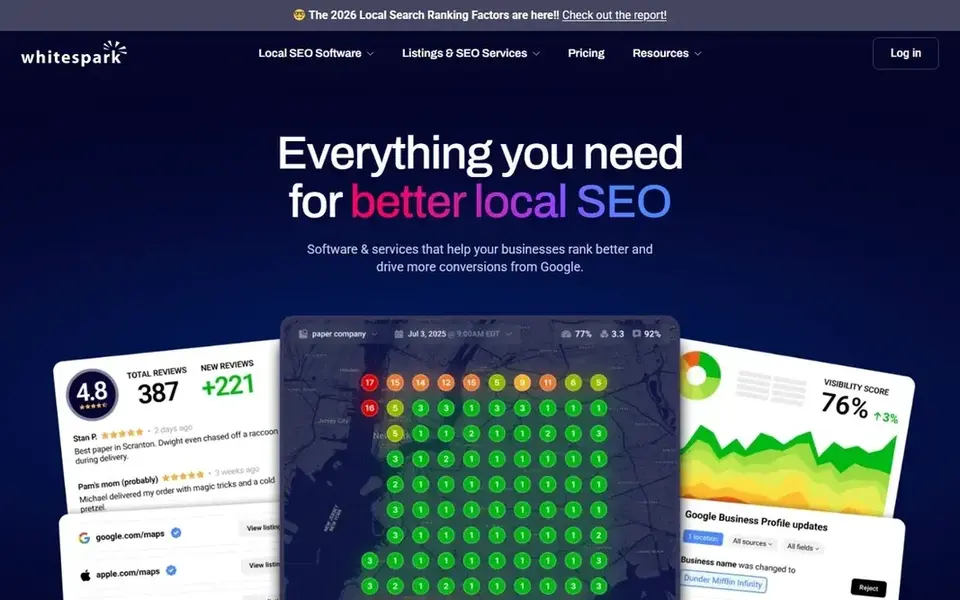
Whitespark is a local search tool set with a citation finder and local link prospecting. For an occupational therapy practice, it helps you find the directories and local pages that list clinics in your area, plus local organizations, schools and community pages that might link to a therapy service. That fits a practice that wants to be found in the towns it serves.
The workflow is to run the citation finder for the clinic name and address, work through the list, then use the link prospecting to find local pages worth a polite email. You do the outreach yourself.
The limit is time. The tool gives you a list, not the relationships. Skip it if you have no one to send outreach emails.
- Citation finder built for local businesses
- local link prospecting
- citation tracking over time
- Outreach is manual
- results depend on how much time you put in
How I chose
I compared these tools from vendor documentation and public sources. I did not run hands-on tests, and I did not use client results to rank them. I read what each vendor says the product does, checked whether the features match how an occupational therapy practice actually gets found, and noted where a tool is built for a bigger business than a single clinic.
The fit test was simple. Does the tool help a therapist show up in the towns they serve, keep the clinic profile accurate, or turn real patients into reviews without breaking Google's rules? Tools built for multi-location brands stayed lower on the list even when they are strong products, because a solo practice will not use most of what they offer.
I also looked at limits. A tool that needs a marketing team, a desktop install or a long setup is a poor first purchase for a small practice. Where a tool has no free plan stated, I say so rather than guess.
What to check before you buy
- Confirm the tool can track a map grid around your clinic address and around the towns you visit, not just one central point.
- Check whether it audits and updates your Google Business Profile, including categories, services and photos, since that profile drives most local therapy searches.
- Ask how it handles service pages for separate intents such as pediatric, hand therapy, sensory integration and insurance, because one page will not rank for all of them.
- Make sure review requests follow Google's rules: no incentives, no filtering, no bulk sends to a purchased list.
- Check the citation list against therapy and health directories in your country, not just generic business directories.
- Confirm the price page and contract terms yourself, and check whether call tracking adds a number your front desk has to manage.
Frequently asked questions
Do occupational therapists need local SEO tools at all?
A small practice can do a lot by hand: keep the Google Business Profile complete, add service pages, and ask patients for reviews. Tools help when you serve several towns, have more than one location, or want to see which suburbs you actually reach. Start with a rank check and a citation audit before paying for a full platform.
Which tool is best for a solo occupational therapist?
SE Ranking is the most balanced first pick because rank tracking, audits and competitor checks sit in one account. If reviews are the weak spot, Grade.us is the next thing to compare. A solo therapist should avoid platforms built for multi-location brands until there is a second clinic.
How should I ask patients for Google reviews?
Ask after a session or at discharge, in person or by a single email or text, and send the same request to every patient. Do not offer discounts or gifts, do not ask only happy patients, and do not filter out negative feedback. Respond to every review, including the critical ones, in a calm and factual way.
Can I use my home address for the Google Business Profile?
Google's guidelines require a real location where you meet patients, or a service-area setup if you visit them. A home address should be hidden if you do not serve patients there. Check the current guidelines before you set up the profile, and keep the address consistent across directories.
What should I track each month?
Track map rankings for the service terms that matter, new reviews and your responses, citation consistency, and calls or form leads by source. Review the Google Business Profile insights for searches and direction requests. A short monthly check beats a large dashboard you never open.
Sources
See where you really rank - block by block
ProMapRanker scans Google Maps across a grid of your service area. Simple monthly plans from $19, white-label on every plan.
Start freeBrowse all guides
← Best Local SEO Tools for Notaries in 2026Best Local SEO Tools for RV Dealers in 2026 →
 best local seo tools for irrigation companies
Best Local SEO Tools for Irrigation Companies in 2026
A practical guide to the best local SEO tools for irrigation companies in 2026, covering listings, reviews, rank tracking and call tracking.
Read → best local seo tools for golf courses
Best Local SEO Tools for Golf Courses in 2026
A practical guide to the best local SEO tools for golf courses in 2026, covering Google Business Profile, reviews, citations and call tracking.
Read → best local seo tools for chimney sweeps
Best Local SEO Tools for Chimney Sweeps in 2026
A practical guide to the best local SEO tools for chimney sweeps in 2026, covering listings, reviews, rank tracking and calls for small service areas.
Read → local seo proposal
Local SEO Proposal: A Complete Guide
Everything you need to know about local seo proposal: what it is, why it matters for local SEO, and exactly how to act on it.
Read → best local seo tools for agencies
Best Local SEO Tools for Agencies in 2026
The best local SEO tools for agencies in 2026, from rank tracking to listings and reviews.
Read → how to optimize google business profile
How to Optimize Your Google Business Profile Step by Step
Step-by-step instructions to fully optimize your Google Business Profile for more visibility and calls.
Read →More in Local SEO & Google Maps · All guides A to Z by date · Latest guides