 ProMapRanker
Best Local SEO Tools for Notaries in 2026
Direct answer
Moz Local is my first pick for notaries because listing accuracy across the major directories matters most when clients search your name plus a service area, and it keeps those listings consistent from one dashboard. Pricing is quote-based, so check its pricing page. For map grid tracking, look at Local Viking, and for review requests after a signing, GatherUp fits a solo notary's workflow.
I compared these tools from vendor documentation and public sources, and I did not run hands-on tests. My focus was on what a notary actually needs: correct listings, a working Google Business Profile, reviews after signings, and a way to see where you rank across a service area.
Key takeaways
- A notary business usually serves a city or several counties, so tools that manage service-area listings matter more than tools built for a single storefront address.
- Google Business Profile accuracy is the foundation, and directory consistency across Bing, Apple Maps and data aggregators supports it.
- Review requests sent right after a signing tend to fit the notary workflow better than bulk email campaigns.
- Map rank tracking shows whether you appear in the local pack across the neighborhoods and towns you actually cover.
- Citation building services are worth considering once your core listings are clean and you want wider coverage.
Quick comparison
| Pick | Great for | Pricing starts at | Free tier | |
|---|---|---|---|---|
 Moz Local | Listing accuracy and consistency | See website | Not stated | Visit |
 Local Viking | Map grid rank tracking | See website | Free trial | Visit |
 GatherUp | Review requests after appointments | See website | Free trial | Visit |
 BrightLocal | Citation building and local audits | See website | Free trial | Visit |
 Whitespark | Citation research and local ranking data | See website | Not stated | Visit |
 Yext | Large-scale listing management | See website | No free plan | Visit |
 CallTrackingMetrics | Tracking calls from your listings | See website | Free trial | Visit |
The best local SEO tools for notaries compared
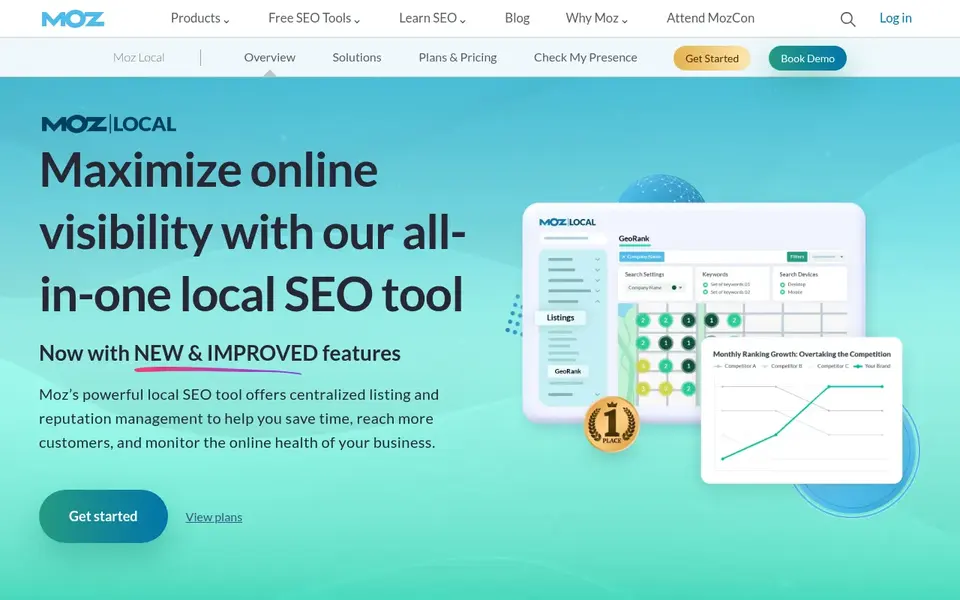
Moz Local is a listing management tool. You enter your notary business details once and it distributes and monitors them across directories and data aggregators. For a notary who works from home or a small office and covers several towns, this removes the job of fixing the same address and phone number in a dozen places.
The practical value shows up when a client searches your name plus "notary" and finds an old phone number on a directory you forgot about. Moz Local helps you catch those mismatches. It also supports the consistency that Google uses when deciding which business to show for a local search.
Skip it if your only goal is tracking map positions, since that is a different job. It also suits notaries who already have their Google Business Profile verified and want the surrounding listings cleaned up.
- Manages listings across major directories
- checks consistency from one dashboard
- ties into Moz's local SEO data
- Not built around mobile signing workflows
- pricing needs a check on the site
Local Viking tracks where your business appears on Google Maps across a grid of points around a location. For a notary who covers a county or drives to clients, this is more useful than a single rank number, because it shows which neighborhoods you show up in and which you do not.
You can watch how a Google Business Profile update, a new review or a category change affects visibility over time. That feedback loop helps you decide whether a change was worth keeping, rather than guessing.
The limit is scope. Local Viking will not fix a wrong address on a directory, so pair it with a listing tool. Solo notaries who only want a rough sense of ranking may find a simpler check enough.
- Shows rankings across a grid of map points
- useful for service-area businesses
- tracks Google Business Profile changes
- Does not manage your directory listings
- review features are secondary
GatherUp handles review collection. After a signing, you can send the client a request by email or text and point them to your Google Business Profile. For a notary, the timing matters: a request sent the same day, while the appointment is fresh, tends to get a better response than one sent a week later.
The tool keeps requests and responses organized and lets you monitor new reviews. It follows Google's rules by asking for honest feedback rather than filtering out unhappy clients, which is the right approach for a small business that depends on trust.
It does not touch your listings or map rankings, so it is one piece of the puzzle. Notaries who see only a handful of clients a month can also send requests manually and skip the software.
- Sends review requests by email or text
- routes feedback through a compliant process
- tracks reviews in one place
- No listing management
- needs a customer contact process in place
BrightLocal combines citation building with audit and tracking tools. For a notary, the citation service is the draw: it submits your business details to a set of directories and checks that they match, which supports the consistency that local search depends on.
The audit tools also help you spot gaps, such as a missing category on your Google Business Profile or a listing that still shows an old address. You can run a check, fix the issue and re-check later.
The trade-off is complexity. If you only want citations, a standalone citation service may be simpler. Notaries who want one dashboard for citations, rankings and reviews will get more from the full set.
- Citation building service alongside audit tools
- local rank tracking
- review monitoring in one dashboard
- Broad feature set takes time to learn
- some plans target agencies
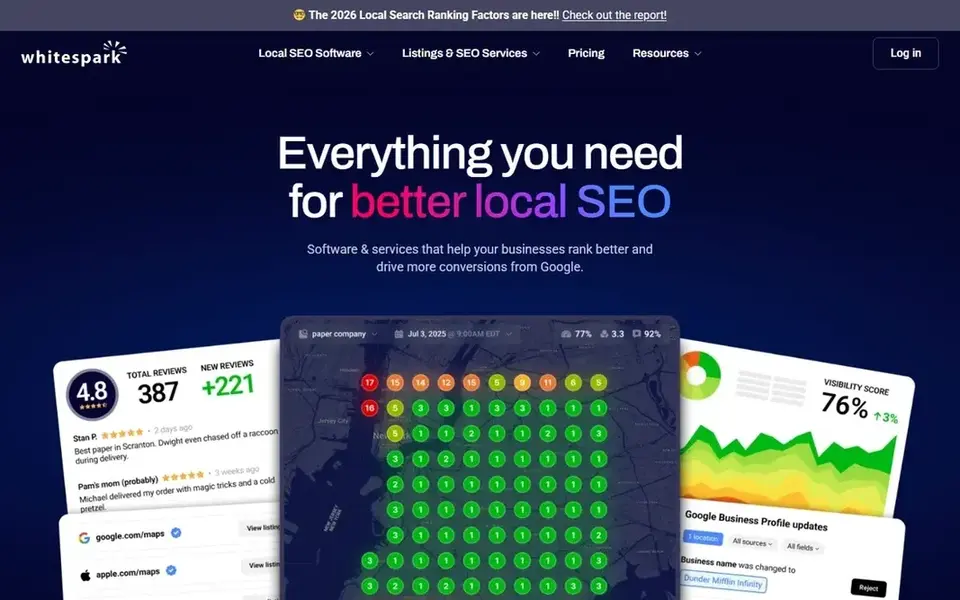
Whitespark is known for citation research. Its citation finder shows which directories list businesses similar to yours, which helps a notary find local and niche directories worth adding. That is useful when you have covered the major sites and want to go further.
It also offers local rank tracking and review tools, so you can see how changes affect visibility. The data is aimed at people who want to understand the local search landscape rather than just tick a box.
One limitation is that some features assume an agency workflow. A solo notary may only need the citation finder and a simple rank check, so weigh the full toolset against what you will actually use.
- Citation finder shows where competitors are listed
- local rank tracking
- review management options
- Some tools are built for agencies
- pricing needs checking on the site
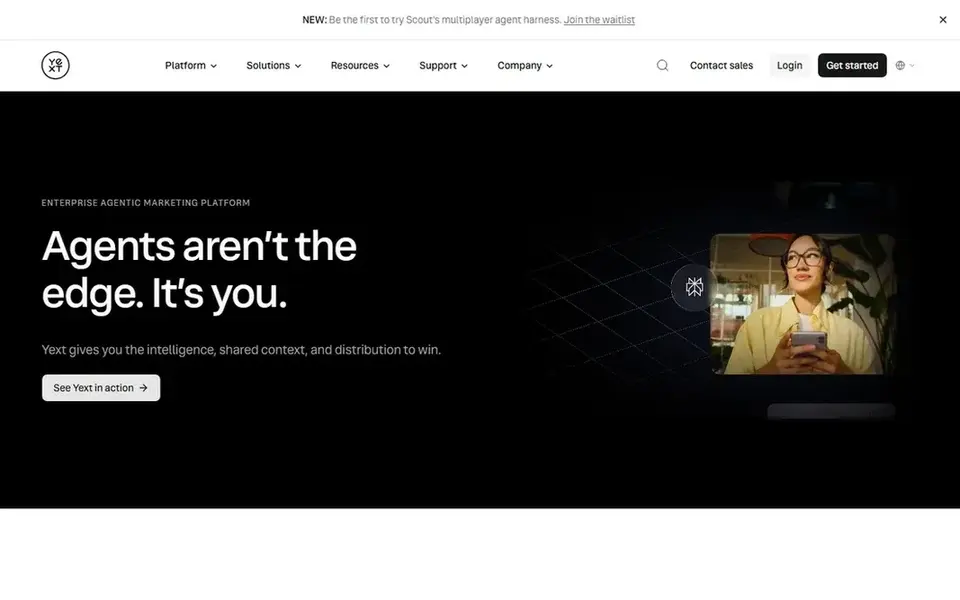
Yext is an enterprise-grade listing management platform. You control your business data in one place and it syncs to a large network of directories, apps and maps. For a notary with one location, it is more power than most need, but it is a solid option if you plan to expand into multiple offices or a team of signing agents.
The strength is central control. When your phone number or service description changes, you update it once and the change flows outward, which reduces the chance of stale information confusing clients.
The trade-off is cost and complexity relative to a one-person business. A notary who just wants the main directories correct can often do that with a smaller tool.
- Manages listings across many directories
- central control of business data
- supports multiple locations
- Can be more than a solo notary needs
- no free plan
CallTrackingMetrics tracks phone calls so you know which listing, ad or page generated them. For a notary, calls are often the first contact, so knowing whether a call came from your Google Business Profile, a directory or your website helps you decide where to put effort.
You can route calls, record them where allowed, and see call volume by source. That is useful if you run ads alongside your local listings and want to compare results.
It does not manage listings, reviews or rankings, so it is an add-on rather than a core local SEO tool. Notaries who get most inquiries by text or email can skip it.
- Tracks calls from listings and ads
- records call sources
- supports call routing
- No local SEO or listing features
- overkill if you get few calls
How I chose
I built this list from vendor documentation and public sources, not from hands-on testing. I read what each tool says it does, checked which features apply to a service-area business like a notary, and looked at where each one stops. That meant separating listing tools from rank trackers from review tools, because a notary rarely needs all three in one product.
I also weighed the practical side: a solo notary works from a phone, covers several towns, and gets most clients through search and referrals. Tools that assume a storefront, a large team or an agency workflow dropped down the list. I did not rank anything on price figures or review scores, and I noted limits where a tool does more than a small notary business needs.
What to check before you buy
- Confirm the tool supports service-area businesses, since a notary often hides a home address and lists covered towns instead.
- Check that it can manage your Google Business Profile categories and service areas without violating Google's guidelines.
- Make sure review requests ask for honest feedback and do not filter or gate reviews.
- Confirm citation building covers the directories that matter in your state or region, not just national sites.
- Check whether map rank tracking lets you set a grid around your service area rather than a single point.
- Look at how you will get client contact details for review requests, and keep that process simple and compliant.
Frequently asked questions
Do notaries need local SEO tools at all?
Not strictly, but they help. A verified Google Business Profile with correct categories, a service area and a few honest reviews does most of the work. Tools make it easier to keep listings consistent, ask for reviews after signings and see where you rank across the towns you cover. A notary with very few clients can start with manual checks.
What is the most important listing for a notary?
Your Google Business Profile. Most local searches for a notary start there, and it feeds Google Maps. After that, keep your name, address or service area, phone number and hours consistent on Bing, Apple Maps and the main data aggregators. Directory consistency supports the profile rather than replacing it.
How should a notary ask for reviews?
Ask after the signing, in person or by a short follow-up message, and send the client to your Google Business Profile. Ask for honest feedback and never offer gifts in exchange for positive reviews or filter out unhappy clients. A simple, timely request works better than a complicated campaign, and it stays within Google's rules.
Can I rank in several towns as a notary?
Yes, within reason. Set your service area in your Google Business Profile and create a page on your site for each town you genuinely serve, with real details about how you work there. Avoid creating a separate profile for each town unless you have a staffed office there, since that breaks Google's guidelines.
Do citation building services work for notaries?
They can help once your core listings are correct. Citation services submit your details to directories and check for mismatches, which supports consistency. Start with the major sites and your state or local business directories, then add more only if you have time to keep them accurate.
Sources
See where you really rank - block by block
ProMapRanker scans Google Maps across a grid of your service area. Simple monthly plans from $19, white-label on every plan.
Start freeBrowse all guides
← Best Local SEO Tools for Irrigation Companies in 2026Best Local SEO Tools for Occupational Therapists in 2026 →
 best local seo tools for golf courses
Best Local SEO Tools for Golf Courses in 2026
A practical guide to the best local SEO tools for golf courses in 2026, covering Google Business Profile, reviews, citations and call tracking.
Read → best local seo tools for chimney sweeps
Best Local SEO Tools for Chimney Sweeps in 2026
A practical guide to the best local SEO tools for chimney sweeps in 2026, covering listings, reviews, rank tracking and calls for small service areas.
Read → best local seo software for pet stores
Best Local SEO Software for Pet Stores in 2026
A practical guide to the best local SEO software for pet stores in 2026, covering listings, reviews, rank tracking and citations for storefronts.
Read → local seo for staffing agencies
Local SEO for Staffing Agencies
A local SEO guide for staffing agencies: Google Business Profile setup, reviews, and local-market and industry-niche staffing SEO.
Read → local seo for pool service
Local SEO for Pool Service Companies
A local SEO playbook for pool cleaning and maintenance companies to rank for seasonal local searches.
Read → google business profile services section
Google Business Profile Services Section: A Sleeper Ranking Field
The GBP services section is often ignored but can boost relevance. Learn how to fill it out strategically.
Read →More in Local SEO & Google Maps · All guides A to Z by date · Latest guides