 ProMapRanker
2026 Guide to the Best LLM for Software Engineering


Spec-first development with clear credit counts · Pricing starts at: $20 a month
Direct answer
Kiro comes first here, mainly for spec-first development with clear credit counts. Listed starting prices: Kiro from $20 a month, Cursor from $30 a month (Premium) and ChatGPT from $20 a month. Cursor is better for AI-first editing with an agent in the editor, and ChatGPT is better for general coding help plus Codex agent work. The full list of 7 tools follows, with prices and free plan facts.
ProMapRanker put together this guide to LLM for software engineering for readers who want a clear shortlist without reading every vendor page. It compares 7 tools on starting price, free plans, who each one suits and where each one falls short.
Key takeaways
- This list starts with Kiro, which is built for spec-first development with clear credit counts.
- What to know about ChatGPT first: Pro opens at $100 a month.
- 7 of the 7 tools have a free plan, including Kiro, Cursor, ChatGPT and Amazon Q Developer.
- Claude is the one to check for long agent sessions and large codebases.
- For the cheapest start, look at GitHub Copilot: $10 per month.
Quick comparison
| Pick | Great for | Pricing starts at | Free tier | |
|---|---|---|---|---|
| Kiro | Spec-first development with clear credit counts | $20 a month | Yes | Visit |
 Cursor | AI-first editing with an agent in the editor | $30 a month (Premium) | Yes | Visit |
 ChatGPT | General coding help plus Codex agent work | $20 a month | Yes | Visit |
 Amazon Q Developer | AWS teams and Java modernisation work | $19 per user/month | Yes | Visit |
 GitHub Copilot | Most developers in VS Code and GitHub | $10 a month | Yes | Visit |
 Gemini | Google shops and Android Studio users | $19.99 a month | Yes | Visit |
 Claude | Long agent sessions and large codebases | $20 per month (billed monthly) | Yes | Visit |
Tool-by-tool breakdown
Kiro was built for spec-first development with clear credit counts. Kiro is an agentic IDE from AWS that starts with spec documents, steering files, and task lists before the agent writes code. As for the details, add-on credits cost $0.04 each.
Trade-offs to know: credits do not roll over to the next month.
More specifically, the Free level costs $0 and includes 50 credits a month, with access to open weight models and Claude Sonnet 4.5 with limits. In daily use, one limit: plan credits reset each month and do not roll over, and Free users must wait for the reset when the 50 credits run out. On cost, Kiro starts like this: $20 per month. Kiro has a free plan.
- Pro bundles 1,000 credits a month
- Add-on credits cost $0.04 each
- Free users cannot buy add-on credits
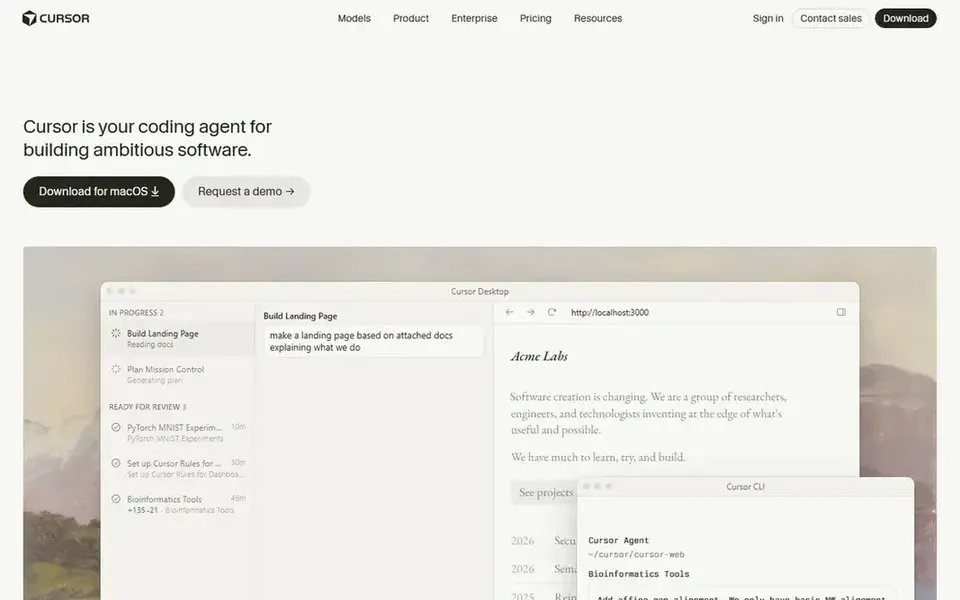
Cursor makes the most sense for AI-first editing with an agent in the editor. Cursor is an AI-first editor built on VS Code, with Tab completions, Agent mode, cloud agents, and Bugbot automatic code review.
On top of that, choose Cursor when you want the agent to edit files across your entire project inside the editor. Entry price for Cursor: $30 per month. You can start on Cursor without paying.
Limits to weigh: external model use is billed additional on top of the plan.
- Premium contains cloud agents and Bugbot code review
- Free plan needs no card
- New buyers no longer see the old Pro plan at $20 a month
ChatGPT was built for general coding help plus Codex agent work. Business Standard costs $25 per user a month, or $20 billed yearly, with a 2-seat minimum.
Honest limits: Pro begins at $100 a month.
In daily use, one limit: Plus has capped usage, and the jump to Pro 100 costs $80 more a month. ChatGPT pricing: $20 per month. ChatGPT includes a free tier.
- Business Standard seats cost $25 per user a month
- Plus costs $20 a month
- No annual billing choice for Plus or Pro
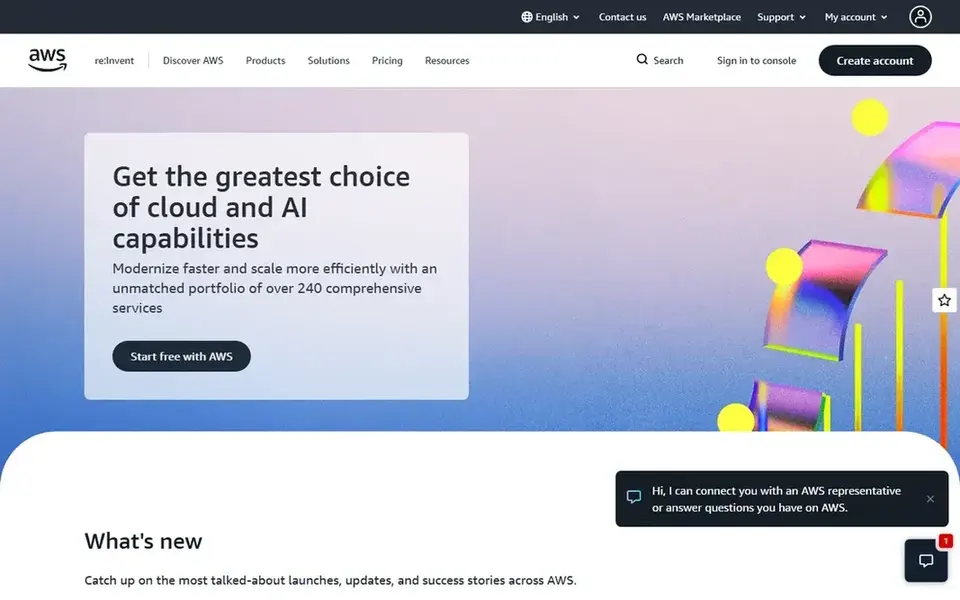
Amazon Q Developer serves AWS teams and Java modernisation work. Skip it when you want a long-term IDE assistant.
From a buyer's view, Pro costs $19 per user a month and comes with 1,000 agentic requests a month, 4,000 lines of Java transformation per user a month pooled at account level, and additional lines at $0.003 each. More specifically, Amazon Q Developer is AWS's coding assistant for IDEs, the terminal, and the AWS console. Entry price for Amazon Q Developer: $19 per user/month. A free plan is available with Amazon Q Developer.
Downsides: free level data can be used for service improvement except when you opt out.
- Pro bundles 4,000 Java transformation lines a month
- Pro bundles IP indemnity and SSO
- AWS will end support for Q Developer IDE plugins on April 30, 2027
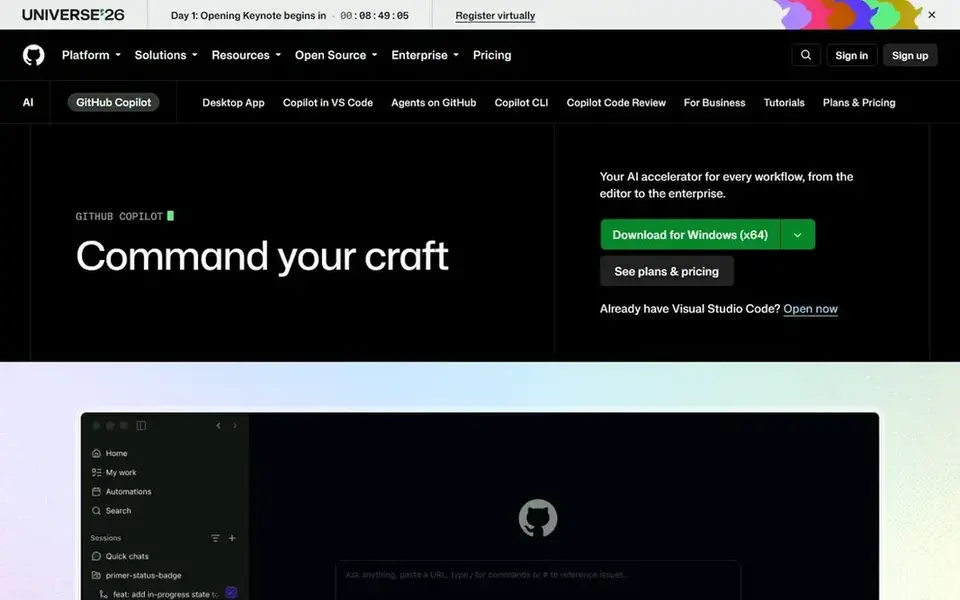
GitHub Copilot makes the most sense for most developers in VS Code and GitHub. One limit: Copilot moved to usage-based billing with GitHub AI Credits on June 1, 2026, so the $10 price does not buy unlimited agent work.
On top of that, Pro+ costs $39 a month for 7,000 credits, Max costs $100 a month for 20,000 credits, Business costs $19 per granted seat a month, and Enterprise costs $39 per granted seat a month. Skip it when long daily agent sessions would burn through 1,500 credits in the first week. Price to start with GitHub Copilot: $10 per month. A free plan is available with GitHub Copilot.
What users get: works in VS Code, JetBrains, Neovim. Points against: premium models draw credits quicker than base models.
- Pro costs $10 a month
- On GitHub
- Pro bundles only 1,500 AI credits a month

Gemini serves Google shops and Android Studio users. Google AI Ultra costs $99.99 a month for 5 times the usage of Pro, or $199.99 a month for 20 times the usage.
More specifically, skip it when you need a stable team coding plan. For everyday use, one limit: Google ended the individual Gemini Code Assist path on June 18, 2026, and stopped new Standard and Enterprise subscriptions on October 9, 2 In daily use, Gemini is Google's model family, sold to individuals as Google AI Pro at $19.99 a month, or $199.99 a year at the start. Entry price for Gemini: $19.99 per month. Gemini includes a free tier.
Where it falls short: Gemini Code Assist for individuals stopped serving requests on June 18, 2026.
- Bundles 5 TB of storage
- Google AI Pro costs $19.99 a month
- Coding access now runs through Antigravity and Google AI plans

Claude works best for long agent sessions and large codebases. Every Pro, Max, and Ultra plan bundles Claude Code.
Trade-offs to know: Pro usage limits are not listed as a message count.
As for the details, one limit: Anthropic lists usage as a several of another plan, not as a fixed number of messages. So you cannot work out in advance how plenty of agent ta On cost, Claude starts like this: $20 per month. Claude includes a free tier.
- Pro comes with Claude Code in the terminal
- Pro costs $17 a month on a $200 annual plan
- Max and Ultra are monthly billing only
A buyer's checklist
- Prices are a starting point; GitHub Copilot shows $10 per month to start, so verify what your seat count would cost.
- Look at free plan limits closely: Kiro, Cursor, ChatGPT and others have one, and the caps decide whether it is usable for real work.
- Before choosing Kiro, weigh its main limit: free users cannot buy add-on credits.
- Before you load data into GitHub Copilot, check what an export looks like and who can run it.
- Find out whether the entry plan of Gemini covers your must-haves or only a trimmed-down version.
Frequently asked questions
What is the cheapest option for LLM for software engineering in this list?
On published monthly entry prices, GitHub Copilot is the lowest here at $10 per month. Entry price is only part of the cost, because seats, add-ons and billing terms can change the total. For the full picture, the cards above cover all 7 entries of this LLM for software engineering list, including price, free plan and limits.
What is the best llm for software engineering for most developers?
This list starts with Kiro, which fits spec-first development with clear credit counts. For other needs, Cursor is aimed at AI-first editing with an agent in the editor, and ChatGPT at general coding help plus Codex agent work. Check each tool's price and main limit first.
Is Kiro the right pick for everyone comparing LLM for software engineering?
No single tool suits every team. Kiro comes first because it fits spec-first development with clear credit counts, while Cursor suits AI-first editing with an agent in the editor and ChatGPT suits general coding help plus Codex agent work. Match the tool to your own size, budget and workflow before deciding.
Should AWS teams still buy Amazon Q Developer?
AWS teams can still use Amazon Q Developer Pro at $19 per user a month, but they should plan the move now. AWS will end support for Q Developer IDE plugins on April 30, 2027, and points users to Kiro.
Which LLM is best for long coding sessions?
Start with Kiro if you need spec-first development with clear credit counts. Cursor is the better match for AI-first editing with an agent in the editor, and ChatGPT for general coding help plus Codex agent work. The best choice depends on budget, team size and workflow.
How are the tools for LLM for software engineering ordered?
The order follows typical fit for LLM for software engineering, with Kiro first and Claude last, then price clarity and free access. It is editorial judgement, not a score, so another team could rank the tools differently.
Sources
See where you really rank - block by block
ProMapRanker scans Google Maps across a grid of your service area. Simple monthly plans from $19, white-label on every plan.
Start freeBrowse all guides
← ChatGPT 4o Alternatives: 7 Tools Compared in 20262026 Guide to the Best Platform for AI Agent Permissions →
 best ai tools for chatting with pdfs
2026 Guide to the Best AI Tools for Chatting with PDFs
Shortlisting the best AI tools for chatting with PDFs? 7 products compared on cost, free access and ideal buyer. Limits and pricing notes included. No filler.
Read → best ai platform for classroom management
2026 Guide to the Best AI Platform for Classroom Management
Searching for the best AI platform for classroom management? Here are 5 options with prices and free plans. Each tool gets a one-line verdict. No hype.
Read →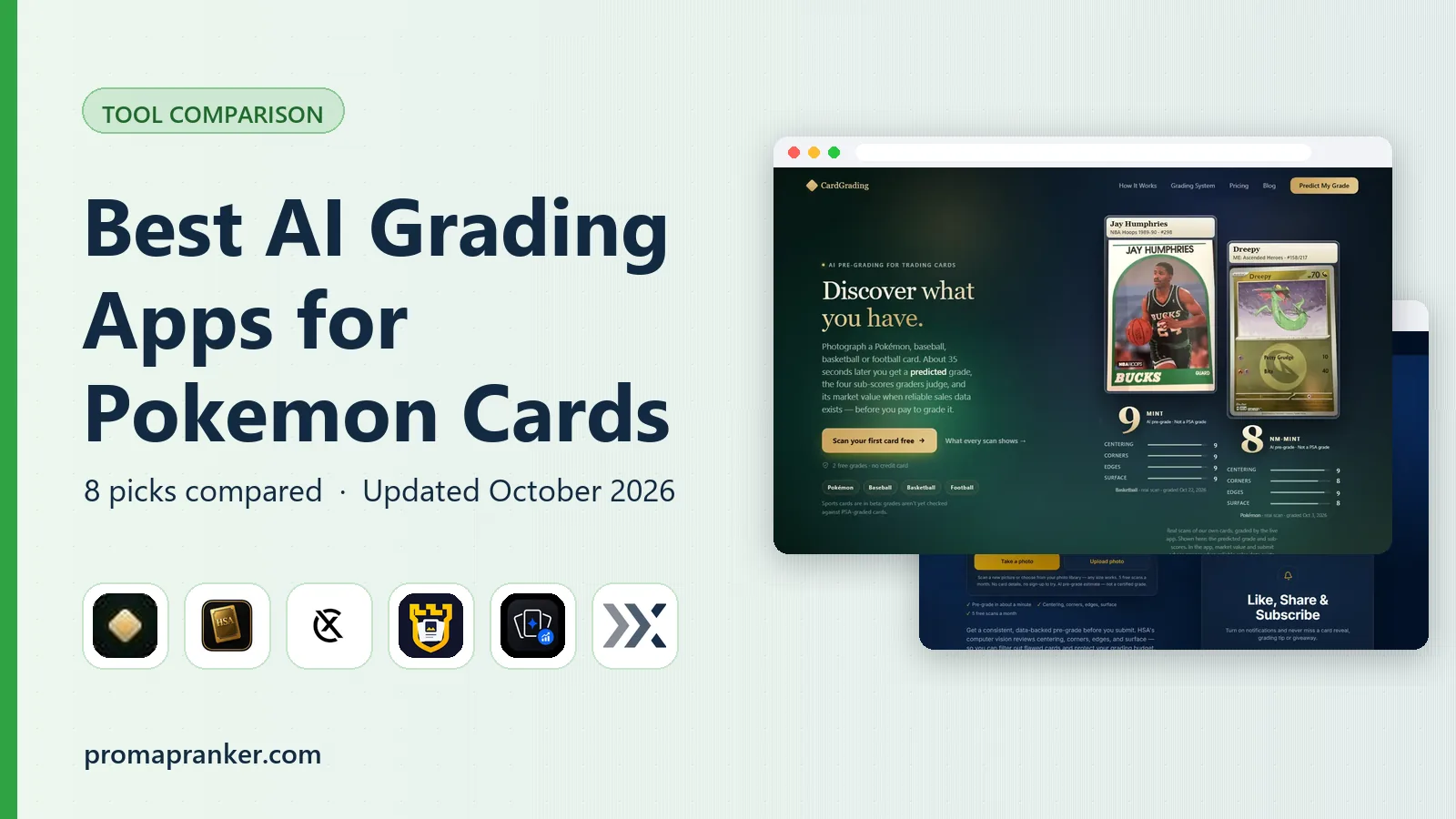 best ai grading app for pokemon cards
2026 Guide to the Best AI Grading App for Pokemon Cards
Best AI grading app for pokemon cards: 5 tools compared on price, free plans and fit. Trade-offs are spelled out for each entry. Pricing and limits included.
Read → best futures charting software
Best Futures Charting Software in 2026
We compared the best futures charting software for futures traders, covering order flow, backtesting, data feeds, and price per tool in our full guide.
Read → best application detection and response tools
Best Application Detection and Response Tools in 2026
We compared the best application detection and response tools for runtime and API threats, covering Contrast, Datadog, Dynatrace, and edge protection options.
Read → best itdr tools
Best ITDR Tools in 2026: 9 Tools Compared
We compared the best itdr tools for identity attacks, covering Active Directory, Entra ID, Okta, session theft, and response options in our full guide.
Read →More in Developer Tools · All guides A to Z by date · Latest guides