 ProMapRanker
Best Application Detection and Response Tools in 2026


Pure runtime detection inside apps and APIs · Pricing starts at: See website
Key takeaways
- Runtime tools see attacks inside the application, while edge tools see traffic before it arrives, and the strongest setups often combine both views.
- Contrast ADR is the clearest pure runtime pick, with sensors inside the application that verify whether an exploit actually succeeded.
- Datadog and Dynatrace suit teams that already run those platforms, since security signals sit next to performance data.
- Edge and API protection from Akamai, Imperva, F5, Fastly, and Wallarm helps when you must protect many apps without changing their code.
- Every tool here is enterprise priced, so expect a sales conversation and a proof of concept before you commit.
Quick comparison
| Pick | Great for | Pricing starts at | Free tier | |
|---|---|---|---|---|
| Contrast ADR | Pure runtime detection inside apps and APIs | See website | No | Visit |
 Datadog App and API Protection | Teams already using Datadog observability | See website | Free trial | Visit |
 Dynatrace Application Security | Runtime security joined to observability | See website | Free trial | Visit |
 Akamai App and API Protector | Large web and API estates at the edge | See website | No | Visit |
 Imperva Application Security | Managed WAF with blocking from day one | See website | No | Visit |
 F5 Distributed Cloud WAF | Consistent policy across cloud and on-prem | See website | No | Visit |
 Fastly Next-Gen WAF | Fast deployment with low false positives | See website | No | Visit |
 Wallarm | API-focused detection and response | See website | No | Visit |
The best application detection and response tools
Application detection and response, often shortened to ADR, covers tools that spot live attacks on applications and APIs and help teams respond. Some do this from inside the running code, while others watch traffic at the edge. We picked tools that cover both angles, so you can match the approach to your stack.
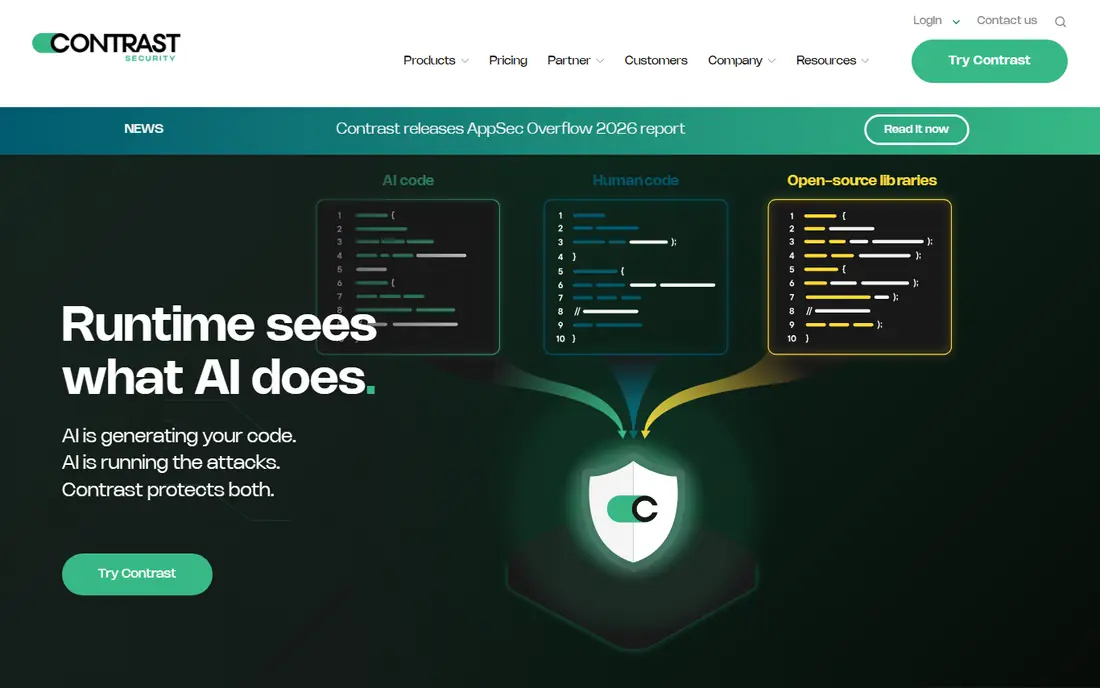
Contrast built its name on ADR, and its product is the reference point for the category. Sensors sit inside the application runtime and watch code execution and data flows, so the tool can tell a real exploit from a harmless probe. That verification is the main selling point, since security teams waste less time chasing alerts that never actually harmed anything.
The trade-offs are organizational as much as technical. Agents must be deployed into each application, which needs developer time and testing. Licensing per application can also add up across a large estate. For teams whose biggest pain is noisy alerts and slow triage, Contrast is still the first product to evaluate.
- Runtime sensors verify real exploits
- Fewer noisy alerts than traffic-only tools
- Feeds SIEM and ticketing workflows
- Per-application licensing can grow costly
- Agent rollout needs developer cooperation
Datadog App and API Protection
Great for: Teams already using Datadog observability
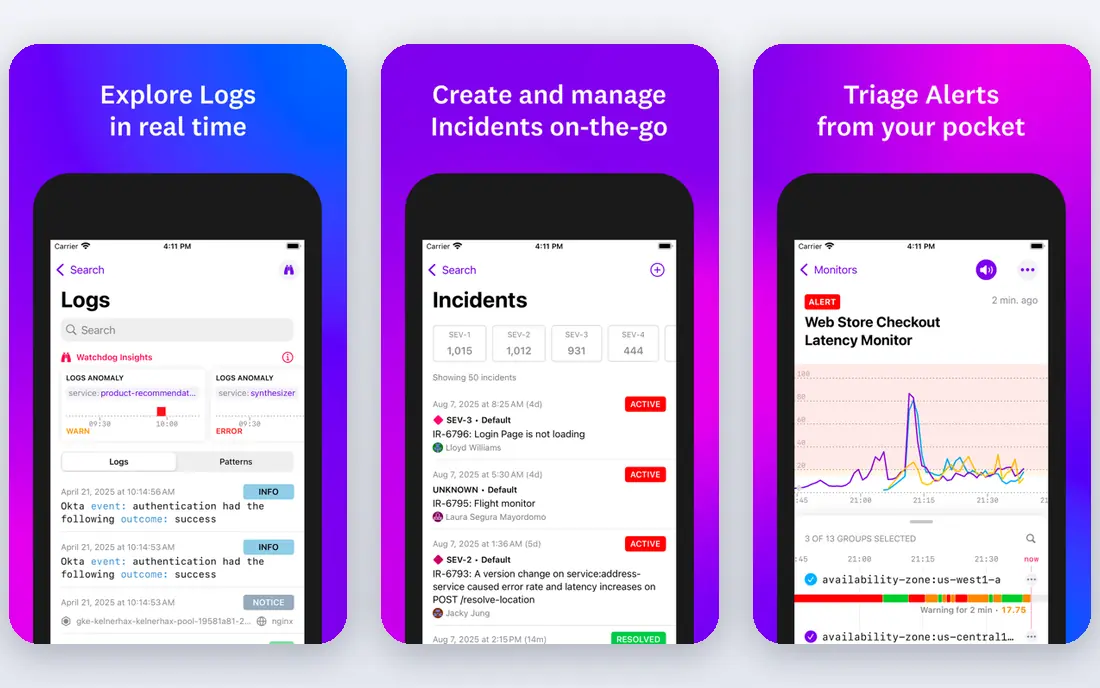
Datadog App and API Protection appeals most to teams that already live in Datadog. Attack signals appear alongside application performance data, logs, and traces, which shortens the path from alert to root cause. The product can block suspicious requests, discover APIs, and map findings to the code involved, giving developers a concrete place to start a fix.
Pricing is the usual Datadog caveat. Usage-based billing across many products can surprise finance teams if ingestion grows quickly. Configuration also deserves attention, since blocking rules and API discovery need tuning for each application. If Datadog is already your observability home, though, adding its protection product is a natural step.
- Security signals sit next to logs and traces
- Code-aware blocking
- API discovery included
- Costs can be hard to predict at scale
- Setup takes care to tune well
Dynatrace Application Security
Great for: Runtime security joined to observability
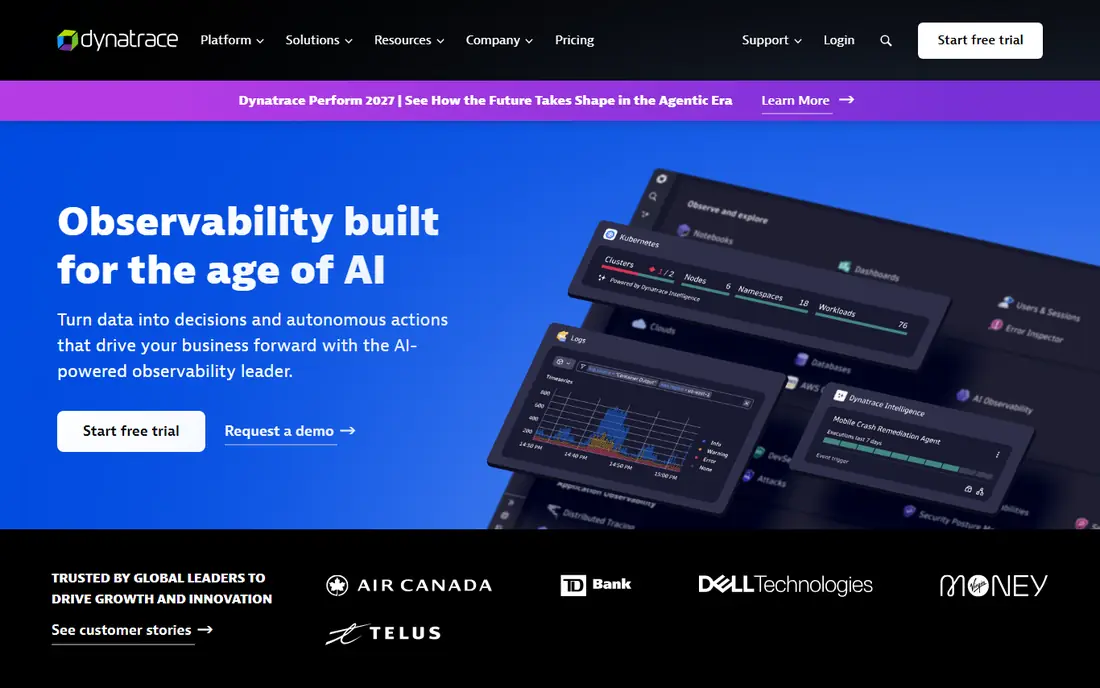
Dynatrace takes a similar joined-up route, tying runtime attack detection to the observability data its OneAgent already collects. When an attack is detected, teams can see the affected process, the code path, and the business impact in one place. Risk prioritization helps teams fix the exploitable issues first instead of working through a flat list of findings.
Complexity is the cost of that breadth. Dynatrace licensing spans many modules, and new teams often need vendor help to size a deal. The platform also rewards teams that invest time in learning its data model. For large estates already standardized on Dynatrace, the security module adds real value without a second agent rollout.
- OneAgent-based runtime detection
- Risk prioritization with AI context
- Blocking available
- Licensing is complex
- Learning curve for new teams
Akamai protects applications at the edge, before malicious traffic reaches your origin servers. That position suits high-traffic sites and large API estates, where absorbing attacks far from the application matters. Its adaptive engine updates rules and tunes itself over time, and the same platform can cover bot management and DDoS protection.
Edge protection is not the same as runtime verification. Akamai sees requests and responses, not code execution, so it cannot always prove an exploit succeeded. Policy changes and bot tuning also need patience, since propagation and false positive checks take time. For teams with many public apps and no appetite for per-app agents, Akamai is a strong foundation.
- Edge scale for high-traffic sites
- Adaptive rules with self-tuning
- Bot and DDoS protection in the same platform
- Configuration changes can take time to spread
- Bot tuning needs ongoing attention
Imperva has long sold web application firewall protection, and its current platform pairs that WAF with API security, bot management, and DDoS defense. Managed rules are the draw for teams that want blocking active quickly without building rule sets from scratch. Machine learning correlation ties related events into incidents, which helps analysts see a campaign instead of isolated alerts.
The platform rewards teams that invest in its configuration. Deployment choices span cloud, on-prem, and hybrid setups, and getting each one right takes planning. Some users also report friction around log access and reporting depth. If you want a mature, managed WAF with broad deployment choices, Imperva remains a safe shortlist pick.
- Managed rules reduce tuning burden
- Flexible deployment options
- Incident correlation across events
- Configuration can feel complex
- Log access draws complaints from some teams
F5 Distributed Cloud WAF suits organizations whose applications sprawl across clouds, data centers, and edge locations. A single policy model follows the app wherever it runs, which reduces the drift that creeps in when each environment gets its own rules. Detection blends signatures with behavioral analysis, and risk scoring helps teams focus on the requests that matter most.
Tuning is still required. Default configurations can flag legitimate traffic, so plan a monitoring phase before switching to blocking mode. The logging and investigation experience also feels less polished than some rivals. For multi-cloud estates that prize policy consistency, F5 is worth a proof of concept.
- One policy across many environments
- Signature plus behavioral detection
- AI risk scoring
- Default settings can produce false positives
- Log experience needs improvement
Fastly Next-Gen WAF, formerly Signal Sciences, is known for a deployment that teams can complete quickly and for detection that keeps false positives low. Its smart parsing understands application traffic in context, which helps it block real attacks without breaking legitimate requests. API protection, bot signals, and account takeover detection round out a modern feature set.
The trade-off is ecosystem depth. Fastly does not offer the same breadth of managed services as the largest vendors, so teams that want a vendor to run everything may look elsewhere. Teams comfortable operating their own rules will appreciate the clarity of its console and alerting. For a fast, accurate WAF with strong API coverage, Fastly deserves a trial.
- Quick to deploy in monitoring or blocking mode
- Smart parsing reduces false positives
- Strong API protection
- Smaller managed-service footprint than some rivals
- Advanced features need familiarity with the platform
Wallarm focuses on the API problem, which has grown as more business logic moves behind API endpoints. It discovers and inventories APIs, including shadow APIs that teams forgot about, then monitors and blocks abuse such as injection attacks and credential stuffing. Deployment options cover cloud, containers, and on-prem setups, which suits teams with mixed infrastructure.
As a pure website WAF, Wallarm is narrower than Akamai or Imperva, so teams with large traditional web estates may still need a companion product. Its brand is also smaller, which can matter for procurement teams that prefer the largest vendors. For API-heavy products, though, its discovery plus blocking combination is directly on topic.
- API discovery and inventory
- Blocks API abuse and injection attacks
- Deploys in cloud or on-prem
- Less suited as a general website WAF alone
- Smaller brand footprint than the largest vendors
How we picked these
We compared vendor product pages, category guides, and public partnership announcements for tools that detect and respond to live application and API attacks in October 2026. We favored products with runtime instrumentation, such as Contrast, Datadog, and Dynatrace, alongside edge and API protection that feeds detection and response workflows. We left out pure vulnerability scanners, since finding a flaw in code is a different job from stopping an attack in production.
We did not claim hands-on testing in production environments, and we did not invent pricing, since every vendor here prices by quote. A proof of concept on your own applications is the only reliable way to judge false positives, agent overhead, and alert quality before signing.
Choosing between runtime and edge protection
Start with where your pain sits. If your team drowns in noisy alerts and cannot tell real exploits from scans, a runtime tool such as Contrast, Datadog, or Dynatrace gives the clearest answer, since it watches what the code actually does. Expect agent deployment work and developer involvement, and budget time for testing in staging before blocking in production.
If your pain is scale, with dozens of public apps and APIs and no central control, an edge tool such as Akamai, Imperva, F5, or Fastly gives faster coverage. You can protect apps without touching their code, and you gain bot and DDoS controls in the same purchase. The gap is verification, since edge tools infer attacks from traffic rather than proving them in code.
Many mature teams run both. Edge protection absorbs broad attacks and enforces policy, while runtime detection verifies the attacks that get through and guides fixes. Whichever route you pick, send alerts into your SIEM or ticketing system, define who responds to a confirmed exploit, and rehearse that response before a real incident forces it.
Frequently asked questions
What are the best detection and response tools for applications?
Contrast ADR is the purest runtime option, while Datadog and Dynatrace suit teams already using those platforms. Edge protection from Akamai, Imperva, F5, and Fastly covers many apps quickly. The best fit depends on whether you need runtime verification or broad edge coverage first.
What is the best app detection and response approach for APIs?
API-heavy teams should look at Wallarm for discovery and API abuse blocking, plus Datadog or Contrast for runtime coverage of API code. Akamai and Fastly also protect APIs at the edge. Inventory your APIs first, since you cannot protect endpoints you do not know exist.
How is ADR different from a WAF?
A WAF inspects traffic from outside the application and blocks patterns that look malicious. ADR runs inside the runtime or joins runtime data to detection, so it can confirm whether an attack actually exploited code. Many teams use both, with the WAF at the edge and ADR inside the app.
Do these tools slow down applications?
Runtime agents add some overhead, since they inspect requests inside the application. Published estimates vary by tool and workload, so measure latency in staging with your own traffic before enabling blocking. Edge tools avoid in-app overhead but add a network hop, which is usually small.
Can a small team use ADR tools?
Small teams can, but enterprise pricing and deployment effort make edge WAF products an easier start. A managed WAF or API protection service covers public apps without per-app agents. Runtime ADR makes most sense once you have several production apps and a security owner to run triage.
Sources
See where you really rank - block by block
ProMapRanker scans Google Maps across a grid of your service area. Simple monthly plans from $19, white-label on every plan.
Start freeKeep reading
 zoho inventory alternatives
6 Alternatives to Zoho Inventory, Compared on Price and Fit
Zoho Inventory alternatives: 6 tools compared on price, free plans and fit. Katana leads the list for manufacturers. Fit and flaws are laid out for each entry.
Read → zoho crm alternatives
Best Zoho CRM Alternatives (2026)
Need Zoho CRM alternatives? We compare 7 tools on cost, free access and who each suits. Every pick gets a straight assessment. Built for quick decisions.
Read → zelle alternatives
Best Zelle Alternatives in 2026
Compare the best Zelle alternatives for sending money to friends, paying sellers and moving funds abroad, with honest notes on fees, speed and safety in 2026.
Read →