 ProMapRanker
2026 Guide to the Best AI Tools for Chatting with PDFs

Long documents billed by pages · Pricing starts at: $9.99 a month (billed per month)
Direct answer
If you need long documents billed by pages, Humata is the first tool to look at here. Listed starting prices: Humata from $9.99 a month, UPDF from $79 a year (AI Assistant) and PDF.ai from $10 a month. If your case is different, UPDF suits PDF editing plus AI chat and PDF.ai suits data extraction and chatbots. All 7 tools are compared below on price, free plan and limits.
ProMapRanker put together this guide to AI tools for chatting with PDFs for readers who want a clear shortlist without reading every vendor page. It compares 7 tools on starting price, free plans, who each one suits and where each one falls short.
Key takeaways
- The list opens with Humata, aimed at long documents billed by pages.
- What to know about UPDF first: AI is a separate subscription from the Pro editor.
- Free access is easy to find: 6 of the 7 tools have a free plan, for example Humata, UPDF, PDF.ai and ChatPDF.
- Humata has the lowest monthly starting price in this list: $9.99 per month.
Quick comparison
| Pick | Great for | Pricing starts at | Free tier | |
|---|---|---|---|---|
| Humata | Long documents billed by pages | $9.99 a month (billed per month) | Yes | Visit |
 UPDF | PDF editing plus AI chat | $79 a year (AI Assistant) | Yes | Visit |
 PDF.ai | Data extraction and chatbots | $10 a month (billed annually) | Yes | Visit |
 ChatPDF | Fast questions on short PDFs | $14.99 a month (billed per month) | Yes | Visit |
 AskYourPDF | Heavy daily PDF chat | $11.99 a month (billed annually) | Yes | Visit |
 SciSpace | Research papers and literature reviews | $20 per month (billed per month) | Yes | Visit |
 Adobe Acrobat AI Assistant | PDF work inside Acrobat | $24.99 a month (billed annually) | Free trial | Visit |
AI Tools for Chatting with PDFs compared in detail
Humata is designed for long documents billed by pages. Do the maths before you subscribe: 750 pages in one month on Expert costs $9.99 plus 250 additional pages at $0.02 each, which is $14.99 in total.
Expert costs $9.99 a month, includes up to 3 people, bundles 500 pages per month, and charges $0.02 per additional page. Beyond that, team costs $49 per user a month, covers up to 10 people, contains 5,000 pages per month, and charges $0.01 per additional page, with OCR and folder permiss Also, choose Humata if your monthly page total is steady and under 500. Price to start with Humata: $9.99 per month. Humata has a free plan.
Where it is weaker: page-based billing can add up quick on very long files.
- Additional pages cost $0.02 each on Expert
- Expert bundles 500 pages per month for $9.99
- Free plan spans only 60 pages and 10 answers per month
UPDF targets PDF editing plus AI chat. The AI Assistant is sold on its own at $79 a year for unlimited use.
Downsides: AI is a separate subscription from the Pro editor.
It can also be bought with UPDF Pro, which is listed at $64.99 a year or $94.99 for a one-time lifetime license, with sale prices frequently shown lower at checkout. In practice, UPDF is a full PDF editor first and an AI chat tool second, which changes the value calculation. Price to start with UPDF: $79 per year. You can start on UPDF without paying.
Best features of UPDF: free version contains 100 free AI uses.
- One subscription handles Windows, Mac, iPhone
- AI Assistant is sold on its own for $79 a year
- Exports from the free version carry a trial watermark
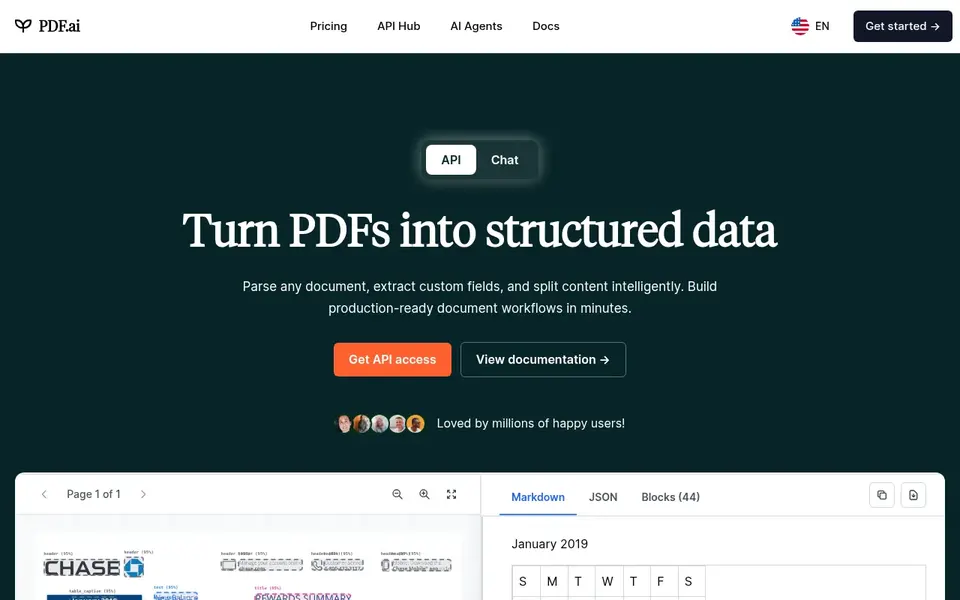
PDF.ai makes the most sense for data extraction and chatbots. Do not choose it if you only chat with one or two PDFs a week, since the free Hobby plan is small.
From a buyer's view, the free Hobby plan lets 1 PDF upload and 100 questions per month, with files up to 10 MB and OCR on up to 2 pages per file. What you pay to start with PDF.ai: $10 per month. PDF.ai includes a free tier.
Watch-outs: Some external pages list Pro at $17 a month, which conflicts with the $10 figure.
- Embeddable chatbot for your own site
- Free Hobby plan contains 100 questions per month
- API use is billed separately by credits
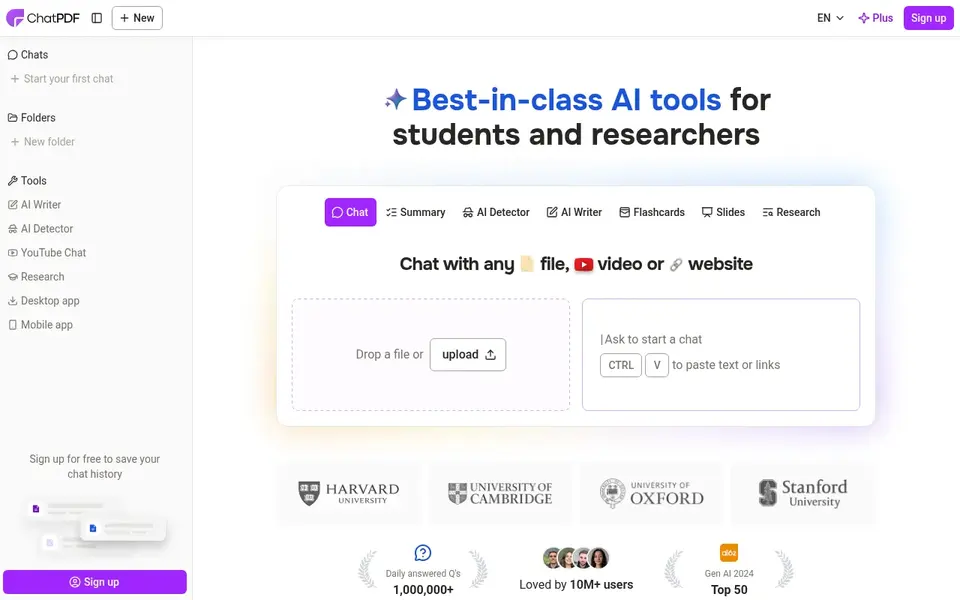
ChatPDF works best for fast questions on short PDFs. The US web offer is $14.99 a month or $90.99 a year, whereas the US App Store lists $14.99 a month or $89.99 a year.
Honest limits: free plan lets only 2 documents per day.
ChatPDF cost at the entry level: $14.99 per month. Free access exists with ChatPDF.
- Answers carry page references
- Plus lets files up to 2,000 pages
- Plus price varies by region and checkout channel
AskYourPDF was built for heavy daily PDF chat. Choose AskYourPDF if you chat with PDFs every day and want high daily caps.
AskYourPDF cost at the entry level: $11.99 per month. AskYourPDF has a free plan.
Honest limits: Free plan permits only 1 document per day and 100 pages per file.
- Pro lets files up to 6,000 pages
- Premium lets 50 documents and 1,200 questions per day
- Monthly billing costs more than the annual rate shown here
SciSpace was built for research papers and literature reviews. Do not choose it if you only need straightforward chat on one PDF at a time.
What you pay to start with SciSpace: $20 per month. Free access exists with SciSpace.
Where SciSpace stands out: PDF chat and extraction sit in one workspace.
The main drawbacks: money-back guarantee spans only 24 hours from purchase.
- Entry-level plan is free with 100 credits per month
- Paper search
- Agent credits do not roll over
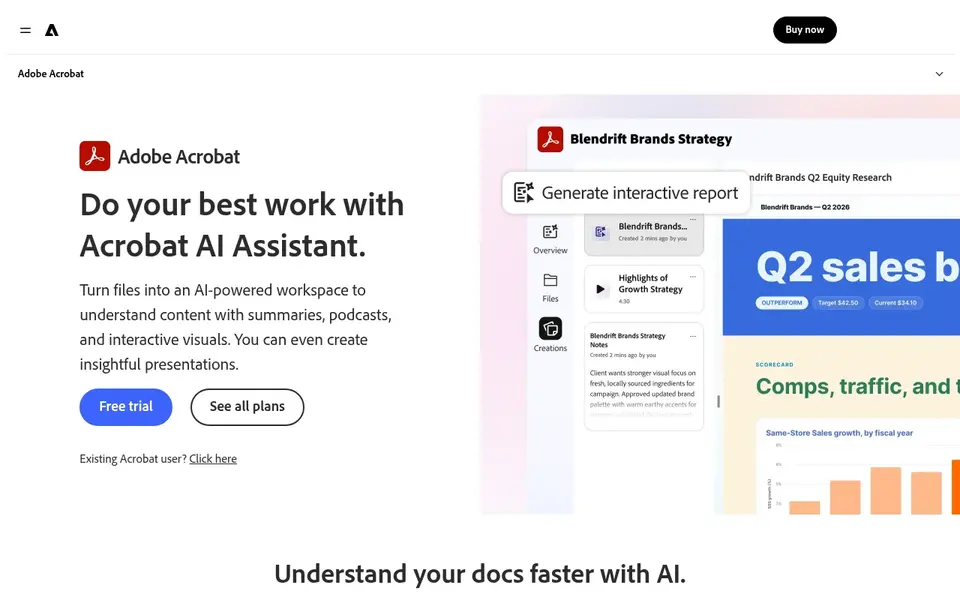
Pick Adobe Acrobat AI Assistant if this describes you: PDF work inside Acrobat. Acrobat Standard costs $14.99 a month on an annual plan billed monthly, or $179.88 per year, and handles editing, conversion, forms and e-signature req From a buyer's view, reader stays free for viewing, printing, sharing and signing.
Where it falls short: annual plan billed monthly carries an early cancellation charge after 14 days.
What Adobe Acrobat AI Assistant does well: Reader is free for viewing and signing.
Entry price for Adobe Acrobat AI Assistant: $24.99 per month. Free plan details: Free trial.
- Acrobat Studio bundles AI Assistant
- PDF Spaces and Adobe Express Premium
- AI Assistant is not included in Acrobat Pro on its own
How we built this list
The comparison looks at four things: starting price, free access, how well the feature set matches AI tools for chatting with PDFs, and the main limit of each tool. Plan names, prices and limits change often. Treat the figures here as a starting point and verify them with the vendor. Position on the page reflects fit for a typical buyer first, with price clarity and free access breaking ties. Treat it as a guide, not a ruling.
Pre-purchase checklist
- Confirm the entry price on the vendor page: Humata starts at $9.99 per month, but seat counts and billing terms change the total.
- Read the fine print on the free plans from Humata, UPDF, PDF.ai and others; seat, project and feature caps differ.
- Use real work to test the free trial from Adobe Acrobat AI Assistant, rather than a demo project.
- Before choosing Humata, weigh its main limit: free plan includes only 60 pages and 10 answers per month.
- Ask Humata which support channels and response times come with the plan you would buy.
- Ask UPDF whether prices are locked for the first term and what happens at renewal.
Frequently asked questions
Can I try these tools before paying?
Often, yes. Humata, UPDF, PDF.ai and others have a free plan and Adobe Acrobat AI Assistant offers a free trial. Use your own data and a real task during the test, and check what the free tier or trial limits before you rely on it.
Which is a good match for research papers?
Humata is the pick this page puts first, mainly for long documents billed by pages. If your situation differs, UPDF suits PDF editing plus AI chat, and PDF.ai suits data extraction and chatbots. Compare price and limits before you decide.
Which AI tools for chatting with PDFs have a free plan?
6 of the 7 tools have a free plan, including Humata, UPDF, PDF.ai and ChatPDF. Free plans usually cap users, projects or features, so check the limits on the vendor page. One other tool offers a trial instead.
Which is a good match for long documents?
For most readers this guide would start with Humata, built for long documents billed by pages. UPDF is the alternative for PDF editing plus AI chat, and PDF.ai for data extraction and chatbots. The right answer depends on budget and workflow.
Can I chat with a PDF at no cost?
ChatPDF free spans 2 documents a day at 120 pages each, PDF.ai Hobby includes 1 PDF and 100 questions per month, and Humata free spans 60 pages and 10 answers per month.
What is the cheapest option for AI tools for chatting with PDFs in this list?
On published monthly entry prices, Humata is the lowest here at $9.99 per month. Entry price is only part of the cost, because seats, add-ons and billing terms can change the total.
Sources
See where you really rank - block by block
ProMapRanker scans Google Maps across a grid of your service area. Simple monthly plans from $19, white-label on every plan.
Start freeBrowse all guides
← 2026 Guide to the Best AI Platform for Classroom ManagementChatGPT 4o Alternatives: 7 Tools Compared in 2026 →
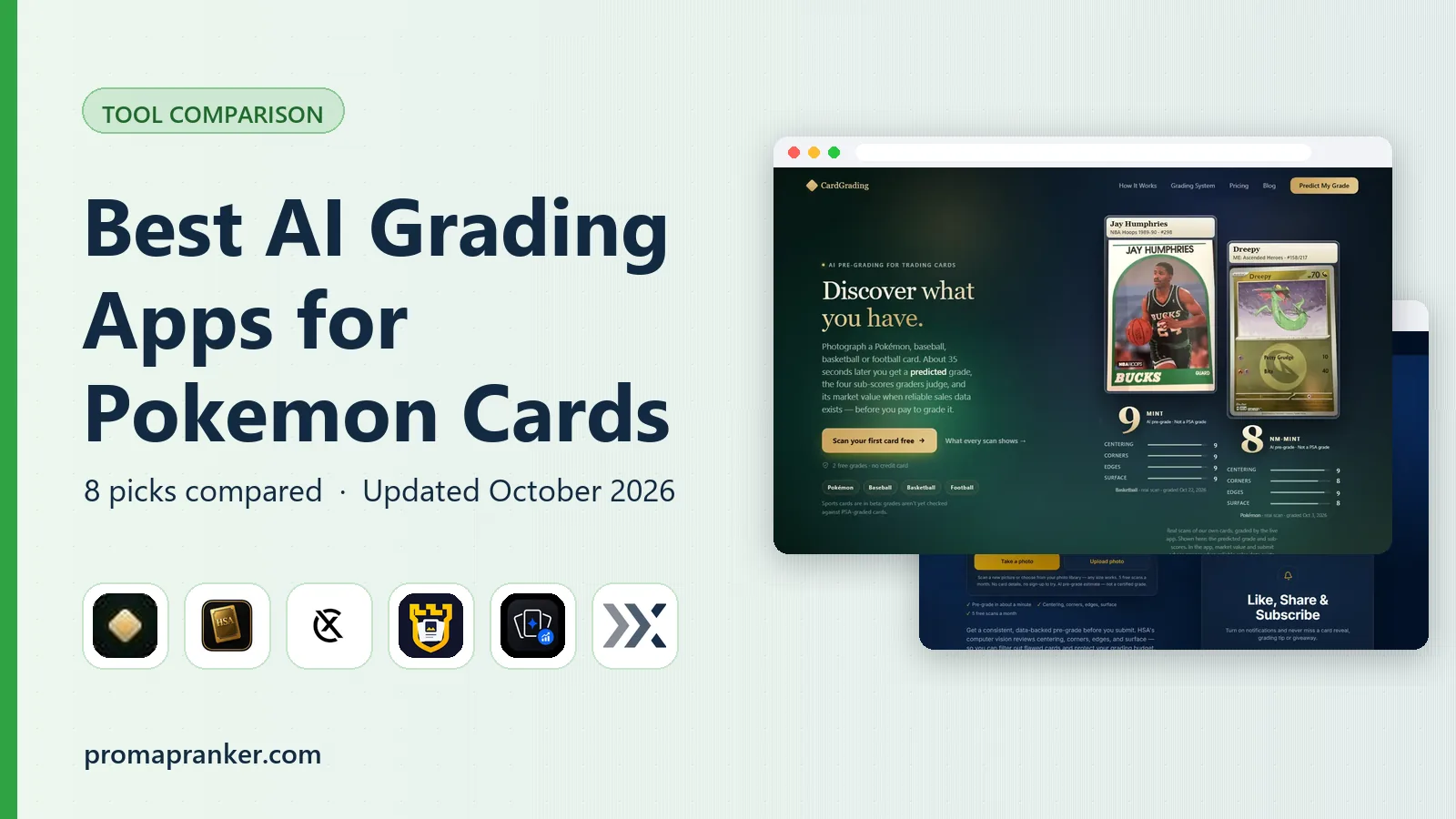 best ai grading app for pokemon cards
2026 Guide to the Best AI Grading App for Pokemon Cards
Best AI grading app for pokemon cards: 5 tools compared on price, free plans and fit. Trade-offs are spelled out for each entry. Pricing and limits included.
Read → best ai development companies for startups
2026 Guide to the Best AI Development Companies for Startups
Best AI development companies for startups: 6 tools compared on price, free plans and fit. Every pick gets a straight assessment. Pricing and limits included.
Read → best ai tools for python developers
2026 Guide to the Best AI Tools for Python Developers
Comparing the best AI tools for python developers? 6 contenders, each with entry cost, free tier and best-fit buyer. Each pick lists its main limit. Facts only.
Read → best software for quote management
Software for Quote Management Buyer's Guide
Searching for the best software for quote management? Here are 6 options with prices and free plans. Each pick comes with its main catch. Quick to scan.
Read → best database management software
Best Database Management Software in 2026
Compare the best database management software for SQL and NoSQL work, with free clients, paid IDEs, and tools for PostgreSQL, MySQL, and more in 2026.
Read → best static application security testing tools
Best Static Application Security Testing Tools in 2026
best static application security testing tools compared for 2026, with pricing, free tiers, and honest drawbacks for developer teams, plus buying tips.
Read →More in Developer Tools · All guides A to Z by date · Latest guides