 ProMapRanker
Best Static Application Security Testing Tools in 2026


Teams wanting code quality and security gates in one place · Pricing starts at: Free
Key takeaways
- SonarQube, Snyk Code, and Semgrep suit most developer teams, with free tiers to start.
- Checkmarx, Veracode, and Fortify suit regulated programs where audit reporting matters most.
- GitHub Advanced Security is the natural pick for teams already on GitHub.
- Start with false positive rate and fix rate, not finding count, when you compare tools.
Quick comparison
| Pick | Great for | Pricing starts at | Free tier | |
|---|---|---|---|---|
| SonarQube | Teams wanting code quality and security gates in one place | Free | Yes | Visit |
 Snyk Code | Developer teams already using Snyk for dependencies | $25 per developer per month | Yes | Visit |
 Semgrep | Teams wanting custom security rules and fast CI scans | $35 per contributor per month | Yes | Visit |
 Checkmarx | Enterprise programs with compliance requirements | See website | No | Visit |
 Veracode | Regulated teams needing audit ready reporting | See website | No | Visit |
 OpenText Fortify | Large firms with mixed legacy and modern code | See website | No | Visit |
 GitHub Advanced Security | Teams already hosting code on GitHub | See website | Free trial | Visit |
 Codacy | Small teams wanting affordable quality and security checks | $15 per user per month | Yes | Visit |
 DeepSource | Teams wanting automated fixes with code review | See website | Free trial | Visit |
The best static application security testing tools
Static application security testing, known as SAST, reads source code without running it and flags patterns that look like security flaws. The best tool depends on your languages, your code host, and how much tuning time your team can spare.
SonarQube
Great for: Teams wanting code quality and security gates in one place
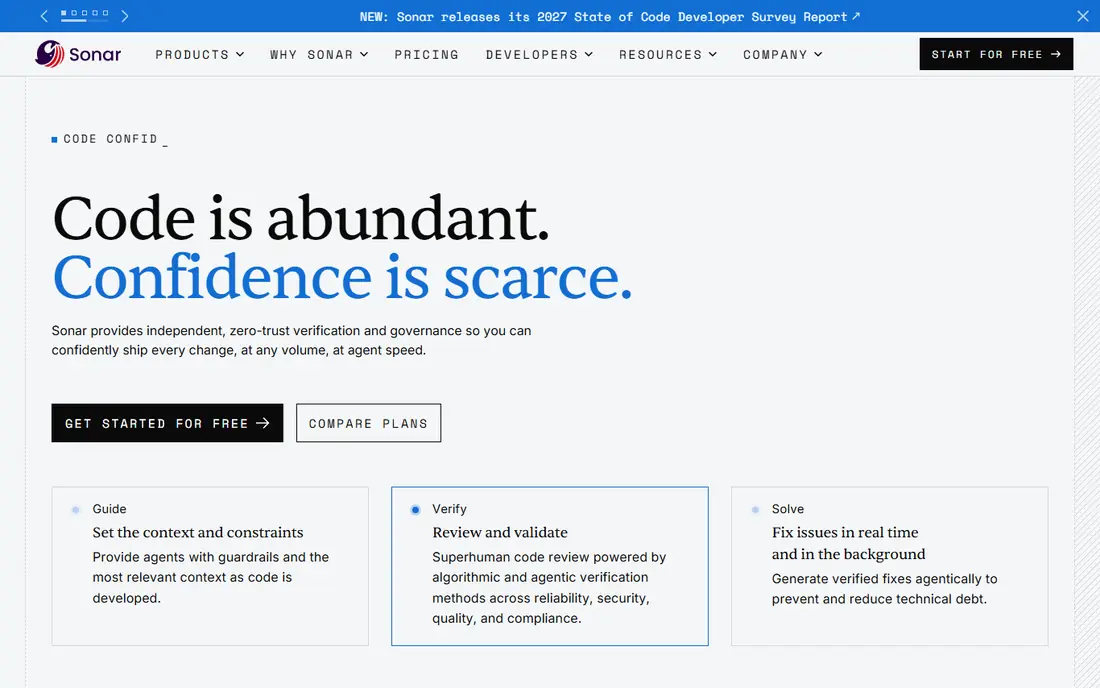
SonarQube is built around one clear job: teams wanting code quality and security gates in one place. In practice, that means the day to day work of finding people, keeping track of conversations, and checking results stays in one place instead of spreading across spreadsheets and inboxes. Its strengths include Free self hosted Community Build; quality gates in pull requests; broad language coverage. For a team that already knows its budget and its audience, that focus can save a lot of back and forth.
Before committing, check the price and the trial terms against your own volume. The starting price is Free, and the free plan status is Yes. The main drawback to weigh is Server pricing is based on lines of code. If that drawback is minor for your team, and the core workflow fits, it can be a sensible pick. If not, one of the other options in this list may fit better.
- Free self hosted Community Build
- Quality gates in pull requests
- Broad language coverage
- Server pricing is based on lines of code
- Self hosting adds maintenance
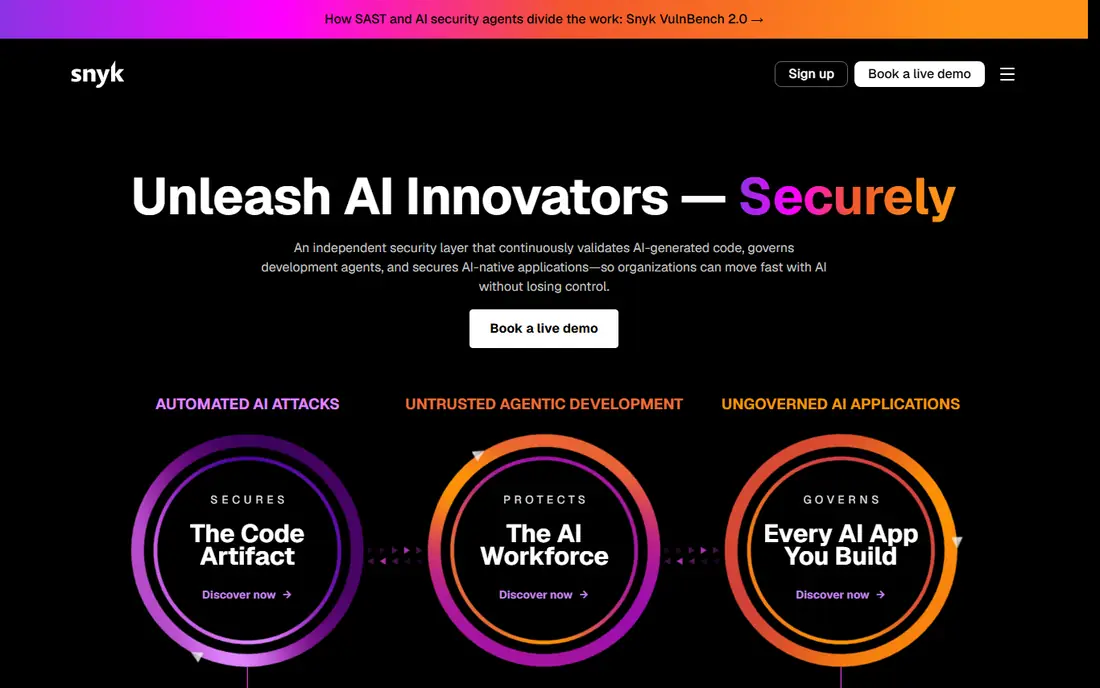
For teams that want developer teams already using Snyk for dependencies, Snyk Code is worth a close look. The product brings together the core steps of the job, from early shortlisting to reporting, and it keeps the record of each relationship visible as the program grows. Its strengths include Fast developer focused scans; fix suggestions in pull requests; IDE integration. That combination suits buyers who want order without adding another disconnected tool.
Pricing is part of the decision, not an afterthought. This product lists a starting price of $25 per developer per month, with a free plan status of Yes. Keep in mind that Full platform costs rise with added modules. A short trial on a real project will tell you more than a feature list, so run one typical job through it before you sign a longer contract.
- Fast developer focused scans
- Fix suggestions in pull requests
- IDE integration
- Full platform costs rise with added modules
- Project limits on lower plans
What stands out about Semgrep is how directly it serves teams wanting custom security rules and fast CI scans. Rather than trying to cover every possible use case, it concentrates on the workflow that its target users repeat most often, and it documents results in a way a manager can follow. Its strengths include Open source engine; custom rules; fast scans in CI. Buyers who match that profile tend to get value from it sooner.
The honest catch is worth stating plainly: Contributor counting can surprise teams. Against that, the starting price is $35 per contributor per month and the free plan status is Yes. Buyers who can live with that catch, and who need the strengths described above, will find it a workable choice. Buyers who cannot should shortlist a different option from this article.
- Open source engine
- Custom rules
- Fast scans in CI
- Contributor counting can surprise teams
- Enterprise features are paid
Checkmarx earns its place here because it fits enterprise programs with compliance requirements well. The interface and workflow are organized around that use, so a new user can see where a project stands and what still needs attention. Its strengths include Broad language and framework coverage; mature compliance reporting; enterprise controls. It is not the right choice for every buyer, but for this group it is a strong contender.
We would suggest testing it with the same kind of work you do most often. The starting price is See website, and the free plan status is No. Watch for Quote only pricing during that test, because that is the point where a good tool can still frustrate a team. A clean trial result is a better signal than any sales page claim.
- Broad language and framework coverage
- Mature compliance reporting
- Enterprise controls
- Quote only pricing
- Rollout takes time
If regulated teams needing audit ready reporting is the main goal, Veracode deserves attention. It covers the central tasks in this category and presents them in a single workspace, which helps small teams stay consistent when several projects run at once. Its strengths include Policy enforcement and attestation; broad scanning types; enterprise support. The value shows up most clearly when the team uses it as the main record, not as a side tool.
Value depends on how much of the product you actually use. At a starting price of See website, with a free plan status of No, it pays to count the seats, projects, or accounts you will really run. The drawback to note is Quote only pricing. If your usage stays within the plan limits, the cost is easier to justify.
- Policy enforcement and attestation
- Broad scanning types
- Enterprise support
- Quote only pricing
- Less developer friendly than newer tools
We include OpenText Fortify because it answers a specific need: large firms with mixed legacy and modern code. Its approach is practical rather than showy, and it puts the features that matter for that need near the front. Its strengths include Deep analysis for complex codebases; wide language support; on premises options. That makes it easier to judge during a trial, because the buyer can test the exact workflow they will use every week.
Before committing, check the price and the trial terms against your own volume. The starting price is See website, and the free plan status is No. The main drawback to weigh is Quote only pricing. If that drawback is minor for your team, and the core workflow fits, it can be a sensible pick. If not, one of the other options in this list may fit better.
- Deep analysis for complex codebases
- Wide language support
- On premises options
- Quote only pricing
- Setup and tuning take expert time
GitHub Advanced Security is built around one clear job: teams already hosting code on GitHub. In practice, that means the day to day work of finding people, keeping track of conversations, and checking results stays in one place instead of spreading across spreadsheets and inboxes. Its strengths include CodeQL scanning inside GitHub; secret scanning; native pull request checks. For a team that already knows its budget and its audience, that focus can save a lot of back and forth.
Pricing is part of the decision, not an afterthought. This product lists a starting price of See website, with a free plan status of Free trial. Keep in mind that Value is highest inside GitHub. A short trial on a real project will tell you more than a feature list, so run one typical job through it before you sign a longer contract.
- CodeQL scanning inside GitHub
- Secret scanning
- Native pull request checks
- Value is highest inside GitHub
- Pricing is per committer
For teams that want small teams wanting affordable quality and security checks, Codacy is worth a close look. The product brings together the core steps of the job, from early shortlisting to reporting, and it keeps the record of each relationship visible as the program grows. Its strengths include Low per seat price; automated code review; pull request integration. That combination suits buyers who want order without adding another disconnected tool.
The honest catch is worth stating plainly: Security depth is lighter than enterprise SAST. Against that, the starting price is $15 per user per month and the free plan status is Yes. Buyers who can live with that catch, and who need the strengths described above, will find it a workable choice. Buyers who cannot should shortlist a different option from this article.
- Low per seat price
- Automated code review
- Pull request integration
- Security depth is lighter than enterprise SAST
- Some features are paid
What stands out about DeepSource is how directly it serves teams wanting automated fixes with code review. Rather than trying to cover every possible use case, it concentrates on the workflow that its target users repeat most often, and it documents results in a way a manager can follow. Its strengths include Automated fixes; clear code metrics; GitHub and GitLab integration. Buyers who match that profile tend to get value from it sooner.
We would suggest testing it with the same kind of work you do most often. The starting price is See website, and the free plan status is Free trial. Watch for Pricing has changed across plans during that test, because that is the point where a good tool can still frustrate a team. A clean trial result is a better signal than any sales page claim.
- Automated fixes
- Clear code metrics
- GitHub and GitLab integration
- Pricing has changed across plans
- Check current tiers before buying
How we picked these
We compared official product pages, pricing pages, and app store listings, and we checked public documentation for the core features described here. We left out products that did not clearly fit the topic, products we could not confirm as live in October 2026, and products whose pricing or core claims we could not trace to a vendor or reputable source. Where a vendor does not publish a price, we write See website rather than guessing. Our picks balance well known options with smaller tools that serve a clear niche, and we note an honest drawback for each product.
How to compare SAST tools on real code
Run each candidate on the same repository and the same pull request. Count findings that developers actually fix, findings they dismiss, and time from scan to fix. Check language coverage for your stack, IDE feedback, and whether the tool blocks a merge on a clear policy. Also check data location: some teams need self hosting, while others accept cloud scanning. Before you pay, run one real project through the trial, check how data exports, and confirm the renewal price in writing. A tool that looks cheap in year one can cost far more at renewal, and a tool that looks simple can slow a team down if its export format does not match the rest of the workflow.
Frequently asked questions
What is the best static application security testing tool?
For most teams, SonarQube, Snyk Code, or Semgrep are strong starting points. Enterprise and regulated teams should also evaluate Checkmarx, Veracode, and Fortify.
What is the best static application security testing software for developers?
Developer teams tend to prefer Snyk Code and Semgrep for fast feedback in pull requests, plus SonarQube for quality gates. The best fit is the one developers do not learn to ignore.
What is the top static application security testing software for enterprises?
Checkmarx, Veracode, and Fortify lead for enterprise programs, with compliance reporting and broad language coverage. Expect quote based pricing and a longer rollout.
Is there a free SAST tool worth using?
Yes. SonarQube Community Build, Semgrep open source, and limited free tiers from Snyk and Codacy all work for small teams. Paid plans add more rules, history, and support.
Does SAST replace manual code review?
No. SAST finds patterns at scale, but reviewers still need to check business logic, access control, and design choices that a scanner cannot judge from code alone.
Sources
See where you really rank - block by block
ProMapRanker scans Google Maps across a grid of your service area. Simple monthly plans from $19, white-label on every plan.
Start freeKeep reading
 zscaler alternatives
Best Zscaler Alternatives in 2026
Looking for zscaler alternatives? We compare 9 SASE and zero trust platforms on architecture, data protection, pricing, and fit for your network and team.
Read → zapier alternatives free
Best Zapier Alternatives Free in 2026
Nine automation tools for zapier alternatives free in 2026, all with genuinely free tiers, plus free plan limits, starting prices and upgrade paths explained.
Read → which platform is best for online reputation
Which Platform Is Best for Online Reputation in 2026
Wondering which platform is best for online reputation? We compare 8 review, listing, and response tools for small and multi-location businesses and agencies.
Read →