 ProMapRanker
2026 Guide to the Best AI Tools for Python Developers

PyCharm and JetBrains IDE users · Pricing starts at: $10 per month (AI Pro)
Direct answer
JetBrains AI comes first here, mainly for PyCharm and JetBrains IDE users. Listed starting prices: JetBrains AI from $10 per month (AI Pro), Devin Desktop from $20 a month (Pro) and Kiro from $20 a month (Pro). Devin Desktop is better for agentic Python editing in an IDE, and Kiro is better for spec-driven Python builds on AWS. Prices, free plans and limits for all 6 tools follow.
Short on time? The summary and table above give the quick view of 6 AI tools for python developers, and the profiles that follow give the detail behind each entry.
Key takeaways
- JetBrains AI takes the first slot, best suited to PyCharm and JetBrains IDE users.
- Starting prices begin at $10 per month with JetBrains AI.
- Before buying GitHub Copilot, weigh this: chat and agent work spends AI credits, so heavy agent use can run past the included allowance.
- 6 of the 6 tools have a free plan, including JetBrains AI, Devin Desktop, Kiro and GitHub Copilot.
Quick comparison
| Pick | Great for | Pricing starts at | Free tier | |
|---|---|---|---|---|
| JetBrains AI | PyCharm and JetBrains IDE users | $10 per month (AI Pro) | Yes | Visit |
 Devin Desktop | Agentic Python editing in an IDE | $20 a month (Pro) | Yes | Visit |
 Kiro | Spec-driven Python builds on AWS | $20 a month (Pro) | Yes | Visit |
 GitHub Copilot | Most Python developers in VS Code | $10 a month (Pro) | Yes | Visit |
 Replit Agent | Browser-based Python prototypes | $25 a month (Core; $20 a month billed yearly) | Yes | Visit |
 Cursor | Agent edits across multiple files | $20 a month (Pro; $16 per month billed annually) | Yes | Visit |
The 6 tools in detail
JetBrains AI works best for PyCharm and JetBrains IDE users. JetBrains AI Pro costs $10 per month, or $100 per year, and comes with 10 AI credits per 30 days, with one AI credit equal to $1 of AI use. AI Free costs nothing and hands 3 AI credits per month to anyone with an active JetBrains IDE licence.
Trade-offs to know: AI Ultimate at $30 per month is needed for frequent agent use.
It is not available in PyCharm without a Pro subscription. As for the details, Organisations now buy shared AI credits at API rates with no markup, plus an Air Governance plan that is free on Basic and $20 per seat a month on B JetBrains AI handles code completion, chat, and Junie, the coding agent, inside PyCharm and other JetBrains IDEs. From a buyer's view, one limit: 10 AI credits per month includes light chat and completion work. But a handful of Junie agent sessions can use the entire allowance. JetBrains AI starts at: $10 per month. You can start on JetBrains AI without paying.
- AI Free hands 3 AI credits per month
- Built into PyCharm with no separate editor to learn
- AI Pro contains only 10 AI credits per 30 days, so agent work can run out quick
Devin Desktop is built with agentic Python editing in an IDE in mind. Devin Desktop Pro costs $20 per month, and Max costs $200 per month. From a buyer's view, teams opens at $80 per month, with full seats at $40 per seat per month.
More specifically, Devin Desktop is the current name for the Windsurf editor, an AI-native IDE aimed at agentic coding with Cascade, its agent that reads the codebase a The Free plan costs nothing and contains a light quota plus unlimited Tab completions, with access to the SWE-1.6 model. The draw is the combination of quick Tab completions and an agent that can plan a change, write tests, and fix failures in a loop. Windsurf Pro at $15 per month and Teams at $30 a seat are kept indefinitely for existing holders. Devin Desktop pricing: $20 per month. Free access exists with Devin Desktop.
Trade-offs to know: Windsurf was renamed Devin Desktop on 2026-06-02, so docs and billing now sit under Devin.
- Legacy Windsurf Pro at $15 a month is kept for existing holders
- Pro contains full model access with daily and weekly quotas
- Teams begins at $80 per month with full seats at $40 each
Think of Kiro for spec-driven Python builds on AWS. Pro+ costs $40 per month for 2,000 credits, Pro Max costs $100 per month for 5,000 credits, and Power costs $200 per month for 10,000.
What Kiro does well: Free contains 50 credits per month with Claude Sonnet 4.5.
From a buyer's view, the Free plan costs nothing and provides 50 credits per month. What you pay to start with Kiro: $20 per month. Kiro includes a free tier.
Points against: double the $0.02 included rate.
- Design and tasks before code
- Spec workflow writes requirements
- Plan credits do not roll over to the next month
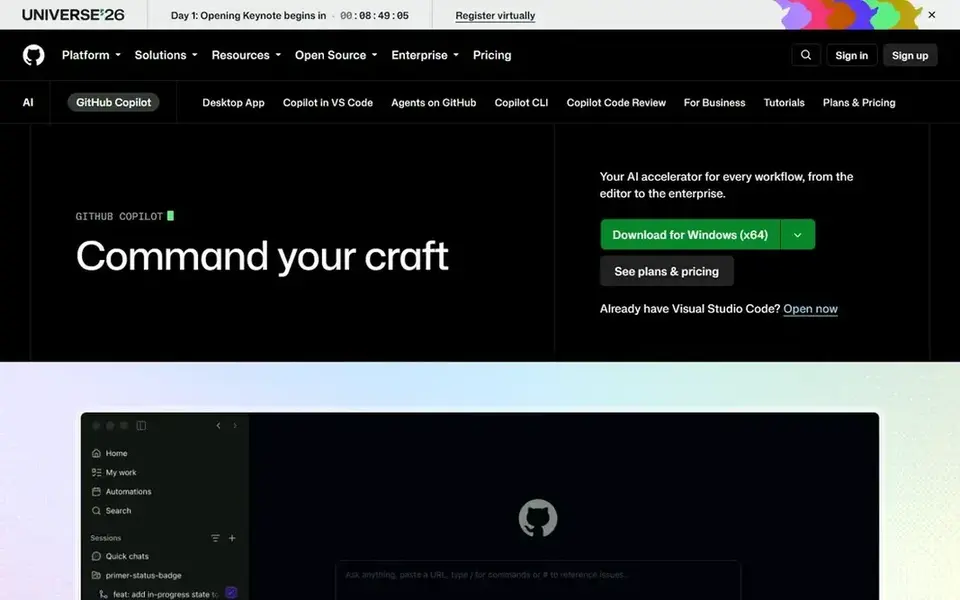
For most Python developers in VS Code, GitHub Copilot is a natural candidate. Pro+ costs $39 per month with 7,000 AI credits, and Max costs $100 per month with 20,000.
Main advantages: Pro comes with 1,500 AI credits per month.
Copilot reads the open file, the surrounding project, and the terminal. So it can draft functions, write unit tests with pytest, and explain traceback On cost, GitHub Copilot starts like this: $10 per month. GitHub Copilot includes a free tier.
Honest limits: Chat and agent work spends AI credits, so heavy agent use can run past the included allowance.
- JetBrains IDEs and the command line
- Works inside VS Code
- Enterprise at $39 per user a month needs GitHub Enterprise Cloud
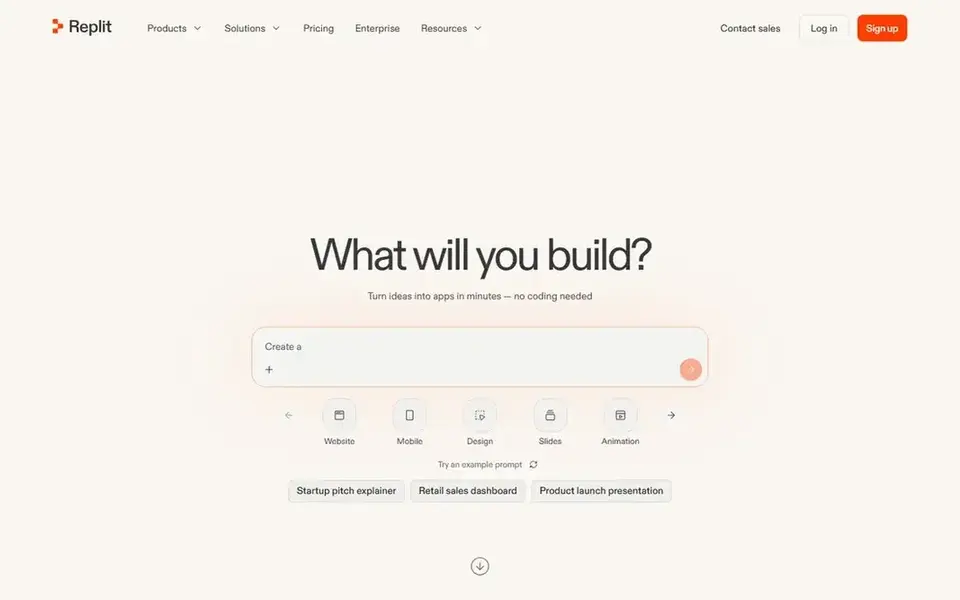
Replit Agent is aimed squarely at browser-based Python prototypes. The Starter plan is free with daily Agent credits and one live app, whereas Enterprise is custom with single sign-on.
The main drawbacks: Core supports up to 5 collaborators.
Also, Agent work is billed by effort, not by a fixed unit. So a straightforward edit can cost as little as $0.10 whereas a long build can use far more. Replit Agent starts at: $25 per month. Replit Agent includes a free tier.
- Free Starter contains daily Agent credits
- Core bundles $25 of monthly usage credits
- Bigger teams need Pro at $100 per month
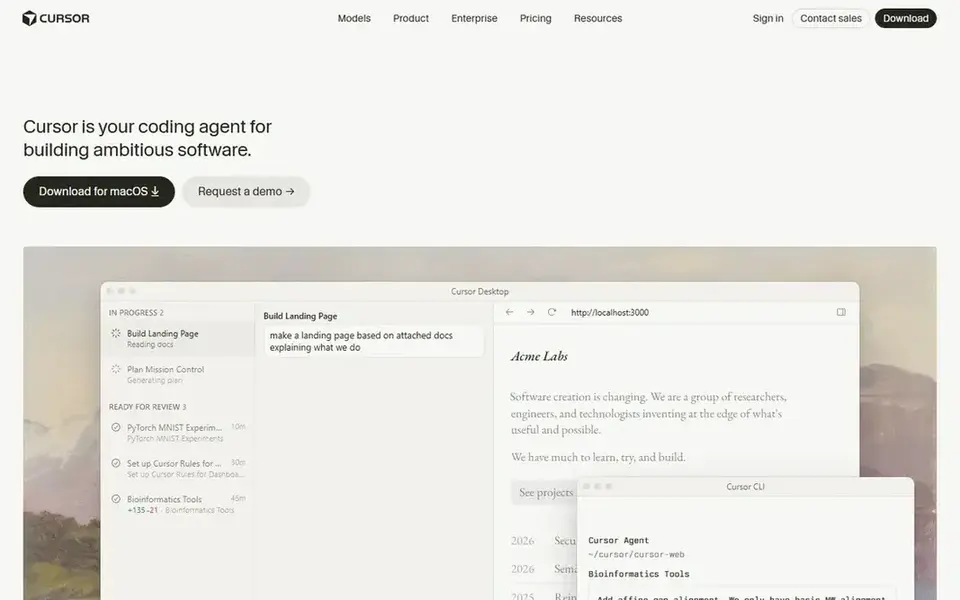
Cursor is designed for Agent edits across multiple files. Cursor Pro costs $20 per month, or $16 per month billed yearly, and comes with $20 of external model usage plus a separate pool for Cursor models. The Hobby plan is free with restricted Tab and agent requests.
Also, teams Standard costs $40 per user a month, or $32 billed yearly. Teams Premium costs $120 per user a month with five times the Standard allowance. On cost, Cursor starts like this: $20 per month. You can start on Cursor without paying.
Points against: Usage past the included pool bills at API rates, so heavy agent months cost more than $20.
- GPT and Gemini models
- Works with Claude
- Teams Standard costs $40 per user a month
How we chose
For each of the 6 tools we noted price, free plan or trial, fit for AI tools for python developers and the main limit, using vendor pages and documentation. Seat minimums, billing terms and add-ons can move the real cost, so the starting prices here are a guide and not a quote. Tools are placed by general fit for AI tools for python developers, with price clarity and free access as tie-breakers. A different team can reasonably rank them differently.
Pre-purchase checklist
- Check the vendor page for the current price: JetBrains AI starts at $10 per month here, and seats or billing terms can move it.
- Check what the free option really includes: JetBrains AI, Devin Desktop, Kiro and others offer a free plan, and usage caps differ.
- Before choosing JetBrains AI, weigh its main limit: AI Pro contains only 10 AI credits per 30 days, so agent work can run out quick.
- Find out whether the entry plan of GitHub Copilot covers your must-haves or only a trimmed-down version.
- Ask JetBrains AI which support channels and response times come with the plan you would buy.
Frequently asked questions
Which options for AI tools for python developers have a free plan?
On this list, 6 of 6 tools include a free plan, among them JetBrains AI, Devin Desktop, Kiro and GitHub Copilot. Caps on seats, usage or features are common, so test the free plan against your real workload.
How are the tools for AI tools for python developers ordered?
The order follows typical fit for AI tools for python developers, with JetBrains AI first and Cursor last, then price clarity and free access. It is editorial judgement, not a score, so another team could rank the tools differently.
Which is a good match for Python developers who use PyCharm?
The first pick on this list is JetBrains AI, because it suits PyCharm and JetBrains IDE users. Devin Desktop is better for agentic Python editing in an IDE, and Kiro for spec-driven Python builds on AWS. Check price and limits against your own needs before choosing.
Which is a good match for Python developers who work in the terminal?
JetBrains AI comes first here and is built for PyCharm and JetBrains IDE users. Buyers with other needs may prefer Devin Desktop (for agentic Python editing in an IDE) or Kiro (for spec-driven Python builds on AWS). Compare costs and limits first.
Can I try these tools before paying?
Often, yes. JetBrains AI, Devin Desktop, Kiro and others have a free plan. Use your own data and a real task during the test, and check what the free tier or trial limits before you rely on it.
Do these tools publish their prices?
Yes. Every tool from JetBrains AI to Cursor shows a starting price, though seats, add-ons and billing terms still change the final cost.
Sources
See where you really rank - block by block
ProMapRanker scans Google Maps across a grid of your service area. Simple monthly plans from $19, white-label on every plan.
Start freeBrowse all guides
← 2026 Guide to the Best AI Real Estate Software2026 Guide to the Best AI Development Companies for Startups →
 best ai coding platforms for pair programming
Best AI Coding Platforms for Pair Programming (2026)
Best AI coding platforms for pair programming in 2026: 7 tools with starting prices, free plans and limits. Every profile names its biggest catch. No hype.
Read → best no code ai app builders for startups
Best No Code AI App Builders for Startups (2026)
Shortlisting the best no code AI app builders for startups? 8 products compared on cost, free access and ideal buyer. Short verdicts, no fluff. Quick to scan.
Read → best ai powered test automation tools
7 Best AI Powered Test Automation Tools for 2026
Best AI powered test automation tools in 2026: 7 contenders with entry costs and free tiers. Each profile ends with a plain caveat. Pricing and limits included.
Read → finch api alternatives
Best Finch API Alternatives in 2026
Looking for finch api alternatives? We compare 8 HR and employment data APIs on provider coverage, payroll depth, write support and pricing for teams.
Read → lovable alternatives
Lovable Alternatives in 2026
We compare Lovable alternatives for AI app building, including Bolt, v0, Replit, Base44, Bubble, Glide, and more, with pricing and free plans included for 2026.
Read → getdx alternatives
GetDX Alternatives in 2026
Compare the best alternatives to GetDX for engineering, for developer experience, engineering metrics and delivery insight, with LinearB, Jellyfish and more.
Read →More in Developer Tools · All guides A to Z by date · Latest guides