 ProMapRanker
Best Database Management Software in 2026

Key takeaways
- DBeaver Community is the best free starting point for most developers, thanks to support for a very wide range of database engines.
- DataGrip suits developers who write SQL all day and want the strongest editor help, while TablePlus suits those who value speed and a clean interface.
- pgAdmin remains the right free choice for PostgreSQL-only work, and MySQL Workbench plays the same role for MySQL.
- Beekeeper Studio and HeidiSQL are lighter, friendlier options when a full IDE feels like too much.
- Match the tool to your main engine first, then check platform support, since some of the best clients are limited by operating system.
Quick comparison
| Pick | Great for | Pricing starts at | Free tier | |
|---|---|---|---|---|
 DBeaver | Free multi-database work | Free | Yes | Visit |
 DataGrip | Serious SQL editing | See website | Free trial | Visit |
 TablePlus | Fast native client | $99 one-time | Yes | Visit |
 pgAdmin | PostgreSQL administration | Free | Yes | Visit |
 Beekeeper Studio | Clean lightweight client | Free | Yes | Visit |
 Navicat Premium | Visual modeling and data sync | See website | Free trial | Visit |
 MySQL Workbench | Official MySQL tooling | Free | Yes | Visit |
 HeidiSQL | Free Windows MySQL work | Free | Yes | Visit |
The best database management software
Database management software in this list means the client or IDE you use to connect to a database, browse tables, write queries, edit data, and manage schemas. Some tools cover many engines, while others focus on one engine and do that job deeply. We compared official feature and pricing pages, plus public comparisons, to put this list together.
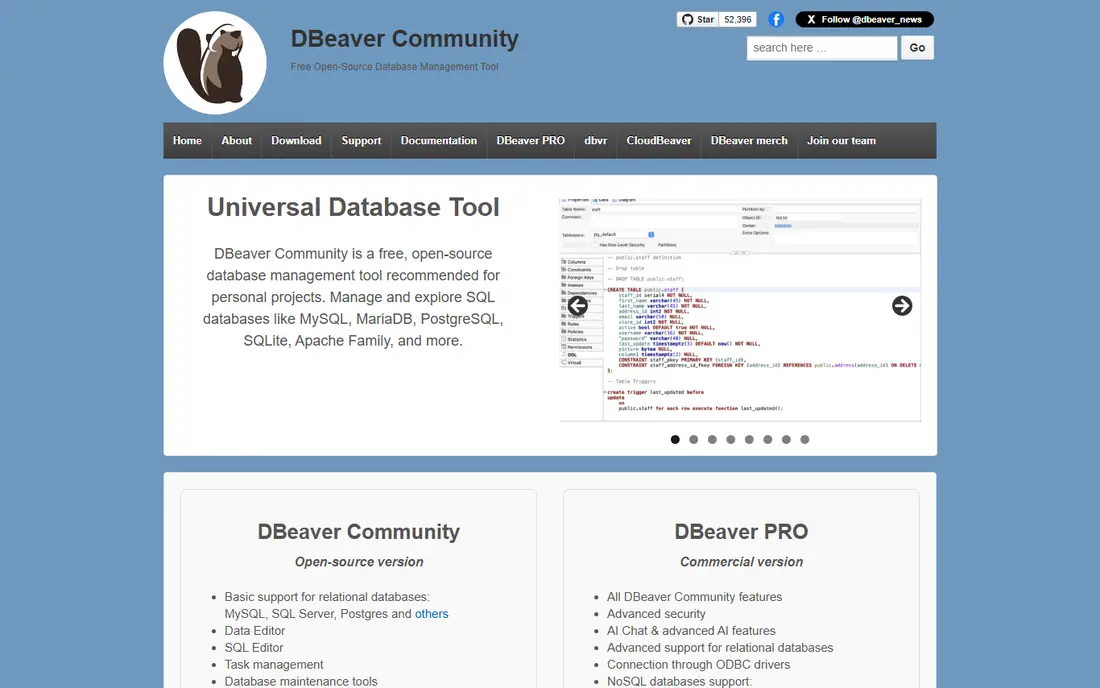
DBeaver is the tool we suggest trying first if you work with more than one database engine. The free Community edition connects to PostgreSQL, MySQL, SQLite, Oracle, SQL Server, MongoDB, and many more through drivers, so one app can cover a production database, a staging database, and a local test database. ER diagrams, data browsing, and data transfer between engines are included, which covers most daily work.
The interface is dense, and startup can feel slower than a native client such as TablePlus. The paid Pro edition adds NoSQL support, advanced security, and team features, but most solo developers will do fine on Community. If you need one free tool for many engines, DBeaver is hard to beat.
- Community edition is free and open source
- Supports a very wide range of databases
- Includes ER diagrams and data transfer tools
- Java-based interface can feel heavy
- Autocompletion is weaker than DataGrip for heavy SQL work
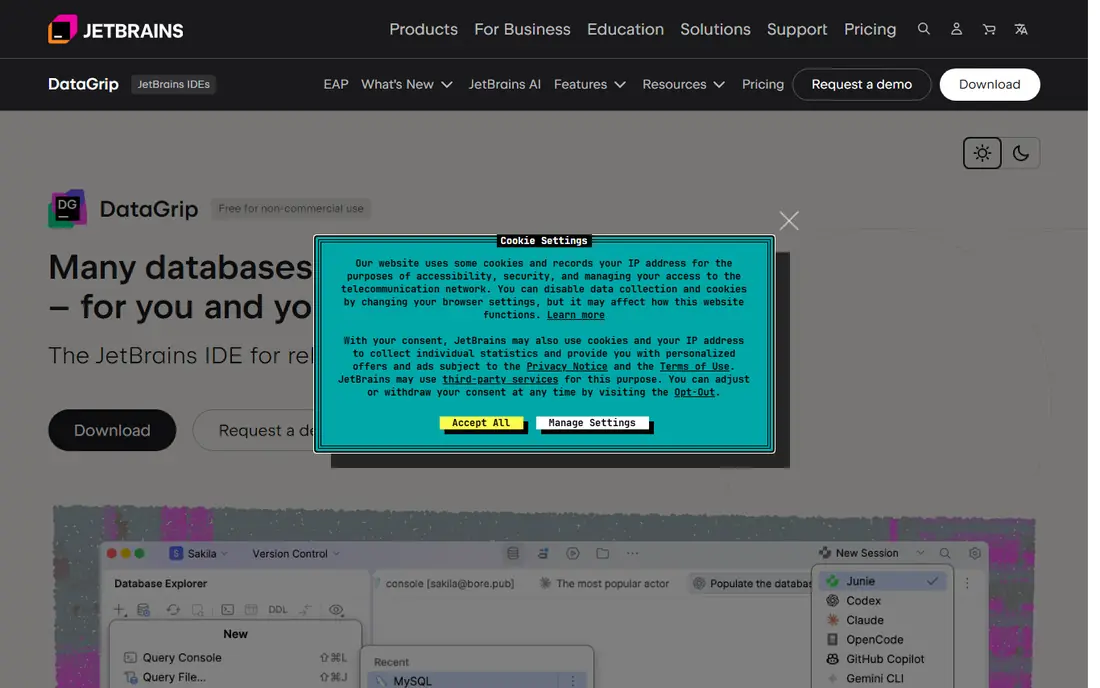
DataGrip is the database IDE from JetBrains, and it shows in the editor. Autocompletion understands your schema, refactoring renames objects safely across queries, and code analysis flags problems before you run a statement. For a developer who writes and rewrites SQL all day, that editor help saves real time and prevents avoidable errors.
The trade-off is cost and weight. DataGrip is a paid product, and it is a full IDE rather than a quick viewer, so it takes longer to learn than Beekeeper Studio or HeidiSQL. If SQL is your main work, and you already use JetBrains tools, DataGrip is worth the price. If you only run occasional queries, a free client will do.
- Excellent SQL autocompletion and refactoring
- Schema diff and code analysis
- Works across major SQL and NoSQL engines
- Paid subscription
- Interface takes time to learn
- Heavier than a lightweight client
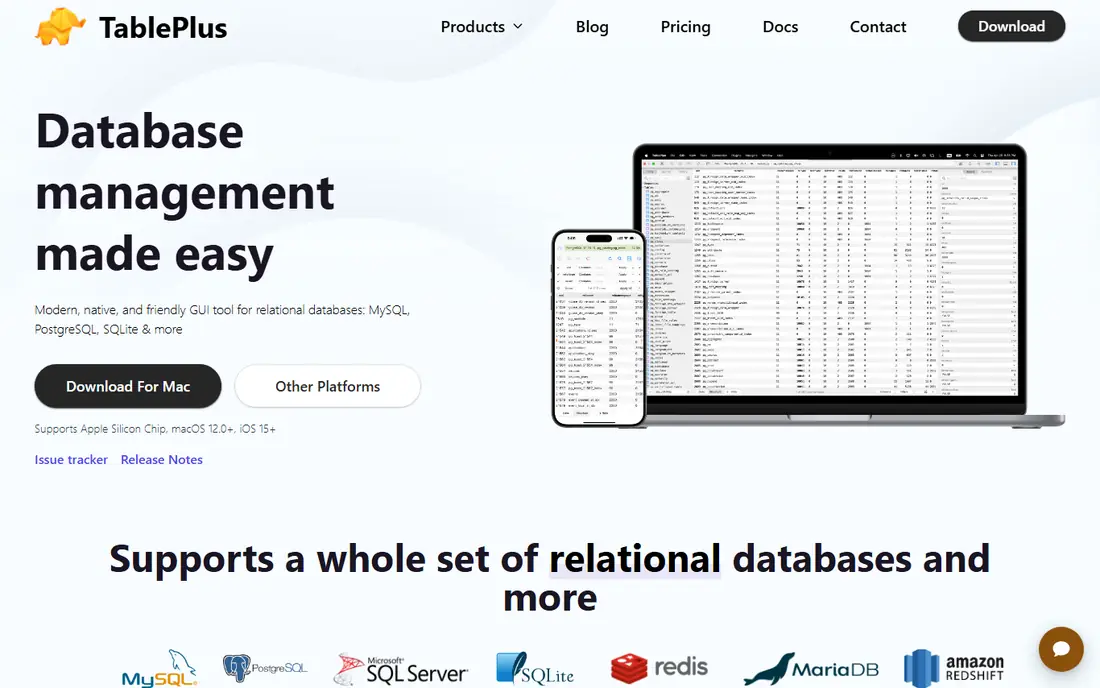
TablePlus is built for speed. It opens fast, browses tables quickly, and lets you edit data inline without wrestling with a heavy interface. That makes it a favorite for developers who check data many times a day and want the tool to stay out of the way. Support covers major engines including MySQL, PostgreSQL, SQL Server, SQLite, and Redis.
The one-time price of $99 is fair for a daily tool, but check the license terms for your platforms, since coverage can vary by operating system. TablePlus is also lighter on visual modeling and schema sync than Navicat or DBeaver Pro. For daily querying and editing, though, few tools feel as quick.
- Native speed on macOS, Windows, and Linux
- Clean interface
- Inline editing and quick filtering
- One-time license is per operating system in some cases
- Less depth on modeling and schema sync than larger tools
pgAdmin is the official-style free tool for PostgreSQL, and it covers administration in a way general clients do not. Beyond querying, it handles server management, backups, roles and permissions, monitoring, and schema tools, which matters when you run PostgreSQL in production. If PostgreSQL is your only engine, pgAdmin gives you the deepest free coverage.
The cost of that depth is scope and feel. pgAdmin works only with PostgreSQL, and its web-based interface can feel slower than TablePlus or Beekeeper Studio for quick queries. Many PostgreSQL developers pair pgAdmin for admin work with a faster client for daily queries, and that pairing works well.
- Free and purpose-built for PostgreSQL
- Full server management, backup, and role tools
- ER diagrams and schema diff
- PostgreSQL only
- Web-based interface can feel slower than a native client
Beekeeper Studio is the friendly middle ground in this list. It looks modern, opens quickly, and covers the major SQL engines without the dense interface of DBeaver or the price of DataGrip. Query tabs, table browsing, and data editing all work in a clear layout, which helps newer developers and analysts who do not want to learn a full IDE.
Advanced features, including some AI query help, sit on the paid Ultimate edition, so power users may hit limits sooner than in DBeaver Pro or DataGrip. For everyday querying, browsing, and light editing, the free Community edition is more than enough, and it is a good first client for a team with mixed skill levels.
- Community edition is free and open source
- Clean modern interface
- Supports major SQL engines
- Cross-platform
- Less depth than DataGrip for heavy SQL work
- Some advanced features sit on the paid Ultimate edition
Navicat Premium suits teams that need more than querying, especially visual modeling and keeping databases in sync. You can design schemas visually, compare structures between two databases, and sync data with clear controls, which helps when staging and production drift apart. Coverage spans MySQL, PostgreSQL, SQL Server, Oracle, SQLite, MongoDB, and cloud databases.
That power comes at a premium price, and the interface can feel busy if you only need to run a few queries. Navicat is best for database professionals and teams who use modeling and sync regularly. Casual users will get better value from a free client on this list.
- Visual data modeling
- Data and structure sync across engines
- Supports MySQL through MongoDB and cloud databases
- Premium pricing is high
- Interface can feel busy for simple queries
MySQL Workbench is the official free tool for MySQL, and it pairs querying with administration and visual design. The EER modeling view lets you design tables and relationships visually, while server tools cover user management, backups, and performance basics. For a team standardized on MySQL, Workbench gives a single free tool for design, queries, and admin.
It is limited to MySQL and MariaDB, so it will not help if you also work with PostgreSQL or SQL Server. The interface also feels dated next to TablePlus or Beekeeper Studio, and it can be heavier than HeidiSQL for a quick check. Still, as a free official tool, it is a safe default for MySQL shops.
- Free and official for MySQL
- Visual EER modeling
- Server administration and backup tools
- MySQL and MariaDB focus only
- Interface can feel dated
- Heavier than HeidiSQL for quick checks
HeidiSQL is a long-running free client that stays light and fast, especially on Windows. It handles MySQL and MariaDB well, with quick session management, table browsing, inline editing, and bulk operations that suit daily admin work. It also supports PostgreSQL and SQL Server to a degree, but MySQL is where it shines.
The main limit is platform focus. HeidiSQL is a Windows-first tool, so Mac and Linux users should look at DBeaver or Beekeeper Studio instead. Within a Windows MySQL shop, though, HeidiSQL is a proven free choice that does the core job without fuss.
- Free and lightweight
- Strong for MySQL and MariaDB
- Quick table browsing and editing
- Windows-focused, with other platforms less central
- Fewer features for non-MySQL engines
How we picked these
We compared official feature and pricing pages, plus public client comparisons, and kept only tools that work now, in October 2026, and that cover real database work rather than just viewing data. We favored a mix of free multi-engine clients, paid IDEs, engine-specific admin tools, and lightweight options, so developers at different levels can find a fit. Where pricing varied between sources, we wrote See website rather than guess a figure.
How to choose a database client
Start with your engine, your platform, and how much SQL you write each day.
Match the engine first
If you work with one engine, an engine-specific tool such as pgAdmin or MySQL Workbench gives the deepest admin coverage for free. If you work with several engines, shortlist DBeaver, DataGrip, TablePlus, or Beekeeper Studio, and check that each of your engines is supported well, not just listed.
Test speed on your real data
Open your largest tables, run a slow query, and edit a few rows in each finalist. A tool that feels fast on a small test database may still feel slow on production-sized data, and a tool that feels light for browsing may lack the editor help you need for long queries.
Check team and safety features
If you share connections or work on production data, check for read-only roles, connection sharing, and query history. Use read-only access for analysts, keep production credentials out of shared files, and always test destructive statements on a copy first.
Frequently asked questions
What is the best free database management software?
DBeaver Community is the best free all-round choice for most developers, since it supports many engines and includes diagrams and data tools. For PostgreSQL only, pgAdmin is the best free admin tool, and for MySQL only, MySQL Workbench or HeidiSQL are strong free picks.
Is DataGrip worth paying for?
DataGrip is worth it if you write SQL for much of your day and value strong autocompletion, refactoring, and schema tools. If you run occasional queries or mostly browse tables, a free client such as DBeaver or Beekeeper Studio will cover your needs at no cost.
What is the best database tool for PostgreSQL?
pgAdmin gives the deepest free PostgreSQL administration, while DBeaver, DataGrip, TablePlus, and Beekeeper Studio all handle PostgreSQL queries well. Many developers use pgAdmin for admin work and a faster client for daily queries.
What is the best database tool for MySQL?
MySQL Workbench is the official free choice with modeling and admin tools, and HeidiSQL is a lighter free option on Windows. DBeaver, DataGrip, and TablePlus also support MySQL well if you work with other engines too.
Can one tool manage SQL and NoSQL databases?
Yes, in part. DBeaver, DataGrip, and Navicat support both SQL engines and some NoSQL engines, but depth varies by engine. Check that your specific NoSQL engine is supported well before you commit, since a tool may list an engine without covering all of its features.
Sources
- https://dbeaver.io
- https://www.jetbrains.com/datagrip/
- https://tableplus.com
- https://www.pgadmin.org
- https://www.beekeeperstudio.io
- https://www.navicat.com
- https://www.mysql.com/products/workbench/
- https://www.heidisql.com
- https://tools.aileapers.com/articles/79-best-database-tools-2026.html
- https://www.softwarecompare.co/database-clients.html
See where you really rank - block by block
ProMapRanker scans Google Maps across a grid of your service area. Simple monthly plans from $19, white-label on every plan.
Start freeKeep reading
 outreach alternatives
Outreach Alternatives in 2026
Compare outreach alternatives for 2026, from Salesloft and Apollo to HubSpot and Lemlist, with pricing, channels, features, limits, and honest trade-offs.
Read → best web conference tools
Best Web Conference Tools in 2026
Compare the best web conference tools for meetings, webinars and team calls, with current pricing, free plans and honest limits for each option here today.
Read → best voice cloning tools
Best Voice Cloning Tools in 2026
Compare the best voice cloning tools in 2026, from ElevenLabs and Descript to Resemble and Cartesia, with consent rules, pricing, licenses, and limits.
Read →