 ProMapRanker
Best Web Conference Tools in 2026


Meeting-first teams and client calls · Pricing starts at: See website
Key takeaways
- Zoom, Microsoft Teams and Google Meet cover most meeting needs, and the best choice often follows the office suite a team already pays for.
- Free plans work well for short calls, but meeting length limits and participant caps push regular hosts toward a paid plan.
- Webinar and large-event features are usually separate add-ons, so check attendee limits before you buy.
- Jitsi Meet and Whereby suit simple, browser-first calls, while Livestorm and ClickMeeting suit structured webinars and training.
Quick comparison
| Pick | Great for | Pricing starts at | Free tier | |
|---|---|---|---|---|
| Zoom Workplace | Meeting-first teams and client calls | See website | Yes | Visit |
 Microsoft Teams | Microsoft 365 teams | $4 per user per month | Yes | Visit |
 Google Meet | Google Workspace teams | $7 per user per month | Yes | Visit |
 Webex | Enterprise meetings and controls | See website | Yes | Visit |
 GoTo Meeting | Simple, dependable business meetings | $12 per organizer per month | Free trial | Visit |
 Livestorm | Webinars and online training | See website | Yes | Visit |
 ClickMeeting | Paid webinars and training sessions | See website | Free trial | Visit |
 Whereby | Browser-first video rooms | $8.99 per month | Yes | Visit |
 Jitsi Meet | Free, no-account calls | Free | Yes | Visit |
The best web conference tools
These are the web conference tools we would shortlist first for everyday meetings, client calls and online events. Each one is still actively sold in October 2026, and each fits a different kind of team.
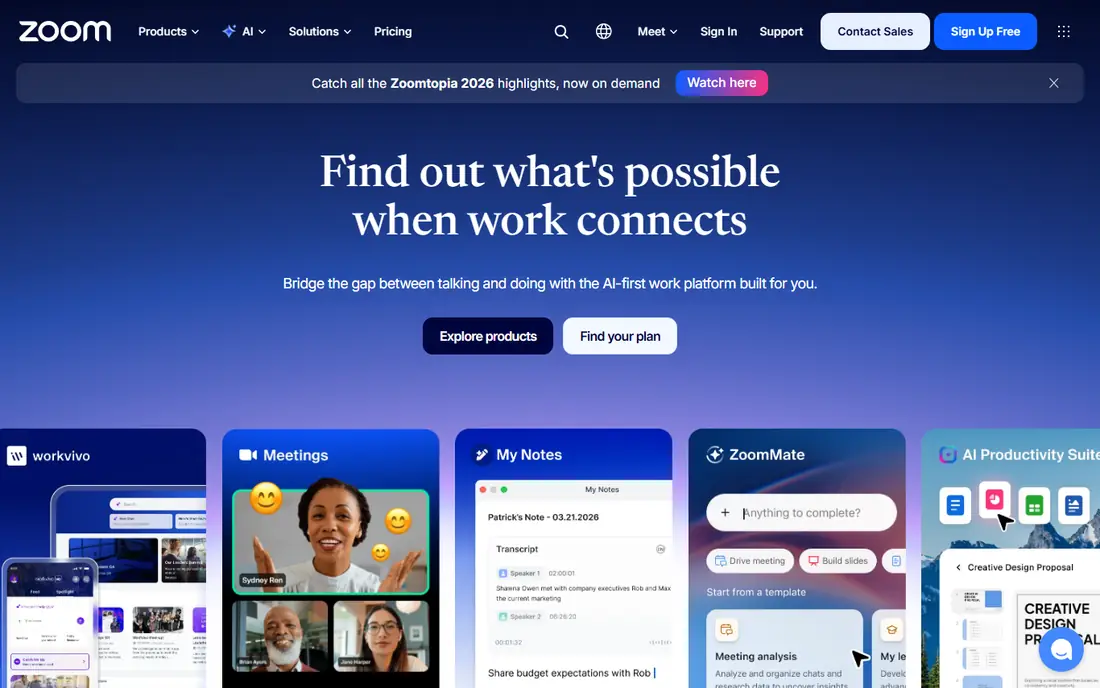
Zoom remains the default choice for many teams because guests already know how to join. A host can share a link, and most people arrive without a tutorial or a download debate. Breakout rooms, waiting rooms, polls and recording cover the basics that client calls and team meetings need every day.
The trade-off is cost as needs grow. Webinars, large meetings and phone features are often priced separately, so a simple per-user figure can understate the real bill. We would start with the free plan for occasional calls, then price the exact add-ons a team needs before committing to a yearly plan.
- Widely familiar to guests
- Strong meeting controls
- Broad webinar and room options
- Paid plans and add-ons can add up
- Free meetings are time-limited
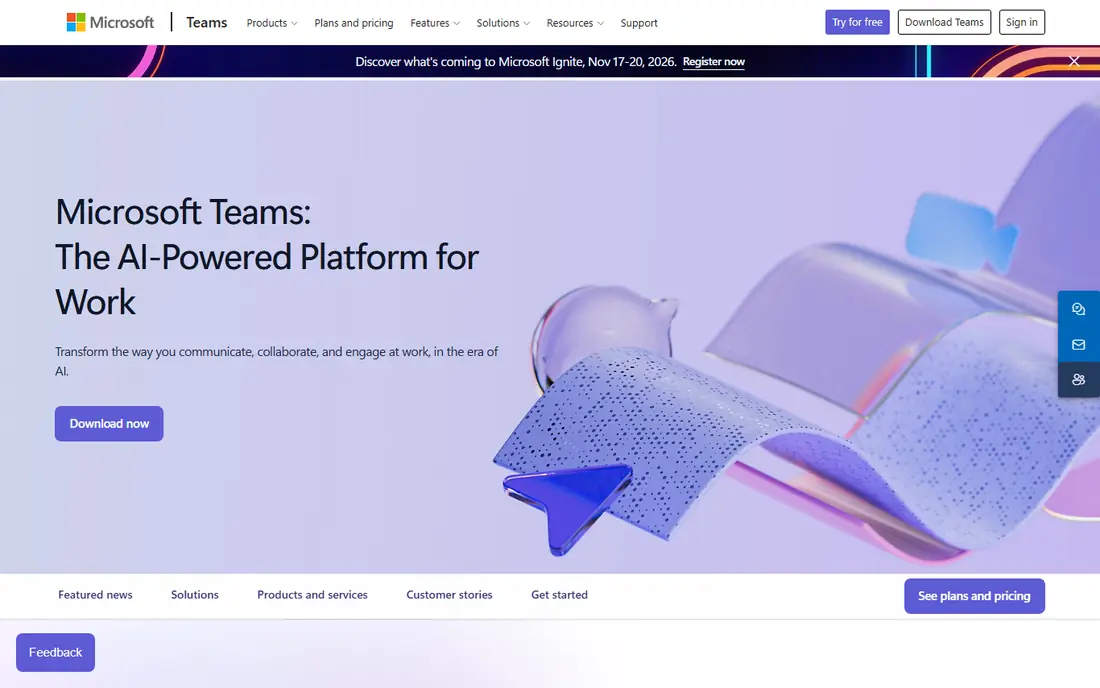
Teams makes the most sense when a company already lives in Outlook, Word and SharePoint. Meetings sit next to chat channels and shared files, so a call can turn into a document review without switching apps. Admin tools for compliance and user management also suit larger firms.
Guests who do not use Microsoft products may find the experience less smooth than a Zoom link. Teams still works in a browser, but the full benefit shows up for people who stay inside the Microsoft suite all day. For those teams, buying a separate meeting tool on top of Microsoft 365 is hard to justify.
- Built into Microsoft 365
- Chat, files and meetings in one place
- Strong admin controls
- Can feel heavy for guests outside Microsoft 365
- Setup takes care for larger groups
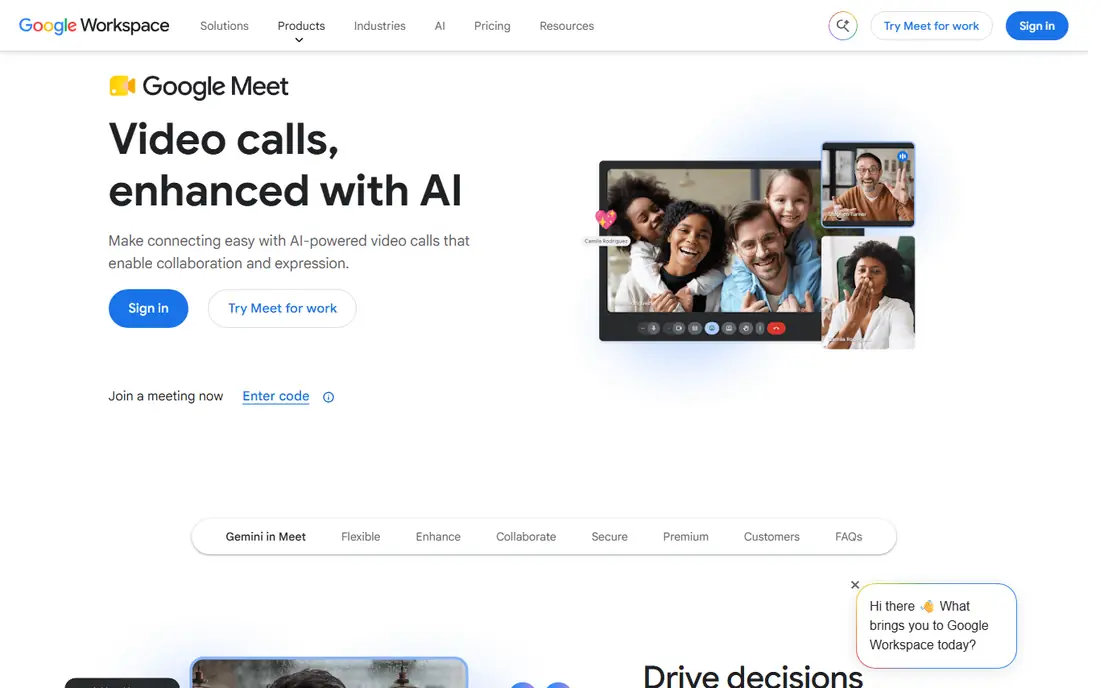
Google Meet is the calm option in this list. Calls open from Calendar invites, captions help in noisy rooms, and guests join from a browser with little fuss. Small teams that already use Google Workspace get a meeting tool without a new login or a new bill to track.
The limits show up when a team needs formal webinars, registration pages or detailed event analytics. Meet handles internal meetings and client calls well, but dedicated webinar platforms offer more control over registration, staging and follow-up. Check participant limits by plan, since they change across Workspace tiers.
- Simple browser joining
- Tight Calendar and Gmail links
- Low learning curve
- Fewer advanced webinar features than dedicated webinar tools
- Plan limits vary by tier
Webex suits large firms that need admin control, hardware in meeting rooms and events at scale. Cisco sells meeting, webinar and event products under the same family, so a company can grow from team calls to very large broadcasts without changing vendors. Security settings and compliance features are a clear part of the pitch.
Smaller teams may find Webex more formal than they need, and public pricing is less direct than Zoom or Teams. The free plan is a fair way to test call quality, but enterprises should expect a sales conversation for a full quote. For regulated or very large groups, that extra process often buys the control they require.
- Long enterprise track record
- Strong security and admin controls
- Large-event options
- Pricing can be hard to pin down without sales
- Interface feels formal for casual teams
GoTo Meeting focuses on the meeting itself, without trying to replace a whole office suite. Hosts get scheduling, screen sharing, recording and phone dial-in, and guests join through a link. That narrow focus can be a plus for firms that already have chat and file tools elsewhere.
The drawback is the lack of a lasting free tier. A trial lets a team test call quality, but ongoing use needs a paid organizer plan. GoTo Meeting is a good fit for small firms that want steady, plain meetings and do not need webinars or deep collaboration features.
- Straightforward hosting
- Dial-in options
- Sensible organizer pricing
- Less chat and workspace depth than Teams
- No free plan for ongoing use
Livestorm is built for events where the host presents and the audience reacts through chat, polls and questions. Registration pages, reminders and replay pages sit in the same product, which saves a marketing team from stitching several tools together. Sessions run in the browser, so attendees face fewer download hurdles.
Pricing depends on attendees, hosts and session length, so a team should map its largest event before choosing a tier. Small sessions work on the free plan, while regular webinars need a paid plan. For training and demo teams, the built-in event workflow is the main reason to pick Livestorm over a general meeting app.
- Browser-based webinars
- Registration and email reminders built in
- Useful analytics
- Attendee and host caps vary by plan
- Automated webinars are not on every tier
ClickMeeting targets trainers, coaches and marketers who run repeatable online sessions. Automated webinars, paid registration and presentation tools help a small team sell or teach at scale without a separate event platform. Polls, Q and A and screen sharing cover live interaction well.
The catch is that the right plan depends on audience size, so costs rise as events grow. A free trial helps test the presenter view, but it does not replace a full paid run. ClickMeeting fits teams whose main job is webinars, rather than teams that only need internal meetings.
- Webinar automation and paid-event options
- Presentation tools
- Training-friendly features
- Pricing varies with audience size
- Trial length limits extended testing
Whereby keeps video calls simple. A host creates a room, shares a link, and guests join from a browser. That simplicity also makes it useful for companies that want to embed video inside their own website or support flow, rather than sending people to a separate meeting app each time.
Whereby does not try to match Teams or Webex on admin depth or very large events. For clinics, tutors, support teams and small firms, that trade can be welcome. The free plan covers short, small meetings, and the paid plan removes the main limits for regular hosts.
- Rooms open in a browser
- Easy to embed in a product or page
- Simple host setup
- Fewer enterprise admin features
- Best for small to mid-size meetings
Jitsi Meet is the low-friction pick for a quick call. Anyone can open a room name and share the link, and guests do not need an account. Community groups, classrooms and small teams use it when cost matters more than polished admin panels or webinar marketing features.
The honest limit is scope. Jitsi Meet does not offer the registration, analytics or enterprise controls of paid webinar platforms. Teams that host it themselves also take on setup and upkeep. For plain video calls at no cost, though, few options are simpler.
- Free to use
- No account needed for guests
- Open source
- Fewer built-in webinar and admin tools
- Performance depends on the hosted setup
How we picked these
We compared official feature pages, pricing pages and app listings, plus current October 2026 comparison guides, and kept only tools that are actively sold and fit everyday web conferencing. We favored tools with browser joining, screen sharing, recording or webinar options, and we noted where a headline price hides add-ons or audience caps. We did not run hands-on trials, so our notes reflect published features and pricing, not lab tests.
What to check before you pay
Start with the room you actually run. A weekly team call, a sales demo and a 500-person webinar are different jobs, and one tool rarely does all three at the same price. Count your largest audience, your longest session and the number of hosts, then compare plans on those figures, not on a headline per-user price.
Guests, recording and captions
Test the guest path before you buy. Send a link to someone outside your company and watch how many clicks it takes to join with video and audio working. Check recording storage, live captions and dial-in numbers, since these details matter more in daily use than a long feature list.
Webinar and event needs
If you run webinars, check registration pages, email reminders, polls, Q and A, replay hosting and attendee reports. Ask whether webinars are included or sold as an add-on, and whether automated or on-demand sessions cost extra. A meeting tool with a webinar add-on can cost more than a dedicated webinar platform once those extras are added.
Security and admin
For company use, check waiting rooms, host controls, meeting locks, admin settings and data handling terms. Larger firms should also ask about single sign-on and compliance paperwork. Small teams can keep this short: waiting room on, link sharing controlled, and recordings stored where only the right people can open them.
Frequently asked questions
What is the best web conference software for small teams?
Zoom, Google Meet or Microsoft Teams usually fit best, and the deciding factor is often the suite a team already uses. A small team on Google Workspace will get more value from Meet, while a Microsoft 365 team will get more from Teams. Zoom is the safe pick when guests come from many different companies.
Do the best video conferencing tools offer a free plan?
Yes, Zoom, Microsoft Teams, Google Meet, Webex, Livestorm, Whereby and Jitsi Meet all offer a free option in some form. Free plans usually limit meeting length, participant numbers or webinar features. They are useful for testing and occasional calls, but regular hosts tend to need a paid plan.
What is the best web conference tool for webinars?
Livestorm and ClickMeeting are stronger webinar picks than general meeting apps, because they include registration, reminders and audience interaction tools. Zoom Webinars and Webex Webinars also work well for larger events. Compare attendee caps and add-on costs before choosing, since webinar pricing often differs from meeting pricing.
How much does web conference software cost per month?
Entry prices in this guide range from free to about $12 per organizer or per user per month, with enterprise and webinar plans priced by quote or by audience size. Taxes, add-ons and yearly versus monthly billing change the total. Always check the vendor pricing page for the plan that matches your audience size.
Can guests join without downloading an app?
In most cases, yes. Google Meet, Whereby, Livestorm and Jitsi Meet run in a browser, and Zoom, Teams and Webex also offer browser joining for many meetings. A download may still improve quality or add features, but a browser path keeps the guest experience simple.
Sources
- https://livestorm.co/blog/best-online-meeting-apps
- https://livestorm.co/webinar-software-comparison/zoom-alternatives
- https://www.forasoft.com/blog/article/video-conference-solution-features
- https://www.zoom.com
- https://www.microsoft.com/microsoft-teams
- https://meet.google.com
- https://www.webex.com
- https://www.goto.com/meeting
- https://livestorm.co
- https://clickmeeting.com
- https://whereby.com
- https://meet.jit.si
See where you really rank - block by block
ProMapRanker scans Google Maps across a grid of your service area. Simple monthly plans from $19, white-label on every plan.
Start freeKeep reading
 outreach alternatives
Outreach Alternatives in 2026
Compare outreach alternatives for 2026, from Salesloft and Apollo to HubSpot and Lemlist, with pricing, channels, features, limits, and honest trade-offs.
Read → best voice cloning tools
Best Voice Cloning Tools in 2026
Compare the best voice cloning tools in 2026, from ElevenLabs and Descript to Resemble and Cartesia, with consent rules, pricing, licenses, and limits.
Read → best tools for seo for retail
Best Tools for SEO for Retail in 2026
Find the best tools for SEO for retail in 2026, from Semrush and Ahrefs to BrightLocal and Moz, with local rankings, listings and content tools for stores.
Read →